SMaC Card PC
San Marino Card
Download SMaC Card on PC With GameLoop Emulator
SMaC Card sa PC
Ang SMaC Card, na nagmumula sa developer na San Marino Card, ay tumatakbo sa Android systerm sa nakaraan.
Ngayon, maaari mong laruin ang SMaC Card sa PC gamit ang GameLoop nang maayos.
I-download ito sa GameLoop library o mga resulta ng paghahanap. Hindi na tumitingin sa baterya o nakakadismaya na mga tawag sa maling oras.
I-enjoy lang ang SMaC Card PC sa malaking screen nang libre!
SMaC Card Panimula
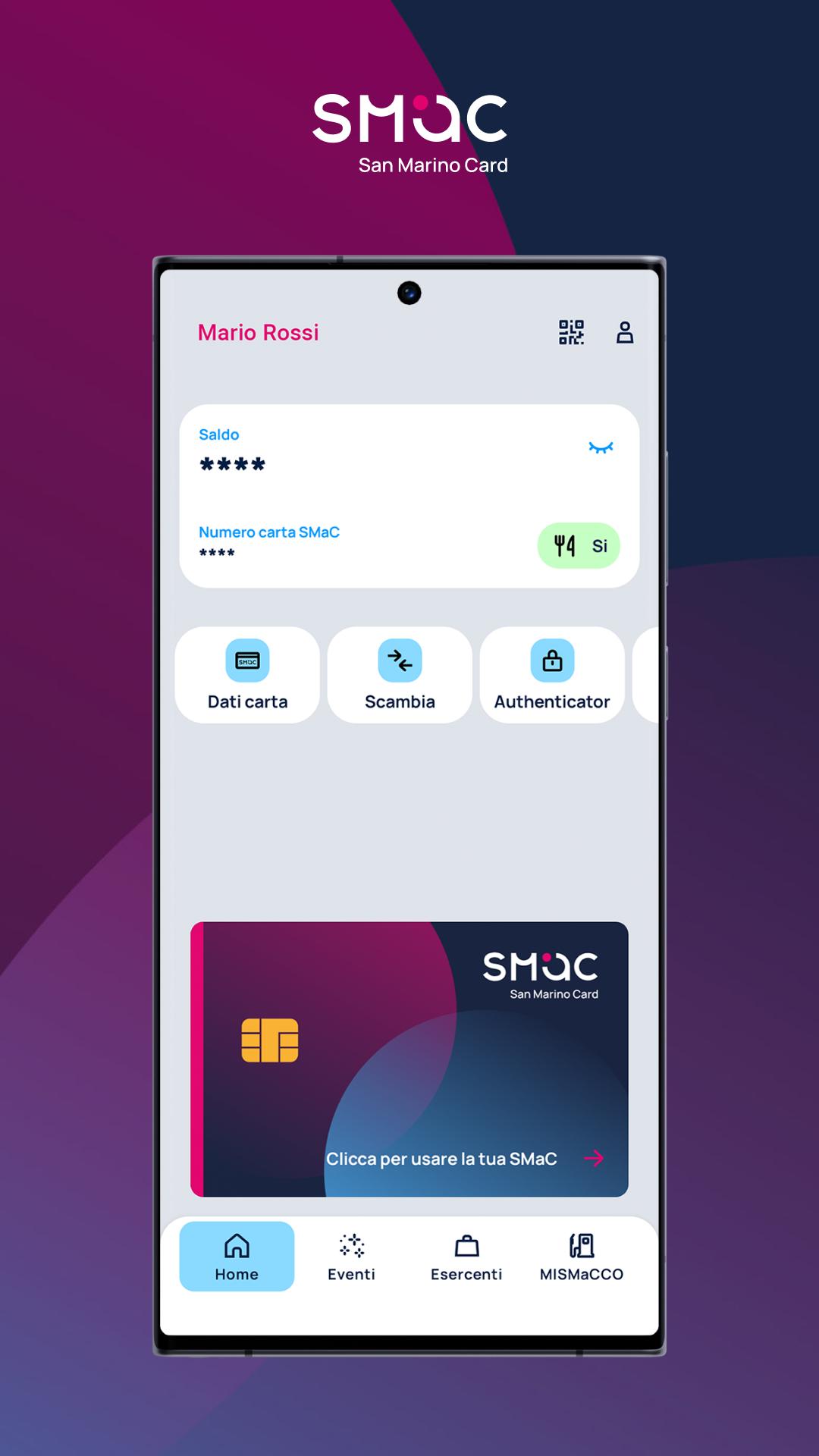
The SMaC app has been completely redesigned and enriched with important new features. From today you can directly use the APP to make payments and tax top-ups at affiliated merchants without using the physical card. Starting from the next versions it will be possible to transfer money from one SMaC to another simply by scanning a QR Code. All expenses will be constantly monitored and those made directly through the APP will be visible instantly.
With the SMaC App, among other things, you can:
• Make SMaC payments directly from the Application by scanning the QR Code displayed on the merchant's POS.
• Carry out SMaC tax transactions directly from the Application by scanning the QR Code displayed on the merchant's POS.
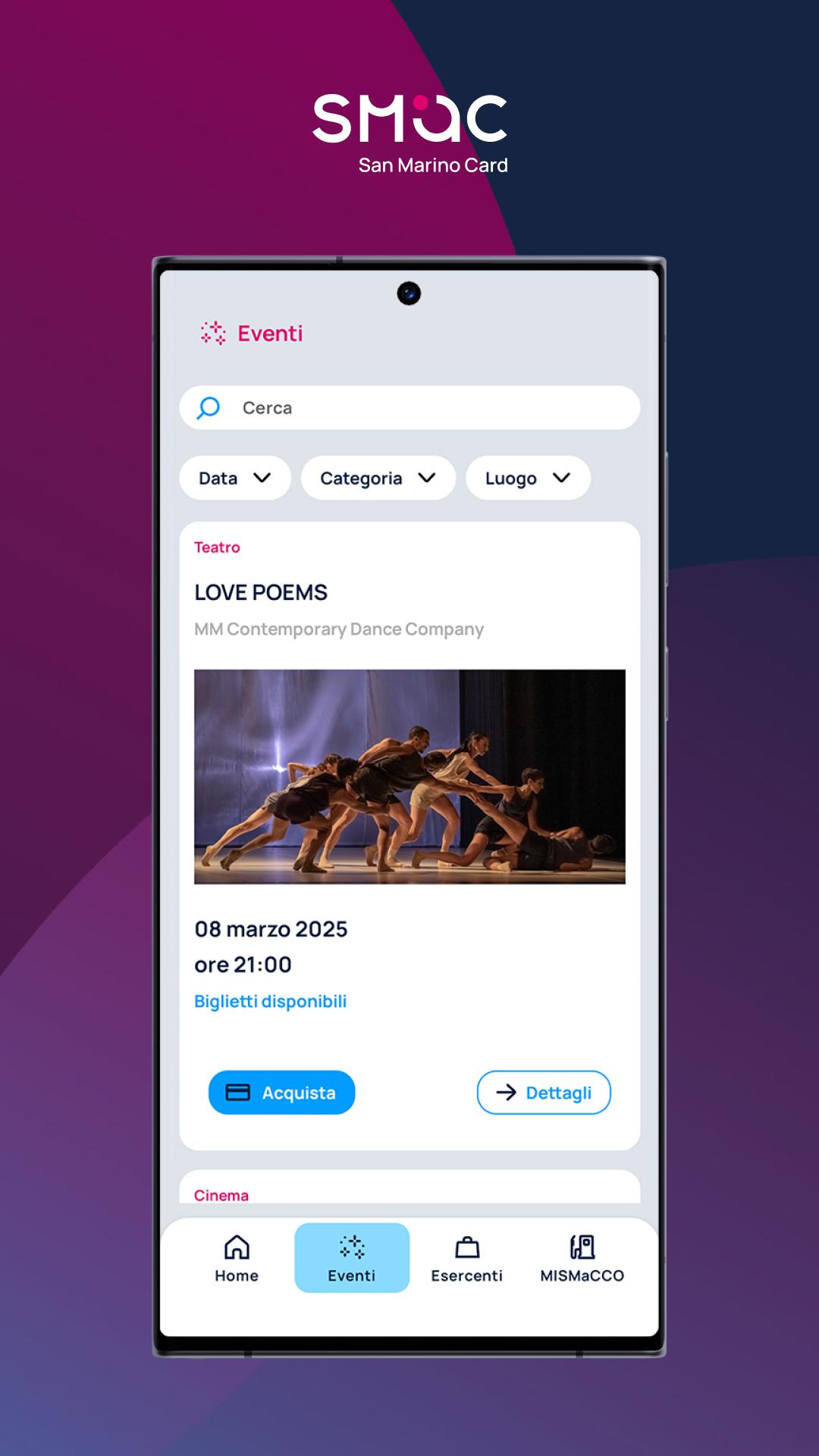
• Easily filter all movements by dividing them by the various types and individual expense categories.
• View the latest operations carried out with the details of the merchant where the expense was made
• View all operations performed
• Set filters relating to period, type and category of expenditure
• Make submissions
• A graphic and detailed section with the breakdown of expenses by deductibility groups
• Transfer part of the SMaC credit to another SMaC by simply scanning a QR Code. (functionality available in future versions)
Great care and maximum attention were placed in drafting this application to guarantee the reliability and accuracy of the information.
Features are not available in offline mode.
Preview
Tags
ProductivityInformation
Developer
San Marino Card
Latest Version
3.1.3
Last Updated
2025-08-05
Category
Productivity
Available on
Google Play
Show More
How to play SMaC Card with GameLoop on PC
1. Download GameLoop from the official website, then run the exe file to install GameLoop
2. Open GameLoop and search for “SMaC Card” , find SMaC Card in the search results and click “Install”
3. Enjoy playing SMaC Card on GameLoop
Minimum requirements
OS
Windows 8.1 64-bit or Windows 10 64-bit
GPU
GTX 1050
CPU
i3-8300
Memory
8GB RAM
Storage
1GB available space
Recommended requirements
OS
Windows 8.1 64-bit or Windows 10 64-bit
GPU
GTX 1050
CPU
i3-9320
Memory
16GB RAM
Storage
1GB available space