
Simple Notepad - Text Editor 2 PC
Rizwan Chaudhary
Download Simple Notepad - Text Editor 2 on PC With GameLoop Emulator
Simple Notepad - Text Editor 2 sa PC
Ang Simple Notepad - Text Editor 2, na nagmumula sa developer na Rizwan Chaudhary, ay tumatakbo sa Android systerm sa nakaraan.
Ngayon, maaari mong laruin ang Simple Notepad - Text Editor 2 sa PC gamit ang GameLoop nang maayos.
I-download ito sa GameLoop library o mga resulta ng paghahanap. Hindi na tumitingin sa baterya o nakakadismaya na mga tawag sa maling oras.
I-enjoy lang ang Simple Notepad - Text Editor 2 PC sa malaking screen nang libre!
Simple Notepad - Text Editor 2 Panimula
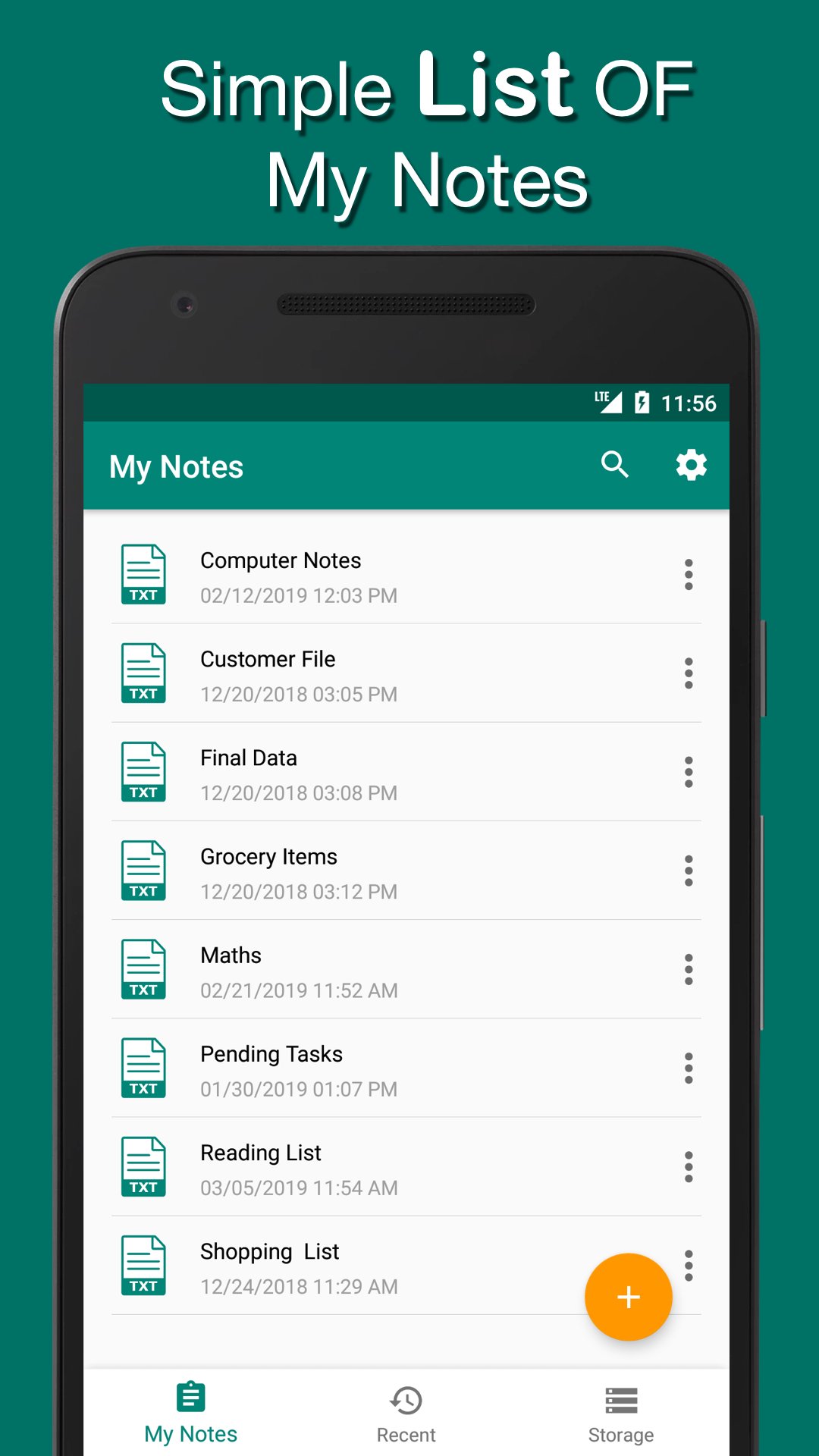
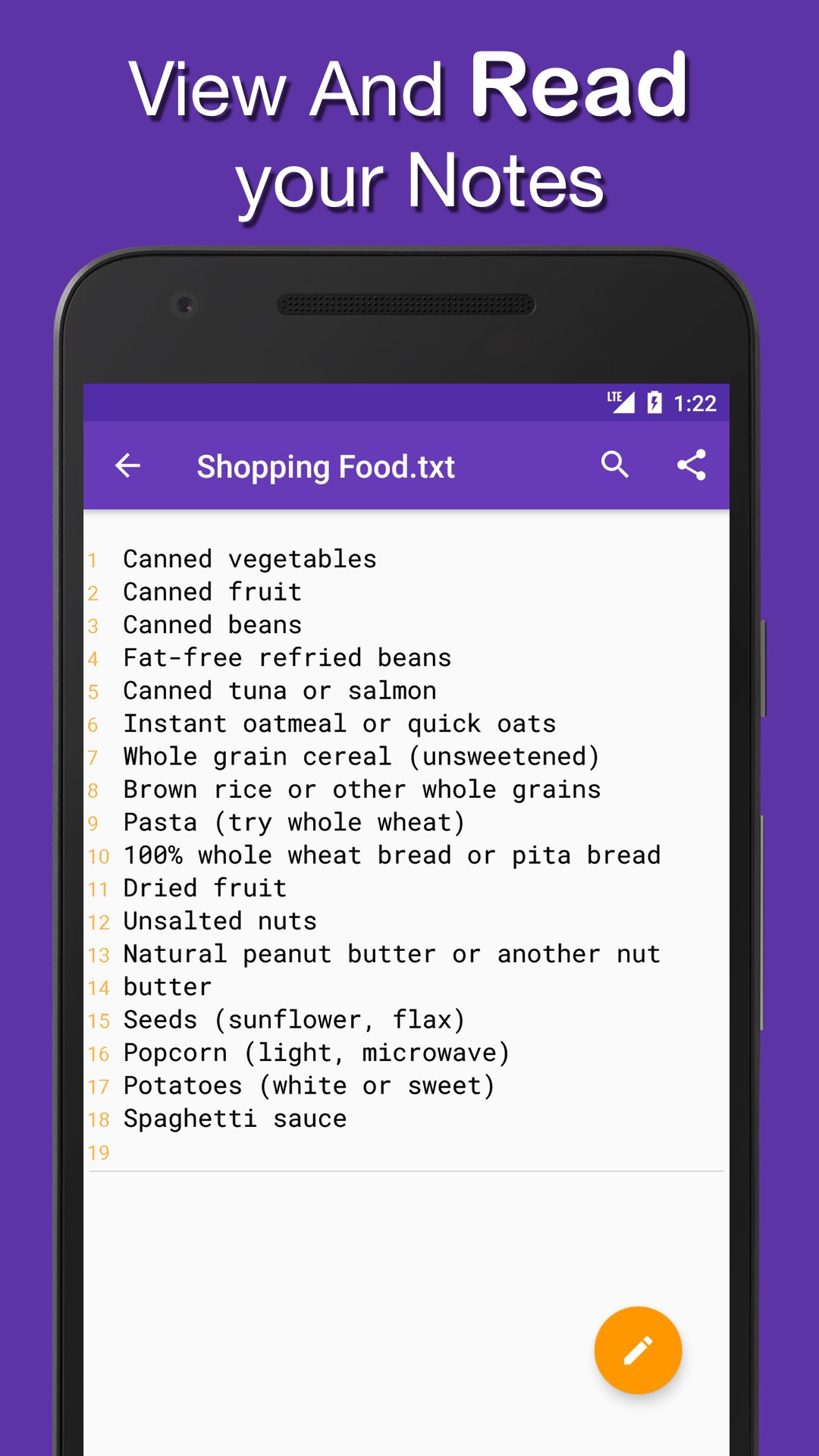
This Notepad is All in one Tool For Creating Editing Notes with .txt extension you can easily share your text notes with others and open text notes from storage .
Simple and best Note Taking App For Daily usage
and it supports All text and code Extensions Like txt html xml PHP Java css js swift kt etc.
Best For Students Office And Daily Usage.
You can Also Edit Any Code File with Simple and Powerful Notepad
Features
1. Easy Material UI Design
2. Create Note with .txt extension
3. Edit Your Text Notes
4. Open text notes from Storage
5. Search notes and search text in notes.
6. Easy Settings Font Size Theme Night Mode
7. Six App Themes Red Teal Black Indigo Orange Blue ..
8. Edit Share and Delete Notes
9. Night Mode For Easy reading At night
10. Support more Then 18 Code Extions .txt .css .java .php .xml . Xhtml .c .vb .class .h .js etc..
Note:
All My Notes are saved in Simple Notes Folder in main Storage
You can also paste previous notes to That folder.
Folder is created Automatically when you create First Note.
Thanks and help us To improve better with your kind feedback.
Enjoy Free Text Editor .
Preview
Tags
ProductivityInformation
Developer
Rizwan Chaudhary
Latest Version
1.1
Last Updated
2020-06-24
Category
Productivity
Available on
Google Play
Show More
How to play Simple Notepad - Text Editor 2 with GameLoop on PC
1. Download GameLoop from the official website, then run the exe file to install GameLoop
2. Open GameLoop and search for “Simple Notepad - Text Editor 2” , find Simple Notepad - Text Editor 2 in the search results and click “Install”
3. Enjoy playing Simple Notepad - Text Editor 2 on GameLoop
Minimum requirements
OS
Windows 8.1 64-bit or Windows 10 64-bit
GPU
GTX 1050
CPU
i3-8300
Memory
8GB RAM
Storage
1GB available space
Recommended requirements
OS
Windows 8.1 64-bit or Windows 10 64-bit
GPU
GTX 1050
CPU
i3-9320
Memory
16GB RAM
Storage
1GB available space