
Notes - Simple Note Taking App PC
Eco Mobile
Download Notes - Simple Note Taking App on PC With GameLoop Emulator
Notes - Simple Note Taking App sa PC
Ang Notes - Simple Note Taking App, na nagmumula sa developer na Eco Mobile, ay tumatakbo sa Android systerm sa nakaraan.
Ngayon, maaari mong laruin ang Notes - Simple Note Taking App sa PC gamit ang GameLoop nang maayos.
I-download ito sa GameLoop library o mga resulta ng paghahanap. Hindi na tumitingin sa baterya o nakakadismaya na mga tawag sa maling oras.
I-enjoy lang ang Notes - Simple Note Taking App PC sa malaking screen nang libre!
Notes - Simple Note Taking App Panimula
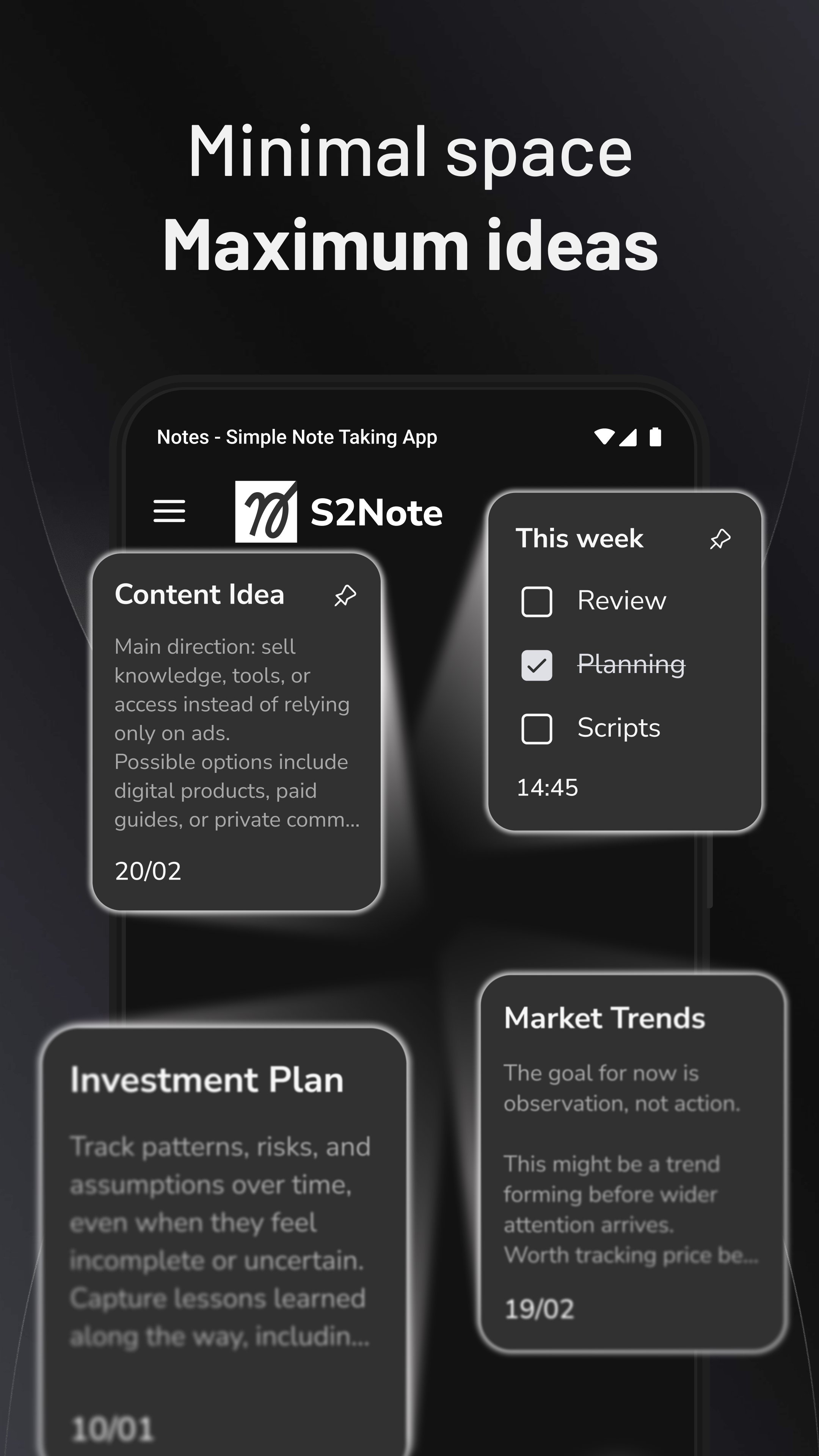
Enjoy a minimal black notepad that’s easy on your eyes and low on distractions.
Simple Note is a lightweight note taking app with minimal dark mode that makes it easy to write notes, memos, to‑do lists and ideas wherever inspiration strikes. This simple note app focuses on clarity and speed so you can capture thoughts without distractions. Use it as a personal notepad, a daily planner or a tidy notepad for class and meeting notes – it’s your all‑in‑one note taking companion.
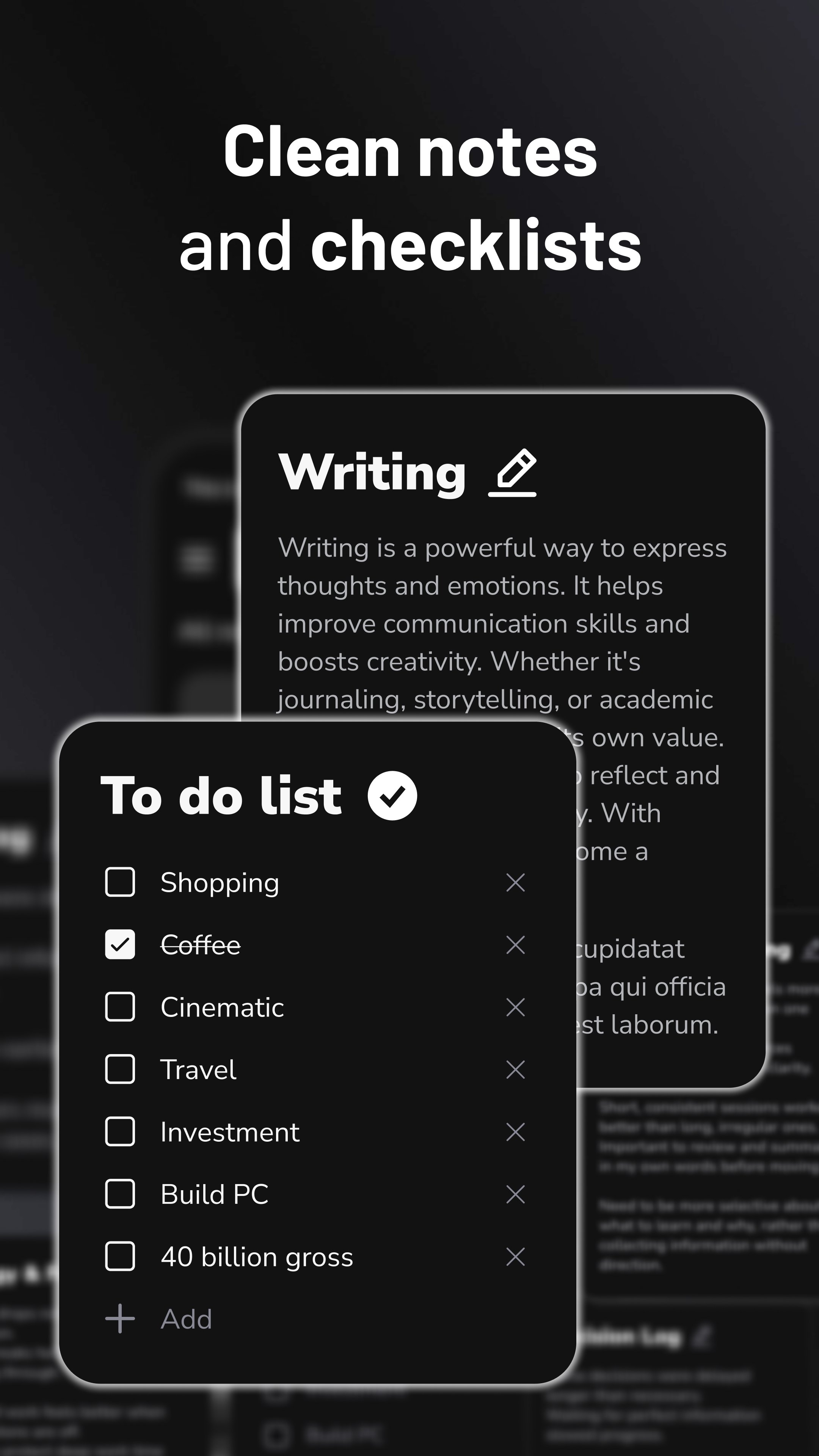
Designed for simplicity, this free notes app keeps your notes organized and accessible. Create text notes, memos or sticky notes with one tap. Use checklists to plan tasks or shopping lists, and categorize entries with color notes to find them later. The clean notepad interface helps you focus on your writing, while robust search ensures you can find any note quickly.
Key features
📝 Create notes, lists and memos effortlessly in a sleek notepad
📂 Organize notes like a digital notebook by category or color
✅ Plan your day with built‑in to‑do lists and task manager features
🧷 Pin important notes or use sticky notes for quick reminders
🔒 Backup and restore to keep every note safe across devices
🔍 Powerful search so you never lose track of an idea
🌙 Minimalist, distraction‑free design with optional dark mode
🎨 Personalize with color notes and themes to suit your style
Whether you’re jotting down meeting notes, brainstorming ideas, planning a trip or keeping a personal journal, this note taking app adapts to your workflow. Use it as a simple notepad for quick entries or transform it into a planner for daily schedules. Add checklists to stay productive and use memo pages to capture longer thoughts.
Notes - Simple Note Taking App keeps everything you write synced and secure. With backup and restore you can switch phones without losing your notes. Dark mode offers a comfortable writing experience at night, and the clean interface keeps the focus on your words. If you love simple notes, tidy planners and fast note taking, this app is designed for you.
Contact us: supernote@app.ecomobile.vn
Preview
Tags
ProductivityInformation
Developer
Eco Mobile
Latest Version
1.0.38
Last Updated
2025-12-09
Category
Productivity
Available on
Google Play
Show More
How to play Notes - Simple Note Taking App with GameLoop on PC
1. Download GameLoop from the official website, then run the exe file to install GameLoop
2. Open GameLoop and search for “Notes - Simple Note Taking App” , find Notes - Simple Note Taking App in the search results and click “Install”
3. Enjoy playing Notes - Simple Note Taking App on GameLoop
Minimum requirements
OS
Windows 8.1 64-bit or Windows 10 64-bit
GPU
GTX 1050
CPU
i3-8300
Memory
8GB RAM
Storage
1GB available space
Recommended requirements
OS
Windows 8.1 64-bit or Windows 10 64-bit
GPU
GTX 1050
CPU
i3-9320
Memory
16GB RAM
Storage
1GB available space