Receipt Printer Bluetooth PC
Hardiyoso
Download Receipt Printer Bluetooth on PC With GameLoop Emulator
Receipt Printer Bluetooth sa PC
Ang Receipt Printer Bluetooth, na nagmumula sa developer na Hardiyoso, ay tumatakbo sa Android systerm sa nakaraan.
Ngayon, maaari mong laruin ang Receipt Printer Bluetooth sa PC gamit ang GameLoop nang maayos.
I-download ito sa GameLoop library o mga resulta ng paghahanap. Hindi na tumitingin sa baterya o nakakadismaya na mga tawag sa maling oras.
I-enjoy lang ang Receipt Printer Bluetooth PC sa malaking screen nang libre!
Receipt Printer Bluetooth Panimula
Print Receipt With Bluetooth Thermal Printer For Your Business.
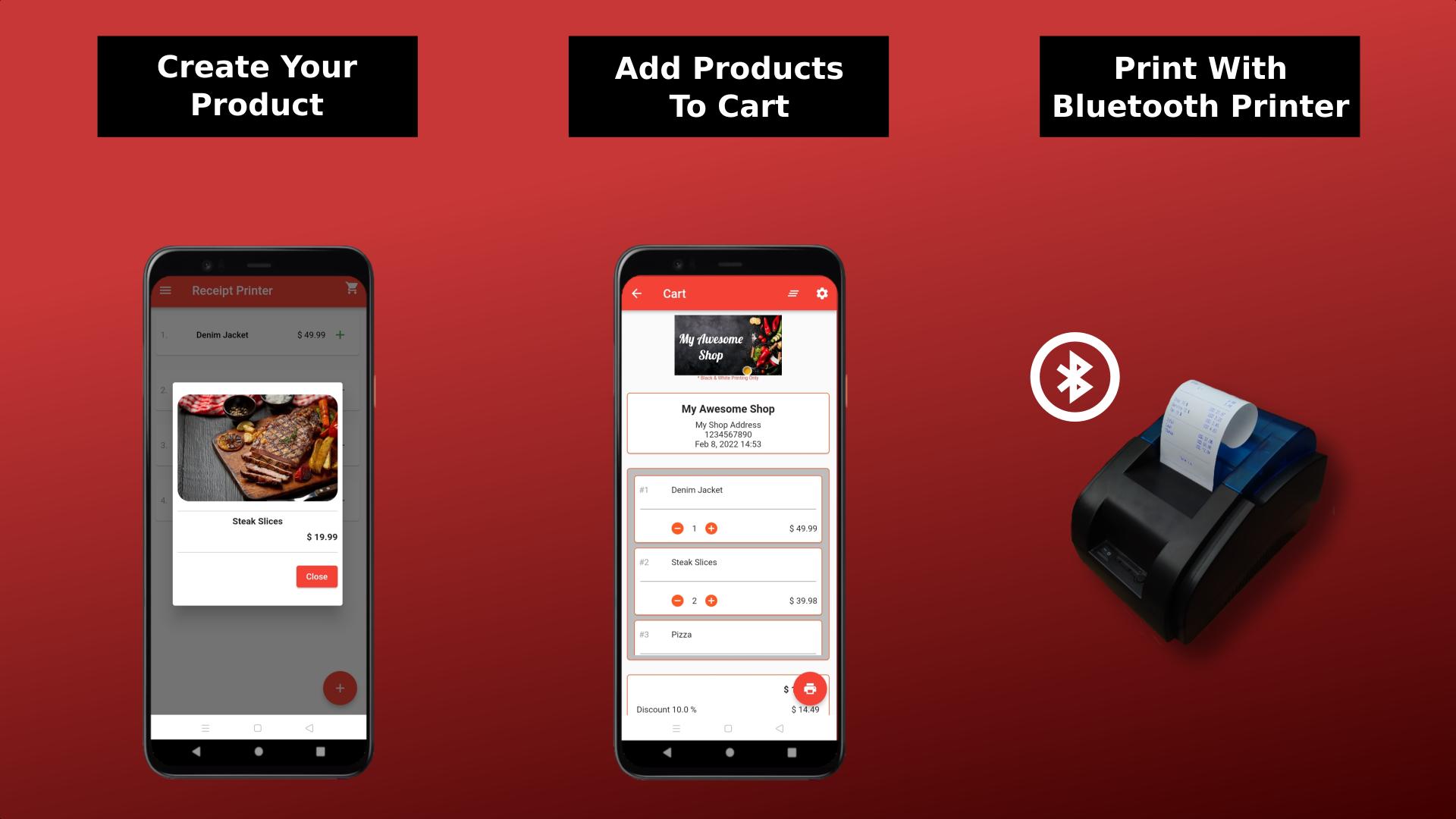
Receipt Printer Bluetooth is a receipt printer app to print your business receipt to your Bluetooth Printer Via Bluetooth Connection.
With Receipt Printer Bluetooth app you can do so many things, pair it with your thermal Bluetooth printer or label Bluetooth printer and you can do printing easily. Do quick print regular receipt put your business image header on top of it etc in one page then send it to your Bluetooth printer and you are set.
Receipt Printer Bluetooth app is 100% free app with no payments needed, it means that you can use all of the function within the app without any restriction.
Features:
• Easy Bluetooth Connection.
Connect your bluetooth thermal printer to the app in no time.
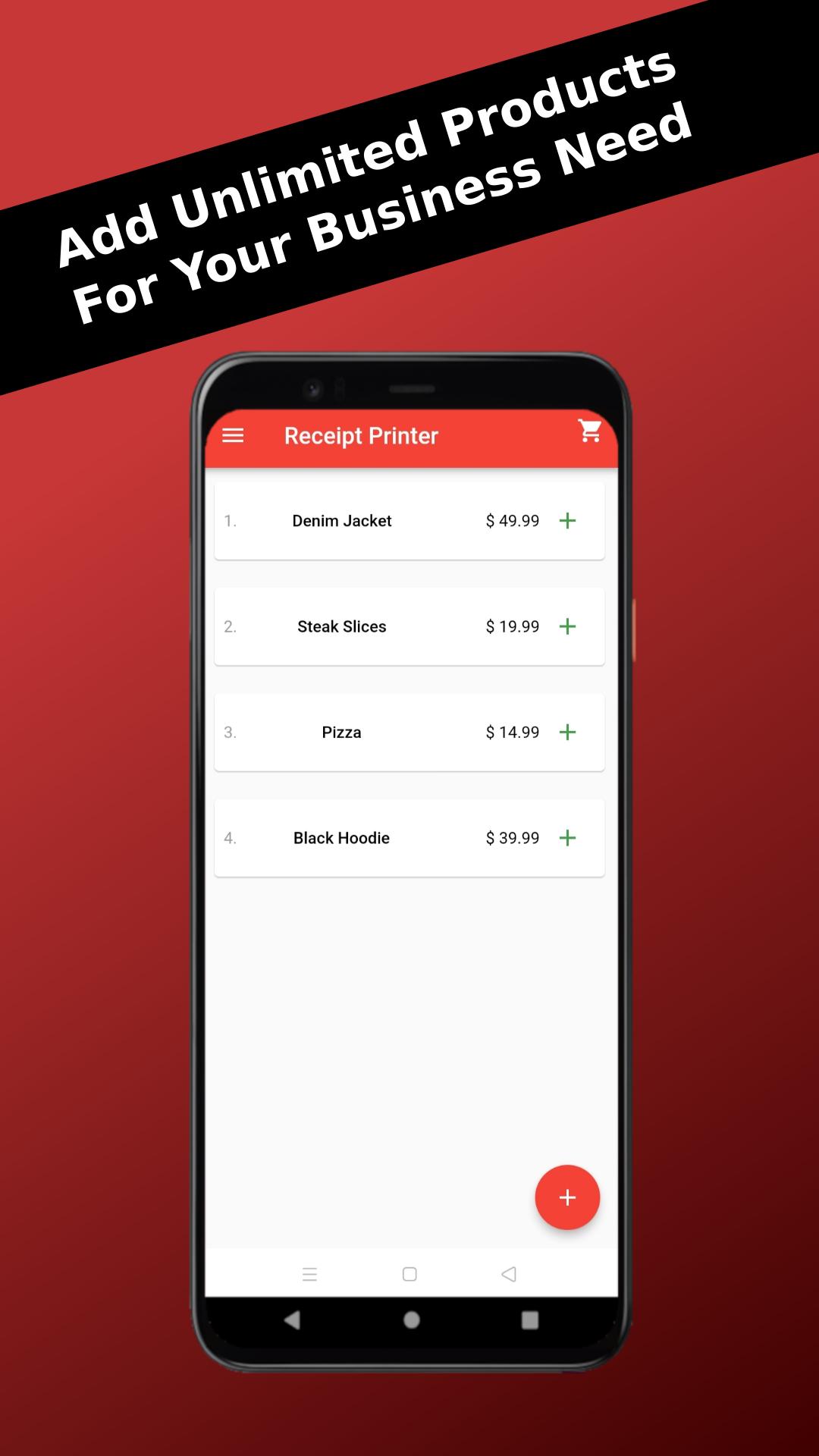
• Unlimited Product Number.
Add your product image, title and price without limitation (unlimited number of products).
• Flexible User Interface.
Set your products in list view or grid for your comfort.
• Editable Product Details
Edit your product image or title or price anytime.
• Fully Customize Settings.
change the paper size, paper height, image width, put your image business header, edit all text language such as tax to vat, change number format etc to accommodate your business need.
• Use Your Local Currency and Number Format.
You can use your local currency symbol and number format to suit your business.
• Detail Oriented Cart System.
Put your products on the chart page and let the app to calculate everything from discount, service charge, tax/vat to total payment.
• Receipt Preview.
Preview your receipt before printing to ensure everything is as per your need.
• Easy Print Receipt.
Once your thermal bluetooth printer connected, just print your receipt in one button without any hustle.
• Detail Oriented History Feature.
Put every transactions to history automatically and load it to see the details.
• Export History.
Last but not least, export all your transactions history to .xlsx file type to make your paper work more convenient.
Credits:
Food photo created by jcomp - www.freepik.com
Preview
Tags
ProductivityInformation
Developer
Hardiyoso
Latest Version
1.0.7
Last Updated
2025-01-20
Category
Productivity
Available on
Google Play
Show More
How to play Receipt Printer Bluetooth with GameLoop on PC
1. Download GameLoop from the official website, then run the exe file to install GameLoop
2. Open GameLoop and search for “Receipt Printer Bluetooth” , find Receipt Printer Bluetooth in the search results and click “Install”
3. Enjoy playing Receipt Printer Bluetooth on GameLoop
Minimum requirements
OS
Windows 8.1 64-bit or Windows 10 64-bit
GPU
GTX 1050
CPU
i3-8300
Memory
8GB RAM
Storage
1GB available space
Recommended requirements
OS
Windows 8.1 64-bit or Windows 10 64-bit
GPU
GTX 1050
CPU
i3-9320
Memory
16GB RAM
Storage
1GB available space