RecardQ8 PC
Kuwait Petroleum Italia SpA
Download RecardQ8 on PC With GameLoop Emulator
RecardQ8 sa PC
Ang RecardQ8, na nagmumula sa developer na Kuwait Petroleum Italia SpA, ay tumatakbo sa Android systerm sa nakaraan.
Ngayon, maaari mong laruin ang RecardQ8 sa PC gamit ang GameLoop nang maayos.
I-download ito sa GameLoop library o mga resulta ng paghahanap. Hindi na tumitingin sa baterya o nakakadismaya na mga tawag sa maling oras.
I-enjoy lang ang RecardQ8 PC sa malaking screen nang libre!
RecardQ8 Panimula
RecardQ8 is the Q8 - Kuwait Petroleum Italia S.p.A. app. designed for customers who prefer a prepaid product; a safe and fast tool for purchasing fuel at all Q8 points of sale.
When registering in the app, you can indicate your VAT number, if you want to use it for your company, or your tax code if you are a private individual in possession of a dedicated convention code.
If you have a company
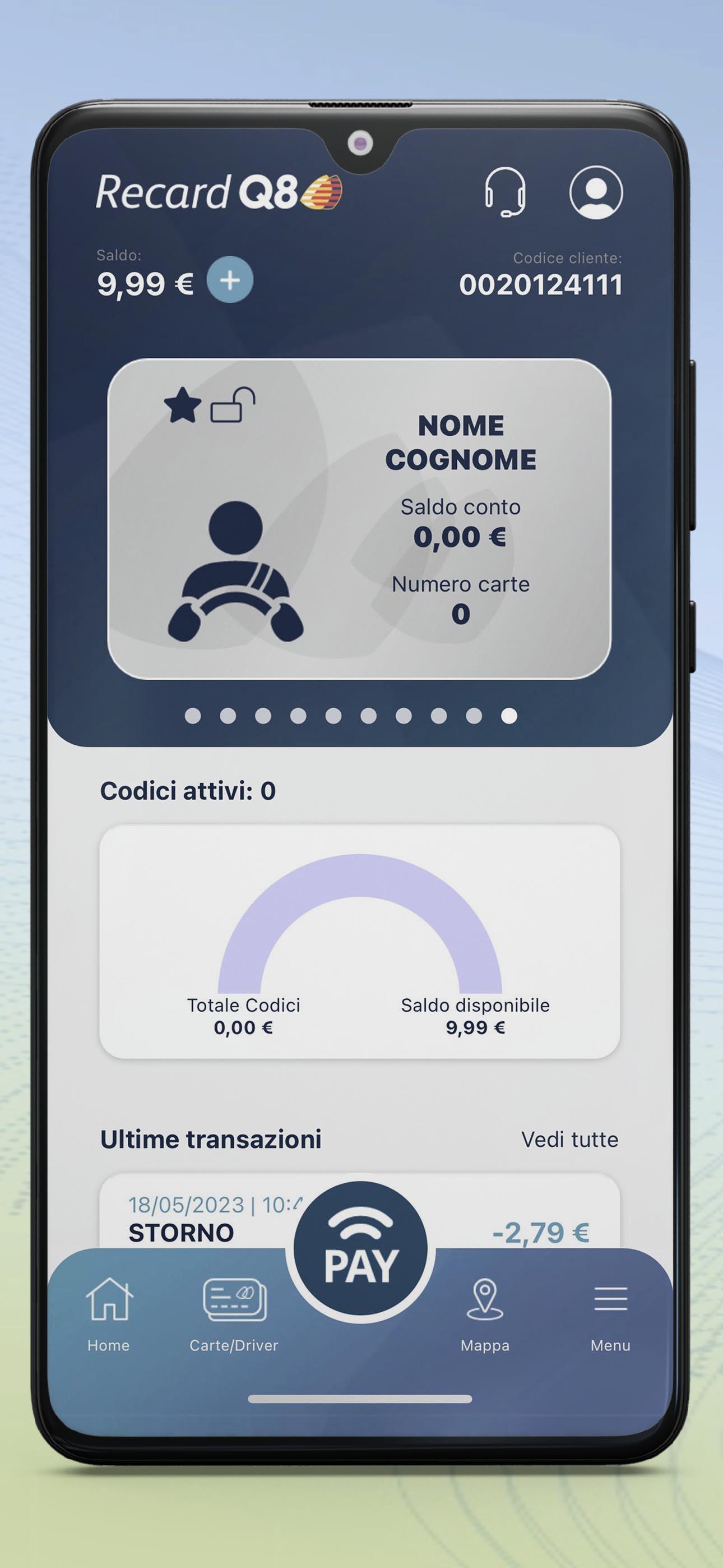
Manage your prepaid cards or create one-time payment codes to pay for your supplies, monitor fuel expenses, top up your customer account and that of your drivers directly from the app.
What you can do with RecardQ8
The application allows you to:
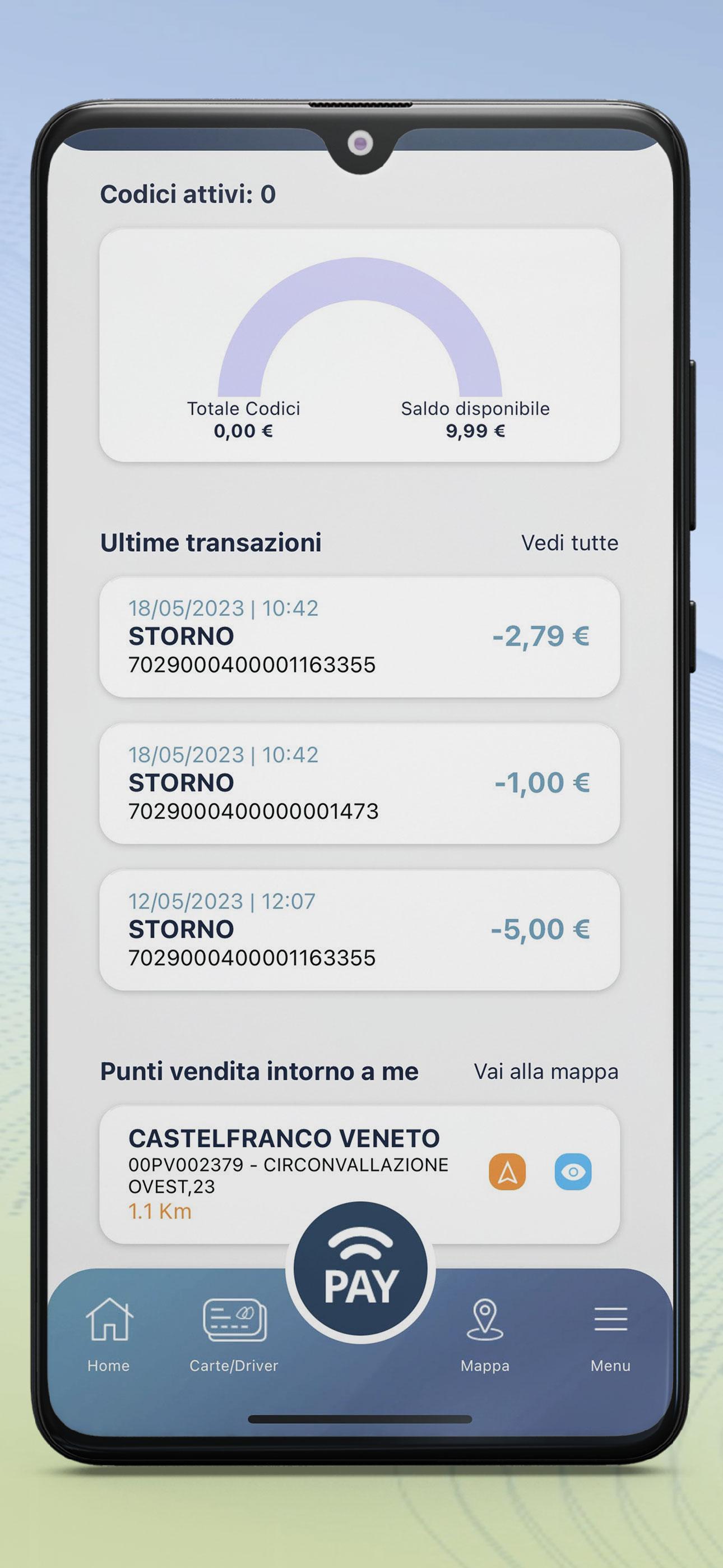
* Search for the points of sale closest to you and calculate the route to better manage your supplies
* View your account information to monitor your and your employees' fuel expenses at any time
* View your cards and manage credit for each one
* Generate payment codes of the desired amount also specifying the period of validity
* View transactions in real time
* Top up your customer account by credit card, Fabrick ordinary or instant bank transfer, standard bank transfer, PayPal or in cash at Q8 points of sale
We remind you that it is not possible to order new cards from the app.
If you are the driver of a company
Manage the account that your company has dedicated to you
What you can do with RecardQ8
The application allows you to:
* Search for the points of sale closest to you and calculate the route to better manage your supplies
* View your account information to monitor your fuel expenses at any time
* View your card or generate payment codes for the desired amount, also specifying the period of validity
* View transactions in real time
If you are a private customer
Pay for your refills on all enabled Q8 points of sale simply with one-time code generation.
What you can do with RecardQ8
The application allows you to:
* Search for the points of sale closest to you and calculate the route to better manage your supplies
* View your account information to monitor your fuel expenses at any time
* Generate payment codes of the desired amount also specifying the period of validity
* View transactions in real time
* Top up your customer account by credit card, Fabrick ordinary or instant bank transfer, PayPal or in cash at Q8 points of sale
How to use payment codes for replenishment
The codes generated in the app can be used at any Q8 service station and at Q8easy points of sale, both served and self-service, both in opening hours and in closing hours, as long as the Self mode is active.
To dispense fuel using the generated codes, it is necessary to enter the code on the pos or at the column after selecting the "use code" item.
Each code can only be used once.
If there is any remaining credit, it will immediately return to your customer account so that it can be used with a new code.
Using the RecardQ8 App is simple, safe and allows you to save time at each refuelling.
NB: For customers without a VAT number, we remind you that due to the type of transaction, recharging the account does not allow for the generation of accounting documents: it is therefore not possible to obtain a valid invoice for tax purposes.
App support: https://www.q8.it/business/recard
Preview
Tags
ProductivityInformation
Developer
Kuwait Petroleum Italia SpA
Latest Version
3.0.11
Last Updated
2024-01-18
Category
Productivity
Available on
Google Play
Show More
How to play RecardQ8 with GameLoop on PC
1. Download GameLoop from the official website, then run the exe file to install GameLoop
2. Open GameLoop and search for “RecardQ8” , find RecardQ8 in the search results and click “Install”
3. Enjoy playing RecardQ8 on GameLoop
Minimum requirements
OS
Windows 8.1 64-bit or Windows 10 64-bit
GPU
GTX 1050
CPU
i3-8300
Memory
8GB RAM
Storage
1GB available space
Recommended requirements
OS
Windows 8.1 64-bit or Windows 10 64-bit
GPU
GTX 1050
CPU
i3-9320
Memory
16GB RAM
Storage
1GB available space