
PrinterOn Print Service PC
PrinterOn Inc
Download PrinterOn Print Service on PC With GameLoop Emulator
PrinterOn Print Service sa PC
Ang PrinterOn Print Service, na nagmumula sa developer na PrinterOn Inc, ay tumatakbo sa Android systerm sa nakaraan.
Ngayon, maaari mong laruin ang PrinterOn Print Service sa PC gamit ang GameLoop nang maayos.
I-download ito sa GameLoop library o mga resulta ng paghahanap. Hindi na tumitingin sa baterya o nakakadismaya na mga tawag sa maling oras.
I-enjoy lang ang PrinterOn Print Service PC sa malaking screen nang libre!
PrinterOn Print Service Panimula
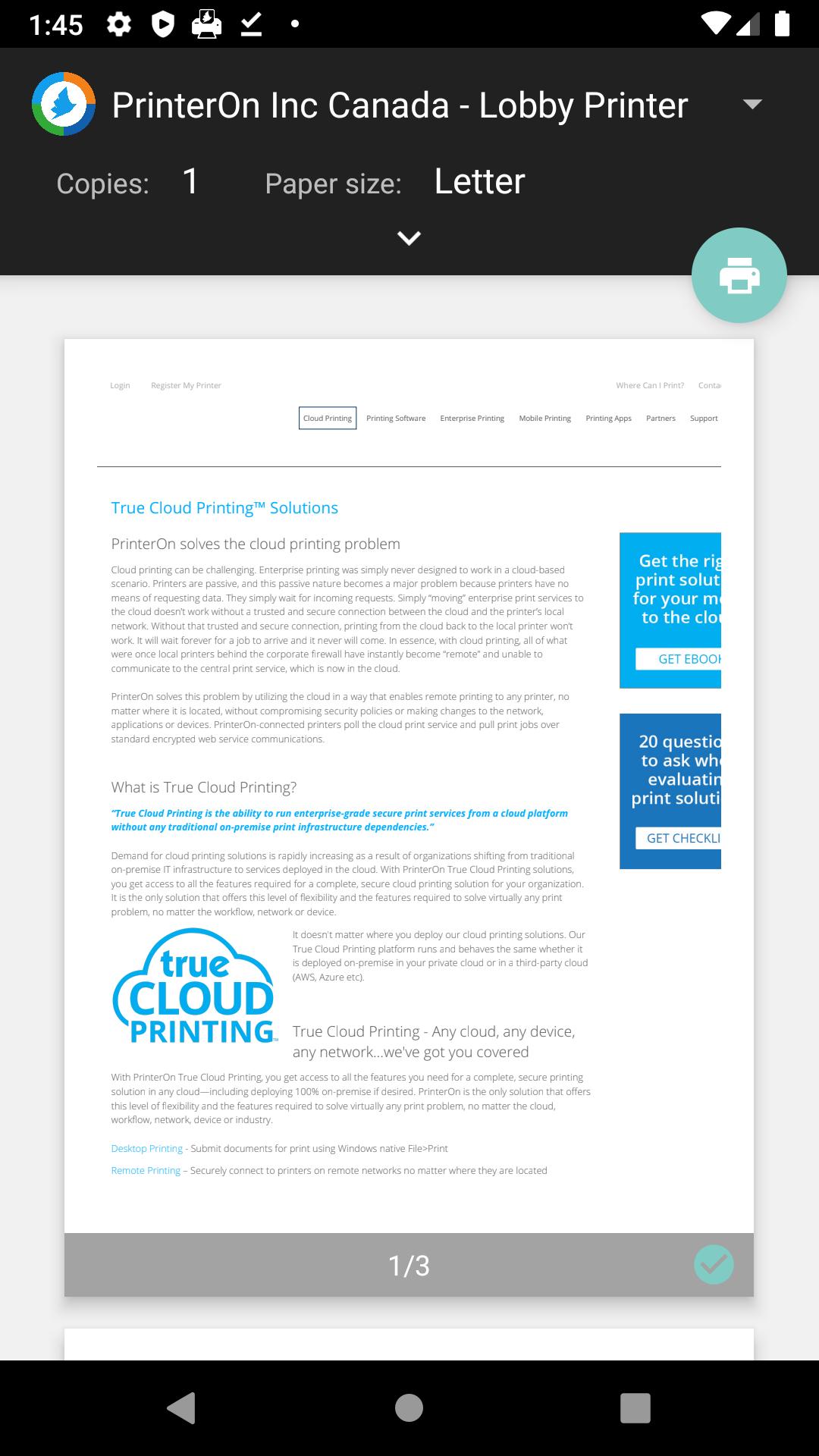
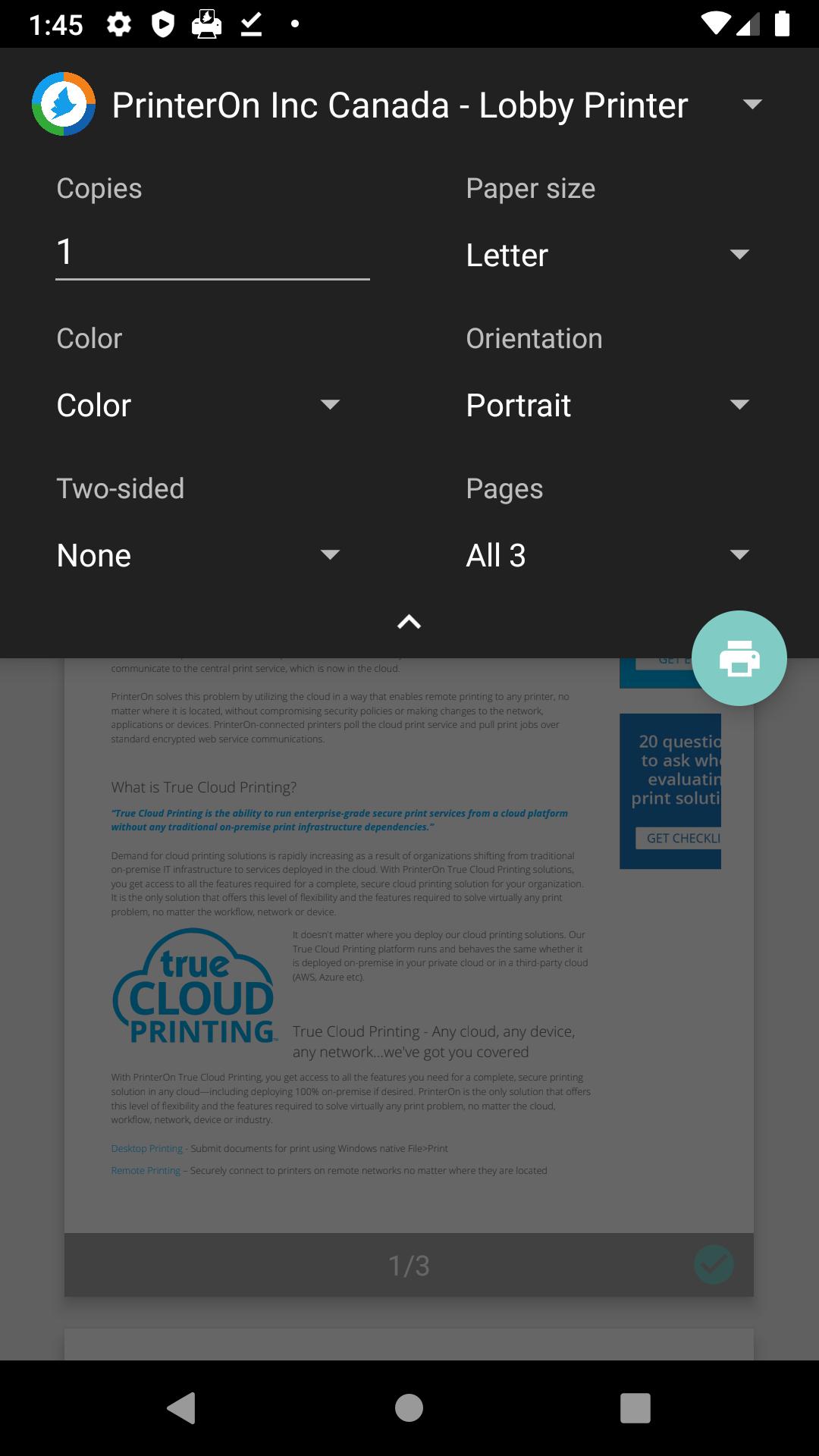
The PrinterOn Print Service for Android lets you print securely from any application on your mobile device that supports native Android printing without using a 3rd party app. This eliminates the extra steps required to print resulting in a much more natural and streamlined workflow.
With the PrinterOn Print Service and one of PrinterOn's mobile printing solutions (PrinterOn Hosted, PrinterOn Enterprise), you can easily find and print securely to any PrinterOn enabled printer within your organization or at a public print location no matter where you may be. In addition the PrinterOn Print Service also offers printing content from apps that do not yet support native print.
Benefits of native Android printing through the PrinterOn Print Service:
• More natural print workflow like File > Print
• Print directly from any application that supports native Android printing without the need for app
• Unlike other print services, you do not need to be on the same network as the printer, print from anywhere
• Secure release code for all print jobs prevents documents from being picked up accidentally as well as preventing print waste
NOTE: If you experience any issues, please send an email to support@printeron.com rather than posting an issue in the review section. We can assist and get you printing quickly if you contact us directly.
More information about PrinterOn Printing Solutions can be found at:
https://www.printeron.com/cloud-printing.html
Preview
Tags
ProductivityInformation
Developer
PrinterOn Inc
Latest Version
3.7.6
Last Updated
2023-01-16
Category
Productivity
Available on
Google Play
Show More
How to play PrinterOn Print Service with GameLoop on PC
1. Download GameLoop from the official website, then run the exe file to install GameLoop
2. Open GameLoop and search for “PrinterOn Print Service” , find PrinterOn Print Service in the search results and click “Install”
3. Enjoy playing PrinterOn Print Service on GameLoop
Minimum requirements
OS
Windows 8.1 64-bit or Windows 10 64-bit
GPU
GTX 1050
CPU
i3-8300
Memory
8GB RAM
Storage
1GB available space
Recommended requirements
OS
Windows 8.1 64-bit or Windows 10 64-bit
GPU
GTX 1050
CPU
i3-9320
Memory
16GB RAM
Storage
1GB available space