PPT Reader - PPT Viewer PC
Nordik apps studio
Download PPT Reader - PPT Viewer on PC With GameLoop Emulator
PPT Reader - PPT Viewer sa PC
Ang PPT Reader - PPT Viewer, na nagmumula sa developer na Nordik apps studio, ay tumatakbo sa Android systerm sa nakaraan.
Ngayon, maaari mong laruin ang PPT Reader - PPT Viewer sa PC gamit ang GameLoop nang maayos.
I-download ito sa GameLoop library o mga resulta ng paghahanap. Hindi na tumitingin sa baterya o nakakadismaya na mga tawag sa maling oras.
I-enjoy lang ang PPT Reader - PPT Viewer PC sa malaking screen nang libre!
PPT Reader - PPT Viewer Panimula
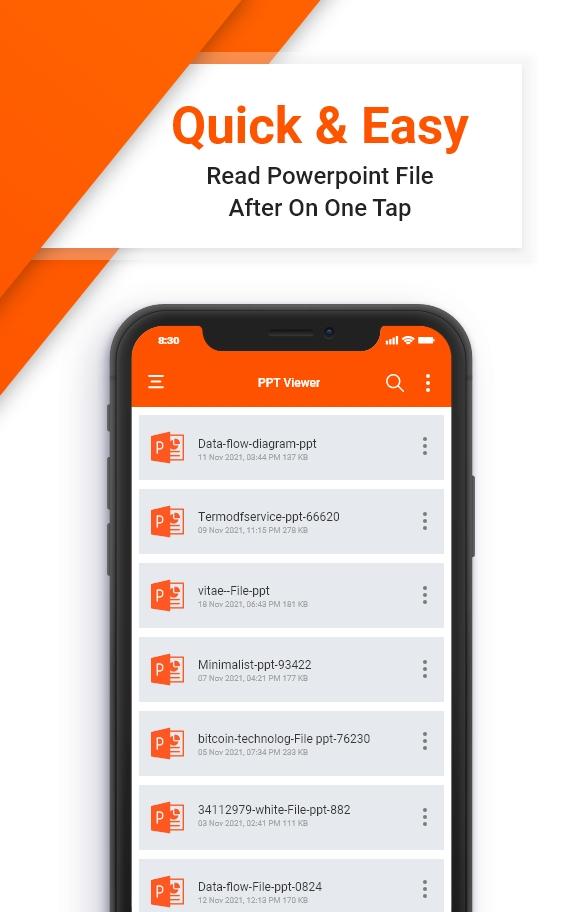
PPT & PPTX Reader & Viewer is a powerful yet user-friendly application designed to efficiently handle PowerPoint presentations (.ppt and .pptx files) on Android devices. Whether you’re a student, professional, or anyone working with presentations, this app simplifies the process of viewing and managing your presentation files on the go.
Key Features of PPT & PPTX Reader & Viewer
File Compatibility:
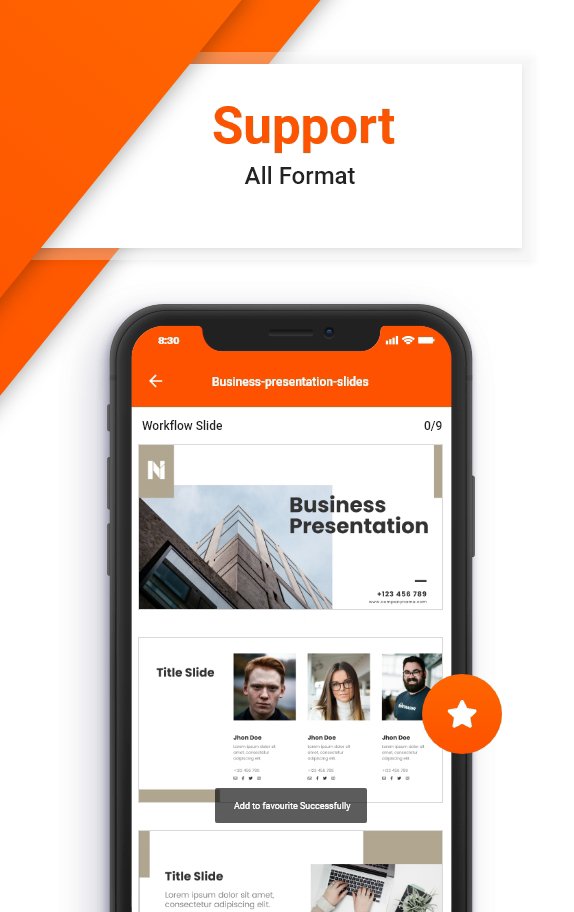
The app supports both .ppt and .pptx file formats, ensuring compatibility with a wide range of presentations created using Microsoft PowerPoint and other compatible software.
Intuitive Interface:
The user interface is designed to be intuitive and easy to navigate, allowing users to quickly access and manage their presentation files without unnecessary complications.
Smooth Rendering:
The application utilizes advanced rendering technologies to ensure smooth and accurate display of presentations, maintaining formatting, animations, and transitions as intended by the creator.
Presentation Mode:
Users can enter presentation mode to view slides in full screen, enabling a seamless experience for presenting or reviewing slideshows without distractions.
Zoom and Pan:
The app provides zoom and pan functionalities, allowing users to zoom in for detailed viewing or pan across slides with ease, especially useful when working with complex or detailed slides.
Annotation Tools:
For interactive presentations or collaborative work, the app offers annotation tools such as drawing, highlighting, and adding text comments directly onto slides.
Search Functionality:
Easily search for specific slides or content within presentations, saving time and effort when working with lengthy or detailed presentations.
Customization Options:
Users can customize settings such as slide transition effects, background colours, and font sizes to suit their preferences and optimize viewing experiences.
Benefits of PPT & PPTX Reader & Viewer
Portability:
Carry your presentations wherever you go and access them conveniently on your Android device without the need for a computer.
Productivity:
Increase productivity by easily reviewing, editing, and presenting presentations on your mobile device, saving time and effort.
Collaboration:
Collaborate effectively by annotating slides, sharing feedback, and accessing cloud-stored presentations seamlessly within the app.
Versatility:
Whether for educational, business, or personal use, the app caters to a wide range of users needing to work with PowerPoint presentations on Android devices.
Compatibility:
Compatible with Android devices running Android OS version X.X and above, ensuring broad compatibility across various smartphone and tablet models.
Conclusion of PPT & PPTX Reader & Viewer
PPT & PPTX Reader & Viewer combines essential features with a user-friendly interface, making it an indispensable tool for anyone working with PowerPoint presentations on Android devices. Whether you're giving a presentation in a boardroom or reviewing slides on the move, this app provides the functionality and convenience you need.
Preview
Tags
ProductivityInformation
Developer
Nordik apps studio
Latest Version
3.0.6
Last Updated
2024-08-22
Category
Productivity
Available on
Google Play
Show More
How to play PPT Reader - PPT Viewer with GameLoop on PC
1. Download GameLoop from the official website, then run the exe file to install GameLoop
2. Open GameLoop and search for “PPT Reader - PPT Viewer” , find PPT Reader - PPT Viewer in the search results and click “Install”
3. Enjoy playing PPT Reader - PPT Viewer on GameLoop
Minimum requirements
OS
Windows 8.1 64-bit or Windows 10 64-bit
GPU
GTX 1050
CPU
i3-8300
Memory
8GB RAM
Storage
1GB available space
Recommended requirements
OS
Windows 8.1 64-bit or Windows 10 64-bit
GPU
GTX 1050
CPU
i3-9320
Memory
16GB RAM
Storage
1GB available space