Portable UI for Business PC
FUJIFILM Business Innovation Corp.
Download Portable UI for Business on PC With GameLoop Emulator
Portable UI for Business sa PC
Ang Portable UI for Business, na nagmumula sa developer na FUJIFILM Business Innovation Corp., ay tumatakbo sa Android systerm sa nakaraan.
Ngayon, maaari mong laruin ang Portable UI for Business sa PC gamit ang GameLoop nang maayos.
I-download ito sa GameLoop library o mga resulta ng paghahanap. Hindi na tumitingin sa baterya o nakakadismaya na mga tawag sa maling oras.
I-enjoy lang ang Portable UI for Business PC sa malaking screen nang libre!
Portable UI for Business Panimula
What is Portable UI for Business?
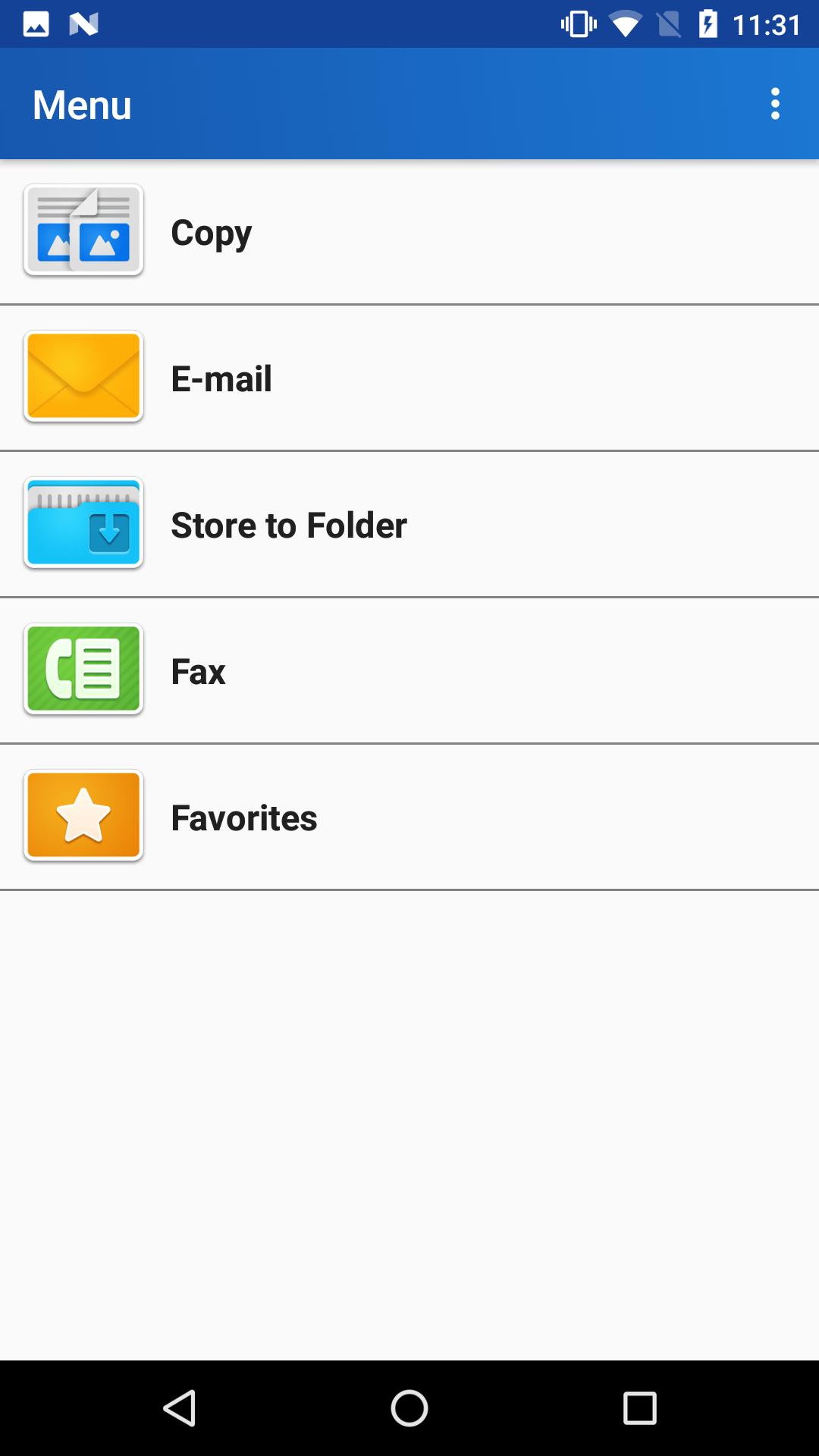
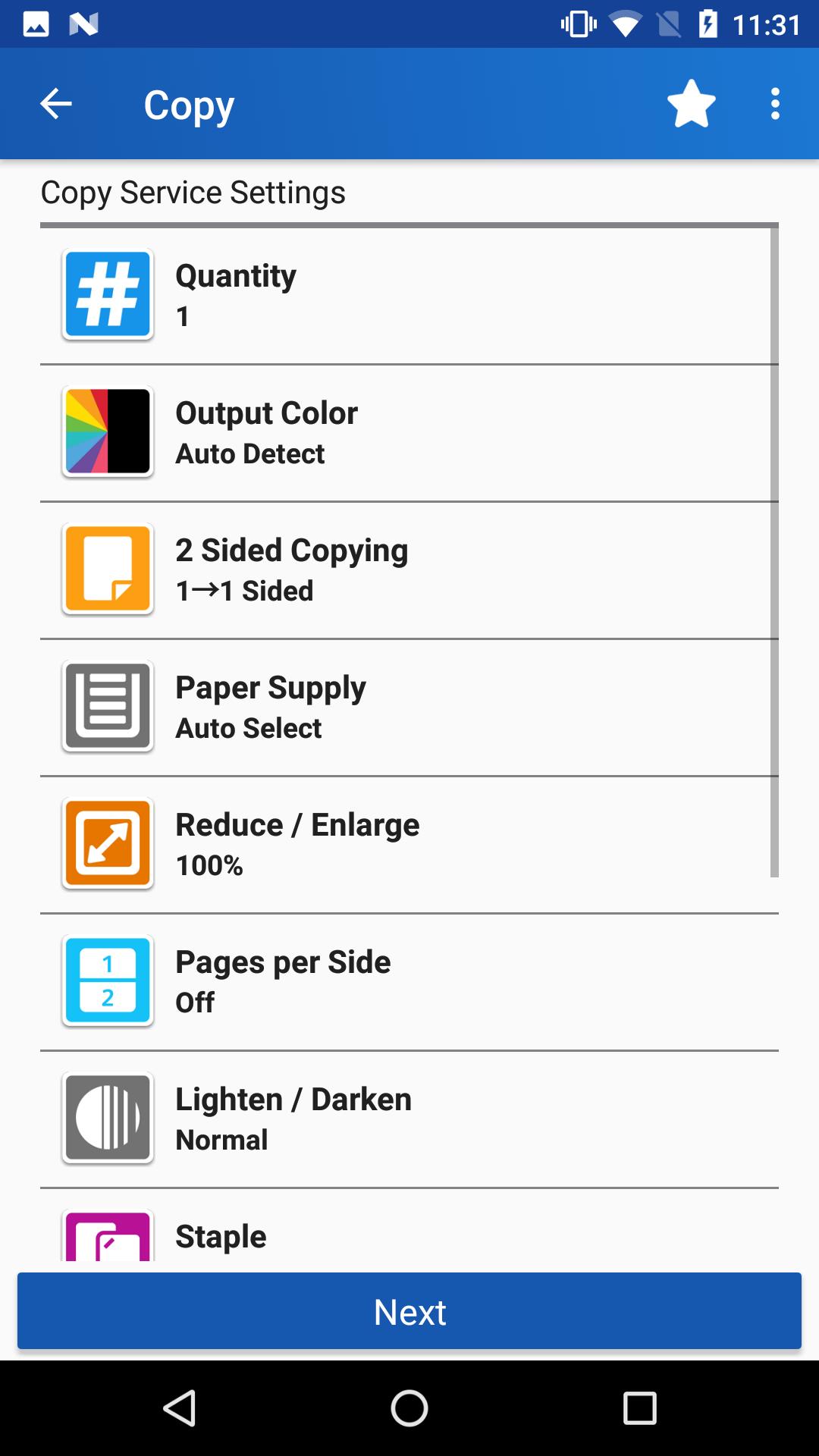
Basic operations such as Copy, Scan (E-mail or Store to Folder) and Fax operations can be performed from Android mobile devices.
Your smartphone can be used as a portable UI panel.
Simply set a job on your smartphone and touch the NFC (near field communication) reader of the multifunction device with your smartphone.* Since the settings are already specified on the smartphone, the job can be opened immediately without performing operations at the multifunction device, which reduces crowding at the device.
* A wireless environment with an access point is required.
With the app you can:
- Copy
- Store to Folder
- Fax
- Favorites
*** Favorites
You can register frequently used settings in Favorites list.
Favorites feature brings you easier operation by simple way.
Feature you often use can be ready quickly by tapping from the Favorites list.
No more concern for keeping next person wait.
*** Universal Design - for visually impaired person
Supporting the use of those who are difficult to see with the standard accessibility features of Android OS:
- Character Expansion
- Voice Over
- Magnification
- Color inversion
*** For more information, visit our official web site:
https://www.fujixerox.com
Preview
Information
Developer
FUJIFILM Business Innovation Corp.
Latest Version
1.2.2.6
Last Updated
2020-05-19
Category
Productivity
Available on
Google Play
Show More
How to play Portable UI for Business with GameLoop on PC
1. Download GameLoop from the official website, then run the exe file to install GameLoop
2. Open GameLoop and search for “Portable UI for Business” , find Portable UI for Business in the search results and click “Install”
3. Enjoy playing Portable UI for Business on GameLoop
Minimum requirements
OS
Windows 8.1 64-bit or Windows 10 64-bit
GPU
GTX 1050
CPU
i3-8300
Memory
8GB RAM
Storage
1GB available space
Recommended requirements
OS
Windows 8.1 64-bit or Windows 10 64-bit
GPU
GTX 1050
CPU
i3-9320
Memory
16GB RAM
Storage
1GB available space