PC Bio Unlock PC
Meis Apps
Download PC Bio Unlock on PC With GameLoop Emulator
PC Bio Unlock sa PC
Ang PC Bio Unlock, na nagmumula sa developer na Meis Apps, ay tumatakbo sa Android systerm sa nakaraan.
Ngayon, maaari mong laruin ang PC Bio Unlock sa PC gamit ang GameLoop nang maayos.
I-download ito sa GameLoop library o mga resulta ng paghahanap. Hindi na tumitingin sa baterya o nakakadismaya na mga tawag sa maling oras.
I-enjoy lang ang PC Bio Unlock PC sa malaking screen nang libre!
PC Bio Unlock Panimula
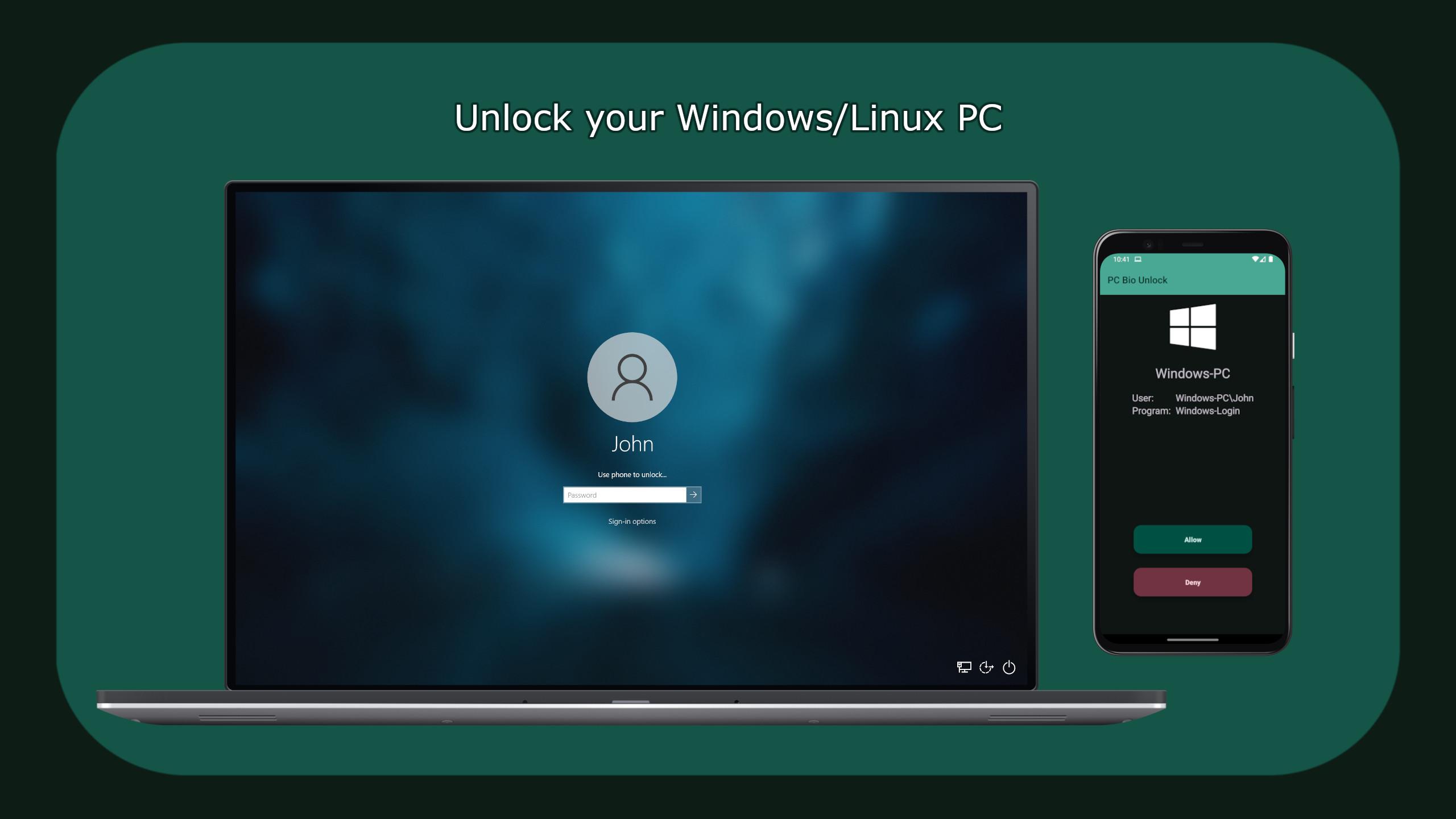
PC Bio Unlock allows you to unlock your PC using your phone's biometric scanner.
Supports Windows and Linux.
Get the desktop application: https://meis-apps.com/pcbu
Check out our GitHub: https://github.com/MeisApps
Windows features:
- Unlock the Windows logon/lock screen
- Unlock the UAC prompt
Linux features:
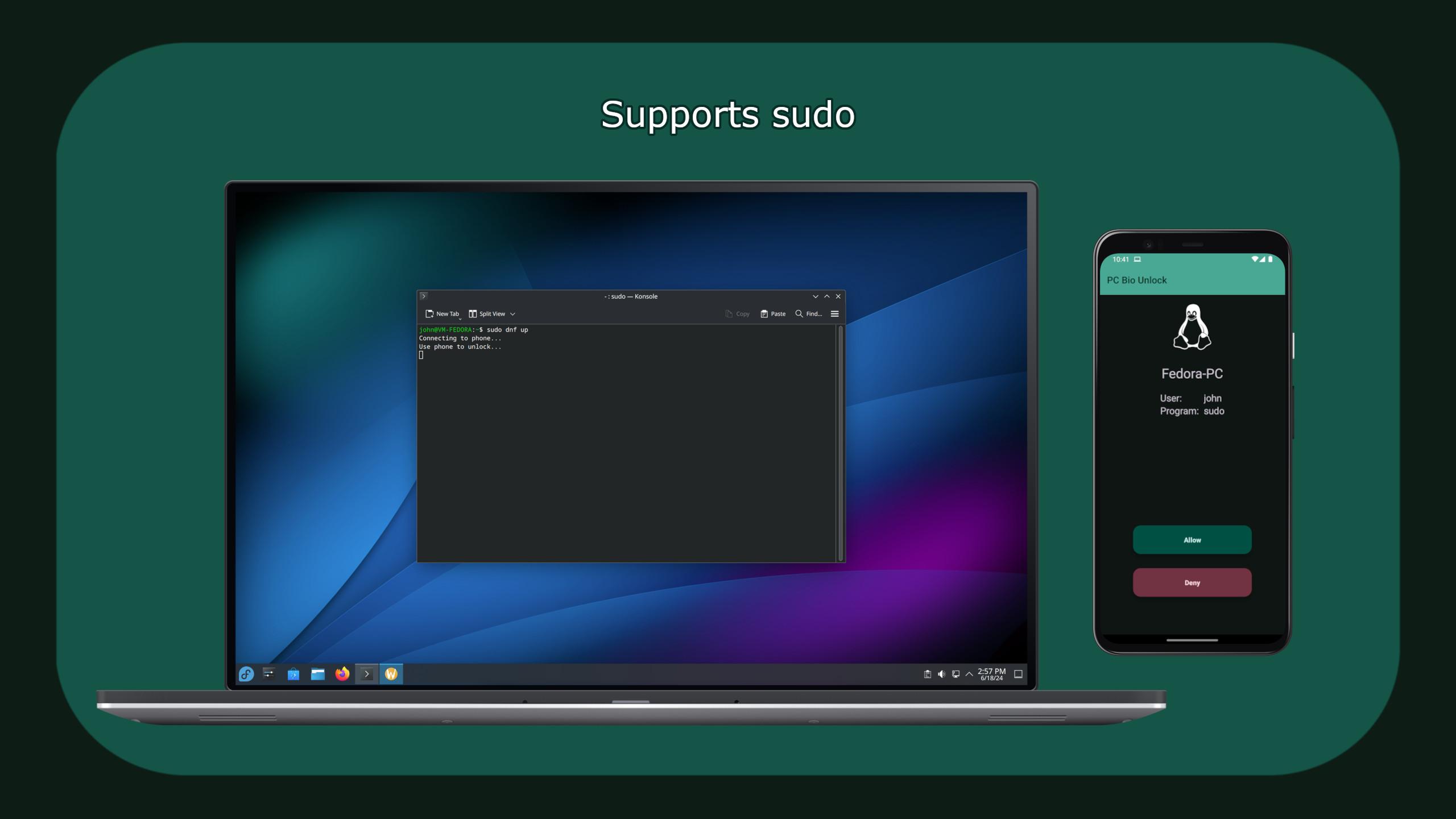
- Unlock sudo
- Unlock polkit (pkexec)
- Support for GNOME, GDM, KDE, SDDM, LightDM and Cinnamon
Pairing methods:
- Wi-Fi
- Bluetooth (requires Wi-Fi for initial pairing)
There is a Pro version with additional features:
- Auto unlock (when the phone is in Wi-Fi or Bluetooth range)
- Wearable notification (allows unlocking from a watch)
- Unlimited devices
Security:
During the pairing process, a random key is generated to encrypt all traffic between your devices.
This key is not accessible to normal users. Your credentials are encrypted and stored on your phone.
Additional notes:
To pair, both devices must be on the same network or Wi-Fi. The pairing server uses port 43295 by default. If you are using a custom firewall, you may need to add a rule for this port.
The pairing process can be cancelled at any time by pressing Ctrl+Alt on the PC.
Wake on LAN is also supported and a widget is available.
Support:
Having problems? Please visit https://meis-apps.com/pc-bio-unlock/troubleshooting
Preview
Tags
ProductivityInformation
Developer
Meis Apps
Latest Version
2.2.0
Last Updated
2025-09-07
Category
Productivity
Available on
Google Play
Show More
How to play PC Bio Unlock with GameLoop on PC
1. Download GameLoop from the official website, then run the exe file to install GameLoop
2. Open GameLoop and search for “PC Bio Unlock” , find PC Bio Unlock in the search results and click “Install”
3. Enjoy playing PC Bio Unlock on GameLoop
Minimum requirements
OS
Windows 8.1 64-bit or Windows 10 64-bit
GPU
GTX 1050
CPU
i3-8300
Memory
8GB RAM
Storage
1GB available space
Recommended requirements
OS
Windows 8.1 64-bit or Windows 10 64-bit
GPU
GTX 1050
CPU
i3-9320
Memory
16GB RAM
Storage
1GB available space