
Notewise - Note-Taking & PDF PC
Notewise
Download Notewise - Note-Taking & PDF on PC With GameLoop Emulator
Notewise - Note-Taking & PDF sa PC
Ang Notewise - Note-Taking & PDF, na nagmumula sa developer na Notewise, ay tumatakbo sa Android systerm sa nakaraan.
Ngayon, maaari mong laruin ang Notewise - Note-Taking & PDF sa PC gamit ang GameLoop nang maayos.
I-download ito sa GameLoop library o mga resulta ng paghahanap. Hindi na tumitingin sa baterya o nakakadismaya na mga tawag sa maling oras.
I-enjoy lang ang Notewise - Note-Taking & PDF PC sa malaking screen nang libre!
Notewise - Note-Taking & PDF Panimula
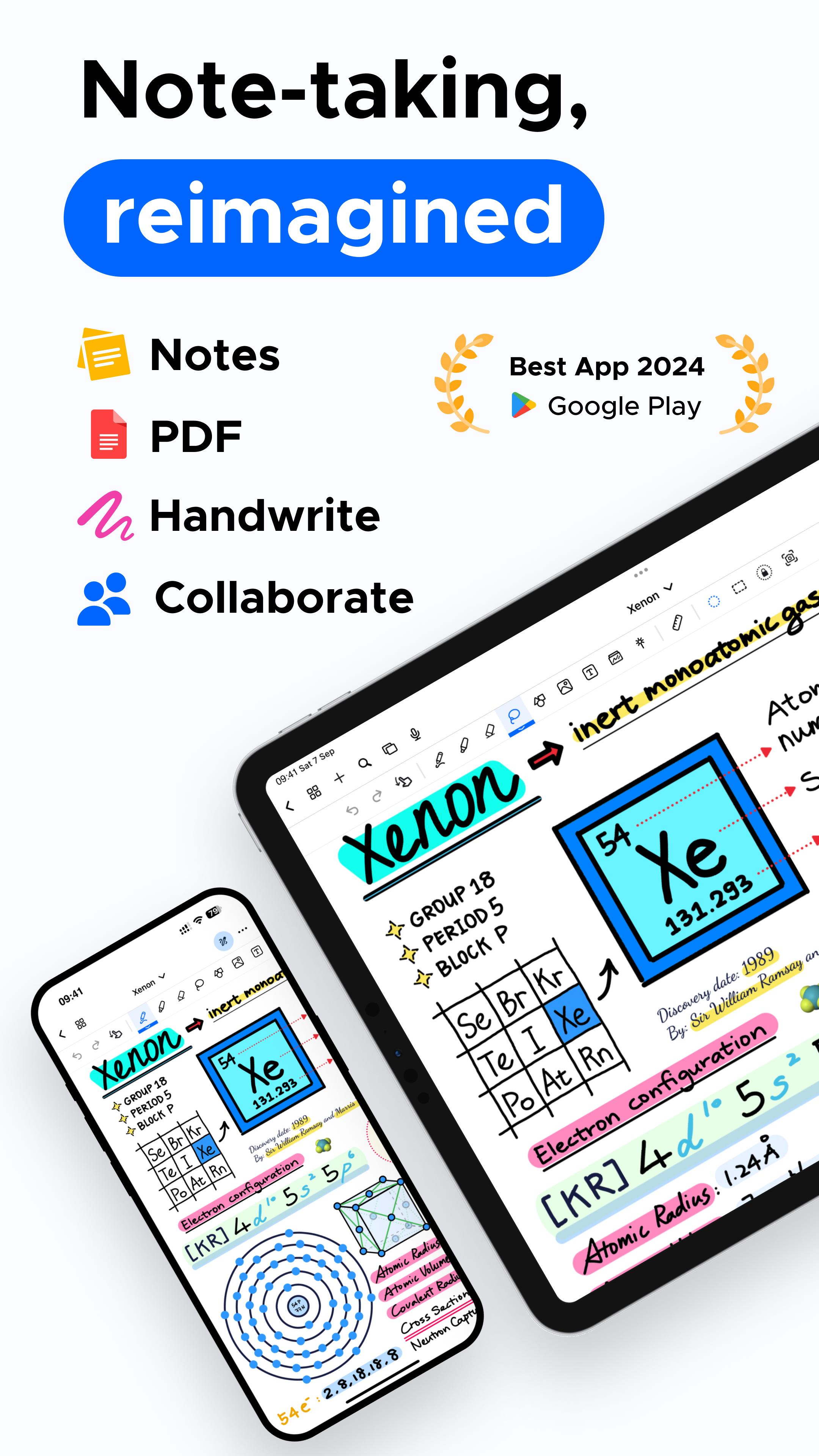
🏆 Google Play's Best of 2024 Winner! 🏆 Unlock the power of note-taking with Notewise on Android! Notewise brings an iPad-like experience to your Android device, combining creativity and productivity in a seamless app. It's perfect for capturing ideas, sketching on a freeform canvas, organizing your thoughts, or annotating PDFs. Designed for students, professionals, and creatives, it enables effective note-taking, collaboration, and organization.
Next Level Handwriting and Note-Taking Experience
• Experience natural, iPad-like handwriting with low-latency responsiveness.
• Write effortlessly with your finger or stylus, featuring palm rejection for smooth note-taking.
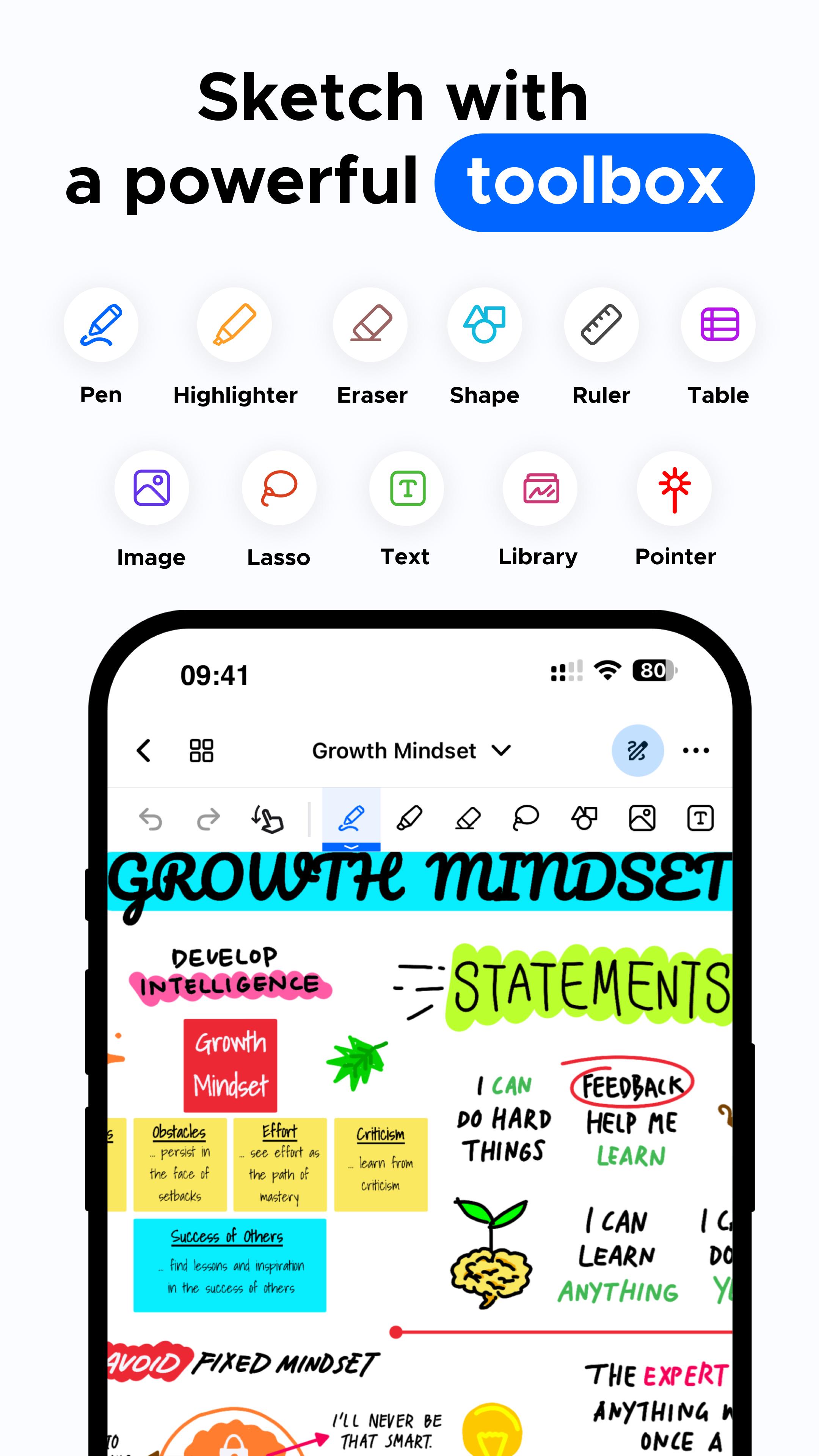
• Customize pens, highlighters, and line styles, with pressure sensitivity for precise control.
• Use Notewise as your digital notebook or canvas, ideal for creative and professional projects. GoodNotes® and Notability® users will find the handwriting feel very familiar.
Collaborate, Sync, and Share Notes
• Collaborate in real-time; perfect for brainstorming.
• Sync your notes across Android, iOS, and web with Notewise Cloud.
• Share your note-taking creations via URLs, QR codes, or export them as PDFs, images, or Notewise files.
• Offline work with automatic syncing.
Powerful Tools to Enhance Your Notes
• Import PDFs of any size for annotation – a key feature for those used to GoodNotes® or Notability®.
• Lasso tool to move, crop, or resize your content on the canvas.
• Add shapes, text boxes, and images.
• Pre-made templates, including grids and blank canvases. This enhances the note-taking power.
Organize Your Notes Like a Pro
• Unlimited folders to organize work, memos, and plans.
• Duplicate, reorder, or merge pages.
• Personalize folders with colors and labels. Manage all your important notes.
Advanced PDF Annotation
• Annotate PDFs with highlighters, text, or signatures.
• Reorganize, duplicate, or resize pages within your PDFs.
• Open external links from annotated PDFs.
AI-Powered Note-Taking Tools
• Hold to Draw Shapes: Create perfect shapes with AI.
• Handwriting-to-Text Conversion. All these helps with capturing notes efficiently.
Your Digital Freeform Canvas
• Combine handwriting, images, and text on a limitless canvas.
• Journal, sketch, or brainstorm freely.
• Creative note-taking with endless possibilities.
Your Notes, Your Way: Flexible Payment Options
• Notewise offers both one-time purchase and subscription options, giving you control. While apps like GoodNotes® and, to an extent, Notability®, focus on subscriptions, we offer choices.
Your Notes, Anytime, Anywhere
• Fully optimized for Android: phones, tablets.
• Perfect for journaling, organizing PDFs, brainstorming on a freeform canvas, or managing your notes with ease. A complete note-taking solution.
• Features familiar to GoodNotes® and Notability® users, plus flexible payment.
Make the Switch to Notewise! Experience Notewise: power, flexibility, and features you love, with payment options in your control, unlike the more rigid approach of primarily subscription-based services. Perfect if you are looking for an alternative to GoodNotes® or Notability® on Android. Your effective note-taking journey starts here. Capture, create, and organize your notes effortlessly.
Download Notewise for Free Today!
Preview
Tags
ProductivityInformation
Developer
Notewise
Latest Version
2.17.7
Last Updated
2025-03-19
Category
Productivity
Available on
Google Play
Show More
How to play Notewise - Note-Taking & PDF with GameLoop on PC
1. Download GameLoop from the official website, then run the exe file to install GameLoop
2. Open GameLoop and search for “Notewise - Note-Taking & PDF” , find Notewise - Note-Taking & PDF in the search results and click “Install”
3. Enjoy playing Notewise - Note-Taking & PDF on GameLoop
Minimum requirements
OS
Windows 8.1 64-bit or Windows 10 64-bit
GPU
GTX 1050
CPU
i3-8300
Memory
8GB RAM
Storage
1GB available space
Recommended requirements
OS
Windows 8.1 64-bit or Windows 10 64-bit
GPU
GTX 1050
CPU
i3-9320
Memory
16GB RAM
Storage
1GB available space