Nippon Paint i-Colour PC
Colorix SA
Download Nippon Paint i-Colour on PC With GameLoop Emulator
Nippon Paint i-Colour sa PC
Ang Nippon Paint i-Colour, na nagmumula sa developer na Colorix SA, ay tumatakbo sa Android systerm sa nakaraan.
Ngayon, maaari mong laruin ang Nippon Paint i-Colour sa PC gamit ang GameLoop nang maayos.
I-download ito sa GameLoop library o mga resulta ng paghahanap. Hindi na tumitingin sa baterya o nakakadismaya na mga tawag sa maling oras.
I-enjoy lang ang Nippon Paint i-Colour PC sa malaking screen nang libre!
Nippon Paint i-Colour Panimula
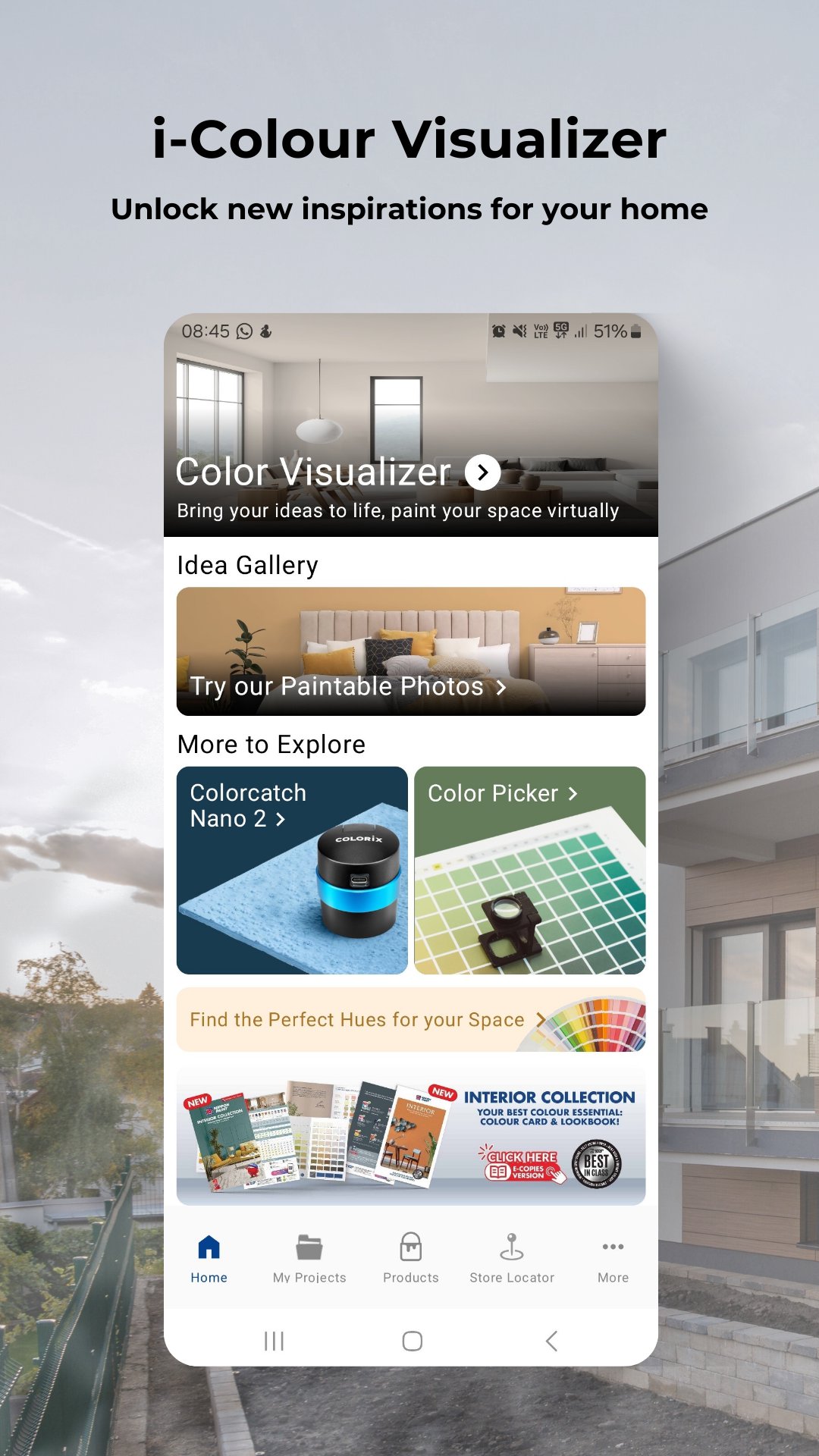
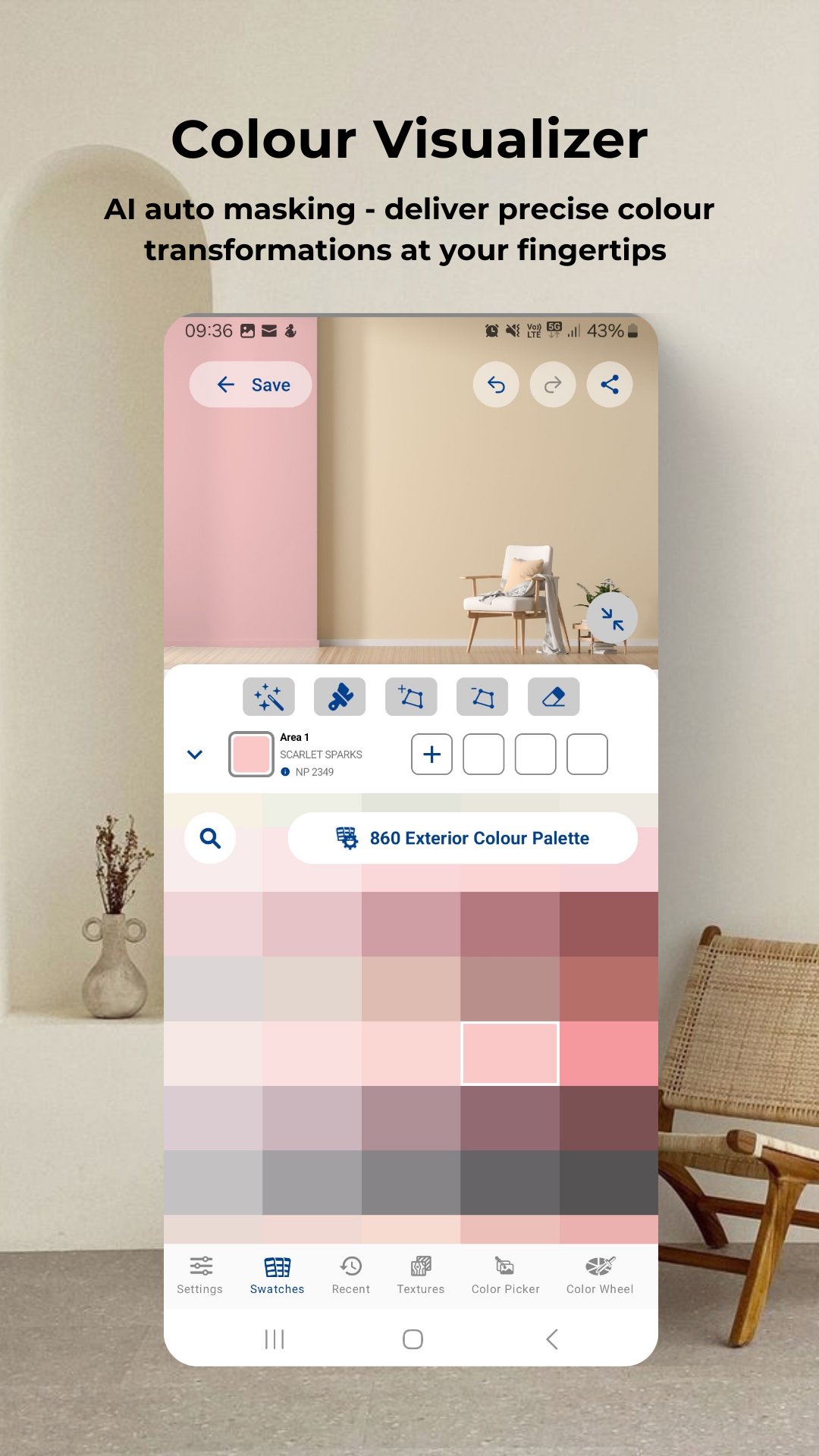
Colour visualizer: Simply upload or take a photo of your room to start virtual painting.
Get inspired: Access the latest trends in colour schemes for the bedroom, café, classroom, exterior, gym, kids' room, kitchen, living room or any spaces!
Colour picker: Activate colour picker tool to move your camera and select the target colour to get closed match colours from database against target colour.
Latest Products: Explore our best-in-class products that offer not only protection but also colour richness like never before.
Store locator: Find the nearest Nippon Paint authorized dealers.
My projects: Organize home or work projects neatly for easy reference or enhance your business presentations professionally.
Thousands of shades await! Explore the Nippon Paint i-Colour app and discover a world of colour possibilities. Don’t wait! Download the app and unlock a world of colours now!
Preview
Tags
ProductivityInformation
Developer
Colorix SA
Latest Version
4.07.002
Last Updated
2025-10-15
Category
Productivity
Available on
Google Play
Show More
How to play Nippon Paint i-Colour with GameLoop on PC
1. Download GameLoop from the official website, then run the exe file to install GameLoop
2. Open GameLoop and search for “Nippon Paint i-Colour” , find Nippon Paint i-Colour in the search results and click “Install”
3. Enjoy playing Nippon Paint i-Colour on GameLoop
Minimum requirements
OS
Windows 8.1 64-bit or Windows 10 64-bit
GPU
GTX 1050
CPU
i3-8300
Memory
8GB RAM
Storage
1GB available space
Recommended requirements
OS
Windows 8.1 64-bit or Windows 10 64-bit
GPU
GTX 1050
CPU
i3-9320
Memory
16GB RAM
Storage
1GB available space