
Neo Studio 2 PC
NeoLAB Convergence
Download Neo Studio 2 on PC With GameLoop Emulator
Neo Studio 2 sa PC
Ang Neo Studio 2, na nagmumula sa developer na NeoLAB Convergence, ay tumatakbo sa Android systerm sa nakaraan.
Ngayon, maaari mong laruin ang Neo Studio 2 sa PC gamit ang GameLoop nang maayos.
I-download ito sa GameLoop library o mga resulta ng paghahanap. Hindi na tumitingin sa baterya o nakakadismaya na mga tawag sa maling oras.
I-enjoy lang ang Neo Studio 2 PC sa malaking screen nang libre!
Neo Studio 2 Panimula
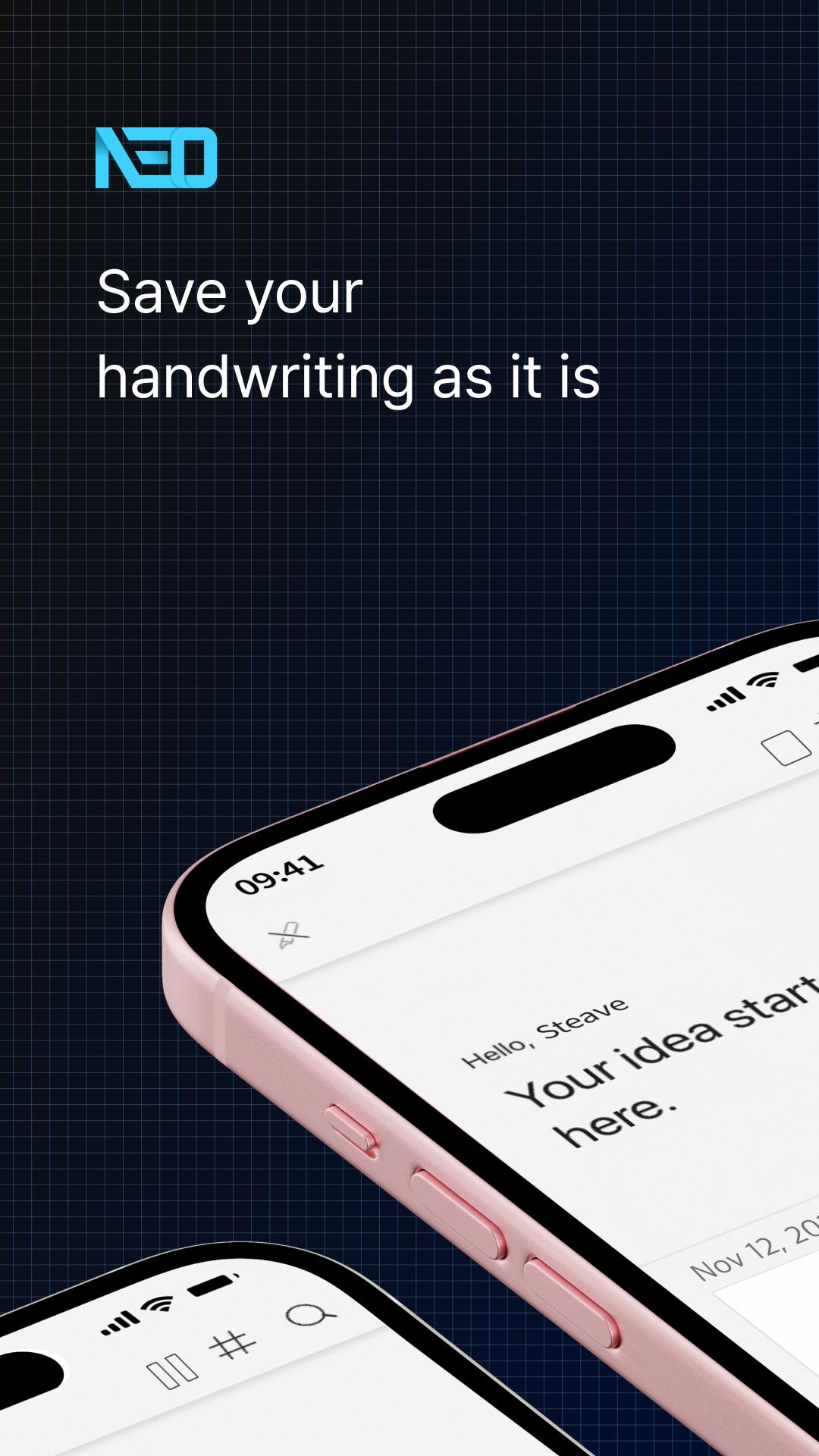
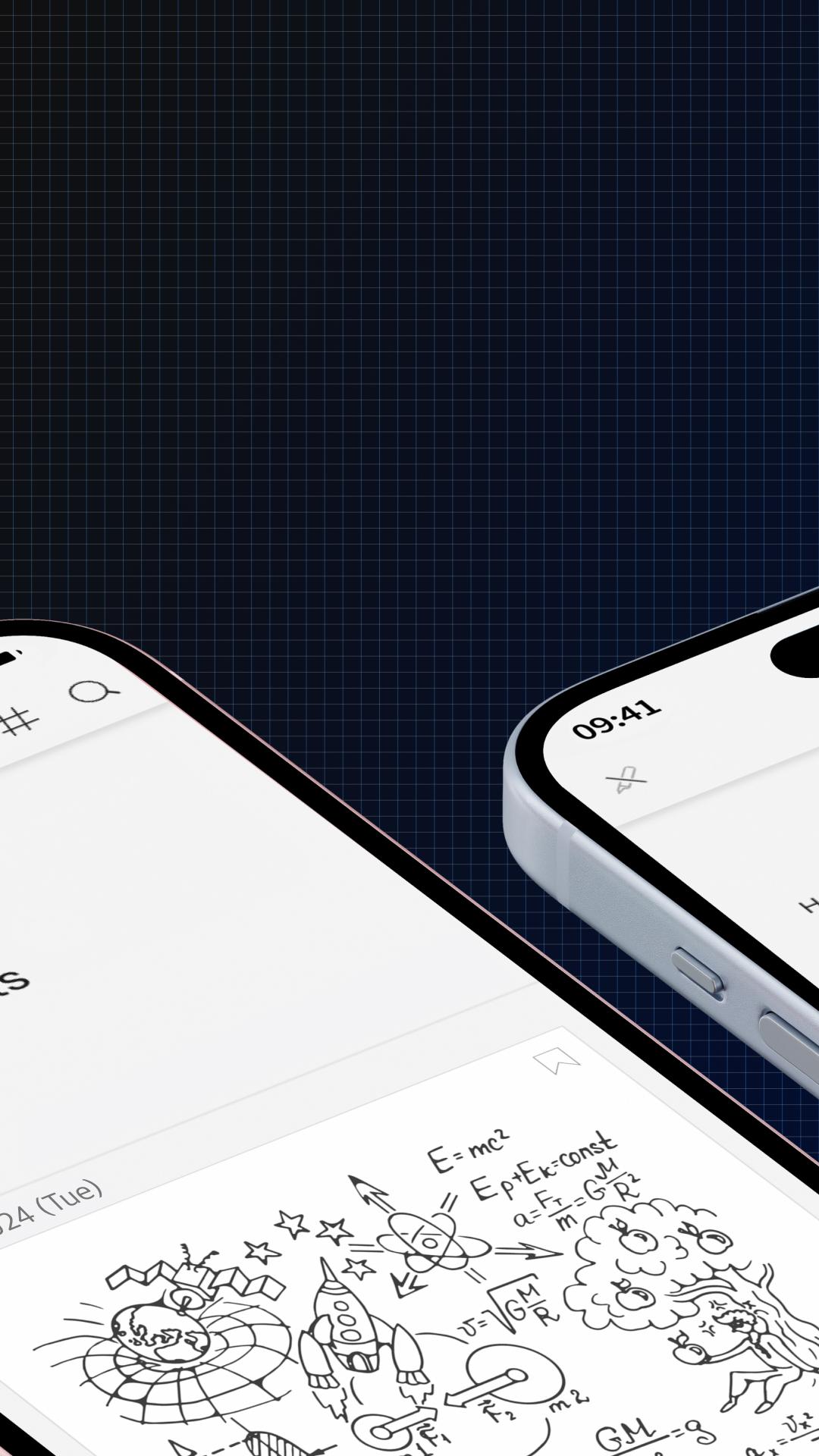
A note-taking app that digitizes handwriting on paper.
Reborn as the dedicated application for Neo Smartpen: Neo Studio 2!
Experience the improved Neo Studio 2 with a more convenient and streamlined note-taking environment, expanding the handwriting paradigm.
#Introduction of Main Features
[Page View]
Now you can scroll through the timeline with a single page view. You can easily check your handwritten notes without entering a detailed page.
[Text Extraction]
The previous 'Handwriting Recognition' function has been renamed to 'Text Extraction.' It has also been changed to a button at the bottom right of the handwriting detail page, allowing you to instantly convert your handwritten content into text.
[Lasso Tool]
In the handwriting detail page, you can select specific areas with the Lasso Tool for text extraction or to share only the selected area.
[Split]
Now overlapping handwriting is automatically separated. This addresses the issue of choosing the right time of overlapping notes, allowing you to isolate them and then automatically separate into the same notebook as the first writing.
[Connect Only This Pen]
If other smart pens are on, they may automatically connect to the app, but now you can focus on one pen, adding this feature to boost concentration.
[Synchronization]
Synchronization is now done in real-time without manual intervention, so you can log in with your existing account on any device, and your handwritten data will be reflected automatically.
[Compatible Smartpens for Neo Studio]
Neo Smartpen A1 (NWP-F151), Neo Smartpen R1 (NWP-F40), Neo Smartpen R1(NWP-F45-NC), Neo Smartpen M1 (NWP-F50), Neo Smartpen M1+ (NWP-F51), Neo Smartpen N2 (NWP-F121C), Neo Smartpen dimo (NWP-F30), LAMY Sadari all black ncode (NWP-F80)
[Service Access Permissions Guide]
■ Required Permissions
Nearby device info: Used to search for nearby smartpens via Bluetooth
Audio recording & microphone: Used for the voice recording feature of Neo Studio 2
■ Optional Permissions
Location: Used when connecting the smartpen via Bluetooth
Bluetooth: Used to connect the smartpen and device
Contacts or account info: Used for login and email sending via Google account
Photos & media access: Used to save shared images from pages to your device album
You can use the app without agreeing to optional permissions.
Some features may not work properly if optional permissions are denied.
Neo Studio 2 is available for Android 8.0 / Bluetooth 4.2 and above.
Preview
Tags
ProductivityInformation
Developer
NeoLAB Convergence
Latest Version
1.0.20
Last Updated
2025-04-24
Category
Productivity
Available on
Google Play
Show More
How to play Neo Studio 2 with GameLoop on PC
1. Download GameLoop from the official website, then run the exe file to install GameLoop
2. Open GameLoop and search for “Neo Studio 2” , find Neo Studio 2 in the search results and click “Install”
3. Enjoy playing Neo Studio 2 on GameLoop
Minimum requirements
OS
Windows 8.1 64-bit or Windows 10 64-bit
GPU
GTX 1050
CPU
i3-8300
Memory
8GB RAM
Storage
1GB available space
Recommended requirements
OS
Windows 8.1 64-bit or Windows 10 64-bit
GPU
GTX 1050
CPU
i3-9320
Memory
16GB RAM
Storage
1GB available space