My Shift & Event Calendar PC
Magnetic Lab
Download My Shift & Event Calendar on PC With GameLoop Emulator
My Shift & Event Calendar sa PC
Ang My Shift & Event Calendar, na nagmumula sa developer na Magnetic Lab, ay tumatakbo sa Android systerm sa nakaraan.
Ngayon, maaari mong laruin ang My Shift & Event Calendar sa PC gamit ang GameLoop nang maayos.
I-download ito sa GameLoop library o mga resulta ng paghahanap. Hindi na tumitingin sa baterya o nakakadismaya na mga tawag sa maling oras.
I-enjoy lang ang My Shift & Event Calendar PC sa malaking screen nang libre!
My Shift & Event Calendar Panimula
🗓️ My Shift & Event Calendar – Work Schedule Planner & Event Organizer
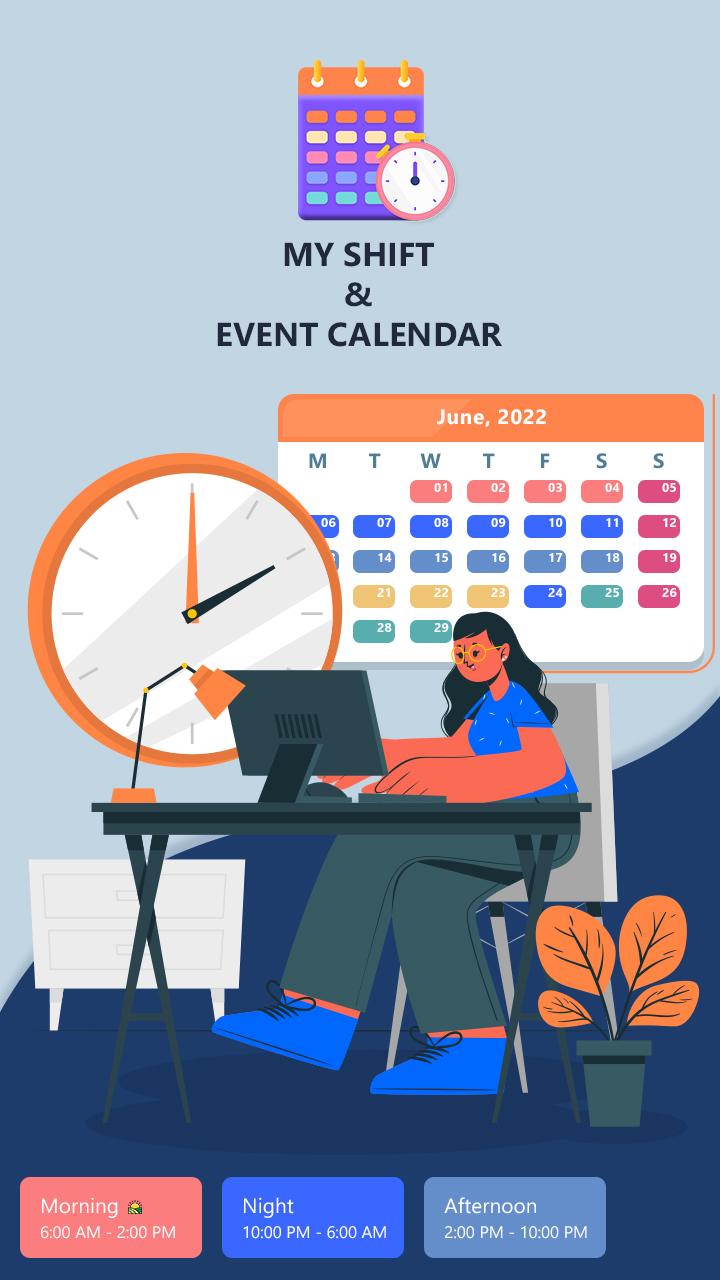
My Shift & Event Calendar is your all-in-one shift planner and event calendar app designed to make managing your work schedule and daily events simple, quick, and flexible.
Whether you’re working rotating shifts, night duties, freelance projects, or juggling multiple tasks, this calendar for shift workers helps you stay organized. It’s ideal for healthcare workers, security staff, retail employees, freelancers, and anyone with a non-standard routine.
🔧 KEY FEATURES – Smarter Work & Event Planning
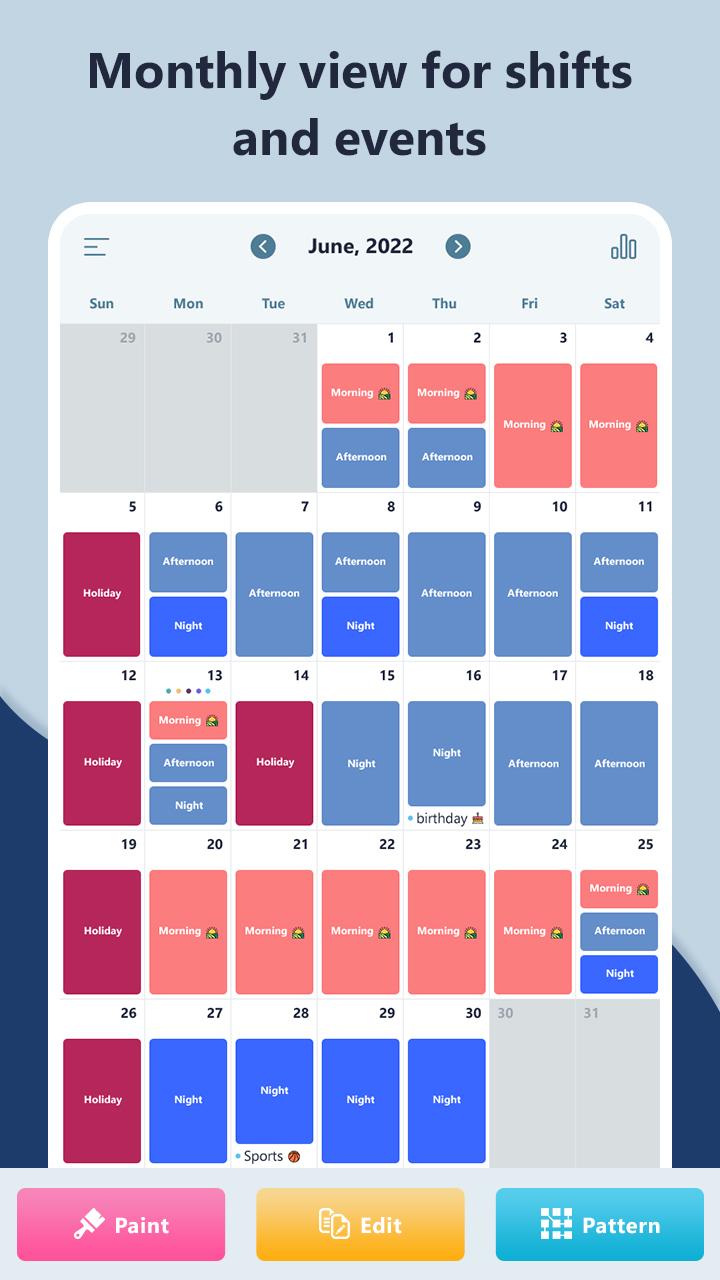
✅ Custom Shift Templates
Create and save multiple shift types by name, time, duration, break time, icon, and color. Add alerts to stay on track.
✅ Quick Tools: Paint, Edit, & Pattern
Use drag-and-drop tools or repeat patterns to apply shifts faster with fewer taps. Perfect for recurring work weeks!
✅ Add Events with Alerts
Use it as your personal event planner. Add events with full details including start/end date & time, notes, and custom notifications.
✅ Shift Reports & Earnings Tracker
Track total hours, overtime, number of shifts, and your income. Stay informed about your work stats with just a tap.
✅ Import External Calendars
Easily sync with your existing Google Calendar or other third-party calendars.
✅ PDF Export & Data Backup (Premium)
Export your calendar as a PDF for sharing or record-keeping. Backup and restore your entire data securely on Google Drive.
💼 Perfect for:
Shift workers
Nurses, doctors, and hospital staff
Security guards & factory workers
Freelancers & remote workers
Part-time employees
Anyone who needs a flexible calendar with reminders
🔥 Why You’ll Love It:
Clean and compact calendar view
Lightweight and easy to use
Supports multiple shifts & overlapping events
Customizable colors and icons
No ads in the premium version
📅 Stay Organized Like a Pro!
With My Shift & Event Calendar, planning your work schedule and daily tasks becomes effortless. Say goodbye to missed shifts or forgotten appointments!
Download now and simplify your life with the best shift work calendar app on Android.
Preview
Tags
ProductivityInformation
Developer
Magnetic Lab
Latest Version
1.5
Last Updated
2025-07-08
Category
Productivity
Available on
Google Play
Show More
How to play My Shift & Event Calendar with GameLoop on PC
1. Download GameLoop from the official website, then run the exe file to install GameLoop
2. Open GameLoop and search for “My Shift & Event Calendar” , find My Shift & Event Calendar in the search results and click “Install”
3. Enjoy playing My Shift & Event Calendar on GameLoop
Minimum requirements
OS
Windows 8.1 64-bit or Windows 10 64-bit
GPU
GTX 1050
CPU
i3-8300
Memory
8GB RAM
Storage
1GB available space
Recommended requirements
OS
Windows 8.1 64-bit or Windows 10 64-bit
GPU
GTX 1050
CPU
i3-9320
Memory
16GB RAM
Storage
1GB available space