
OpenText Filr PC
Micro Focus Software Inc.
Download OpenText Filr on PC With GameLoop Emulator
OpenText Filr sa PC
Ang OpenText Filr, na nagmumula sa developer na Micro Focus Software Inc., ay tumatakbo sa Android systerm sa nakaraan.
Ngayon, maaari mong laruin ang OpenText Filr sa PC gamit ang GameLoop nang maayos.
I-download ito sa GameLoop library o mga resulta ng paghahanap. Hindi na tumitingin sa baterya o nakakadismaya na mga tawag sa maling oras.
I-enjoy lang ang OpenText Filr PC sa malaking screen nang libre!
OpenText Filr Panimula
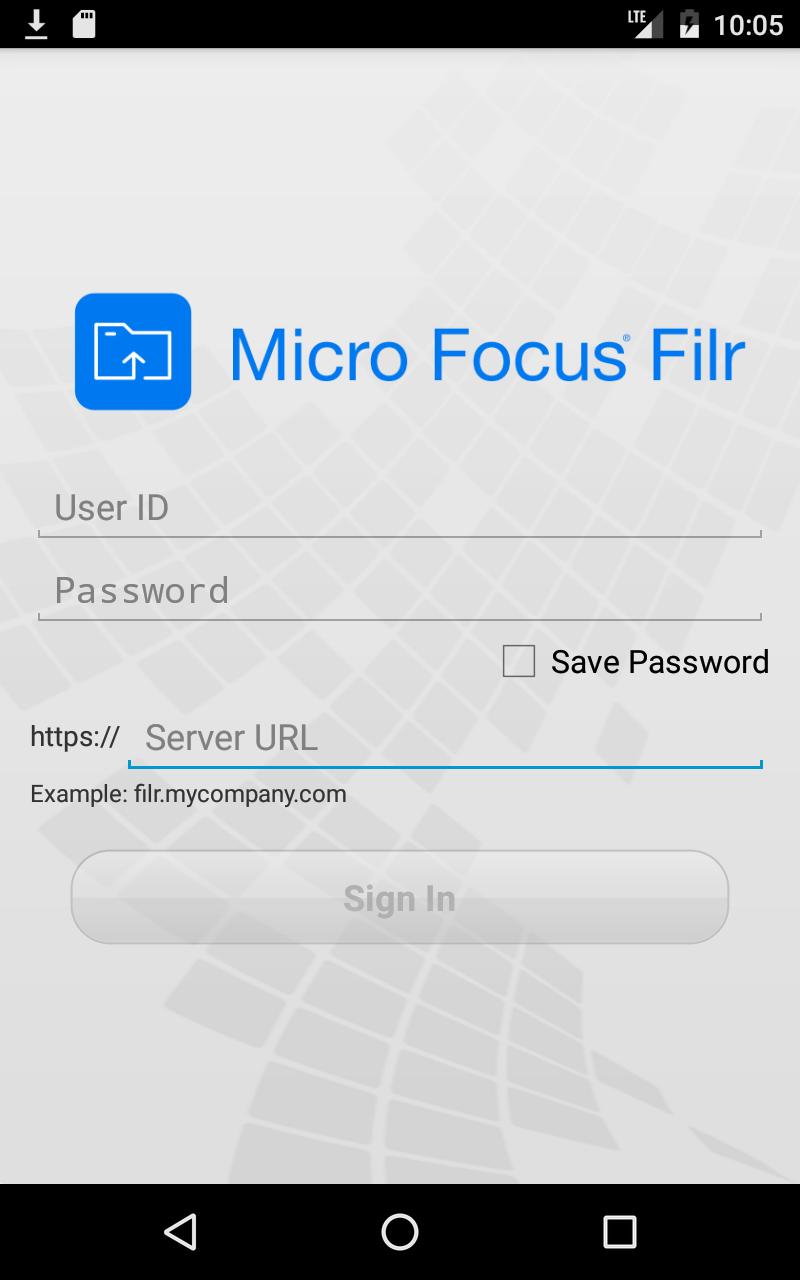
OpenText Filr is a file access and sharing solution for the enterprise. With Filr, you have access to all your files in one convenient location. Filr makes it easy to share across organizational boundaries and collaborate on files, it makes finding the right files simple with smart search capabilities, and it keeps files secure through strong and integrated access controls.
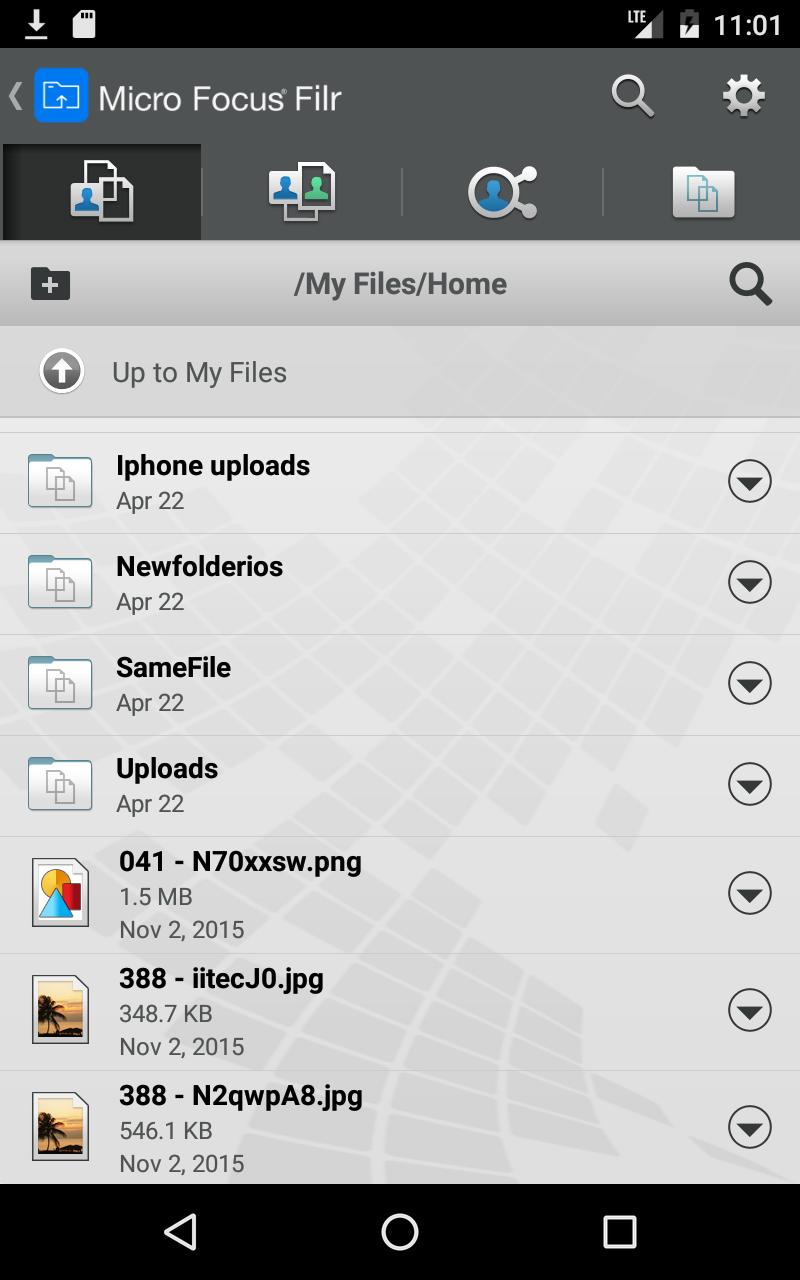
The Filr mobile app enables users to:
* Access files on corporate file servers (home directory and shared folders).
* Share files with users both inside and outside the organization.
* Search for files, file content, and comments either globally or in a specific folder.
* Make comments on and have discussions on shared files.
* View items you have shared and items others have shared with you in one convenient location.
* Download files to a mobile device for offline access.
* View the latest changes and newest additions via notifications or the “What’s New” interface.
System administrators enjoy the following security benefits while allowing users to share documents
and collaborate freely in a controlled, secure environment:
* Files remain on company file servers behind corporate firewalls.
* File system access controls remain in effect.
* User data quotas can be maintained on a user, group, or site-wide basis.
To use this app, your organization must have a OpenText Filr system deployed. Please visit
www.microfocus.com/products/filr for more information.
Preview
Tags
ProductivityInformation
Developer
Micro Focus Software Inc.
Latest Version
25.1.1.776
Last Updated
2025-04-14
Category
Productivity
Available on
Google Play
Show More
How to play OpenText Filr with GameLoop on PC
1. Download GameLoop from the official website, then run the exe file to install GameLoop
2. Open GameLoop and search for “OpenText Filr” , find OpenText Filr in the search results and click “Install”
3. Enjoy playing OpenText Filr on GameLoop
Minimum requirements
OS
Windows 8.1 64-bit or Windows 10 64-bit
GPU
GTX 1050
CPU
i3-8300
Memory
8GB RAM
Storage
1GB available space
Recommended requirements
OS
Windows 8.1 64-bit or Windows 10 64-bit
GPU
GTX 1050
CPU
i3-9320
Memory
16GB RAM
Storage
1GB available space