
ThreatDown Mobile Security PC
Malwarebytes
Download ThreatDown Mobile Security on PC With GameLoop Emulator
ThreatDown Mobile Security sa PC
Ang ThreatDown Mobile Security, na nagmumula sa developer na Malwarebytes, ay tumatakbo sa Android systerm sa nakaraan.
Ngayon, maaari mong laruin ang ThreatDown Mobile Security sa PC gamit ang GameLoop nang maayos.
I-download ito sa GameLoop library o mga resulta ng paghahanap. Hindi na tumitingin sa baterya o nakakadismaya na mga tawag sa maling oras.
I-enjoy lang ang ThreatDown Mobile Security PC sa malaking screen nang libre!
ThreatDown Mobile Security Panimula
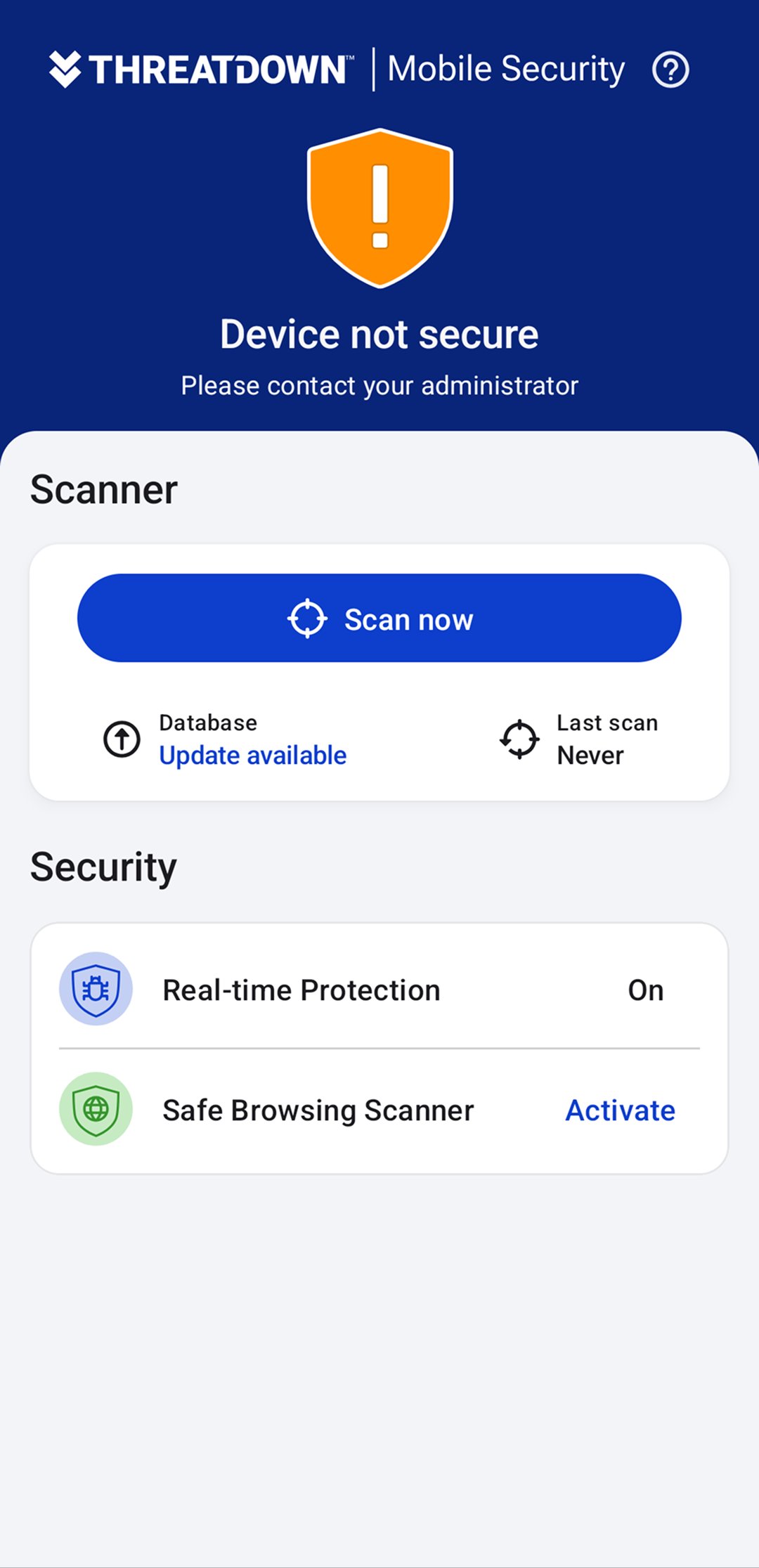
ThreatDown Mobile Security extends our award-winning endpoint protection across mobile devices in ThreatDown EP and EDR environments, substantially strengthening customers’ cybersecurity posture. With real-time visibility into Chromebooks and Android devices, resource-constrained teams can create and apply mobile security policies with ease and convenience: mobile devices, servers, workstations and laptops alike are managed using the same cloud-native, ThreatDown console for endpoint protection
management.
With ThreatDown Mobile Security, educational institutions, businesses, as well as the managed service providers (MSPs) who may serve them can:
- scan for mobile threats
- prevent accidental access to harmful websites
- and protect users’ privacy
Key benefits provided by ThreatDown Mobile Security include:
Improve cybersecurity posture
Your network can only be as secure as the devices that connect to it. Without
endpoint protection running on your mobile devices—including Chromebooks
and laptops, tablets and smartphones running Android—your network
remains vulnerable to attack.
Protect corporate data and mobile users
ThreatDown Mobile Security provides unprecedented visibility into mobile device
activity, enabling IT teams to easily identify and remediate malicious threats,
PUPs and PUMs; prevent accidental access to harmful websites; block ads;
and protect user privacy.
Minimize management complexity
ThreatDown Mobile minimizes management complexity by enabling IT
teams to manage mobile security via the same cloud-native SPOG console
(i.e., Nebula or OneView) they use now to manage protection across their
servers, workstations, laptops and cloud storage. No learning curve; just
enable the mobile security capability from within your console, deploy the
agent across your mobile endpoints, and thereafter create and apply mobile
security policies from within the console with which you are already
acquainted.
Maintain the end user experience
ThreatDown Mobile Security agent is lightweight, providing advanced protection for
mobile endpoints without impacting the performance of these devices. With
ThreatDown Mobile, users continue to use their devices as they would
normally; our powerful protection will neither slow nor otherwise change
students’ learning experience or employees’ productivity on their mobile
devices.
Expedite mobile security
ThreatDown Mobile Security deploys quickly and easily. You have the option to use
the MDM method you already use for deployment or to deploy by way of a
bulk email. With ThreatDown Mobile, you can easily and quickly create and
apply mobile security policies using the same interface you use now for
endpoint protection.
*Note: The Internet Security/Safe Browsing feature requires permission to use Accessibility Service. This permission allows the app to read your screen behavior and control your screen. ThreatDown only uses this to determine if sites you visit are malicious.
Preview

Tags
ProductivityInformation
Developer
Malwarebytes
Latest Version
1.6.1+62
Last Updated
2026-07-07
Category
Productivity
Available on
Google Play
Show More
How to play ThreatDown Mobile Security with GameLoop on PC
1. Download GameLoop from the official website, then run the exe file to install GameLoop
2. Open GameLoop and search for “ThreatDown Mobile Security” , find ThreatDown Mobile Security in the search results and click “Install”
3. Enjoy playing ThreatDown Mobile Security on GameLoop
Minimum requirements
OS
Windows 8.1 64-bit or Windows 10 64-bit
GPU
GTX 1050
CPU
i3-8300
Memory
8GB RAM
Storage
1GB available space
Recommended requirements
OS
Windows 8.1 64-bit or Windows 10 64-bit
GPU
GTX 1050
CPU
i3-9320
Memory
16GB RAM
Storage
1GB available space