
Lucidspark PC
Lucid Software Inc
Download Lucidspark on PC With GameLoop Emulator
Lucidspark sa PC
Ang Lucidspark, na nagmumula sa developer na Lucid Software Inc, ay tumatakbo sa Android systerm sa nakaraan.
Ngayon, maaari mong laruin ang Lucidspark sa PC gamit ang GameLoop nang maayos.
I-download ito sa GameLoop library o mga resulta ng paghahanap. Hindi na tumitingin sa baterya o nakakadismaya na mga tawag sa maling oras.
I-enjoy lang ang Lucidspark PC sa malaking screen nang libre!
Lucidspark Panimula
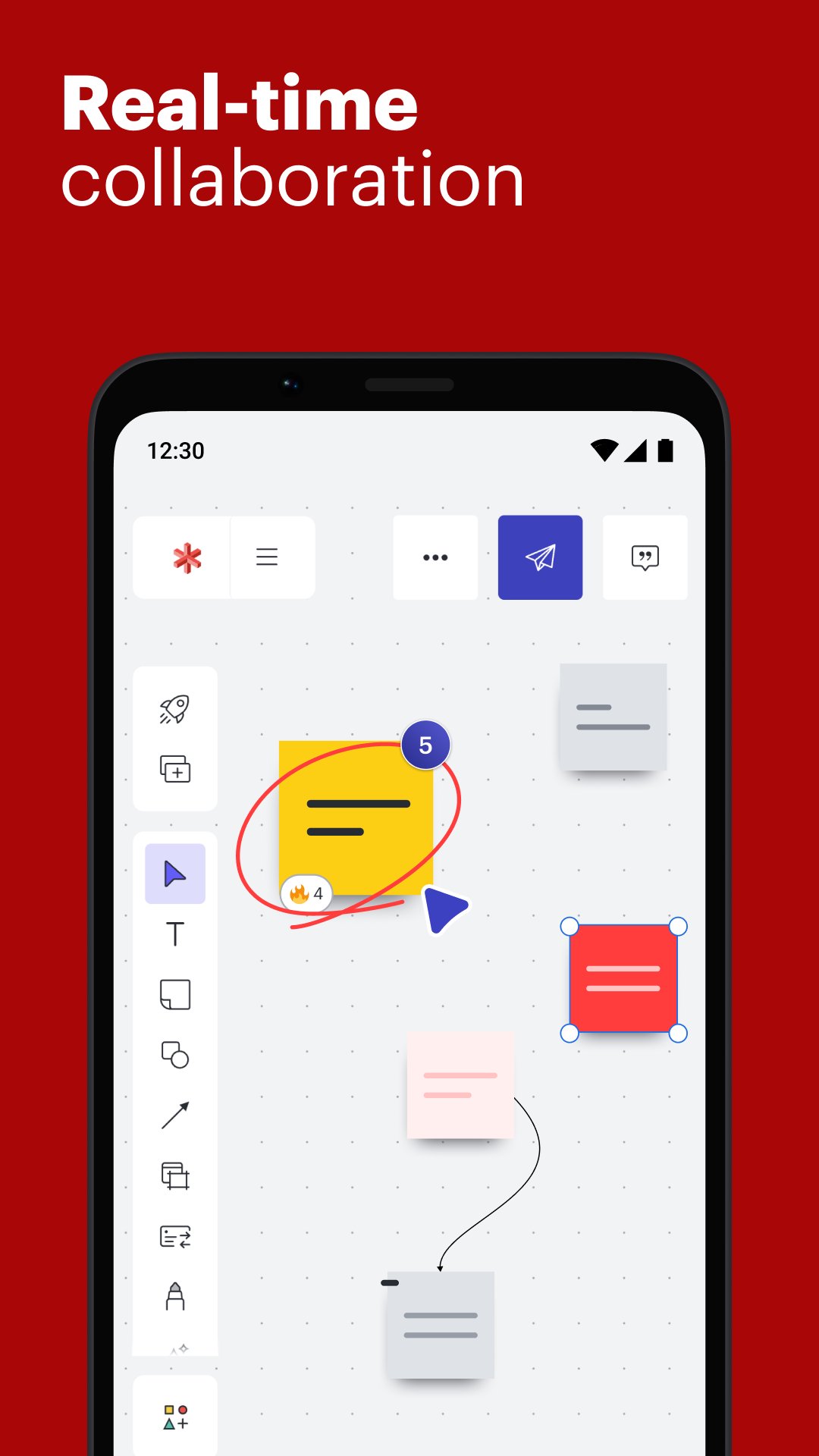
Lucidspark is an online whiteboard where you can collaborate with anyone and bring your best ideas to light. Brainstorm and interact together in real time, whether you're working remotely or in person. Lucidspark's whiteboard app helps people organize notes, ideas, and working sessions and turn them into presentation-ready concepts.
Lucidspark includes intuitive features such as sticky notes, breakout boards, voting, Visual Activities, and more. To get started today, explore our extensive collection of ready-to-use templates.
Perfect for any team:
Real-time collaboration
Emoji reactions
Commenting with @ mentions
Visual Activities
Color-coded collaborator colors
Enterprise-ready:
SSO and SAML authentication
Automated account provisioning
Account consolidation and secure domain lockdown
Dedicated account support group
Part of the Lucid Work Acceleration Platform, Lucidspark allows any team to effectively brainstorm, collaborate, align on new ideas, and organize those ideas into actionable next steps. Lucid products are utilized in over 180 countries by more than 100 million individual users. Ninety-nine percent of the Fortune 500 use Lucid products, and customers include Google, GE, and Amazon. Since the Utah-based company’s founding in 2010, it has received numerous awards for its product, business, and workplace culture. When accessing the mobile app on your phone, you can view, edit, annotate, and collaborate with team members within Lucidspark boards. To access more Lucidspark capabilities, utilize the app on a tablet.
Terms of Service
https://lucid.co/tos-mobile
Privacy Policy
https://lucid.co/privacy-mobile
CONTACT US:
For feedback and questions, you can reach us in our Lucid community https://community.lucid.co/. Thanks for considering Lucidspark!
Preview

Tags
ProductivityInformation
Developer
Lucid Software Inc
Latest Version
1.0.46
Last Updated
2026-08-03
Category
Productivity
Available on
Google Play
Show More
How to play Lucidspark with GameLoop on PC
1. Download GameLoop from the official website, then run the exe file to install GameLoop
2. Open GameLoop and search for “Lucidspark” , find Lucidspark in the search results and click “Install”
3. Enjoy playing Lucidspark on GameLoop
Minimum requirements
OS
Windows 8.1 64-bit or Windows 10 64-bit
GPU
GTX 1050
CPU
i3-8300
Memory
8GB RAM
Storage
1GB available space
Recommended requirements
OS
Windows 8.1 64-bit or Windows 10 64-bit
GPU
GTX 1050
CPU
i3-9320
Memory
16GB RAM
Storage
1GB available space