
Kramer VIA PC
Kramer Electronics LTD.
Download Kramer VIA on PC With GameLoop Emulator
Kramer VIA sa PC
Ang Kramer VIA, na nagmumula sa developer na Kramer Electronics LTD., ay tumatakbo sa Android systerm sa nakaraan.
Ngayon, maaari mong laruin ang Kramer VIA sa PC gamit ang GameLoop nang maayos.
I-download ito sa GameLoop library o mga resulta ng paghahanap. Hindi na tumitingin sa baterya o nakakadismaya na mga tawag sa maling oras.
I-enjoy lang ang Kramer VIA PC sa malaking screen nang libre!
Kramer VIA Panimula
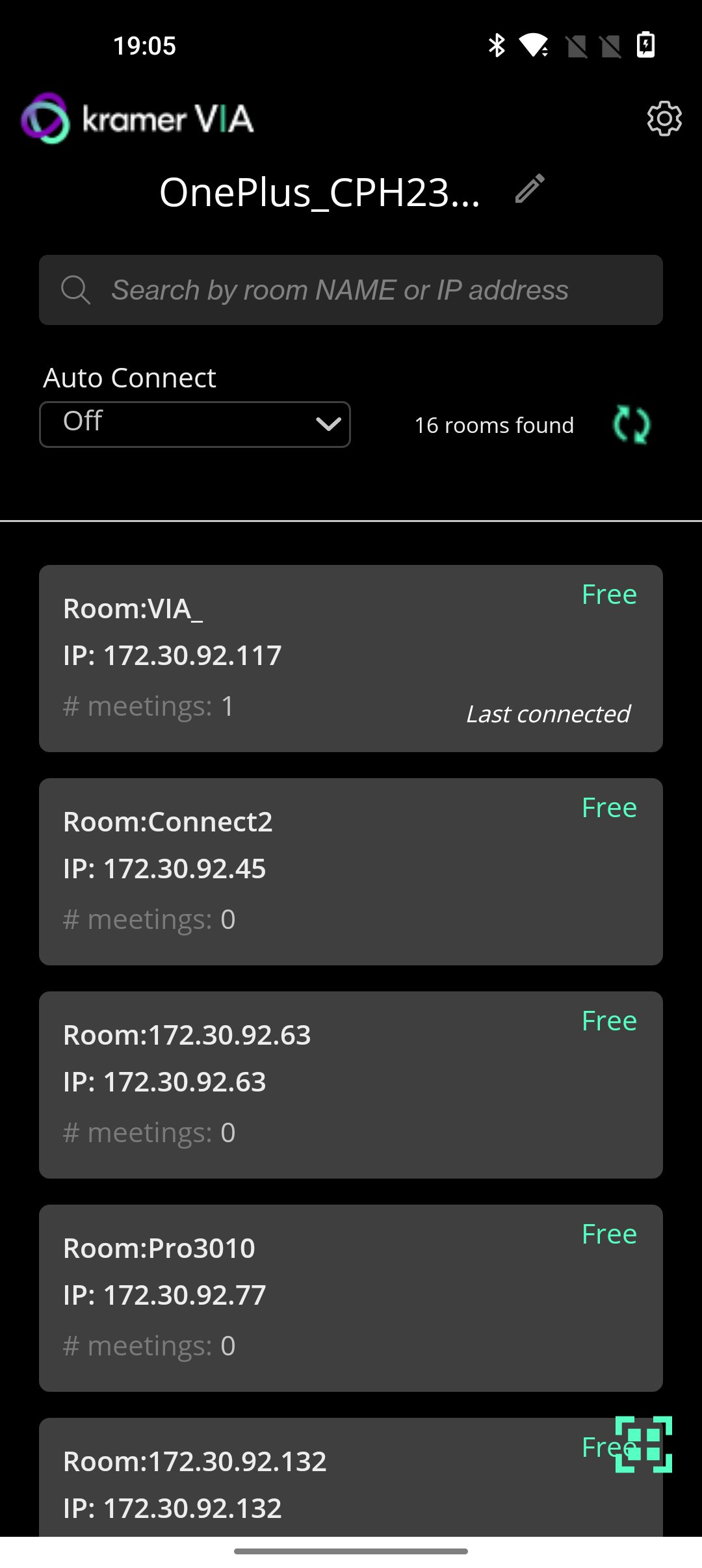
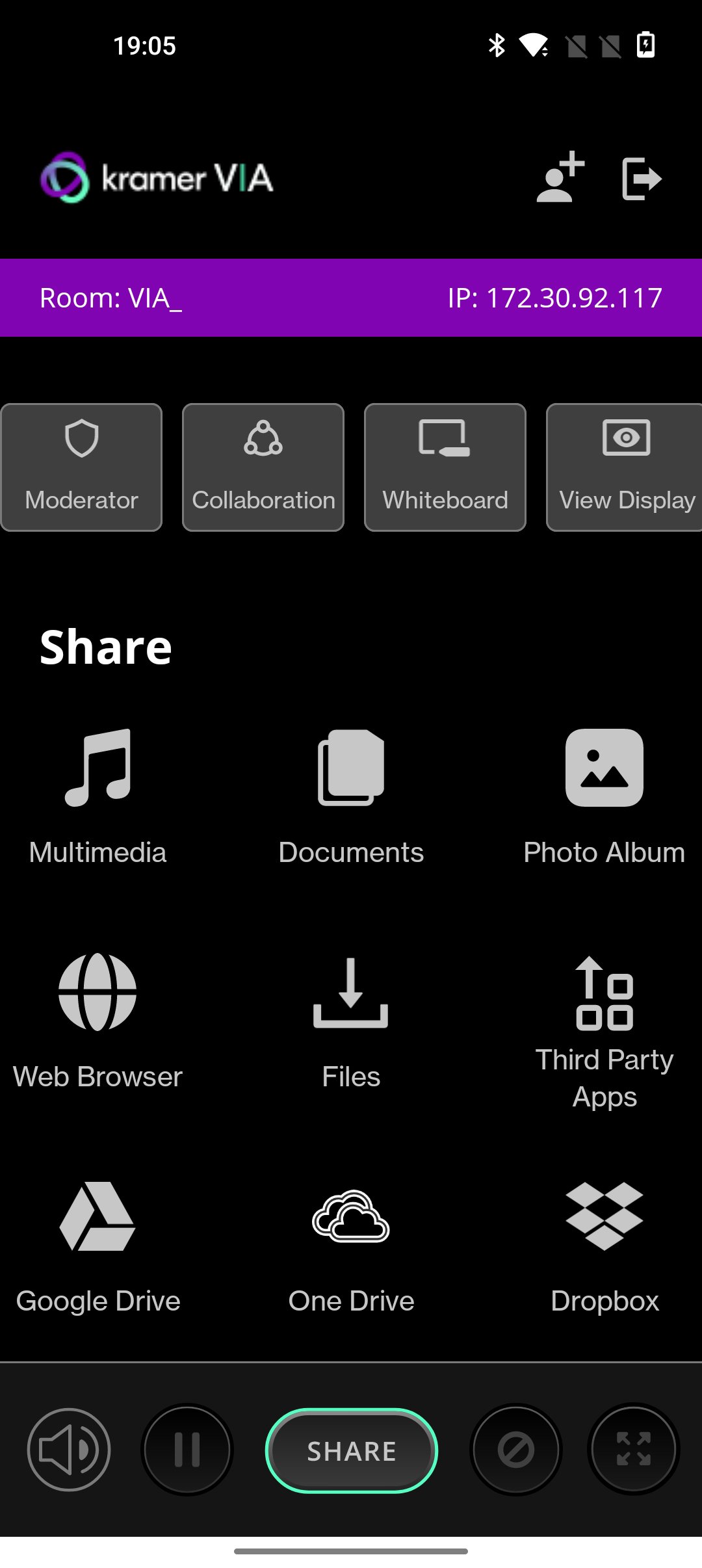
VIA turns any screen into a potential meeting point for ideas to stream freely without conventional restrictions that consume or constrict a meeting’s resources. Independent of wires and cables for total connectivity, VIA is an audio- visual integrator. The box connects to and works off an existing wireless network and links every device in a meeting space with the primary presentation screen.
KEY FEATURES
1. BYOD Wireless Collaboration
2. HD Video Streaming
3. Multi-Display Presentation
4. HDMI Input
5. Dynamic Display Layout
6. Collaboration Notes
7. Team Collaboration
8. Interactive Touch Collaboration
9. Interactive Whiteboard
WHAT's new
• New improved 4.0 UI
• Screen can be resized during presentation. Mobile presenter will acquire 30% of the screen size by default.
• Security enhancements
• Performance and Stability fixes
• Added auto connect feature based on most used OR last connected gateway.
• Invite to meeting, feature added.
• Document feature has separated from multimedia.
Preview
Tags
ProductivityInformation
Developer
Kramer Electronics LTD.
Latest Version
V-4.2.730
Last Updated
2026-03-20
Category
Productivity
Available on
Google Play
Show More
How to play Kramer VIA with GameLoop on PC
1. Download GameLoop from the official website, then run the exe file to install GameLoop
2. Open GameLoop and search for “Kramer VIA” , find Kramer VIA in the search results and click “Install”
3. Enjoy playing Kramer VIA on GameLoop
Minimum requirements
OS
Windows 8.1 64-bit or Windows 10 64-bit
GPU
GTX 1050
CPU
i3-8300
Memory
8GB RAM
Storage
1GB available space
Recommended requirements
OS
Windows 8.1 64-bit or Windows 10 64-bit
GPU
GTX 1050
CPU
i3-9320
Memory
16GB RAM
Storage
1GB available space