
Jira Data Center PC
Atlassian
Download Jira Data Center on PC With GameLoop Emulator
Jira Data Center sa PC
Ang Jira Data Center, na nagmumula sa developer na Atlassian, ay tumatakbo sa Android systerm sa nakaraan.
Ngayon, maaari mong laruin ang Jira Data Center sa PC gamit ang GameLoop nang maayos.
I-download ito sa GameLoop library o mga resulta ng paghahanap. Hindi na tumitingin sa baterya o nakakadismaya na mga tawag sa maling oras.
I-enjoy lang ang Jira Data Center PC sa malaking screen nang libre!
Jira Data Center Panimula
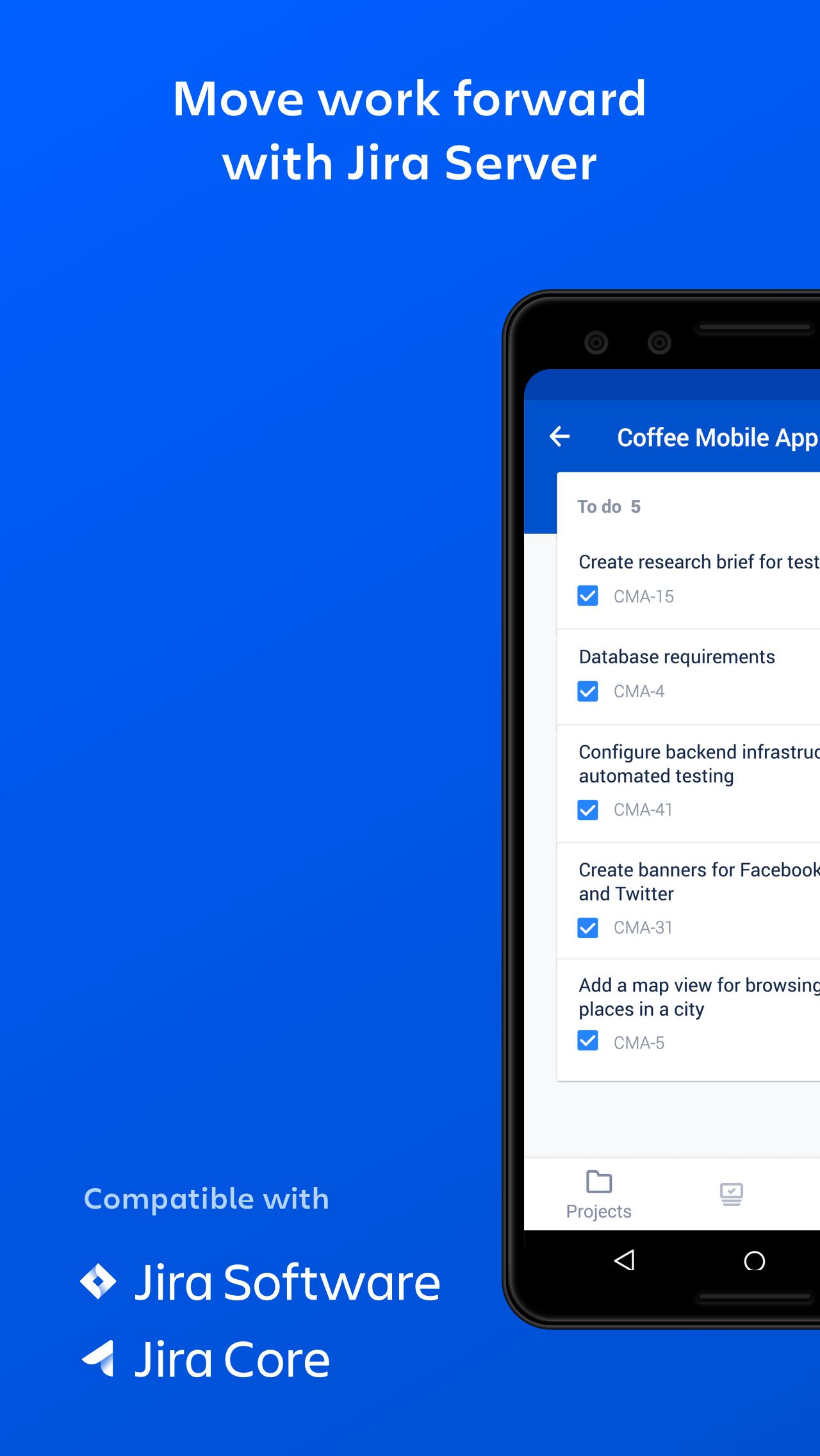
The Jira Data Center app lets teams who use Jira collaborate and give updates from anywhere.
This mobile app works with self-hosted:
• Jira Software (Data Center) instances running Jira 8.3 and later
• Jira Service Management (Data Center) instances running versions 4.15 and later.
For more info on how to use this app, see: http://go.atlassian.com/jira-server-app.
With this app you can
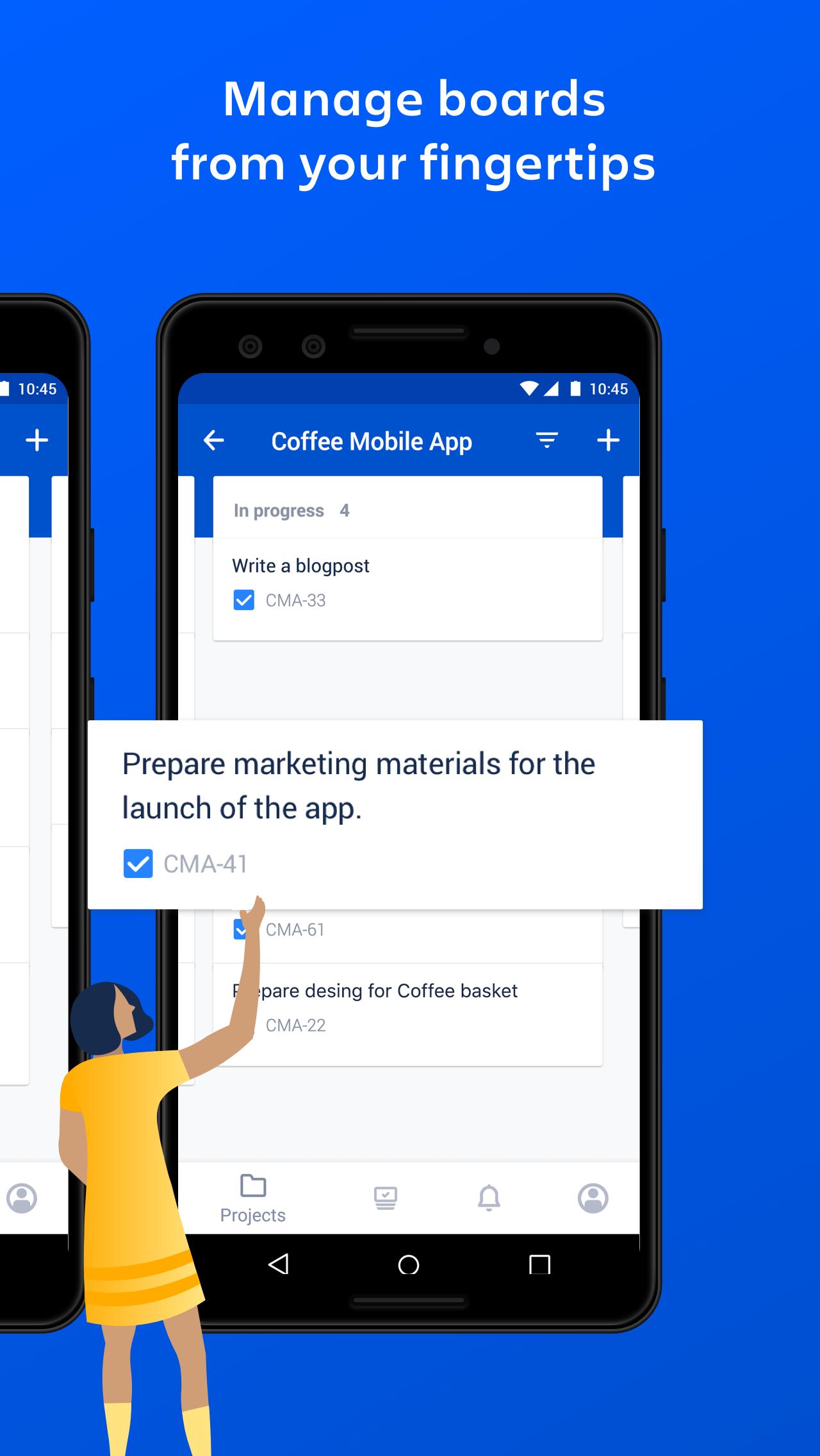
• Manage projects from your fingertips
• Respond to project updates and important conversations
• View, create, and edit your issues, wherever you are
• View boards and transition issues to get the work moving
• Collaborate on the go by commenting, and mentioning your teammates
• Get real-time notifications about activity in your projects
Do I need the Data Center or Cloud app?
To check if this is the right app for your site, open Jira in your browser and go to Help ( ? ) > About Jira. If your Jira version number is 8.3 or later you can use this app! If your version number starts with 1000, then you'll need the Jira Cloud app instead.
Feedback
Shake your device with the app open to message the product team, or email us at jira-server-mobile@atlassian.com. We want to hear from you!
Prior to login, we collect some anonymous info from the app to help us make sure the app is working well.
Preview
Tags
ProductivityInformation
Developer
Atlassian
Latest Version
3.4.0
Last Updated
2025-08-21
Category
Productivity
Available on
Google Play
Show More
How to play Jira Data Center with GameLoop on PC
1. Download GameLoop from the official website, then run the exe file to install GameLoop
2. Open GameLoop and search for “Jira Data Center” , find Jira Data Center in the search results and click “Install”
3. Enjoy playing Jira Data Center on GameLoop
Minimum requirements
OS
Windows 8.1 64-bit or Windows 10 64-bit
GPU
GTX 1050
CPU
i3-8300
Memory
8GB RAM
Storage
1GB available space
Recommended requirements
OS
Windows 8.1 64-bit or Windows 10 64-bit
GPU
GTX 1050
CPU
i3-9320
Memory
16GB RAM
Storage
1GB available space