
iVault-Hide Pictures & Videos PC
Ledego Mobile
Download iVault-Hide Pictures & Videos on PC With GameLoop Emulator
iVault-Hide Pictures & Videos sa PC
Ang iVault-Hide Pictures & Videos, na nagmumula sa developer na Ledego Mobile, ay tumatakbo sa Android systerm sa nakaraan.
Ngayon, maaari mong laruin ang iVault-Hide Pictures & Videos sa PC gamit ang GameLoop nang maayos.
I-download ito sa GameLoop library o mga resulta ng paghahanap. Hindi na tumitingin sa baterya o nakakadismaya na mga tawag sa maling oras.
I-enjoy lang ang iVault-Hide Pictures & Videos PC sa malaking screen nang libre!
iVault-Hide Pictures & Videos Panimula
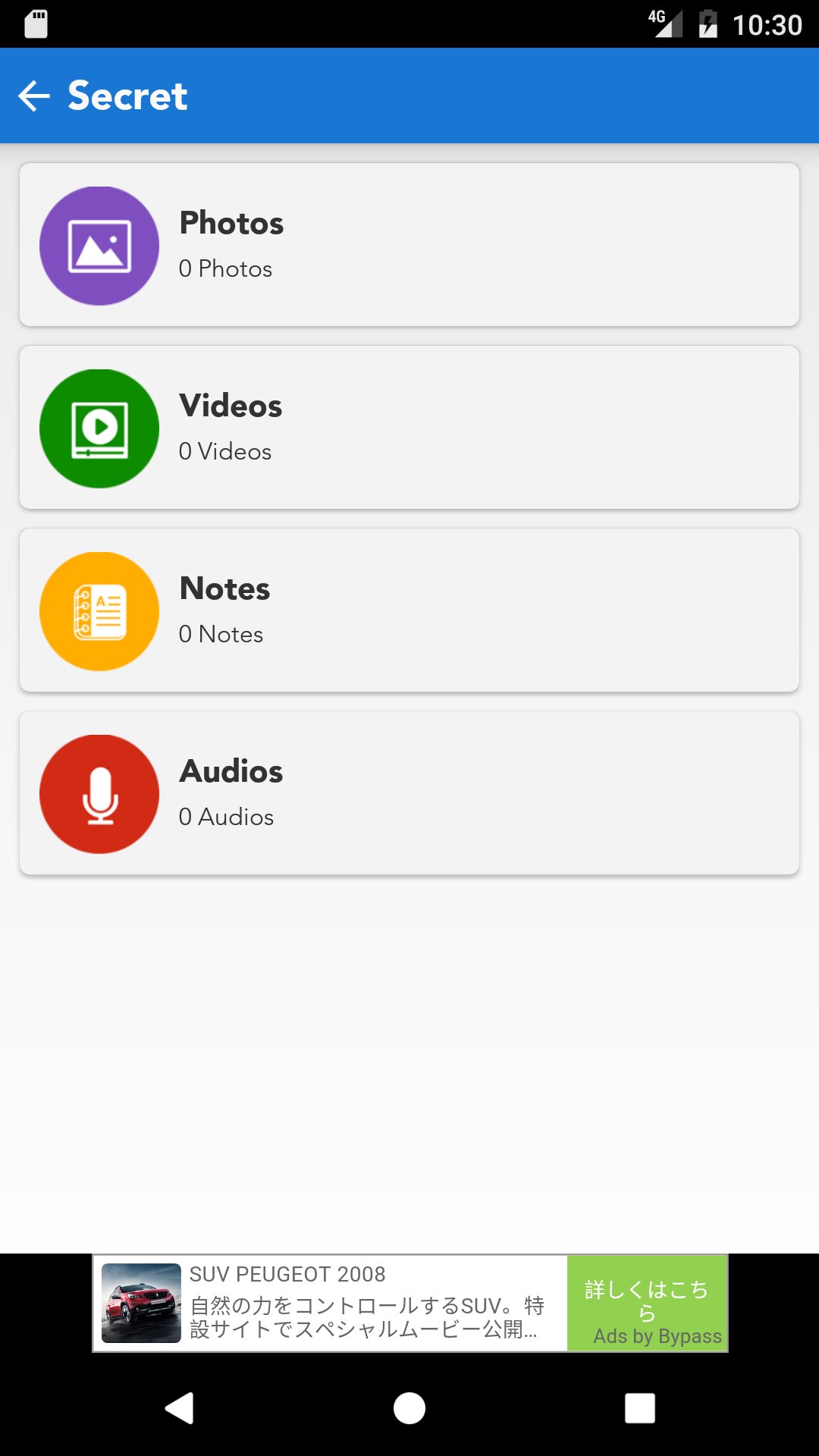
iVault is designed to hide private pictures, videos, audios, notes on your phone.
Currently there are many users worldwide using iVault to protect their mobile privacy while enjoying App Lock, Private Bookmark, Incognito Browser, Cloud Backup and many other helpful features for completely free! Join them now!
Highlight features:
• Incredible lock system graphics
• Secret Question-Answer style password retrieval system
• Folder contents are categorized as photos, videos,notes and audios
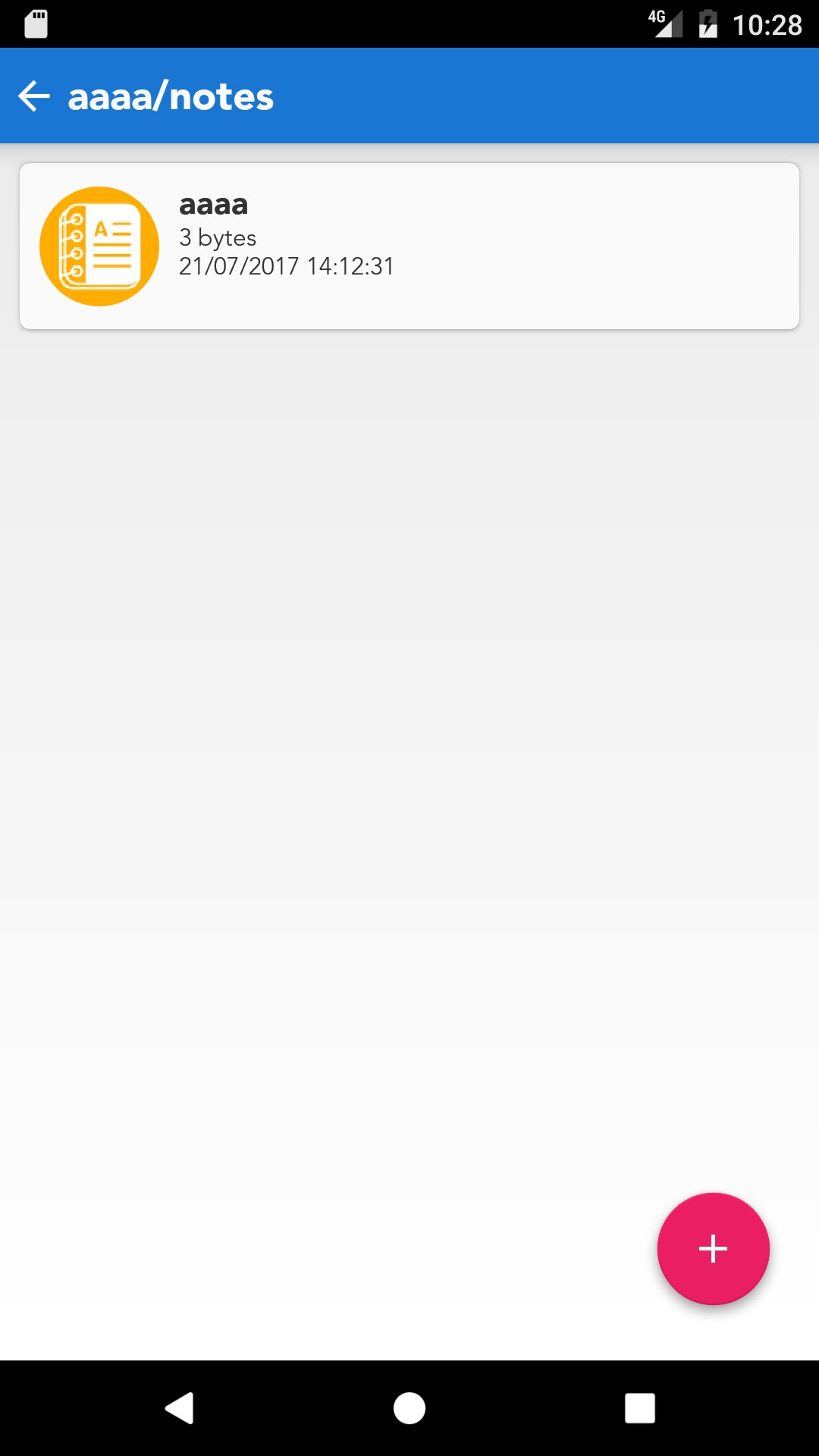
• Image dimension, data size, creation date-time display
• Email pictures, videos or notes from Password Lock
• Share files to your Dropbox account if you like to transfer those from Password Lock to your PC
• Dynamic folder thumbnail view display
• Open In functionality added to open photos, videos and notes via other apps installed in users' devices
• Photo quick look and print option
• User manual
• User Feedback option so that iVault development team can communicate with its users to improve the product quality
• Sync with Dropbox
• Wifi transfer
Preview
Information
Developer
Ledego Mobile
Latest Version
1.0
Last Updated
2017-07-26
Category
Productivity
Available on
Google Play
Show More
How to play iVault-Hide Pictures & Videos with GameLoop on PC
1. Download GameLoop from the official website, then run the exe file to install GameLoop
2. Open GameLoop and search for “iVault-Hide Pictures & Videos” , find iVault-Hide Pictures & Videos in the search results and click “Install”
3. Enjoy playing iVault-Hide Pictures & Videos on GameLoop
Minimum requirements
OS
Windows 8.1 64-bit or Windows 10 64-bit
GPU
GTX 1050
CPU
i3-8300
Memory
8GB RAM
Storage
1GB available space
Recommended requirements
OS
Windows 8.1 64-bit or Windows 10 64-bit
GPU
GTX 1050
CPU
i3-9320
Memory
16GB RAM
Storage
1GB available space