
Google Gemini PC
Google LLC
Download Google Gemini on PC With GameLoop Emulator
Google Gemini sa PC
Ang Google Gemini, na nagmumula sa developer na Google LLC, ay tumatakbo sa Android systerm sa nakaraan.
Ngayon, maaari mong laruin ang Google Gemini sa PC gamit ang GameLoop nang maayos.
I-download ito sa GameLoop library o mga resulta ng paghahanap. Hindi na tumitingin sa baterya o nakakadismaya na mga tawag sa maling oras.
I-enjoy lang ang Google Gemini PC sa malaking screen nang libre!
Google Gemini Panimula
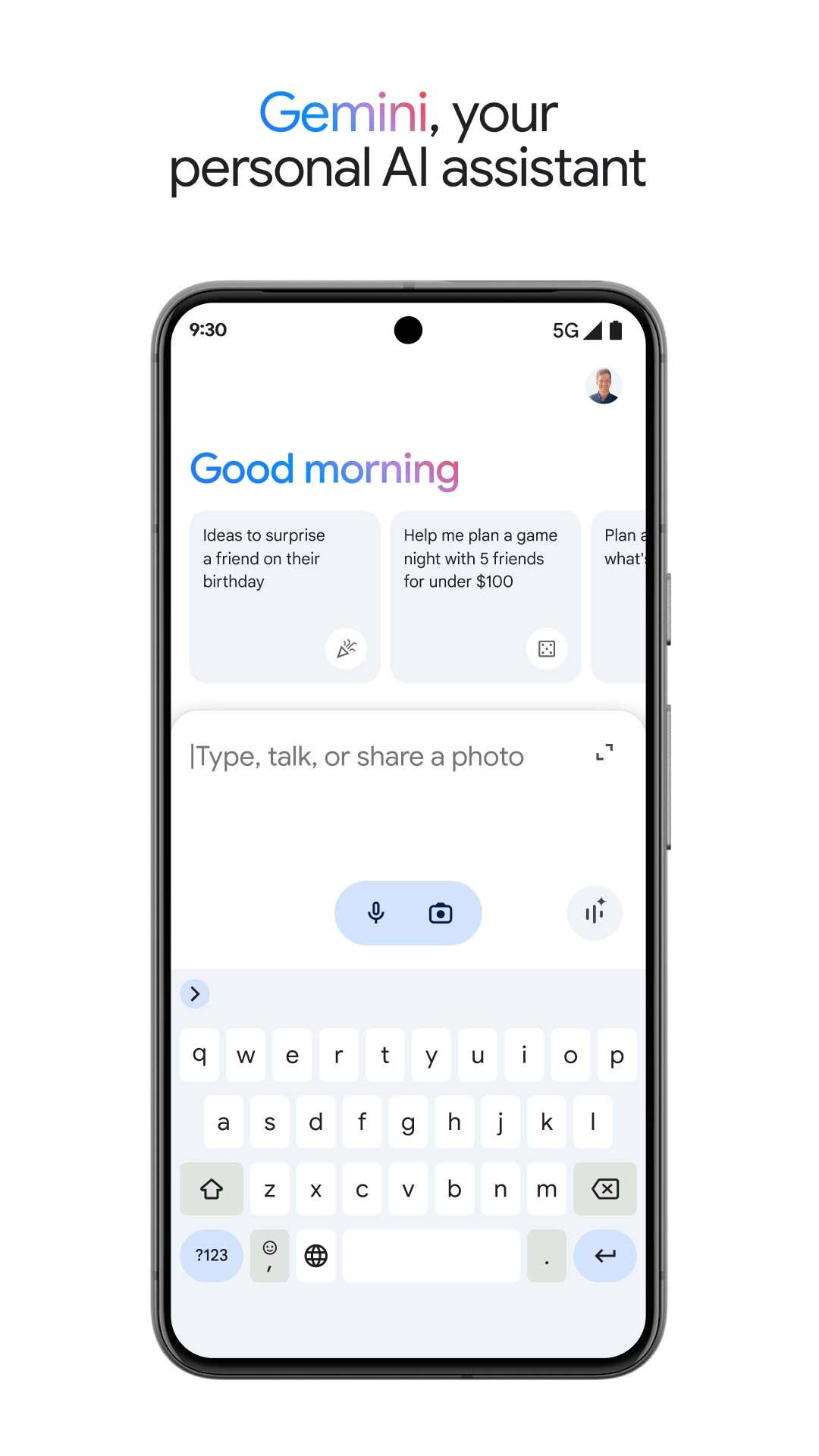
The Google Gemini app is an AI assistant that can help supercharge your creativity and productivity.
This official app is free. Gemini gives you direct access to Google’s best family of AI models on your phone so you can:
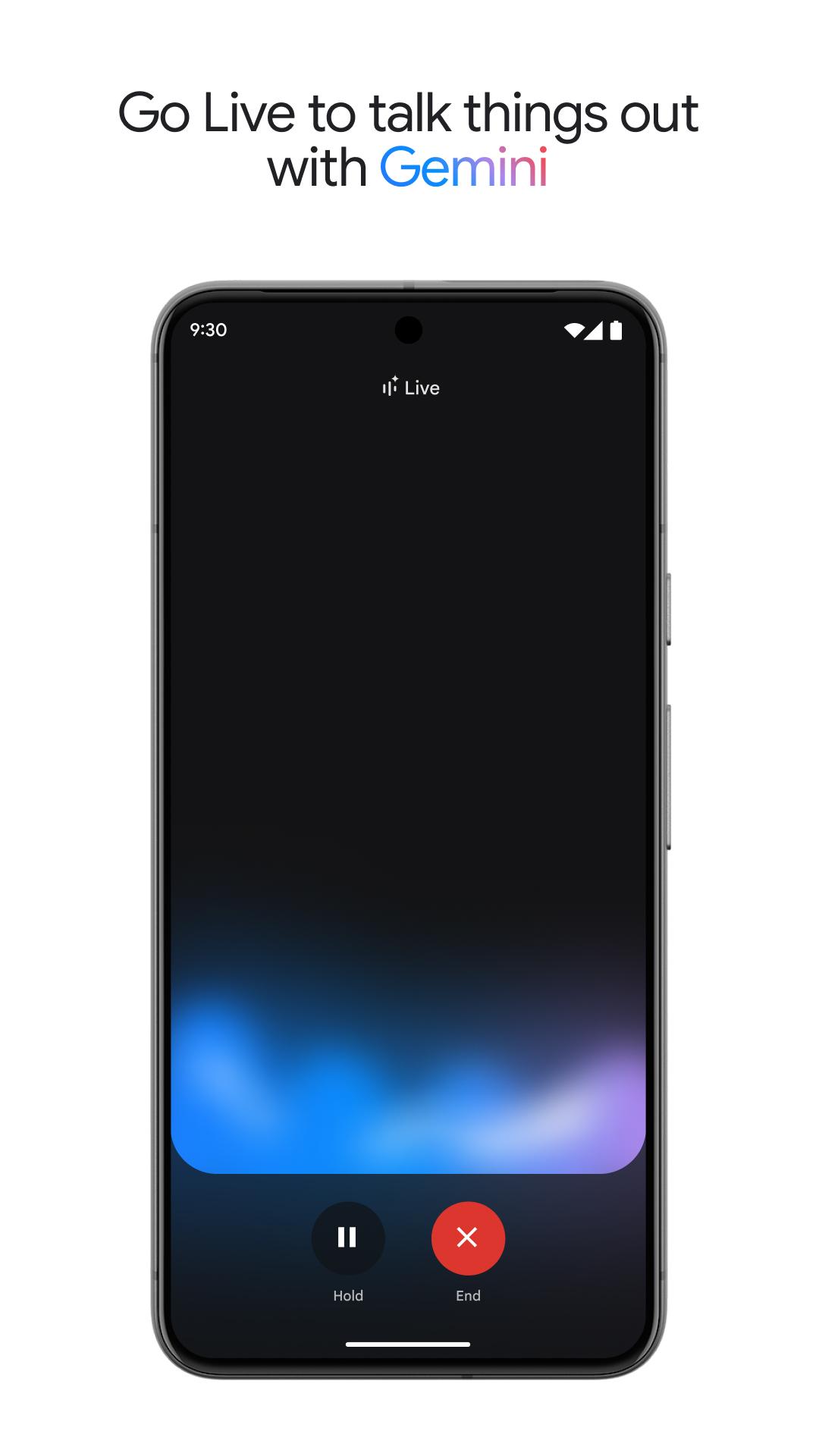
- Go Live with Gemini to brainstorm ideas, simplify complex topics, and rehearse for important moments. Just click on the Gemini Live button in your Gemini app
- Generate images on the fly
- Get help with writing, learning, and more
- Summarize and find quick info from Gmail or Google Drive
- Make plans with Google Maps and Google Flights
- Use text, voice, photos and your camera to get help in new ways
Access Gemini Advanced right from your Gemini app.
Image Generation results for illustrative purposes and may vary. Internet connection and subscription for certain features required. Language and country availability varies. Create responsibly:
https://policies.google.com/terms/generative-ai/use-policy
The Gemini app is now live in English, Spanish, French, Portuguese, Chinese, Japanese, Korean and more languages. See the full list of supported languages and countries here:
https://support.google.com/?p=gemini_app_requirements_android
If you opt in to the Gemini app, it will replace your Google Assistant as the primary assistant on the phone. Some Google Assistant voice features aren't available through the Gemini app yet — including controlling media and routines. You can switch back to Google Assistant in settings.
Review the Gemini Apps Privacy Notice:
https://support.google.com/gemini?p=privacy_notice
Preview
Tags
ProductivityInformation
Developer
Google LLC
Latest Version
1.0.751104895
Last Updated
2025-04-29
Category
Productivity
Available on
Google Play
Show More
How to play Google Gemini with GameLoop on PC
1. Download GameLoop from the official website, then run the exe file to install GameLoop
2. Open GameLoop and search for “Google Gemini” , find Google Gemini in the search results and click “Install”
3. Enjoy playing Google Gemini on GameLoop
Minimum requirements
OS
Windows 8.1 64-bit or Windows 10 64-bit
GPU
GTX 1050
CPU
i3-8300
Memory
8GB RAM
Storage
1GB available space
Recommended requirements
OS
Windows 8.1 64-bit or Windows 10 64-bit
GPU
GTX 1050
CPU
i3-9320
Memory
16GB RAM
Storage
1GB available space