Eye break reminder - EyeRelax PC
SaryElgmal
Download Eye break reminder - EyeRelax on PC With GameLoop Emulator
Eye break reminder - EyeRelax sa PC
Ang Eye break reminder - EyeRelax, na nagmumula sa developer na SaryElgmal, ay tumatakbo sa Android systerm sa nakaraan.
Ngayon, maaari mong laruin ang Eye break reminder - EyeRelax sa PC gamit ang GameLoop nang maayos.
I-download ito sa GameLoop library o mga resulta ng paghahanap. Hindi na tumitingin sa baterya o nakakadismaya na mga tawag sa maling oras.
I-enjoy lang ang Eye break reminder - EyeRelax PC sa malaking screen nang libre!
Eye break reminder - EyeRelax Panimula
Eye break reminder - EyeRelax is the best way to let your eyes rest and relax, and for your optic nerve to rest by not being strained by mobile screen.
Do you find yourself staring at the mobile screen for a large part of your day without enough breaks or relaxing your eyes because you simply forgot to rest for a few seconds?
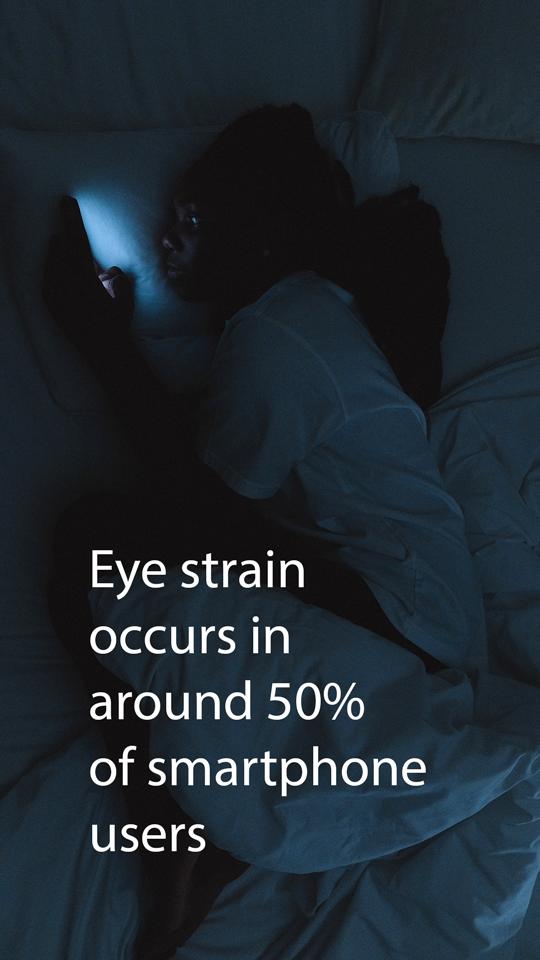
Did you know that experts suggest that DES (Dry Eye Syndrome) occurs in around 50% of smartphone users,Think zombie eyes and you’re there. that make it important to give your eyes periodic breaks from looking at the screen and the harmful light?
We developed EyeRelax just to remind you to take a break and rest your eyes for seconds and continue the fun afterwards.
★How it works★
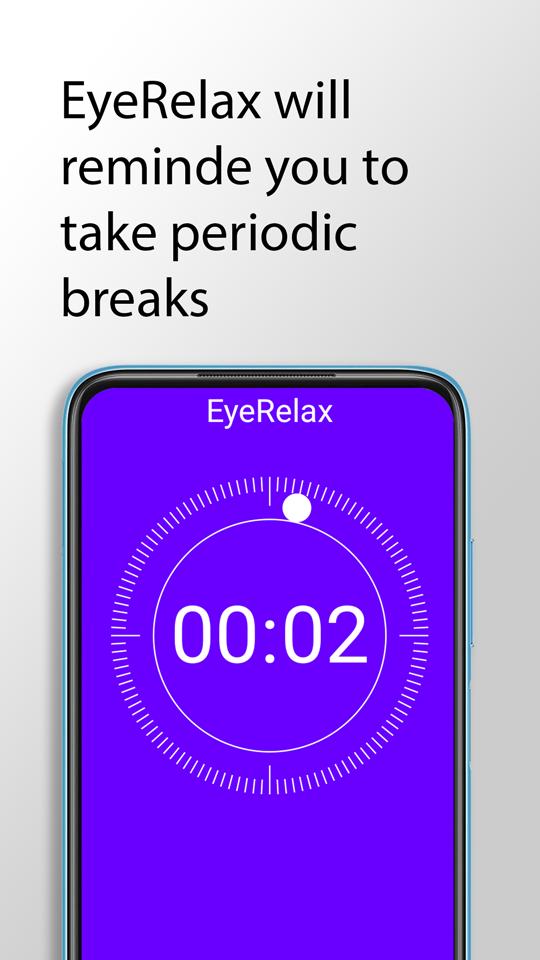
EyeRelax will remind you to take an eye break by showing a screen overlay after you use the phone for a customized number of minutes for a customized number of seconds. Doing so relaxes your eye muscles and gives you more time to complete the fun.
★Features★
Short eye breaks reminder after a preset phone screen time.
Long eye breaks reminder after preset count of short breaks.
Schedule when to automatically turn on/off the breaks reminders.
Download now for free to minimize inevitable digital eye strain 📱
Preview
Tags
ProductivityInformation
Developer
SaryElgmal
Latest Version
1.2.1
Last Updated
2023-01-22
Category
Productivity
Available on
Google Play
Show More
How to play Eye break reminder - EyeRelax with GameLoop on PC
1. Download GameLoop from the official website, then run the exe file to install GameLoop
2. Open GameLoop and search for “Eye break reminder - EyeRelax” , find Eye break reminder - EyeRelax in the search results and click “Install”
3. Enjoy playing Eye break reminder - EyeRelax on GameLoop
Minimum requirements
OS
Windows 8.1 64-bit or Windows 10 64-bit
GPU
GTX 1050
CPU
i3-8300
Memory
8GB RAM
Storage
1GB available space
Recommended requirements
OS
Windows 8.1 64-bit or Windows 10 64-bit
GPU
GTX 1050
CPU
i3-9320
Memory
16GB RAM
Storage
1GB available space