
EnBW E-Cockpit PC
EnBW AG
Download EnBW E-Cockpit on PC With GameLoop Emulator
EnBW E-Cockpit sa PC
Ang EnBW E-Cockpit, na nagmumula sa developer na EnBW AG, ay tumatakbo sa Android systerm sa nakaraan.
Ngayon, maaari mong laruin ang EnBW E-Cockpit sa PC gamit ang GameLoop nang maayos.
I-download ito sa GameLoop library o mga resulta ng paghahanap. Hindi na tumitingin sa baterya o nakakadismaya na mga tawag sa maling oras.
I-enjoy lang ang EnBW E-Cockpit PC sa malaking screen nang libre!
EnBW E-Cockpit Panimula
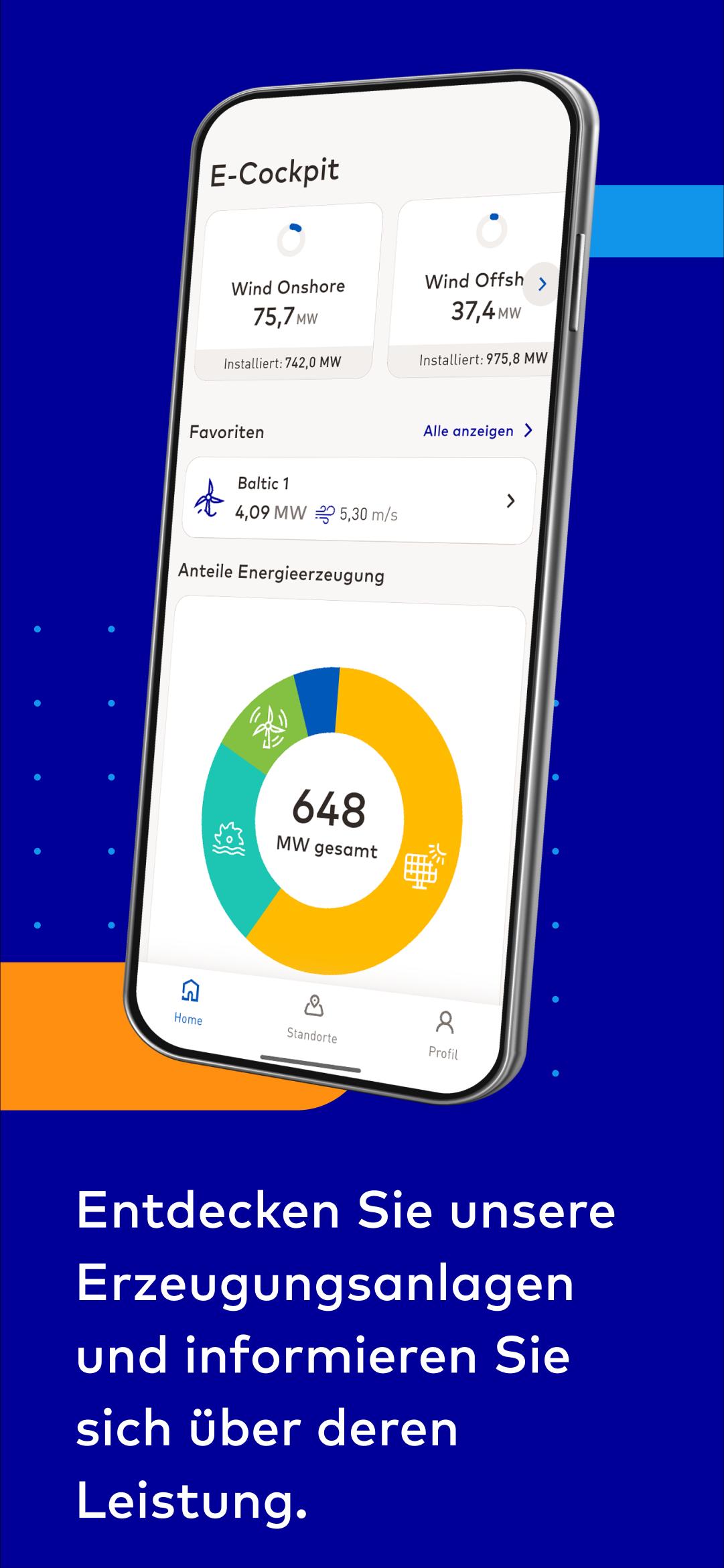
Would you like to experience renewable energy in real-time? It's easy – with the new EnBW E-Cockpit App.
The app shows clearly structured real-time information about the current production levels of our generation and storage plants – including photovoltaic and hydropower plants (run-of-river and pumped storage) as well as wind turbines (onshore and offshore) and now new: battery storage.
What the app offers:
• aggregated real-time data of power generation of all EnBW facilities
• live infographic showing each technology’s current share of the energy mix
• map and list view with filtering options by technology or region
• navigation to sites and facilities
• information on the status, master data and on site details of individual facilities
• integration of location web sites if available
• carbon dioxide savings & number of households supplied
• favorites for quick access to important sites
• news area with current information about market and technology
Available data is updated constantly – even when new plants are connected to the grid, you are always up to date!
Login-restricted area: This area is intended exclusively for cooperation partners, owners and investors of plant sites. Login credentials are provided by EnBW.
Preview

Tags
ProductivityInformation
Developer
EnBW AG
Latest Version
7.1.0
Last Updated
2025-06-25
Category
Productivity
Available on
Google Play
Show More
How to play EnBW E-Cockpit with GameLoop on PC
1. Download GameLoop from the official website, then run the exe file to install GameLoop
2. Open GameLoop and search for “EnBW E-Cockpit” , find EnBW E-Cockpit in the search results and click “Install”
3. Enjoy playing EnBW E-Cockpit on GameLoop
Minimum requirements
OS
Windows 8.1 64-bit or Windows 10 64-bit
GPU
GTX 1050
CPU
i3-8300
Memory
8GB RAM
Storage
1GB available space
Recommended requirements
OS
Windows 8.1 64-bit or Windows 10 64-bit
GPU
GTX 1050
CPU
i3-9320
Memory
16GB RAM
Storage
1GB available space