
DoDay: To-Do List & Planner PC
Refinca UG (haftungsbeschränkt)
Download DoDay: To-Do List & Planner on PC With GameLoop Emulator
DoDay: To-Do List & Planner sa PC
Ang DoDay: To-Do List & Planner, na nagmumula sa developer na Refinca UG (haftungsbeschränkt), ay tumatakbo sa Android systerm sa nakaraan.
Ngayon, maaari mong laruin ang DoDay: To-Do List & Planner sa PC gamit ang GameLoop nang maayos.
I-download ito sa GameLoop library o mga resulta ng paghahanap. Hindi na tumitingin sa baterya o nakakadismaya na mga tawag sa maling oras.
I-enjoy lang ang DoDay: To-Do List & Planner PC sa malaking screen nang libre!
DoDay: To-Do List & Planner Panimula
Stop procrastinating and achieve more every day with DoDay – To-Do List & Daily Planner.
Plan your tasks, organize your day, and track your progress — easily, intuitively, and across devices thanks to cloud sync (Premium).
Whether it’s chores, homework, bills, meetings, or personal goals — DoDay helps you stay productive and build better daily habits. Smart features like recurring tasks, flag-based priorities, color-coded categories, homescreen widget, and detailed statistics (Premium) let you focus on what truly matters.
Key Features:
✅ Plan your day by assigning tasks to specific dates
✅ Prioritize with flags & organize with color-coded labels
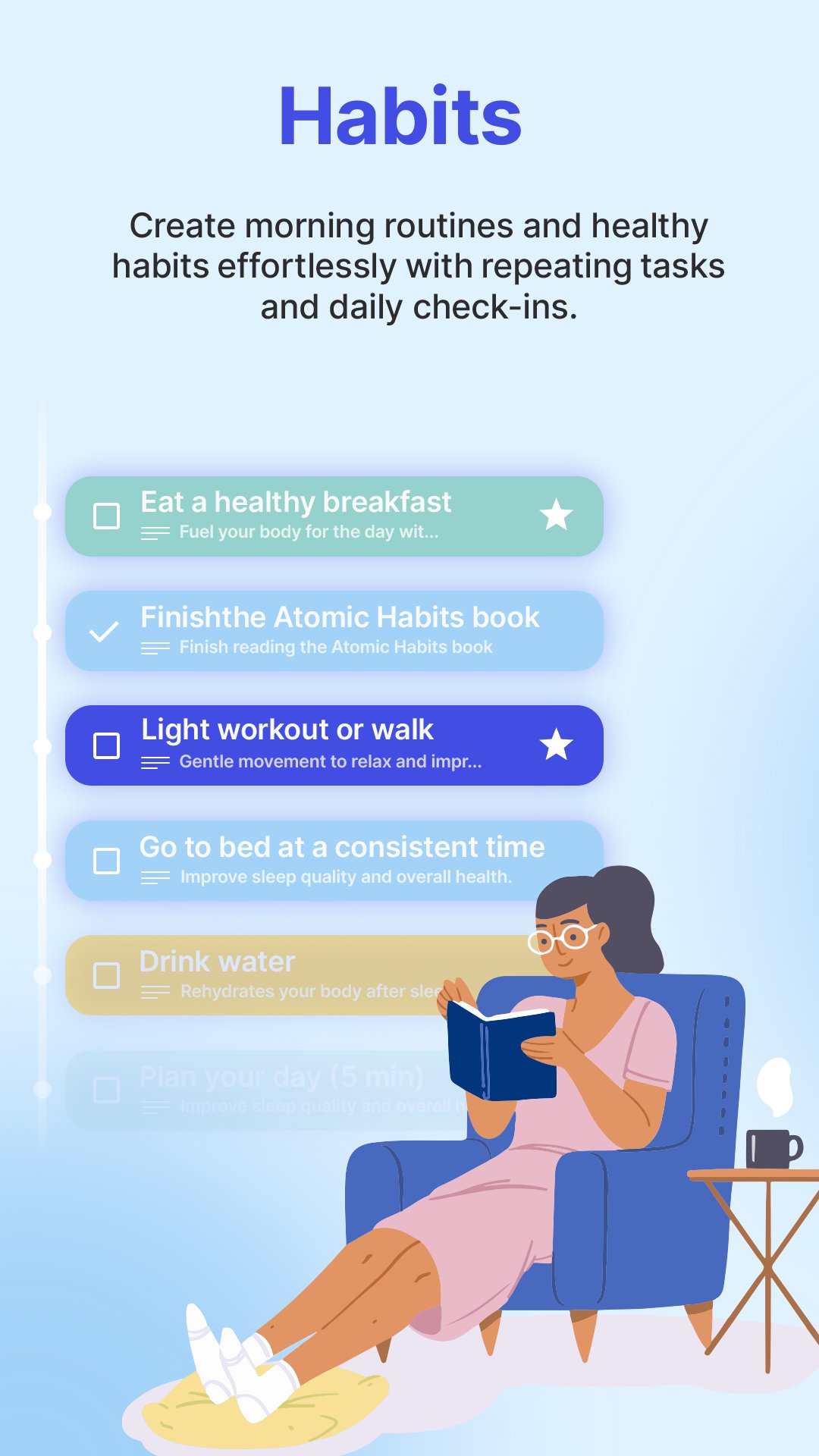
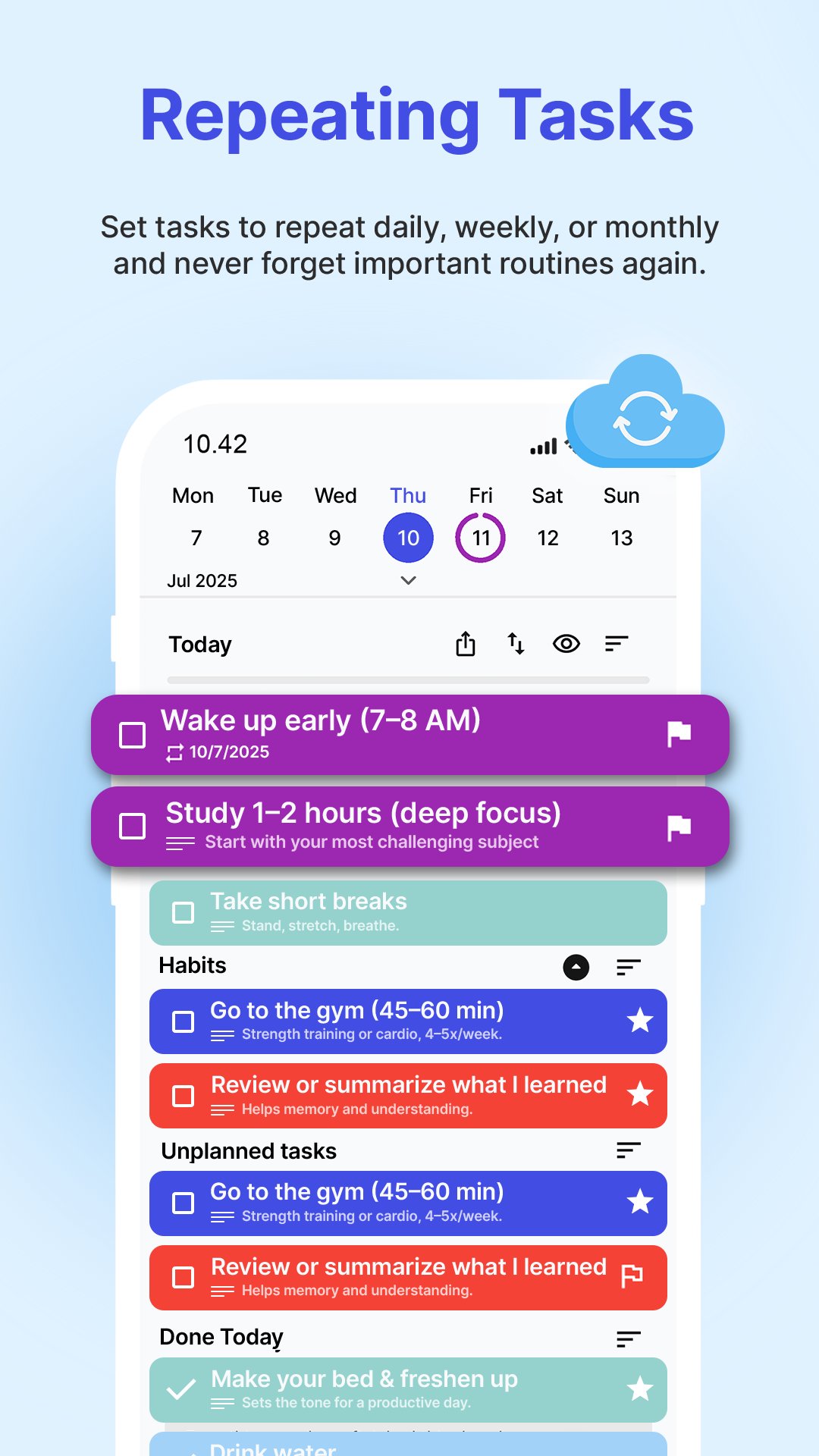
✅ Create and manage recurring tasks to build habits
✅ Homescreen Widget to check off today’s tasks at a glance
✅ Cloud sync — access your tasks from any device (Premium)
✅ See your progress with Statistics (Premium)
✅ Swipe left to plan, right to mark as done
✅ Track completed tasks in the Done Today section
✅ Available in multiple languages
✅ Minimalist, distraction-free design
How it works:
• Quickly add tasks anytime with notes & deadlines
• Organize by colors, prioritize with flags
• Every morning, plan your Today list by swiping tasks left
• Swipe right to complete tasks & celebrate progress
• Create recurring tasks for daily, weekly, or custom intervals
• Use the Widget to keep your tasks visible and accessible
• Sync your tasks in the cloud (Premium) and never lose your progress
• View Statistics (Premium) to reflect and improve
DoDay is your simple, powerful daily planner — perfect for students, professionals, parents, freelancers, and anyone who wants to stop procrastinating and reach their goals.
📧 We’d love to hear from you!
Send your thoughts, suggestions, or feedback to: request@kge-it.de — help us make DoDay even better.
⭐ Start your productive day with DoDay — and get more done, every single day!
Preview
Tags
ProductivityInformation
Developer
Refinca UG (haftungsbeschränkt)
Latest Version
4.1.1
Last Updated
2026-04-13
Category
Productivity
Available on
Google Play
Show More
How to play DoDay: To-Do List & Planner with GameLoop on PC
1. Download GameLoop from the official website, then run the exe file to install GameLoop
2. Open GameLoop and search for “DoDay: To-Do List & Planner” , find DoDay: To-Do List & Planner in the search results and click “Install”
3. Enjoy playing DoDay: To-Do List & Planner on GameLoop
Minimum requirements
OS
Windows 8.1 64-bit or Windows 10 64-bit
GPU
GTX 1050
CPU
i3-8300
Memory
8GB RAM
Storage
1GB available space
Recommended requirements
OS
Windows 8.1 64-bit or Windows 10 64-bit
GPU
GTX 1050
CPU
i3-9320
Memory
16GB RAM
Storage
1GB available space