
Correctbook PDF Scan app PC
Moqod
Download Correctbook PDF Scan app on PC With GameLoop Emulator
Correctbook PDF Scan app sa PC
Ang Correctbook PDF Scan app, na nagmumula sa developer na Moqod, ay tumatakbo sa Android systerm sa nakaraan.
Ngayon, maaari mong laruin ang Correctbook PDF Scan app sa PC gamit ang GameLoop nang maayos.
I-download ito sa GameLoop library o mga resulta ng paghahanap. Hindi na tumitingin sa baterya o nakakadismaya na mga tawag sa maling oras.
I-enjoy lang ang Correctbook PDF Scan app PC sa malaking screen nang libre!
Correctbook PDF Scan app Panimula
PDF Scan App to digitalize, organize, save and share your notes and ideas
Correctbook PDF Scan App is a smart solution to digitalize, organize and share your notes and ideas.
We developed notebooks (& more!), which are endless reusable.
The Correctbook PDF Scan App gives you the ultimate modern writing experience. The best between analog writing and digital organising.
1.) Write in a Correctbook as it has the same writing experience as on paper
2.) Scan your notes and save them into the Correctbook app or share them via the share options
3.) Erase your notes and use your Correctbook again
With the Correctbook app, you can easily organize your notes and ideas.
1). Give names to the pdf files you create
2). Place your pdf file in the folder you want
3). Give names to different folders
4). Add new folders
People using the app for:
1). Students digitalize and organize their homework
2). Businesses digitalize and share meeting notes or daily structures & tasks
3). Every writing person who makes notes and like structure
Functionalities:
Scanner:
-Automatic document detection
-Create pdf files
Editor:
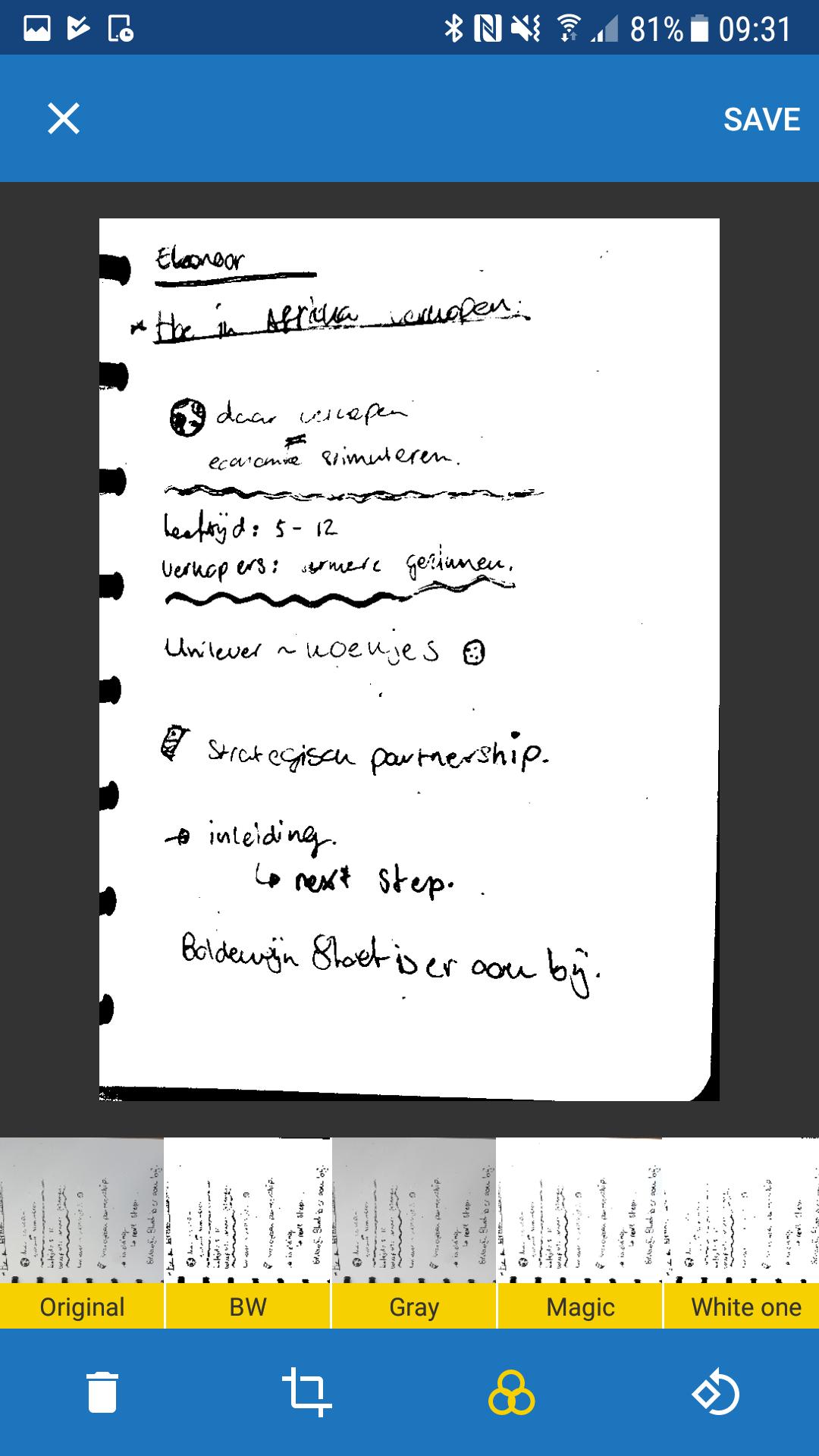
-Manually cropping
-Different filters
-Rotate scans
-Give names to scans
-Place scan to a specific folder
Galery:
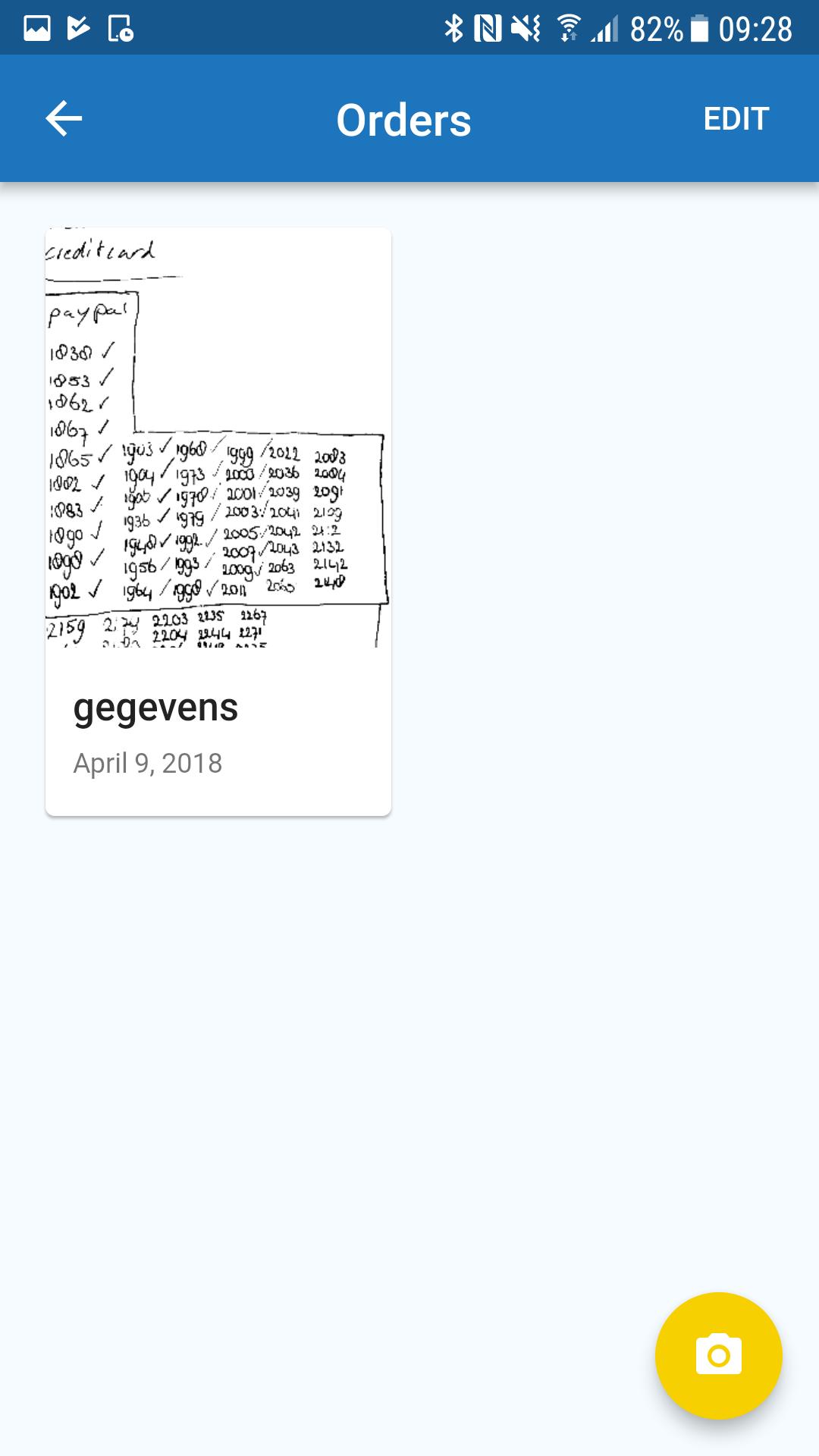
-Organize and create different folders
-Share files
-Move files to other folders
-Summary of all scans
-Delete files or folders
Preview
Tags
ProductivityInformation
Developer
Moqod
Latest Version
1.0
Last Updated
2018-04-20
Category
Productivity
Available on
Google Play
Show More
How to play Correctbook PDF Scan app with GameLoop on PC
1. Download GameLoop from the official website, then run the exe file to install GameLoop
2. Open GameLoop and search for “Correctbook PDF Scan app” , find Correctbook PDF Scan app in the search results and click “Install”
3. Enjoy playing Correctbook PDF Scan app on GameLoop
Minimum requirements
OS
Windows 8.1 64-bit or Windows 10 64-bit
GPU
GTX 1050
CPU
i3-8300
Memory
8GB RAM
Storage
1GB available space
Recommended requirements
OS
Windows 8.1 64-bit or Windows 10 64-bit
GPU
GTX 1050
CPU
i3-9320
Memory
16GB RAM
Storage
1GB available space