
Lite Writer: Writing/Note/Memo PC
OneLiteCore
Download Lite Writer: Writing/Note/Memo on PC With GameLoop Emulator
Lite Writer: Writing/Note/Memo sa PC
Ang Lite Writer: Writing/Note/Memo, na nagmumula sa developer na OneLiteCore, ay tumatakbo sa Android systerm sa nakaraan.
Ngayon, maaari mong laruin ang Lite Writer: Writing/Note/Memo sa PC gamit ang GameLoop nang maayos.
I-download ito sa GameLoop library o mga resulta ng paghahanap. Hindi na tumitingin sa baterya o nakakadismaya na mga tawag sa maling oras.
I-enjoy lang ang Lite Writer: Writing/Note/Memo PC sa malaking screen nang libre!
Lite Writer: Writing/Note/Memo Panimula
Designed with passion and dedication, Lite Writer is ready to be your best assistant in your creation process of writing your new books and fictions. Either you are a professional writer or a budding novelist or just someone who need a note app to make some notes, Lite Writer is for you!
--- POWERFUL FEATURES ---
Lite Writer offers many essential features to help you write:
📚 File Management and Bookshelf:
- Organize your creation in a folder-file structure
- Personalize book covers
- Streamlined bulk operations
- Intelligent chapter number recognition and sorting
- Mapping your home folder onto your PC and edit them with PC writer software
📝 Instant Note for Instant Inspirations:
- Open a quick note panel from shortcuts
- Pin a note in your notification bar to remind you
- Organize your note files in an easier way
📈 Effortless Word and Character Tracking:
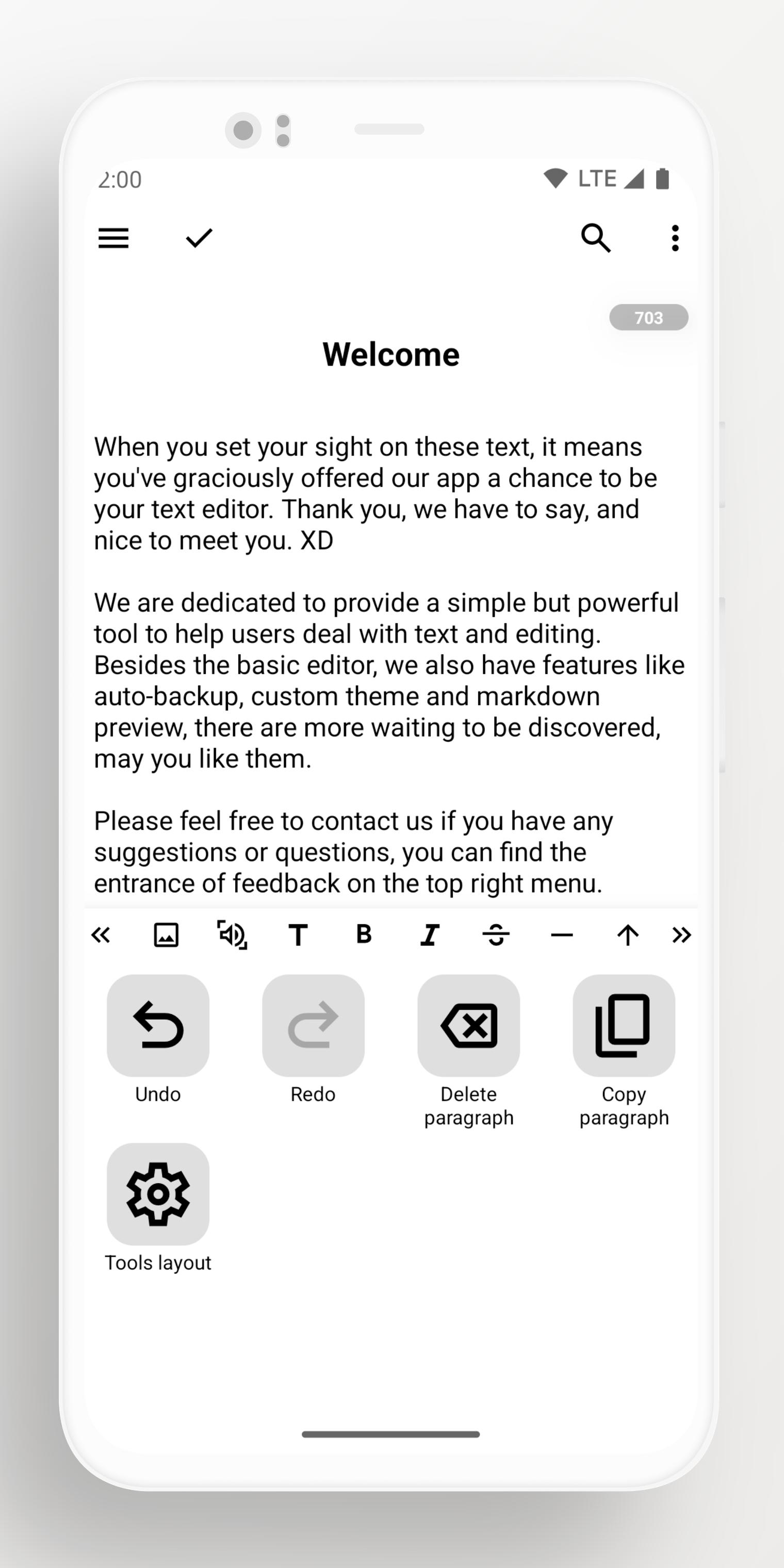
- Monitor character and word count at a glance
- Track word trends over 7 days.
- Floating widget for quick counts
- Full support for CJK characters
🎨 Customization and Inspiring Themes:
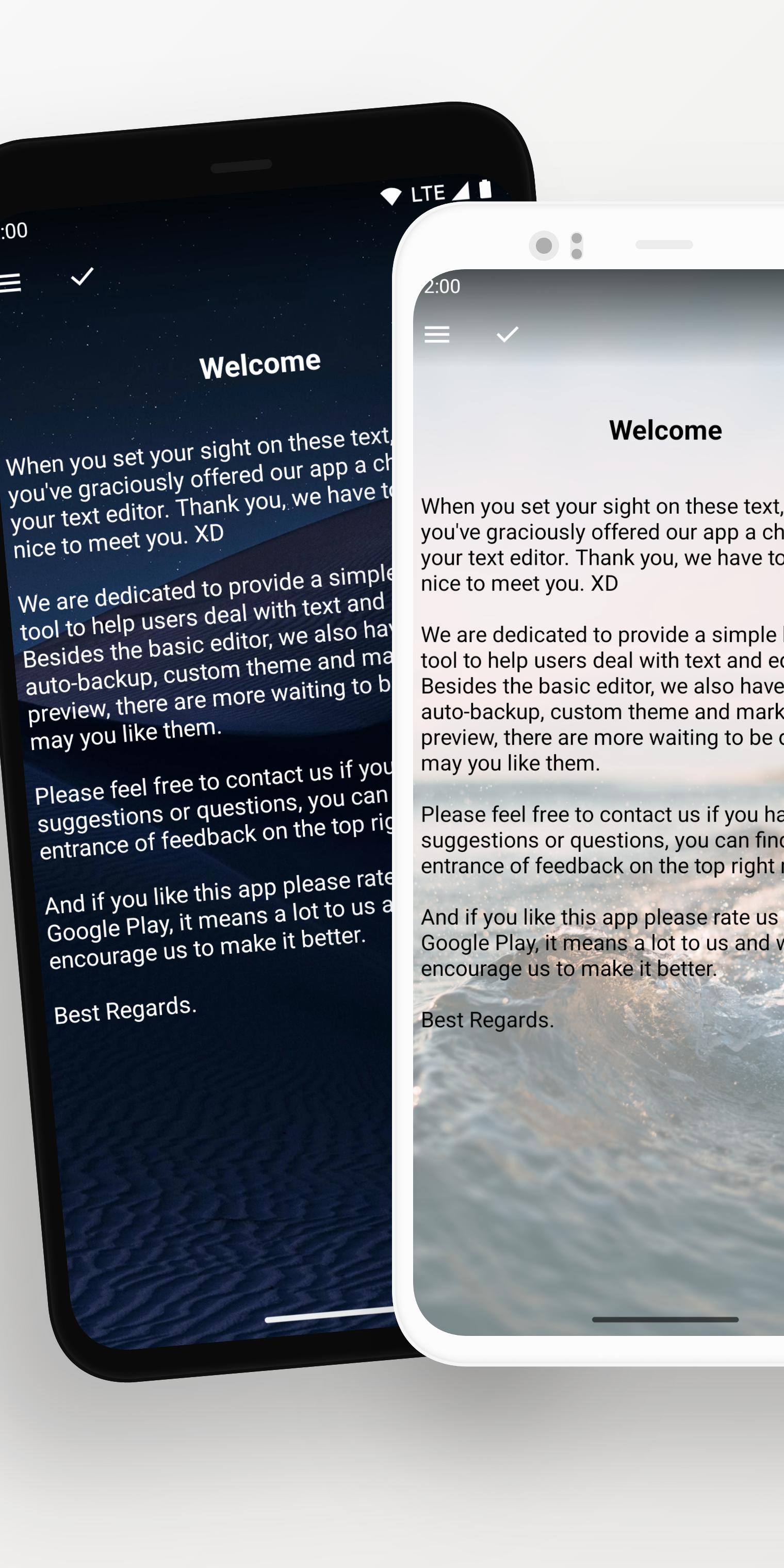
- Pure white or black themes
- Night-friendly dark mode
- Vibrant array of free themes
- Import your own wallpapers
💾 Reliable Backup System:
- Auto-backup on Google Drive and WebDav
- Use custom folder to keep local backup files
- Retrieve data from history records and recycle bin
- Seamlessly export all data with a single click
🔐 Security and Privacy:
- Secure your app with fingerprint or a pattern lock
- Automatic locking when idle
- Blur app screenshots in recent tasks
Preview
Tags
ProductivityInformation
Developer
OneLiteCore
Latest Version
1.96.5
Last Updated
2025-10-22
Category
Productivity
Available on
Google Play
Show More
How to play Lite Writer: Writing/Note/Memo with GameLoop on PC
1. Download GameLoop from the official website, then run the exe file to install GameLoop
2. Open GameLoop and search for “Lite Writer: Writing/Note/Memo” , find Lite Writer: Writing/Note/Memo in the search results and click “Install”
3. Enjoy playing Lite Writer: Writing/Note/Memo on GameLoop
Minimum requirements
OS
Windows 8.1 64-bit or Windows 10 64-bit
GPU
GTX 1050
CPU
i3-8300
Memory
8GB RAM
Storage
1GB available space
Recommended requirements
OS
Windows 8.1 64-bit or Windows 10 64-bit
GPU
GTX 1050
CPU
i3-9320
Memory
16GB RAM
Storage
1GB available space