
Compass™ by OpenNMS® PC
The OpenNMS Group, Inc.
Download Compass™ by OpenNMS® on PC With GameLoop Emulator
Compass™ by OpenNMS® sa PC
Ang Compass™ by OpenNMS®, na nagmumula sa developer na The OpenNMS Group, Inc., ay tumatakbo sa Android systerm sa nakaraan.
Ngayon, maaari mong laruin ang Compass™ by OpenNMS® sa PC gamit ang GameLoop nang maayos.
I-download ito sa GameLoop library o mga resulta ng paghahanap. Hindi na tumitingin sa baterya o nakakadismaya na mga tawag sa maling oras.
I-enjoy lang ang Compass™ by OpenNMS® PC sa malaking screen nang libre!
Compass™ by OpenNMS® Panimula
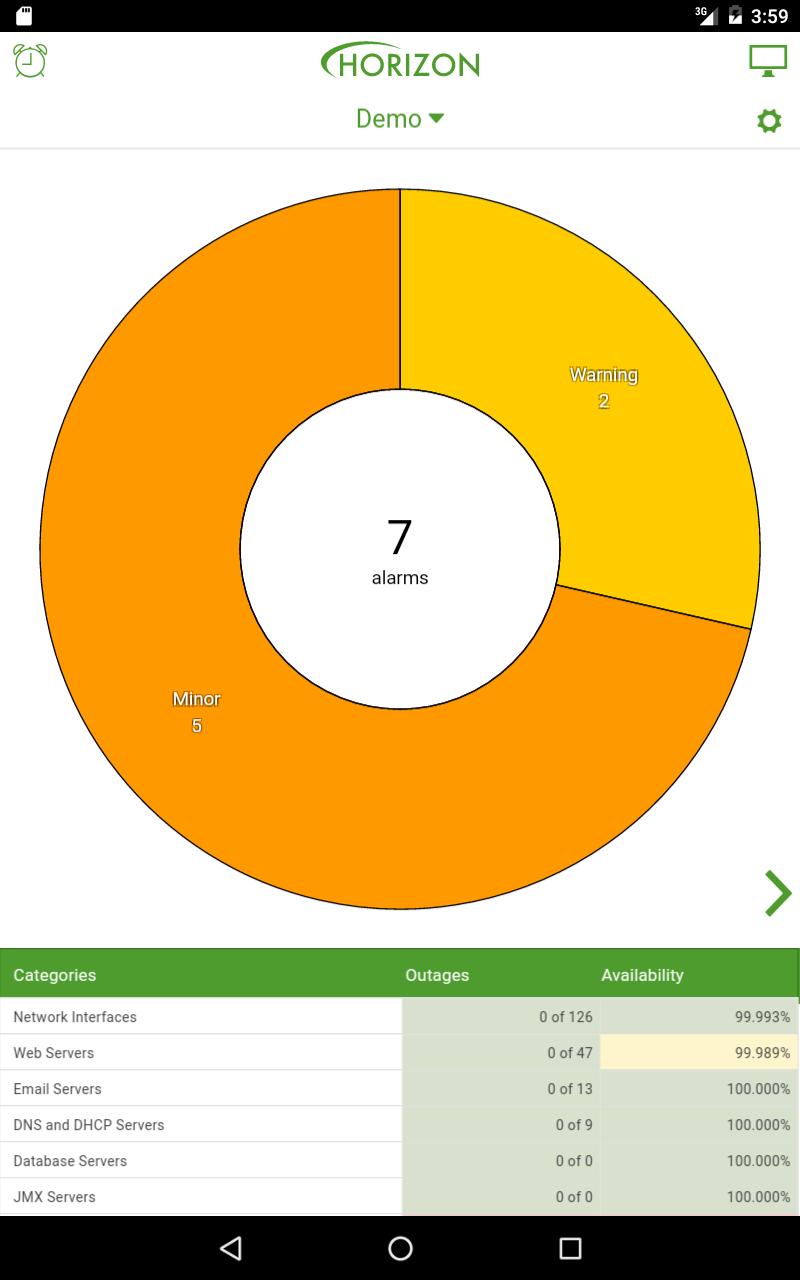
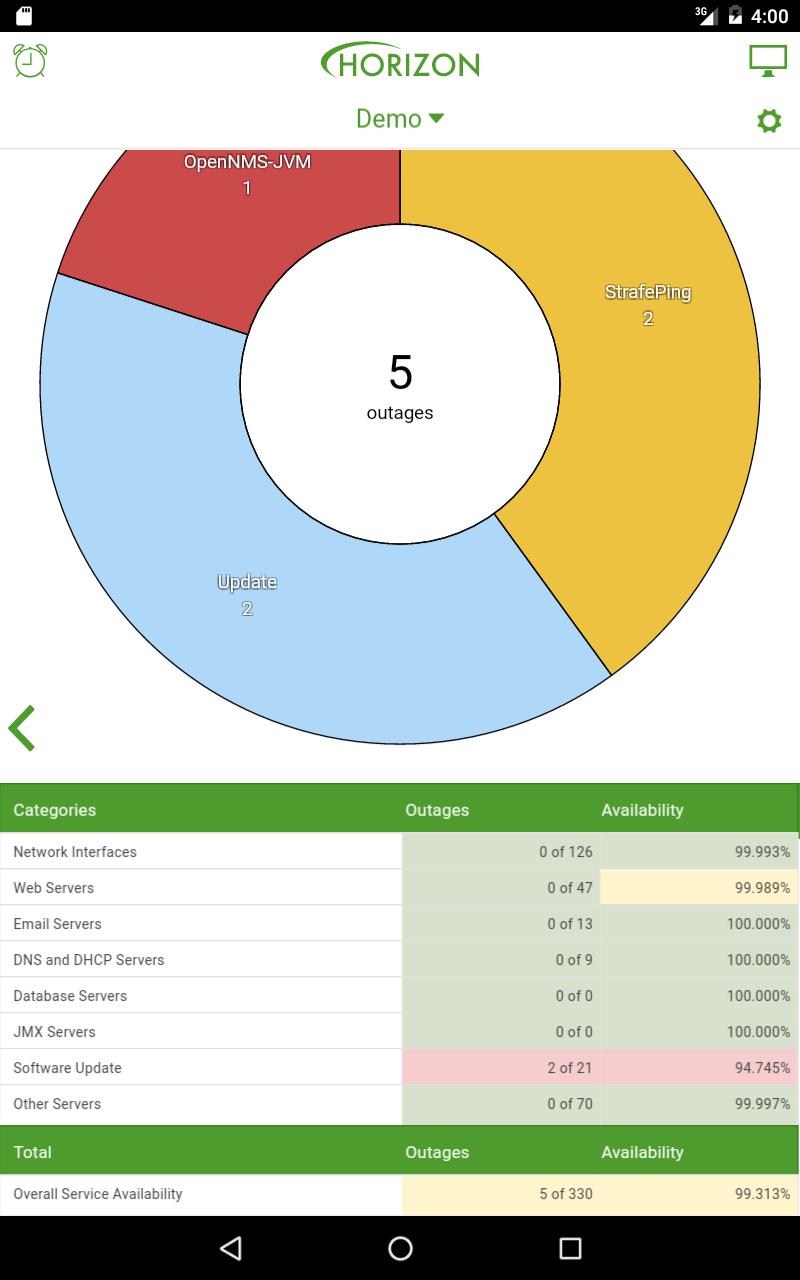
Compass™ by OpenNMS® provides users of the OpenNMS network management platform with quick access to everything they need to check their network's status while on the go. View outages, alarms, and node information, as well as acknowledge alarms and their associated notifications straight from your device.
NOTE: This is a client application for users of OpenNMS; it requires an OpenNMS Horizon™ or Meridian™ server to operate against. OpenNMS is a powerful, flexible, and 100% open-source network management tool; it is free as in freedom and free as in beer.
Features:
• Dashboard shows availability¹, outages, alarms, and favorited graphs³
• Alarm detail lets you acknowledge, escalate, & clear alarms²
• Node detail shows availability¹, outages, events, and location
• Geolocate nodes with the touch of a button¹²
Compass is compatible with the following servers:
• Horizon by OpenNMS, version 1.8 or greater
• Meridian by OpenNMS, version 2015.1.0 or greater
About OpenNMS:
OpenNMS is the world's first enterprise grade network management application platform developed under the open source model.
¹ Availability and geolocation features require Horizon 15.0.2 or Meridian 2015.1.0 or greater.
² Administrative features like acknowledgement, escalation, clearing, and updating geolocation require logging in to OpenNMS Compass using an account with administrative privileges.
³ Graphing requires Horizon 16.0.0 or Meridian 2016.1.0 or greater, and a device with 1GB of RAM or more.
Preview
Tags
ProductivityInformation
Developer
The OpenNMS Group, Inc.
Latest Version
3.2.1
Last Updated
2018-09-27
Category
Productivity
Available on
Google Play
Show More
How to play Compass™ by OpenNMS® with GameLoop on PC
1. Download GameLoop from the official website, then run the exe file to install GameLoop
2. Open GameLoop and search for “Compass™ by OpenNMS®” , find Compass™ by OpenNMS® in the search results and click “Install”
3. Enjoy playing Compass™ by OpenNMS® on GameLoop
Minimum requirements
OS
Windows 8.1 64-bit or Windows 10 64-bit
GPU
GTX 1050
CPU
i3-8300
Memory
8GB RAM
Storage
1GB available space
Recommended requirements
OS
Windows 8.1 64-bit or Windows 10 64-bit
GPU
GTX 1050
CPU
i3-9320
Memory
16GB RAM
Storage
1GB available space