
Commands and Tips for Siri PC
Priyo Islam
Download Commands and Tips for Siri on PC With GameLoop Emulator
Commands and Tips for Siri sa PC
Ang Commands and Tips for Siri, na nagmumula sa developer na Priyo Islam, ay tumatakbo sa Android systerm sa nakaraan.
Ngayon, maaari mong laruin ang Commands and Tips for Siri sa PC gamit ang GameLoop nang maayos.
I-download ito sa GameLoop library o mga resulta ng paghahanap. Hindi na tumitingin sa baterya o nakakadismaya na mga tawag sa maling oras.
I-enjoy lang ang Commands and Tips for Siri PC sa malaking screen nang libre!
Commands and Tips for Siri Panimula
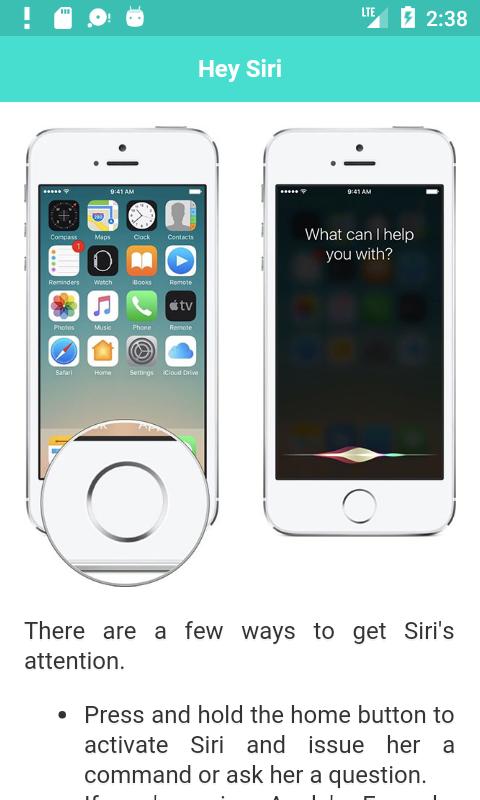
Siri Voice Commands, Tips, Tricks and hidden Features you need to know. These commands will work on Apple HomePod and your iPhone, iPad, Mac and MacBooks.
Siri can do a bunch of nifty things, like setting location-specific reminders, booking a table for dinner, or calling you an Uber. You just need to know how to ask. You will able to learn:
# Hey Siri, things need to know.
# Do the basic stuff
# Fiddle with your phone and its settings
# Set reminders and organise your life
# Navigate your way around
# Search for stuff
# Travel around and do stuff
# Music and entertainment
# Random stuff
# Third-party apps
# Siri Tips - Part 1
# Siri Tips - Part 2
# Enable and disable Siri
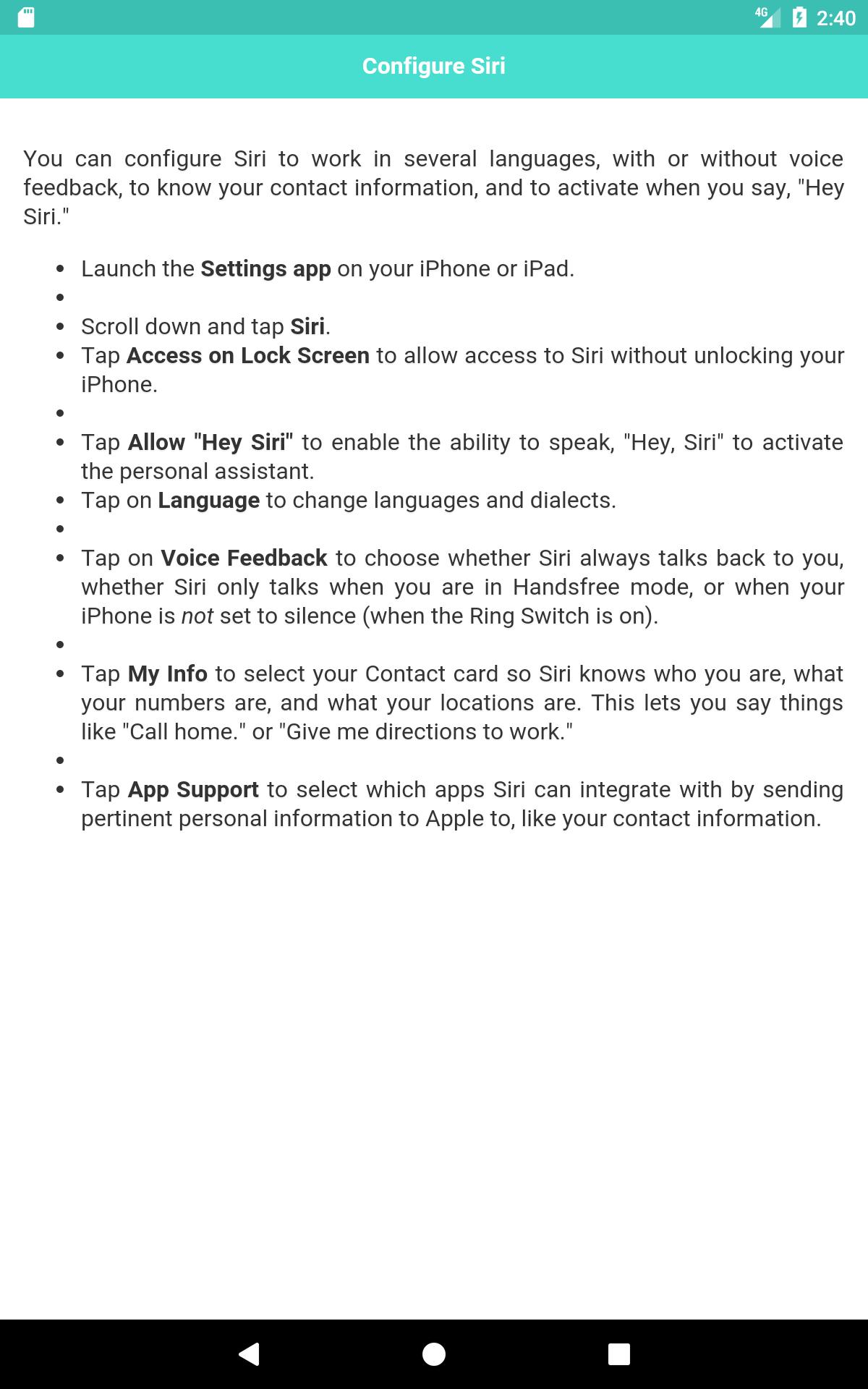
# Configure Siri etc.
Siri is a virtual assistant with a voice-controlled natural language interface that uses sequential inference and contextual awareness to help perform personal tasks for iOS users. It is a major part of the iPhone and iPad, and many users don’t know everything that Siri can do on iOS 10 and iOS 9. There is an almost endless list of Siri features that can turn your digital personal assistant into a powerful force to answer your questions in a snap, make your life simpler and even play your favorite music.
Preview
Tags
ProductivityInformation
Developer
Priyo Islam
Latest Version
1.5
Last Updated
2024-09-02
Category
Productivity
Available on
Google Play
Show More
How to play Commands and Tips for Siri with GameLoop on PC
1. Download GameLoop from the official website, then run the exe file to install GameLoop
2. Open GameLoop and search for “Commands and Tips for Siri” , find Commands and Tips for Siri in the search results and click “Install”
3. Enjoy playing Commands and Tips for Siri on GameLoop
Minimum requirements
OS
Windows 8.1 64-bit or Windows 10 64-bit
GPU
GTX 1050
CPU
i3-8300
Memory
8GB RAM
Storage
1GB available space
Recommended requirements
OS
Windows 8.1 64-bit or Windows 10 64-bit
GPU
GTX 1050
CPU
i3-9320
Memory
16GB RAM
Storage
1GB available space