
Notebook: Notes, Journal, AI PC
Zoho Corporation
Download Notebook: Notes, Journal, AI on PC With GameLoop Emulator
Notebook: Notes, Journal, AI sa PC
Ang Notebook: Notes, Journal, AI, na nagmumula sa developer na Zoho Corporation, ay tumatakbo sa Android systerm sa nakaraan.
Ngayon, maaari mong laruin ang Notebook: Notes, Journal, AI sa PC gamit ang GameLoop nang maayos.
I-download ito sa GameLoop library o mga resulta ng paghahanap. Hindi na tumitingin sa baterya o nakakadismaya na mga tawag sa maling oras.
I-enjoy lang ang Notebook: Notes, Journal, AI PC sa malaking screen nang libre!
Notebook: Notes, Journal, AI Panimula
Zoho Notebook is an AI note-taking app and task manager that helps students, professionals and teams remember what was said in meetings and lectures — recording and transcribing them, turning them into summaries and action items, and keeping every note and task searchable.
WHO IT'S FOR
• Students taking lecture notes and revising from them.
• Professionals who need a record of a meeting without typing through it.
• Freelancers and teams tracking tasks, deadlines and clients.
• Anyone keeping a private journal, a daily planner or a grocery checklist.
NEW: CHECKLISTS ARE NOW TO-DO CARDS
• Give each task a due date and time, with reminders before it falls due.
• Repeat it daily, weekly, monthly, yearly or on your own schedule.
• Mark a task Important or Urgent so the right work stands out.
• Break a task into subtasks and link the note that holds the detail.
• Assign a task by email — it lands in that person's own to do list.
• Open To Do to see every task from every notebook, with Upcoming, Overdue and Assigned to me views.
WHAT PEOPLE USE NOTEBOOK FOR
1. Meeting notes. Record the meeting; Notebook AI transcribes it live and writes the summary and action items — so you can take part instead of typing.
2. Lecture and study notes. Record a lecture while you type, and scan textbooks and handwritten pages into searchable PDFs — findable months later.
3. A private diary or journal. Lock any note with a password, fingerprint or face lock — private even on a shared device.
4. Research. Save articles with the Web Clipper, add files and photos, and search the text inside images and scans.
QUESTIONS PEOPLE ASK
What kind of notes app is Notebook?
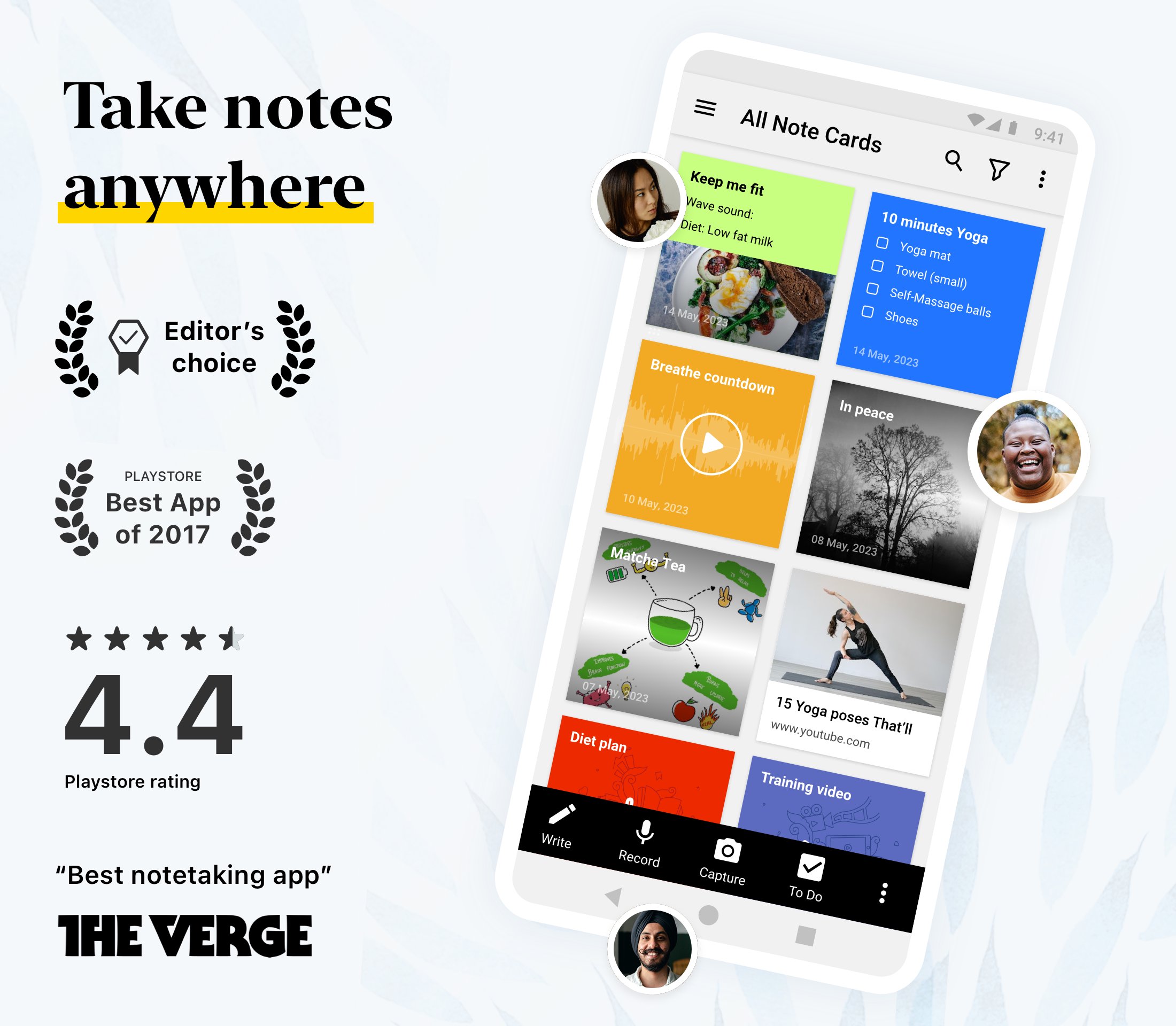
A free notes app and digital notepad combining an AI note taker, task organizer, document scanner and private journal. Seven card types: text, to-do, audio, photo, smart, sketch and file.
Can I manage my to do list in Notebook?
Yes. Each task gets a due date, reminder, repeat schedule, priority and subtasks, and the To Do section gathers tasks from every notebook into Upcoming, Overdue and Completed views. Assign a task by email and it appears in that person's own To Do — a shared note becomes a collaborative task manager.
Can Notebook take notes in my meetings for me?
Yes. Record or upload audio or video and Notebook AI transcribes it in real time and writes a summary with action items. It also turns rough ideas into outlines, to do lists or mind maps, and can break a task into steps.
Is Notebook good for students?
Yes. Record a lecture while typing, handwrite with the S Pen or a stylus, scan textbooks into searchable PDFs, and search any phrase.
Can I switch from Evernote, Google Keep or OneNote?
Yes. Migration tools import your notes, so nothing is left behind.
Does Notebook work offline?
Yes. Create, edit and read notes offline; they sync when you reconnect, across Android, iOS, Mac, Windows and web.
Is Notebook free?
Yes. The free plan includes 500 MB of cloud storage, with no ads or hidden fees. Notebook AI, subtasks, repeating tasks and task assignment are on the paid plans.
Is my data private?
Notes are encrypted in transit and at rest. Zoho never sells your data and shares none with third parties.
BUILT FOR ANDROID
• A To Do home-screen widget — tick tasks off without opening the app.
• Note widgets, pinned shortcuts and a Quick Settings tile.
• Swipe left to delete a task, swipe right to make it a subtask.
• Task notifications with Mark as completed, Reschedule and Snooze.
• Multi-window, picture-in-picture, shortcuts, printing.
MORE IN THE APP
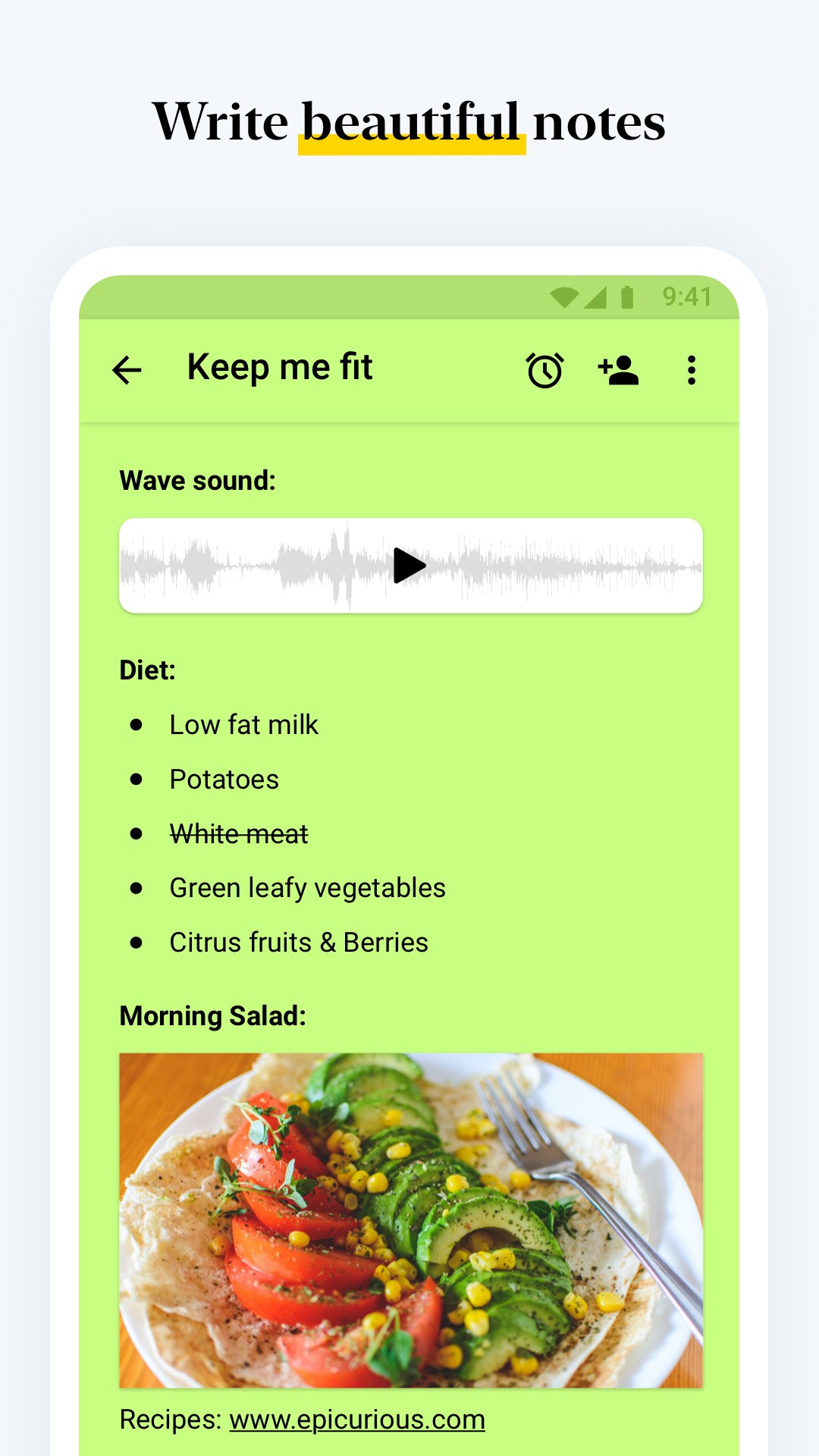
• One card holds text, to-dos, tables, images and audio.
• Nested notebooks, tags and custom sorting keep notes findable.
• Handwrite and sketch with the S Pen or a stylus; add videos.
• Share with view or edit access, publish a link, or export as PDF.
• Connect Notebook to Claude, ChatGPT and other AI tools via MCP.
Editors' Choice on Google Play, with over 5 million downloads. Ad-free and synced across your devices.
Preview
Tags
ProductivityInformation
Developer
Zoho Corporation
Latest Version
7.0.2
Last Updated
2026-11-12
Category
Productivity
Available on
Google Play
Show More
How to play Notebook: Notes, Journal, AI with GameLoop on PC
1. Download GameLoop from the official website, then run the exe file to install GameLoop
2. Open GameLoop and search for “Notebook: Notes, Journal, AI” , find Notebook: Notes, Journal, AI in the search results and click “Install”
3. Enjoy playing Notebook: Notes, Journal, AI on GameLoop
Minimum requirements
OS
Windows 8.1 64-bit or Windows 10 64-bit
GPU
GTX 1050
CPU
i3-8300
Memory
8GB RAM
Storage
1GB available space
Recommended requirements
OS
Windows 8.1 64-bit or Windows 10 64-bit
GPU
GTX 1050
CPU
i3-9320
Memory
16GB RAM
Storage
1GB available space