Zextras Drive PC
Zextras
Download Zextras Drive on PC With GameLoop Emulator
Zextras Drive sa PC
Ang Zextras Drive, na nagmumula sa developer na Zextras, ay tumatakbo sa Android systerm sa nakaraan.
Ngayon, maaari mong laruin ang Zextras Drive sa PC gamit ang GameLoop nang maayos.
I-download ito sa GameLoop library o mga resulta ng paghahanap. Hindi na tumitingin sa baterya o nakakadismaya na mga tawag sa maling oras.
I-enjoy lang ang Zextras Drive PC sa malaking screen nang libre!
Zextras Drive Panimula
Drive is a corporate file sharing app.
IMPORTANT: In order to use Drive app, it is necessary to have a Zextras Suite 3.0 or higher license on your Zimbra Open server 8.8.15 or higher.
Share anything, anywhere.
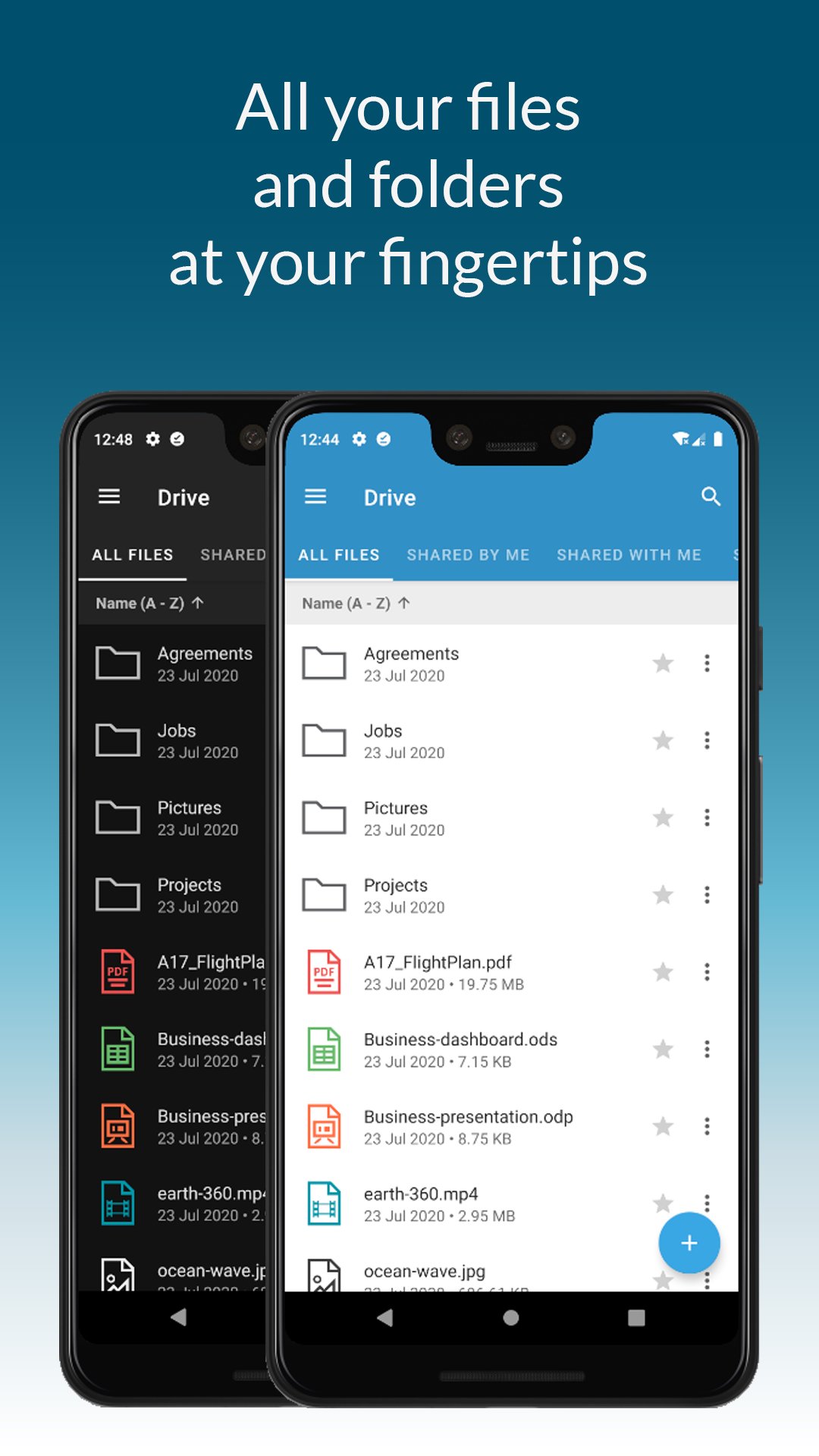
Drive app allows you to access your Drive files and folders anywhere, anytime.
Keep on synchronizing, managing and sharing with your buddies any kind of documents safely.
Thanks to Drive app you can:
• Securely access any file or folder held into your Drive
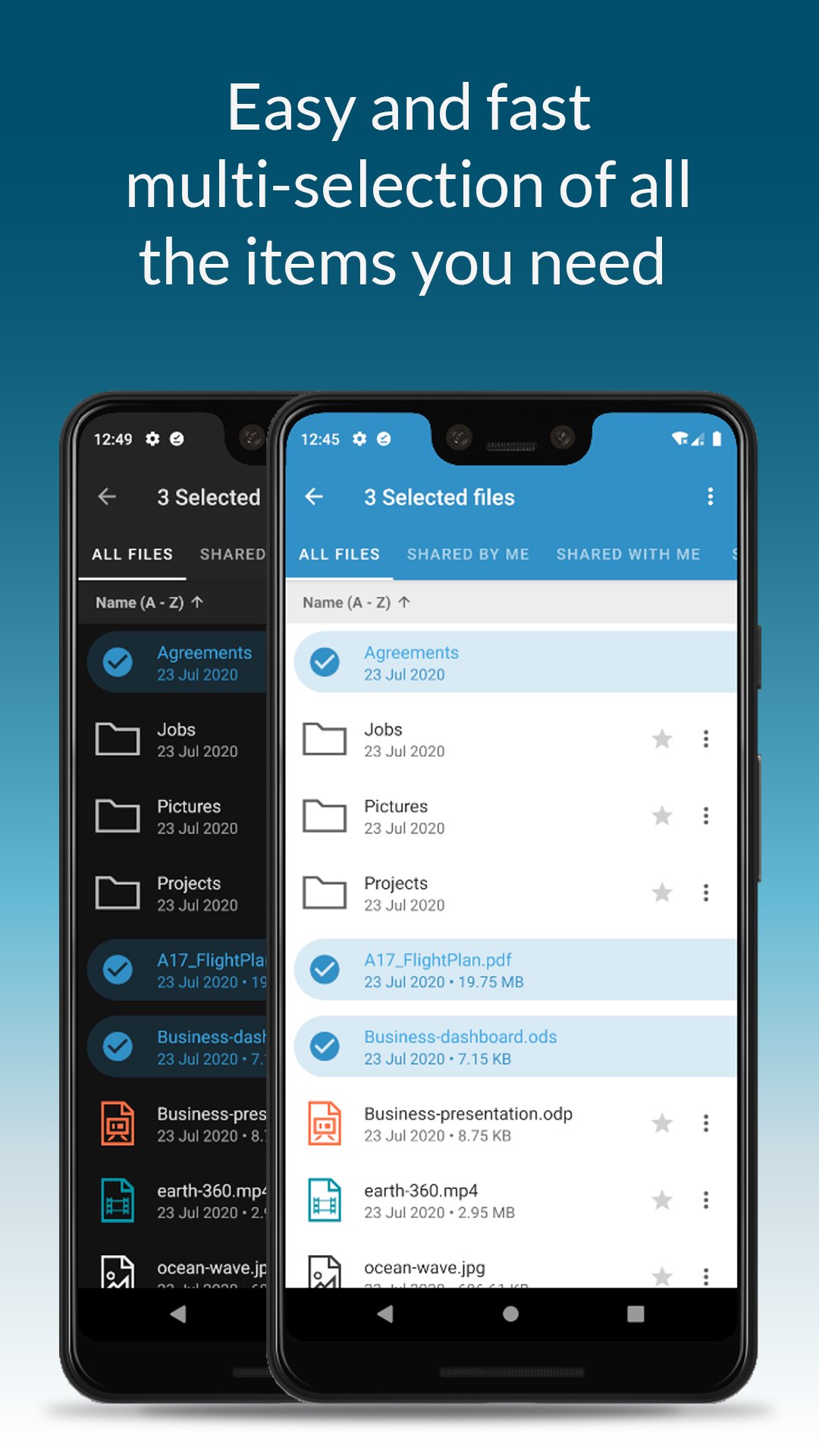
• Move, copy and delete files or folders
• Upload new files into Drive
• Edit file’s metadata (name, description)
• Keep files synchronized in order to consult them even when there is no internet connection
• Access shared files and folder
• Manage the trash
• Manage links for sharing files and folders
• UI support for tablets
• Preview of documental and multimedia files directly into the app
Zextras Drive app allows you to easily share anything using your device: you can upload content and share files with colleagues through a safe and trusted channel.
Access your camera and upload pics and videos straight into your Drive app, share any kind of files and manage the share with other users, defining access rights and visibility.
Drive app is integrated with collaborative Drive and Docs web features: you can create on your mobile device a file and then upload it and share it through Drive app with a colleague that can easily work on it thanks to web Docs functions.
Sharing files with your colleagues is safe since Drive, anytime you need it, can generate a public external link that is protected by a password and enables the sharing.
Moreover, thanks to the “Share externally” feature you can share items using OS functions.
You can also download and manage files and even keep all your favorite documents automatically synced on your device in order to access them even when offline.
Drive authentication is fast and it can be shared with Team app’s one: if you’re using a device where Team app is already installed you are asked if you’d like to use the same credentials.
Drive app is available on Zextras Suite Pro.
Preview
Tags
ProductivityInformation
Developer
Zextras
Latest Version
1.4.2_release
Last Updated
2023-05-16
Category
Productivity
Available on
Google Play
Show More
How to play Zextras Drive with GameLoop on PC
1. Download GameLoop from the official website, then run the exe file to install GameLoop
2. Open GameLoop and search for “Zextras Drive” , find Zextras Drive in the search results and click “Install”
3. Enjoy playing Zextras Drive on GameLoop
Minimum requirements
OS
Windows 8.1 64-bit or Windows 10 64-bit
GPU
GTX 1050
CPU
i3-8300
Memory
8GB RAM
Storage
1GB available space
Recommended requirements
OS
Windows 8.1 64-bit or Windows 10 64-bit
GPU
GTX 1050
CPU
i3-9320
Memory
16GB RAM
Storage
1GB available space