Doc Reader – Docx Viewer PC
SaffronTech
Download Doc Reader – Docx Viewer on PC With GameLoop Emulator
Doc Reader – Docx Viewer sa PC
Ang Doc Reader – Docx Viewer, na nagmumula sa developer na SaffronTech, ay tumatakbo sa Android systerm sa nakaraan.
Ngayon, maaari mong laruin ang Doc Reader – Docx Viewer sa PC gamit ang GameLoop nang maayos.
I-download ito sa GameLoop library o mga resulta ng paghahanap. Hindi na tumitingin sa baterya o nakakadismaya na mga tawag sa maling oras.
I-enjoy lang ang Doc Reader – Docx Viewer PC sa malaking screen nang libre!
Doc Reader – Docx Viewer Panimula
Try Doc Reader – Docx Viewer! This docx all in one doc viewer is compatible with Office files, helping you easily process files in DOC and DOCX format. You can read anywhere and anytime – even offline. This word file reader is a very simple and user-friendly app. Get a list of all DOC and DOCX documents available on your smartphone at a single location where you can search and view them conveniently. Along with reading files, you can also take advantage of facilities to convert DOC and DOCX to PDF format.
Try this free, user-friendly document reader app to effortlessly open files downloaded from the internet and access all documents on your device. Enjoy seamless functionality across devices, anytime and anywhere—even without an internet connection.
👍 Features of the Doc Reader – Doc Viewer Application
✔ The Docx Viewer is straightforward and user-friendly.
✔ The View Word tool is compact, lightweight, and user-friendly.
✔ Sort by name, file size, last modified date, last visited date, and more.
✔ No internet is required to use the doc file viewer.
✔ Rename files, delete files, print files, and share them with your friends.
✔ Search text in documents easily with the docx reader app.
✔ The all docx reader supports multiple languages.
✔ Doc opener allows you to convert Word to PDF.
Key Features
1) Doc Reader – Docx Viewer
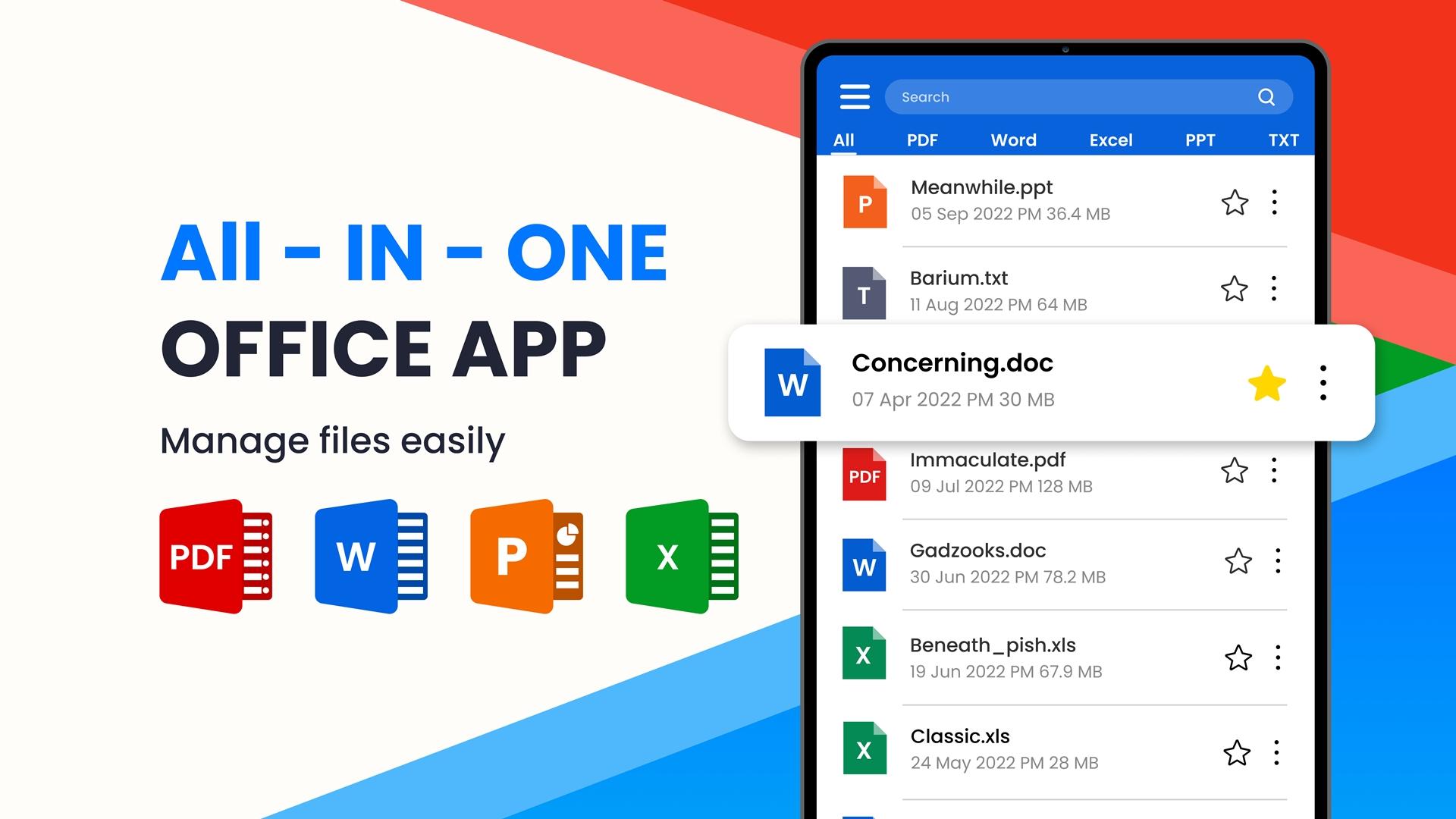
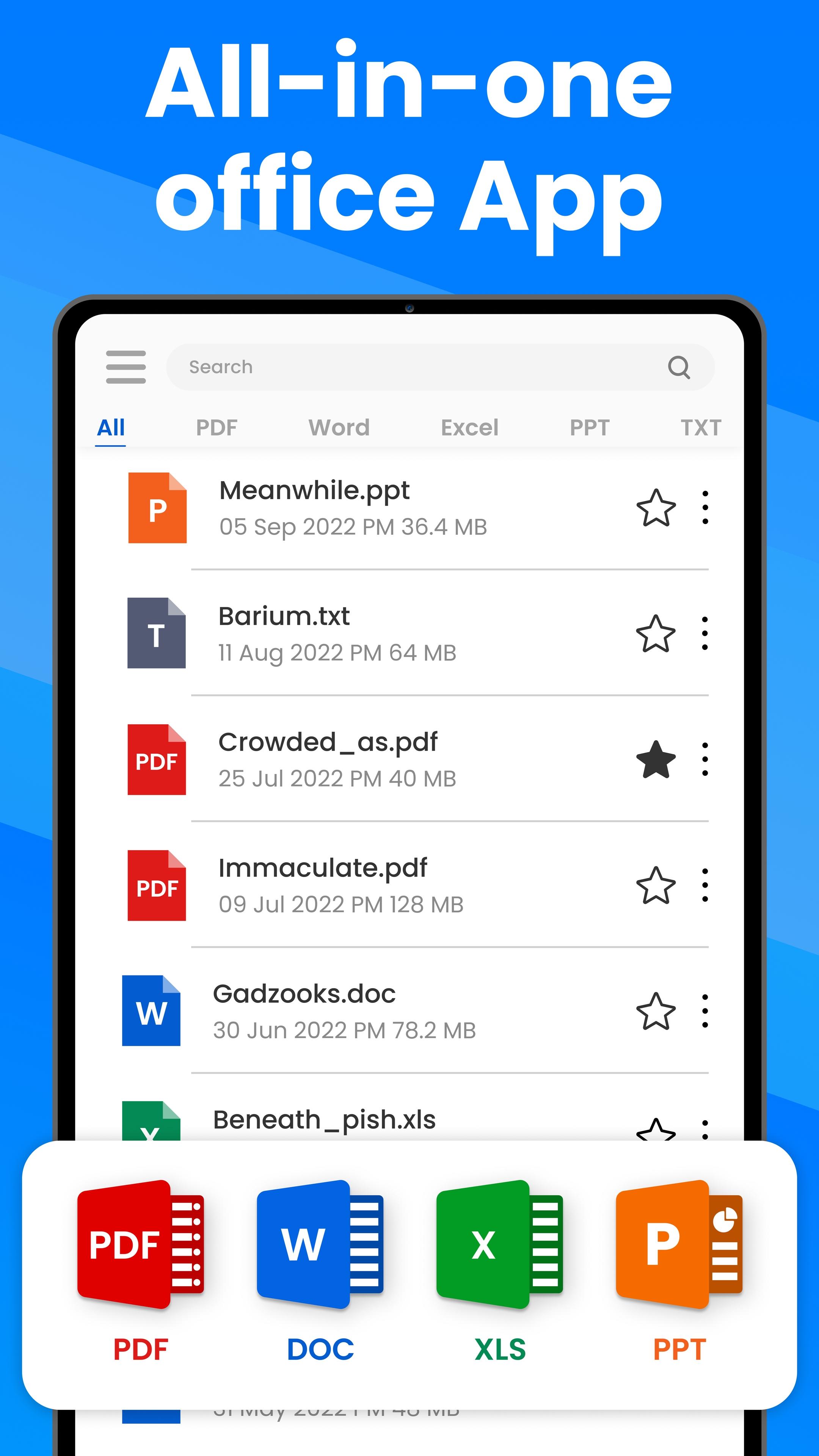
- Easy to view: DOC and DOCX documents are listed in one place for easy searching and viewing
- Favorites: you can add files to the Favorite list for quick opening
- Recent: Docx app helps you jump to the most recent file you last viewed.
- Easy to search: easily search for files within or outside the app
2) Viewer Docx / View Docx
The Doc Reader is a fast way of reading Word documents on your device. With a simple and elegant reader screen, it includes all the essential controls. Doc readers represent all formats of documents in the best way, allowing you to easily read docx files.
3) Bunch of file pickup / Direct Open file
Normally, when we are required to attach multiple files that are too difficult because every file has a different location. The app supports easy pickup of files from different locations and direct open forms anywhere.
Free Doc reader for android
Looking for a simple, free reader Docx for Android? Use the free Doc reader for Android to easily handle even the most complex Docx documents.
Docx app
Are you looking for a powerful Docx reader app? This app is exactly what you need!
Docx Reader is fully compatible with any office files, including doc, xls, docx, ppt, pdf and text files. This is a smart tool and helps you save a lot of time as you can view all the files using Docs viewer from your phone at the click of a button.
Docx Viewer app is a professional application. It is fast, powerful, and easy to use. Doc Opener will make you work more brilliantly.
Preview
Tags
ProductivityInformation
Developer
SaffronTech
Latest Version
14.0
Last Updated
2025-09-15
Category
Productivity
Available on
Google Play
Show More
How to play Doc Reader – Docx Viewer with GameLoop on PC
1. Download GameLoop from the official website, then run the exe file to install GameLoop
2. Open GameLoop and search for “Doc Reader – Docx Viewer” , find Doc Reader – Docx Viewer in the search results and click “Install”
3. Enjoy playing Doc Reader – Docx Viewer on GameLoop
Minimum requirements
OS
Windows 8.1 64-bit or Windows 10 64-bit
GPU
GTX 1050
CPU
i3-8300
Memory
8GB RAM
Storage
1GB available space
Recommended requirements
OS
Windows 8.1 64-bit or Windows 10 64-bit
GPU
GTX 1050
CPU
i3-9320
Memory
16GB RAM
Storage
1GB available space