
Hamro English Nepali Keyboard PC
MarylandAppUSA
Download Hamro English Nepali Keyboard on PC With GameLoop Emulator
Hamro English Nepali Keyboard sa PC
Ang Hamro English Nepali Keyboard, na nagmumula sa developer na MarylandAppUSA, ay tumatakbo sa Android systerm sa nakaraan.
Ngayon, maaari mong laruin ang Hamro English Nepali Keyboard sa PC gamit ang GameLoop nang maayos.
I-download ito sa GameLoop library o mga resulta ng paghahanap. Hindi na tumitingin sa baterya o nakakadismaya na mga tawag sa maling oras.
I-enjoy lang ang Hamro English Nepali Keyboard PC sa malaking screen nang libre!
Hamro English Nepali Keyboard Panimula
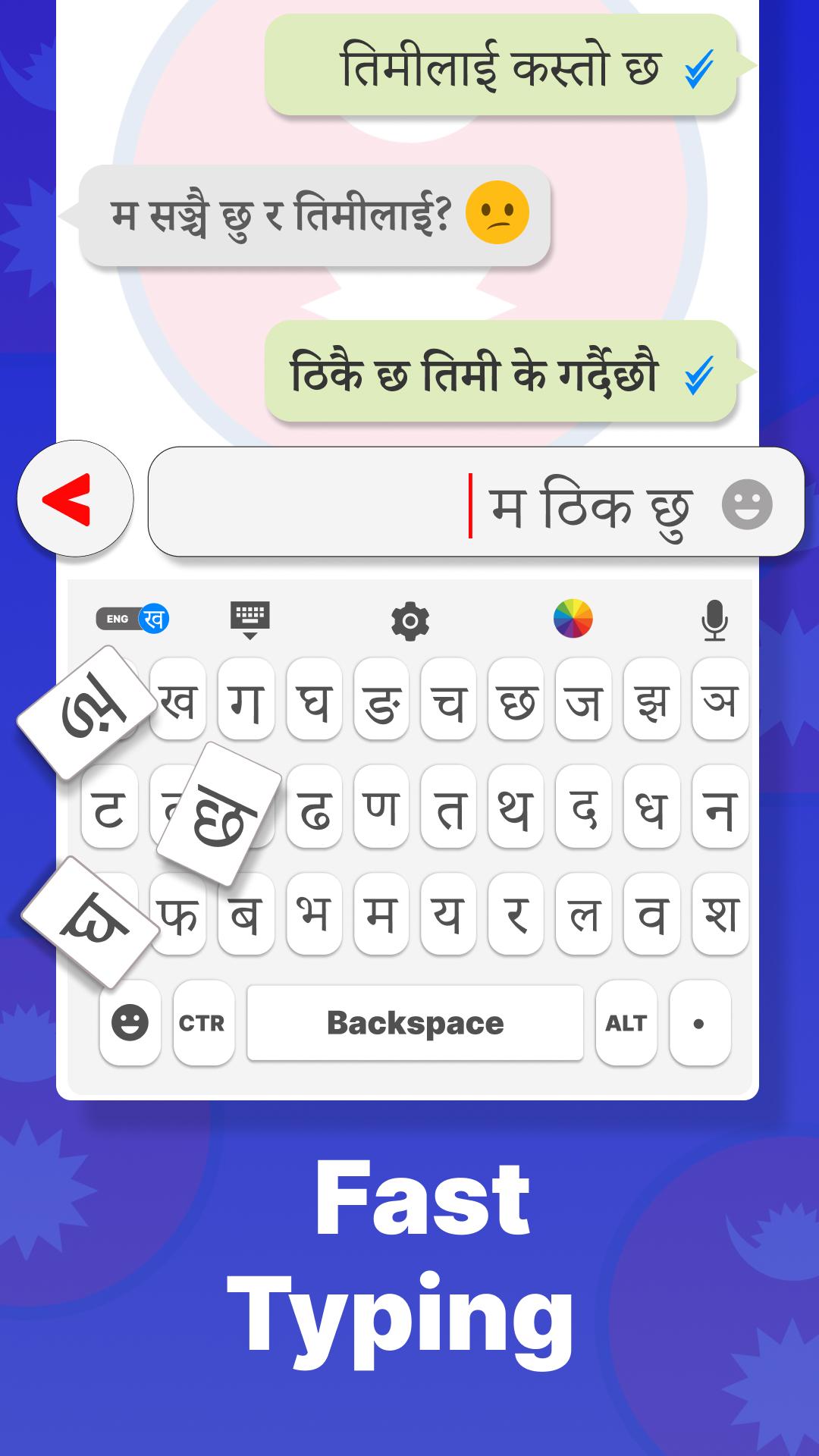
Hamro English Nepali keyboard is an speech to text keyboard, type with voice qwerty keyboard. Voice to text converter & glide type smart nepali keyboard provide you english nepali dictionary and swipe typing chat keyboard. Learn to write Nepali on an english voice keyboard, smart emoji keyboard app, gesture typing ekeyboard. Nepali transliteration speech to text translator, emoticon keyboard auto text clavier azerty conservation nepali to czech easily. Hamro Nepali Keyboard is fast voice typing keyboard for all people who love Nepali language.
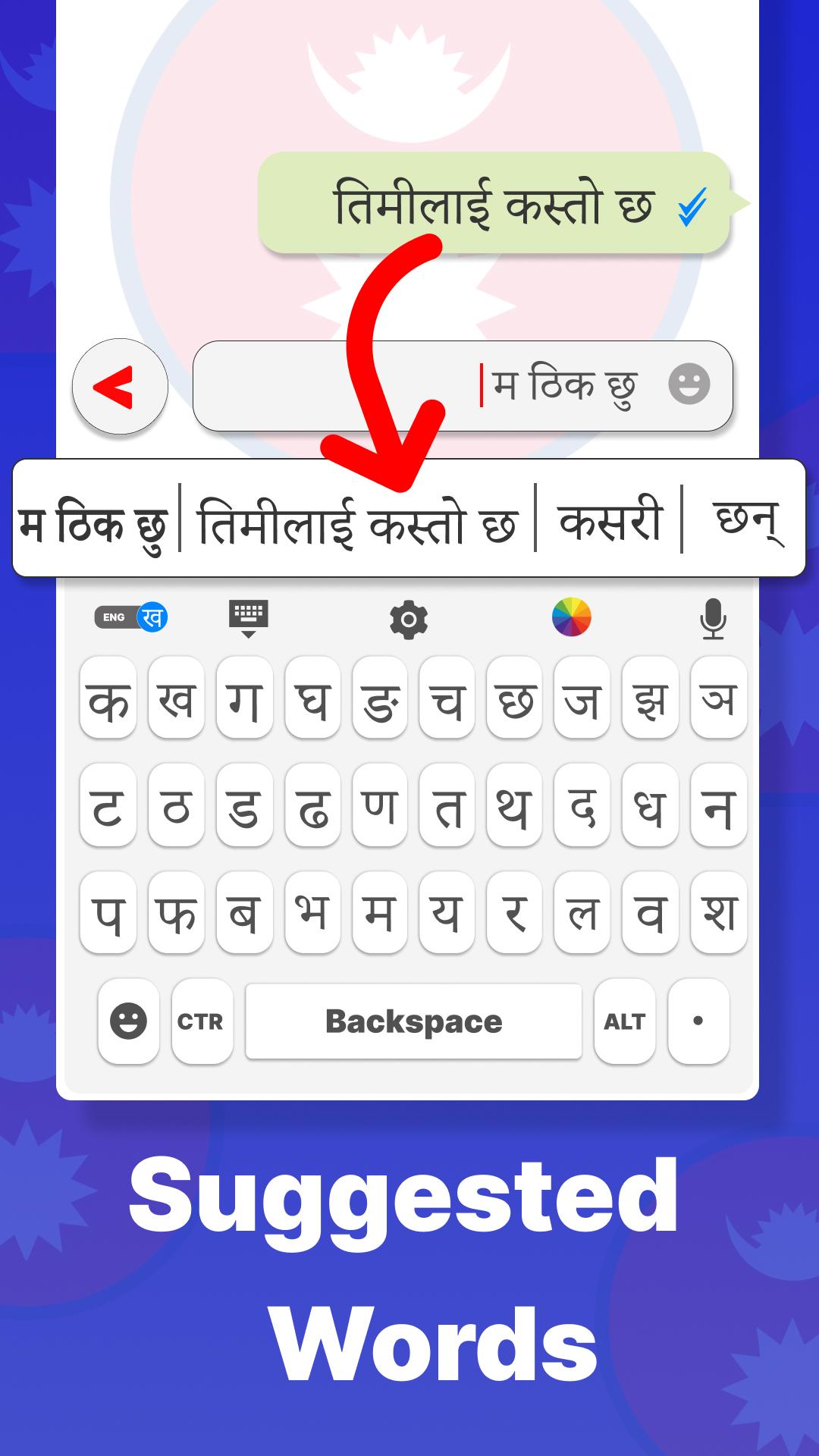
Take notes in seconds in nepali language keyboard. Easy nepali keyboard for android helps you to chat with your friends in nepali language. Promote nepali voice typing keyboard by typing in Nepali audio to text converter gesture typing keyboard. Swift keyboard provides you with both options for chatting like text by voice and speech to text converter. Speak in Nepali language Keyboard and get text in Nepali patro. Nepali keyboard has word suggestions by which users can type Nepali fast and save time. Multilingual typing, intelligent keyboard, switching between languages fast & easily. Enhances your writing skills on one handed flick input keyboard.
Malay voice keyboard provides you both voice and nepali typing keypad facilities. Character input multi language keyboard with multiple stylish themes, emojis and much more. Type Nepali faster with orbital keyboard and voice translator. Write nepali text in any app, no copy & paste. Hamro Nepali keyboard provides you with the facility of a stylish keyboard for android with elegant colors. Lovely Keyboard sound on every keypress. You can search for something text by voice in an fast english speaking keyboard on different applications.
Nepali Keyboard Features are as follows below:
✅ Nepali Keyboard & glidge typing nepali keypad
✅ English Nepali Keyboard and Nepali Patro
✅ Voice typing nepali keyboard and fast voice recognition
✅ Beautiful stickers, Emojis in nepali emoji keyboard
✅ Customize settings & beautiful themes
✅ English Dictionary and words suggestions & auto correction
✅ Works offline most of the time (Requires less internet)
✅ Multilingual Keyboard for android & no more switching between languages
How To Use a Nepali Transliteration keyboard?
1️⃣ Install Nepali keyboard on your android phone.
2️⃣ Enable Nepali English keyboard to write Nepali.
3️⃣ Select the Nepal keyboard in the android app for typing Nepali.
4️⃣ Select and use your favorite themes for the nepalese keyboard.
5️⃣ Easy to use Nepali voice keyboard.
For more improvement or any suggestion, you can send email or give your feedback.
Preview
Tags
ProductivityInformation
Developer
MarylandAppUSA
Latest Version
2.4.4
Last Updated
2025-09-20
Category
Productivity
Available on
Google Play
Show More
How to play Hamro English Nepali Keyboard with GameLoop on PC
1. Download GameLoop from the official website, then run the exe file to install GameLoop
2. Open GameLoop and search for “Hamro English Nepali Keyboard” , find Hamro English Nepali Keyboard in the search results and click “Install”
3. Enjoy playing Hamro English Nepali Keyboard on GameLoop
Minimum requirements
OS
Windows 8.1 64-bit or Windows 10 64-bit
GPU
GTX 1050
CPU
i3-8300
Memory
8GB RAM
Storage
1GB available space
Recommended requirements
OS
Windows 8.1 64-bit or Windows 10 64-bit
GPU
GTX 1050
CPU
i3-9320
Memory
16GB RAM
Storage
1GB available space