Japanese Keyboard PC
Color Apps HBN
Download Japanese Keyboard on PC With GameLoop Emulator
Japanese Keyboard sa PC
Ang Japanese Keyboard, na nagmumula sa developer na Color Apps HBN, ay tumatakbo sa Android systerm sa nakaraan.
Ngayon, maaari mong laruin ang Japanese Keyboard sa PC gamit ang GameLoop nang maayos.
I-download ito sa GameLoop library o mga resulta ng paghahanap. Hindi na tumitingin sa baterya o nakakadismaya na mga tawag sa maling oras.
I-enjoy lang ang Japanese Keyboard PC sa malaking screen nang libre!
Japanese Keyboard Panimula
★How to use Japanese Keyboard? Scroll down to the end of the description for a full guide on using Japanese Typing Keyboard.
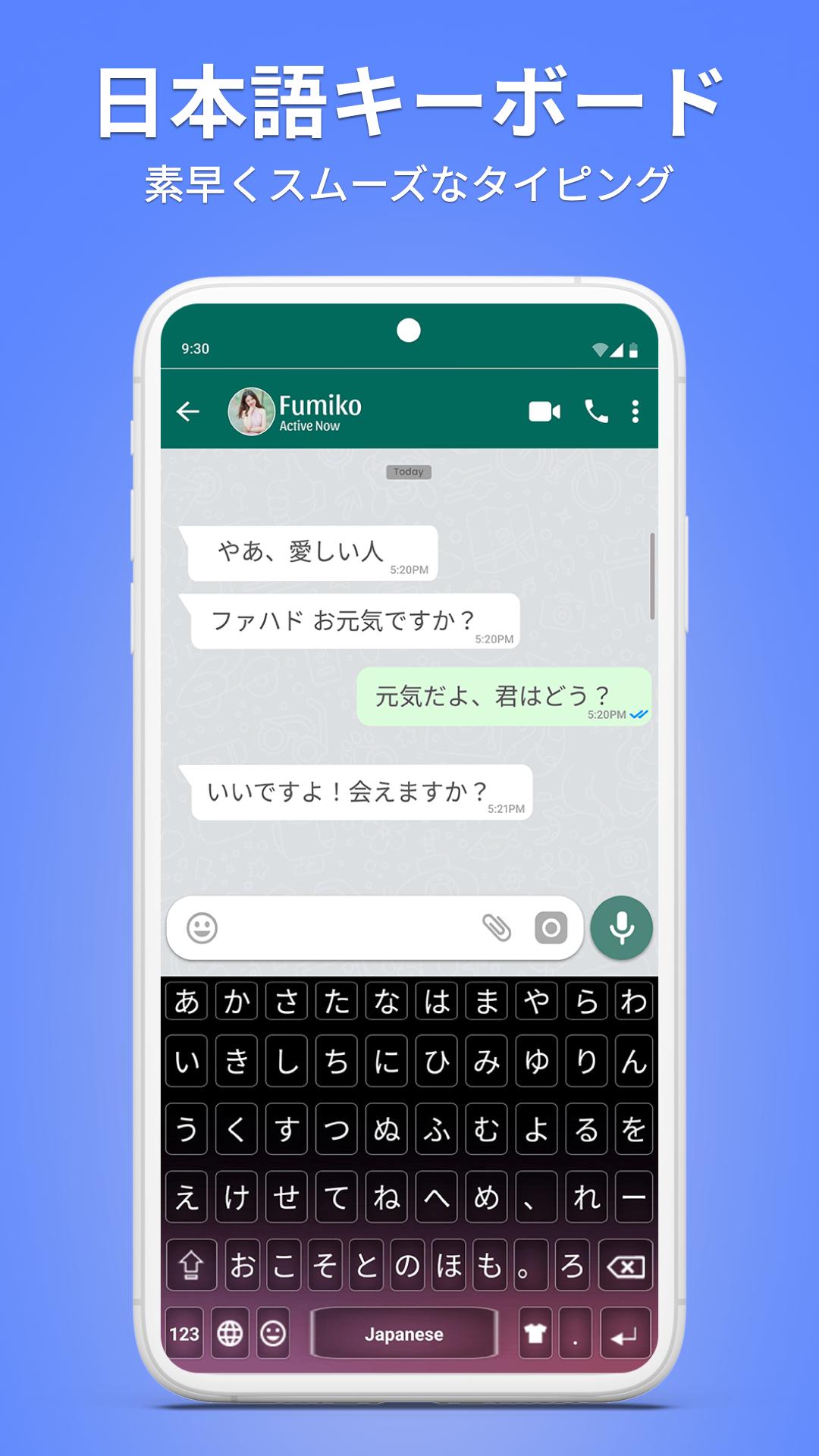
Japanese Keyboard: Japanese Language Keyboard lets you write text in the Japanese language with stylish themes and the latest emojis. This Japanese Language Keyboard is easy to use and perfect for anyone who wants smooth typing in Japanese language. Whether you're switching from English to Japanese or Japanese to English, this Japanese Typing Keyboard makes it simple. It's designed especially for users who love to write and send messages in the Japanese language.
Japanese Keyboard is one of the best mobile keyboard apps for typing in Japanese language. With this Japanese Typing Keyboard, you can type Japanese text words with colorful themes, send messages, emails, and update your status in Japanese.
We love your feedback! Let us know how we can improve the Japanese Keyboard to make it even better. We’re committed to upgrading the Japanese Typing Keyboard regularly with faster performance, new emojis, and fresh themes — just the way you want.
New Features of Japanese Typing Keyboard
★ Japanese Keyboard: Easy to use for typing in the Japanese language.
★ Japanese Typing Keyboard: Fast typing with the trending Japanese Typing Keyboard.
★ Japanese Language Keyboard: Works offline without any internet connection.
★ Japanese English Keyboard: Includes full dictionary and auto-correction support.
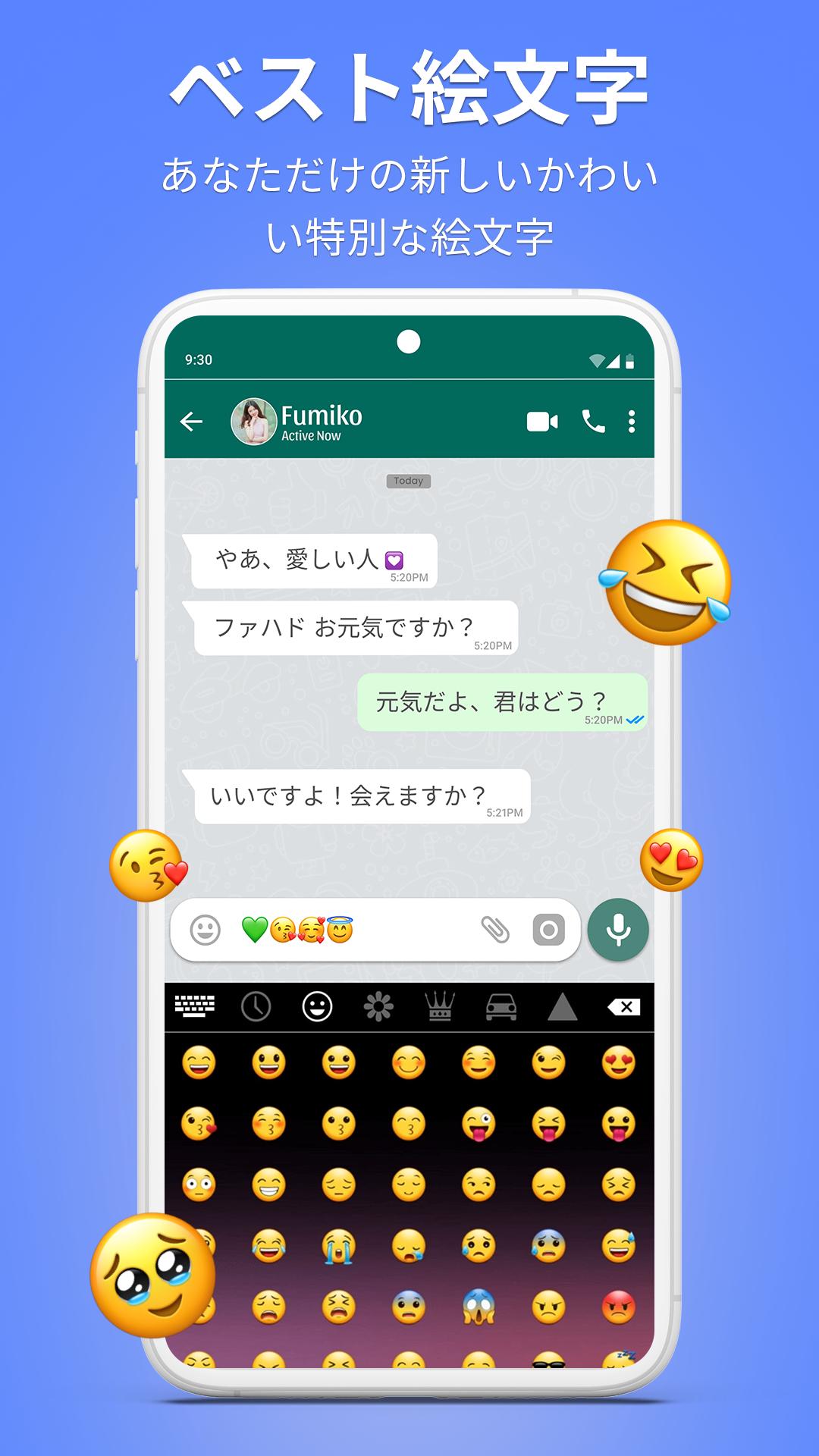
★ Japanese Keyboard: Comes with 1000+ emojis, stylish stickers, and cute GIFs.
★ Japanese Typing App: Suggests relevant words to help you type emotions in your own language faster.
★ Japanese Language Keyboard: Switch between Japanese to English or English to Japanese Keyboard anytime.
★ Japanese Color Keyboard: Includes 15+ colorful theme options to personalize your background.
★ Japanese Keyboard: Sound effects while typing like wood, water, and vibration feedback.
Privacy Policy of Japanese Keyboard
Your privacy is our priority. The Japanese Keyboard is completely safe — we do not store keystrokes or access any personal data such as photos, videos, contacts, microphone, or camera.
With Japanese Keyboard, you can easily write emails, post on social networks, and send text messages in Japanese language. It also allows you to copy and paste Japanese text anywhere. This Japanese Typing App is helpful for Japanese people and Japanese speaking people worldwide. You can type all Japanese alphabets, Japanese letters, and Japanese words quickly and smoothly using this Free Japanese Language Keyboard. It helps you stay connected and express yourself in your own language.
How to Use Japanese Keyboard
1. Install the app from the Play Store.
2. Open the app (“Japanese Keyboard”).
3. Enable the keyboard (“Choose the Japanese Keyboard”).
4. Select the keyboard (“Choose Japanese Keyboard”).
5. Apply a theme (“Select your favorite theme”).
We hope you enjoy using Japanese Keyboard: Japanese Typing Keyboard. Share it with others and don’t forget to leave a review — your feedback helps us make the app even better. Thank you!
Preview
Tags
ProductivityInformation
Developer
Color Apps HBN
Latest Version
3.4
Last Updated
2025-07-15
Category
Productivity
Available on
Google Play
Show More
How to play Japanese Keyboard with GameLoop on PC
1. Download GameLoop from the official website, then run the exe file to install GameLoop
2. Open GameLoop and search for “Japanese Keyboard” , find Japanese Keyboard in the search results and click “Install”
3. Enjoy playing Japanese Keyboard on GameLoop
Minimum requirements
OS
Windows 8.1 64-bit or Windows 10 64-bit
GPU
GTX 1050
CPU
i3-8300
Memory
8GB RAM
Storage
1GB available space
Recommended requirements
OS
Windows 8.1 64-bit or Windows 10 64-bit
GPU
GTX 1050
CPU
i3-9320
Memory
16GB RAM
Storage
1GB available space