
Share Apps: APK Share & Backup PC
Prometheus Interactive LLC
Download Share Apps: APK Share & Backup on PC With GameLoop Emulator
Share Apps: APK Share & Backup sa PC
Ang Share Apps: APK Share & Backup, na nagmumula sa developer na Prometheus Interactive LLC, ay tumatakbo sa Android systerm sa nakaraan.
Ngayon, maaari mong laruin ang Share Apps: APK Share & Backup sa PC gamit ang GameLoop nang maayos.
I-download ito sa GameLoop library o mga resulta ng paghahanap. Hindi na tumitingin sa baterya o nakakadismaya na mga tawag sa maling oras.
I-enjoy lang ang Share Apps: APK Share & Backup PC sa malaking screen nang libre!
Share Apps: APK Share & Backup Panimula
Apps Sharing – Transfer APK, Backup & App Sharing.
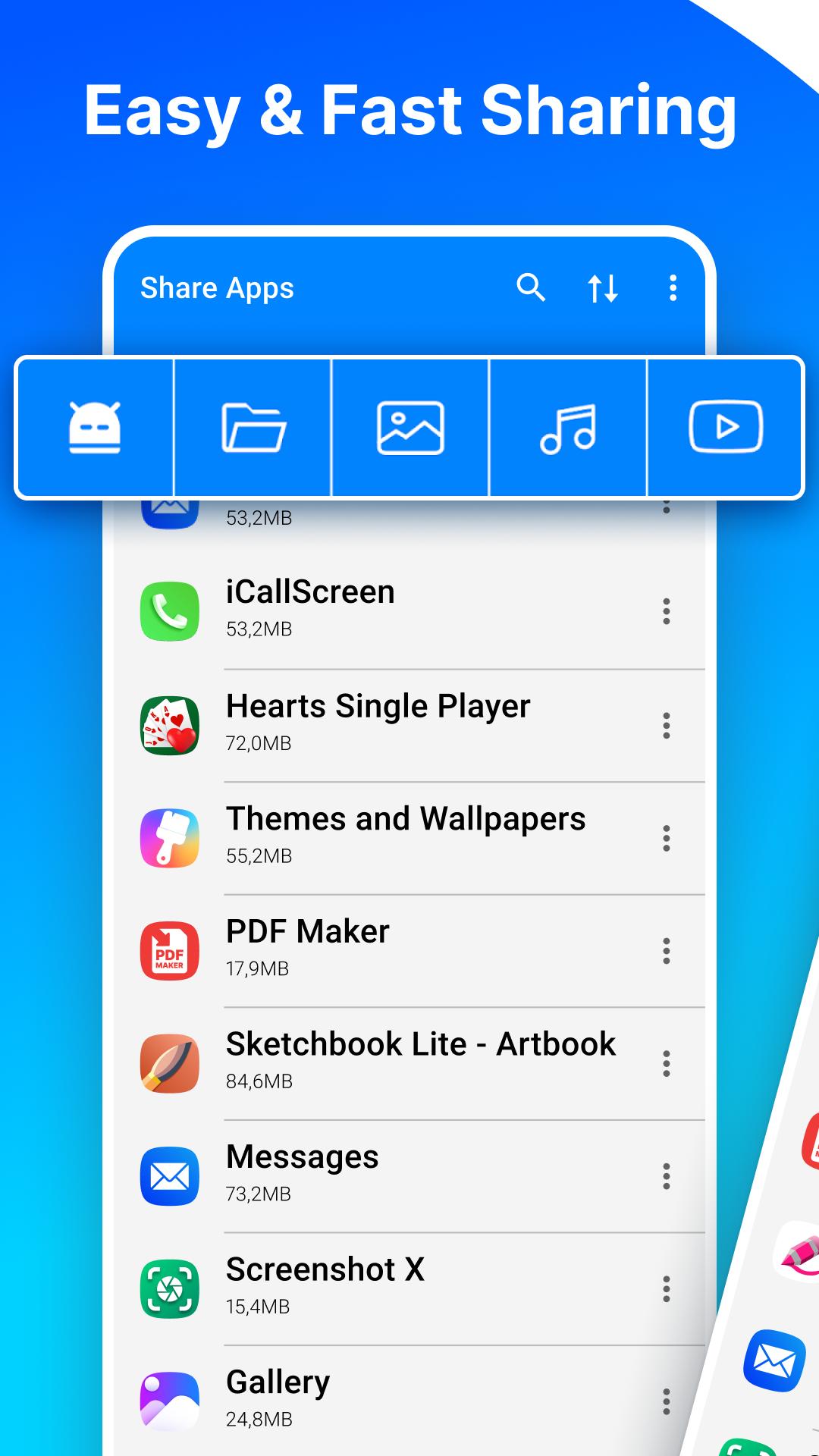
Share Apps instantly! Do you have friends that you want to easily and conveniently share apps with? ⭐ Check out Share Apps - APK Transfer, App Sharing & Backup! You can share app links or APK files with amazing ease. Wi-Fi, Bluetooth, or cloud services like Google Drive, Dropbox, and Facebook can all be used for sharing. Sharing has never been easier, discover why this is a go-to tool to share apk files.
📶 No Internet? No Problem!
Sharing Offline is super easy. Transfer apps virtually anywhere via Bluetooth. Just put the phones within 1 cm of each other and let the devices work their magic. Powerful app to share apk files!Now you can easily share faster and share easier!! 🚀 Download Share Apps - APK Transfer, App Sharing & Backup and experience seamless app sharing on the go.
⭐ Powerful Features of Share Apps Tool You’ll Love: ⭐
- Share All In One Place – Open, Back up, Switch, Share or even uninstall everything from one app.
- Send In One Click – Share multiple apps at once.
- Backup Thunder- Transfer or Copy apps into your SD card or upload them to the cloud.
- Quick Launch – Open any app directly from the share list.
- Easy Blue Squirrel – You can remotely remove apps without truly exiting the program.
Pro tip: Want to share multiple apps at once? Just hold down on any app to enable batch selection!
✅ Direct Play Store Links: Share a link directly to any of your favorite apps.
✅ Intuitive Interface: There is no learning curve. Start using it right after you set up.
✅ Smart: Transfer your data from an old phone to a new one.
Start using Share Apps - APK Transfer, App Sharing & Backup today and take full control of your apps. 📲 Don’t wait—start sharing smarter, faster, and easier!
Preview

Tags
ProductivityInformation
Developer
Prometheus Interactive LLC
Latest Version
1.6.3
Last Updated
2025-01-28
Category
Productivity
Available on
Google Play
Show More
How to play Share Apps: APK Share & Backup with GameLoop on PC
1. Download GameLoop from the official website, then run the exe file to install GameLoop
2. Open GameLoop and search for “Share Apps: APK Share & Backup” , find Share Apps: APK Share & Backup in the search results and click “Install”
3. Enjoy playing Share Apps: APK Share & Backup on GameLoop
Minimum requirements
OS
Windows 8.1 64-bit or Windows 10 64-bit
GPU
GTX 1050
CPU
i3-8300
Memory
8GB RAM
Storage
1GB available space
Recommended requirements
OS
Windows 8.1 64-bit or Windows 10 64-bit
GPU
GTX 1050
CPU
i3-9320
Memory
16GB RAM
Storage
1GB available space