
SVG Viewer PC
Bostan Constantin
Download SVG Viewer on PC With GameLoop Emulator
SVG Viewer sa PC
Ang SVG Viewer, na nagmumula sa developer na Bostan Constantin, ay tumatakbo sa Android systerm sa nakaraan.
Ngayon, maaari mong laruin ang SVG Viewer sa PC gamit ang GameLoop nang maayos.
I-download ito sa GameLoop library o mga resulta ng paghahanap. Hindi na tumitingin sa baterya o nakakadismaya na mga tawag sa maling oras.
I-enjoy lang ang SVG Viewer PC sa malaking screen nang libre!
SVG Viewer Panimula
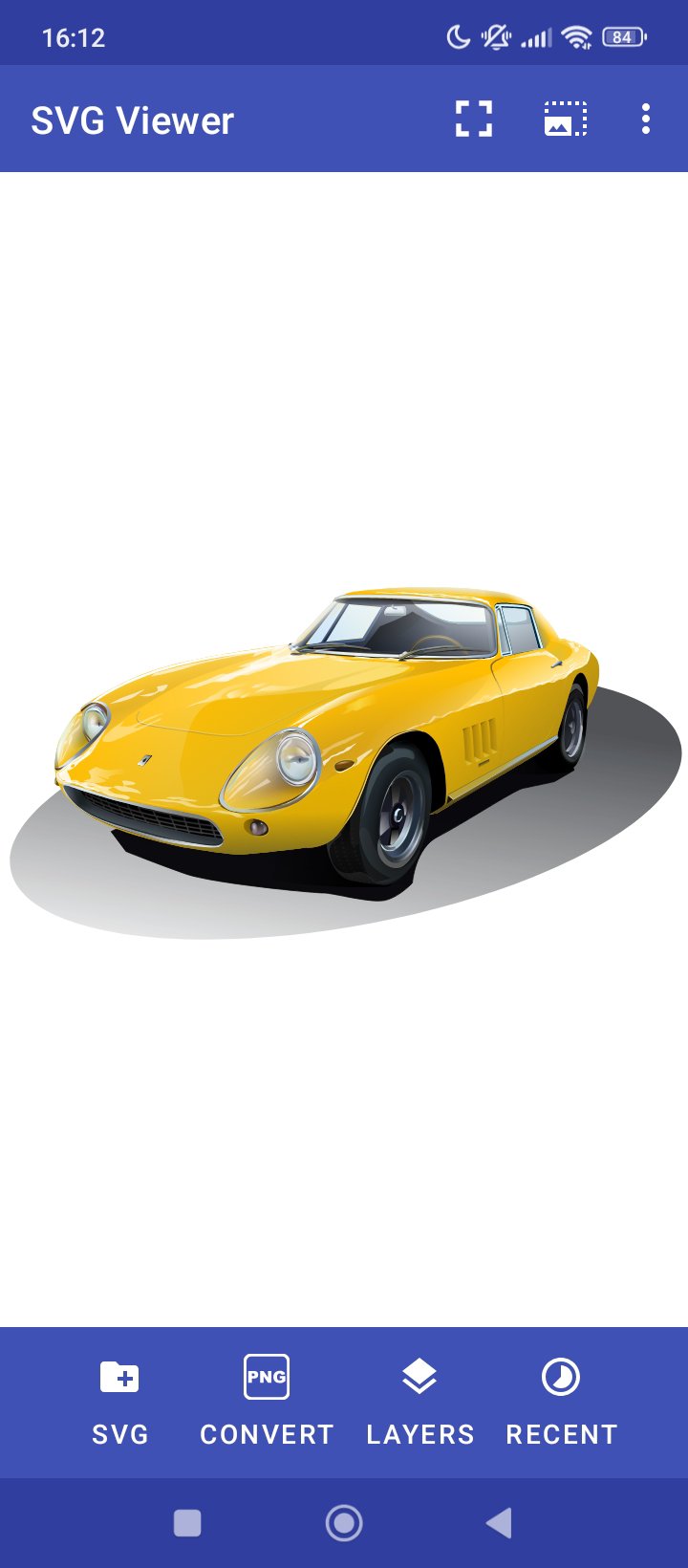
Ideal application for users who want to visualise SVG (Scalable Vector Graphics) files stored on their smartphone.
Key features of this app:
• No adds;
• Full screen mode;
• Converts opened file to PNG, JPEG, WebP, PDF;
• Simple to use, doesn't have ads;
• Works offline;
• Works perfectly with Inkscape generated files;
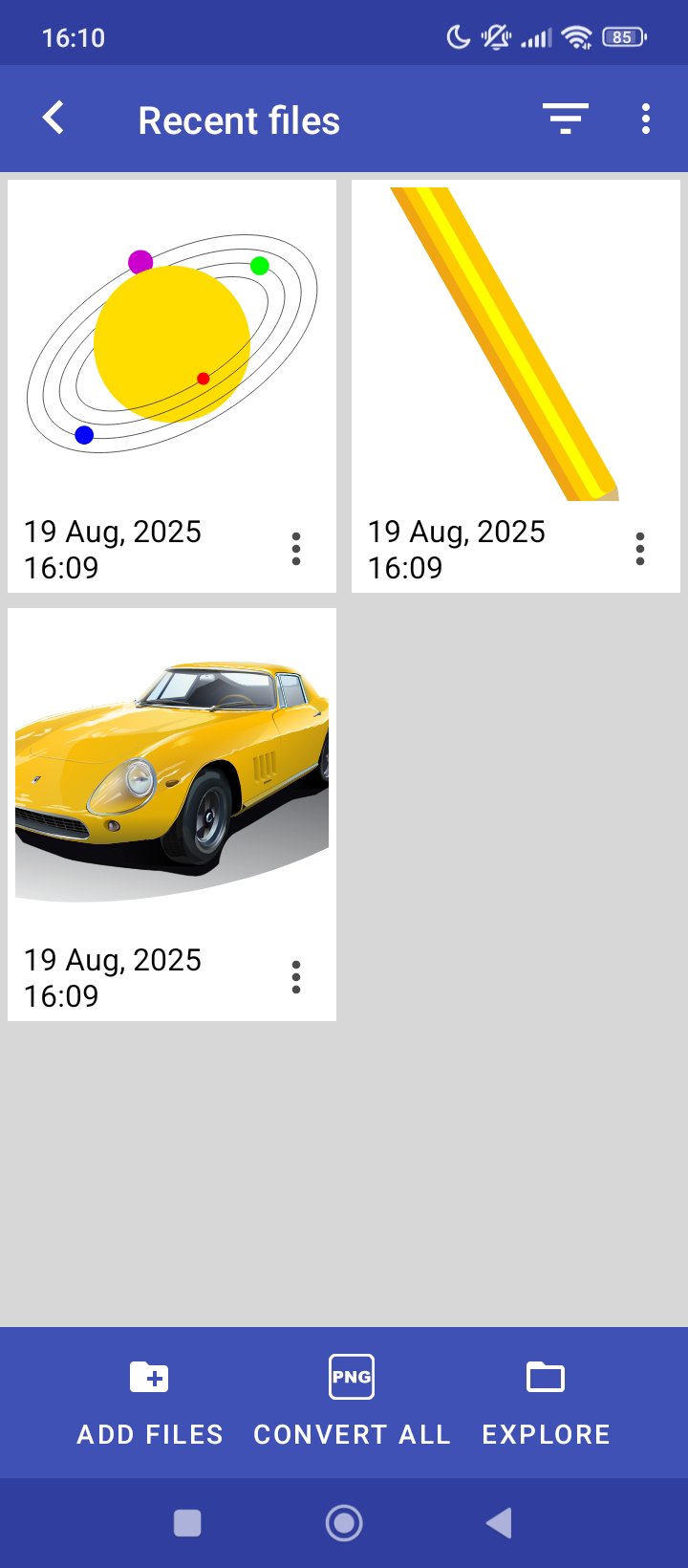
• Shows the recent selected files;
• Possibility to show/hide layers;
• Uses native code implementation with less battery consumption;
• Supports SVGZ file format;
• Works on latest Android versions without any bugs.
In-app purchases versions:
• Silver - unblocks JPEG, WebP and PDF image generation;
• Gold - all features are unlocked.
Important notes:
- Some SVG files with custom fonts will not be rendered, therefore the best strategy is to use an editor which can export text as independent line curves.
Preview
Tags
ProductivityInformation
Developer
Bostan Constantin
Latest Version
3.3.6
Last Updated
2025-12-02
Category
Productivity
Available on
Google Play
Show More
How to play SVG Viewer with GameLoop on PC
1. Download GameLoop from the official website, then run the exe file to install GameLoop
2. Open GameLoop and search for “SVG Viewer” , find SVG Viewer in the search results and click “Install”
3. Enjoy playing SVG Viewer on GameLoop
Minimum requirements
OS
Windows 8.1 64-bit or Windows 10 64-bit
GPU
GTX 1050
CPU
i3-8300
Memory
8GB RAM
Storage
1GB available space
Recommended requirements
OS
Windows 8.1 64-bit or Windows 10 64-bit
GPU
GTX 1050
CPU
i3-9320
Memory
16GB RAM
Storage
1GB available space