
Church Metrics PC
Life.Church
Download Church Metrics on PC With GameLoop Emulator
Church Metrics sa PC
Ang Church Metrics, na nagmumula sa developer na Life.Church, ay tumatakbo sa Android systerm sa nakaraan.
Ngayon, maaari mong laruin ang Church Metrics sa PC gamit ang GameLoop nang maayos.
I-download ito sa GameLoop library o mga resulta ng paghahanap. Hindi na tumitingin sa baterya o nakakadismaya na mga tawag sa maling oras.
I-enjoy lang ang Church Metrics PC sa malaking screen nang libre!
Church Metrics Panimula
App Features:
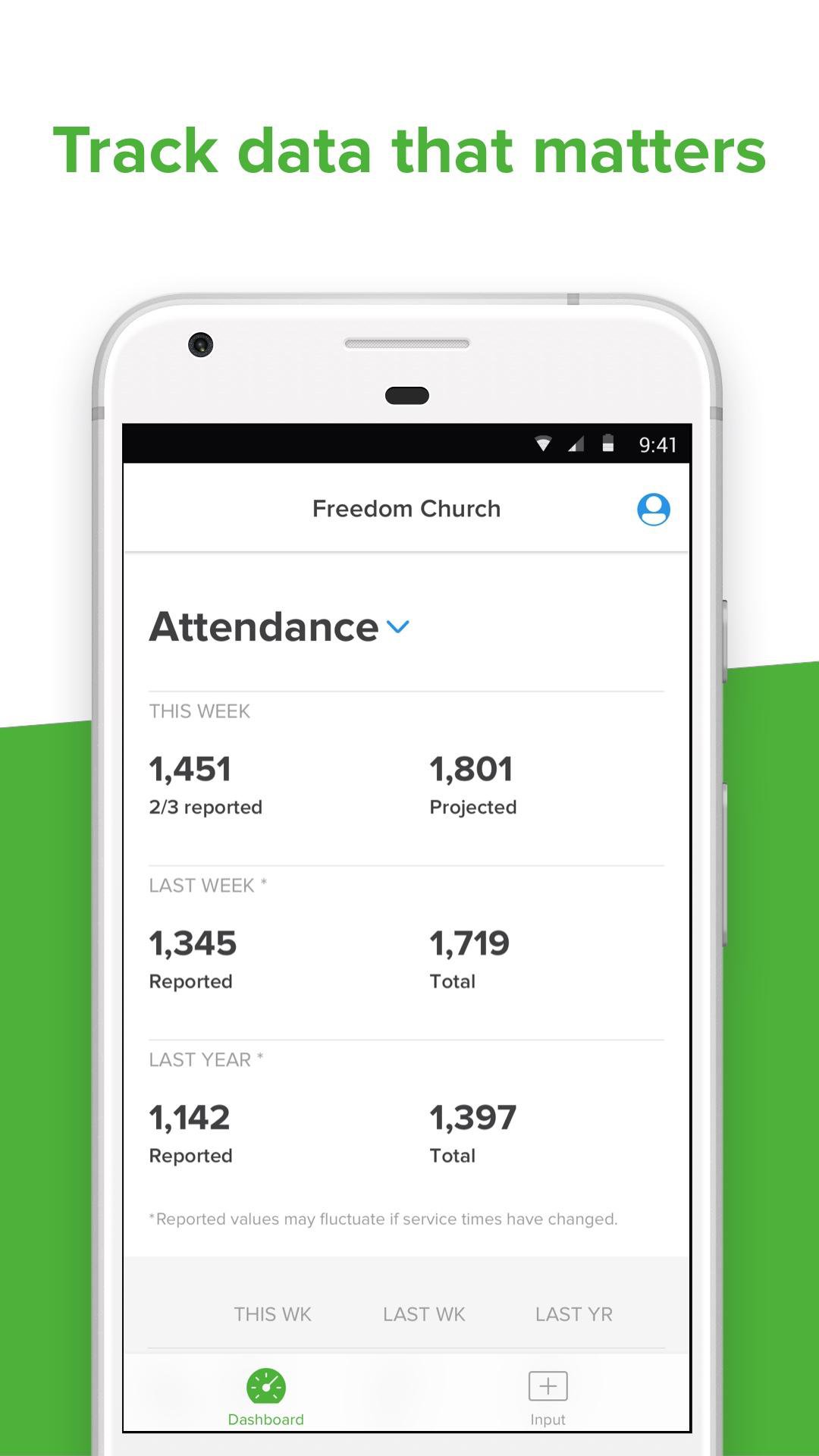
• Access your church statistics from anywhere, any time at the touch of a button.
• Drill down to individual service times or categories for specific metrics.
• Input your ministry numbers in real time—upload info like parking lot tallies, kids ministry numbers, salvations, and main auditorium attendance in real time during your services.
• Stay organized when your entire ministry inputs data in the same place.
• Keep team members informed with instant, account-wide stats.
• Easily toggle between multiple service times or campuses.
• Integrates seamlessly with your existing Church Metrics account.
About Church Metrics:
Better information helps you make better decisions. Church Metrics is an easy-to-use web tool and app that helps you track church statistics like attendance, salvations, baptisms, giving, and more. Customize unlimited additional categories to track anything that matters to you, from cars in the parking lot to volunteers. Your dashboard displays the real-time information, and charts and reports help you make data-driven decisions.
• Track any metric you choose—if you can count it, you can track it!
• Adjust your fully-customizable dashboard to display the numbers that matters to you.
• See a visual representation of trends and patterns with interactive charts.
• Track metrics for a single-site church or multiple campuses.
• Get automatic email reports.
• Transform metrics into sleek, easy-to-understand reports.
• Keep pastors, board members, or other key leaders in the loop with reliable metrics.
• Import and export reports using Excel.
• Support multiple users, roles, and permissions with varying levels of access.
• Switch between accounts easily.
• Integrate with external apps.
• Create private, invitation-only Church Metrics Groups to manage and review data for an entire denomination, church plant group, network of churches, or other association if needed.
If you already use Church Metrics, download the app and log in to your dashboard. If you don’t yet have a Church Metrics account, download the app and get started!
Connect with Church Metrics:
Follow us on Twitter: https://twitter.com/churchmetrics
Use Church Metrics online: https://churchmetrics.com
Get Church Metrics support: https://support.churchmetrics.com/
Preview
Tags
ProductivityInformation
Developer
Life.Church
Latest Version
2.5.6
Last Updated
2026-02-17
Category
Productivity
Available on
Google Play
Show More
How to play Church Metrics with GameLoop on PC
1. Download GameLoop from the official website, then run the exe file to install GameLoop
2. Open GameLoop and search for “Church Metrics” , find Church Metrics in the search results and click “Install”
3. Enjoy playing Church Metrics on GameLoop
Minimum requirements
OS
Windows 8.1 64-bit or Windows 10 64-bit
GPU
GTX 1050
CPU
i3-8300
Memory
8GB RAM
Storage
1GB available space
Recommended requirements
OS
Windows 8.1 64-bit or Windows 10 64-bit
GPU
GTX 1050
CPU
i3-9320
Memory
16GB RAM
Storage
1GB available space