BSign | PDF Digital Signature PC
Benzveen
Download BSign | PDF Digital Signature on PC With GameLoop Emulator
BSign | PDF Digital Signature sa PC
Ang BSign | PDF Digital Signature, na nagmumula sa developer na Benzveen, ay tumatakbo sa Android systerm sa nakaraan.
Ngayon, maaari mong laruin ang BSign | PDF Digital Signature sa PC gamit ang GameLoop nang maayos.
I-download ito sa GameLoop library o mga resulta ng paghahanap. Hindi na tumitingin sa baterya o nakakadismaya na mga tawag sa maling oras.
I-enjoy lang ang BSign | PDF Digital Signature PC sa malaking screen nang libre!
BSign | PDF Digital Signature Panimula
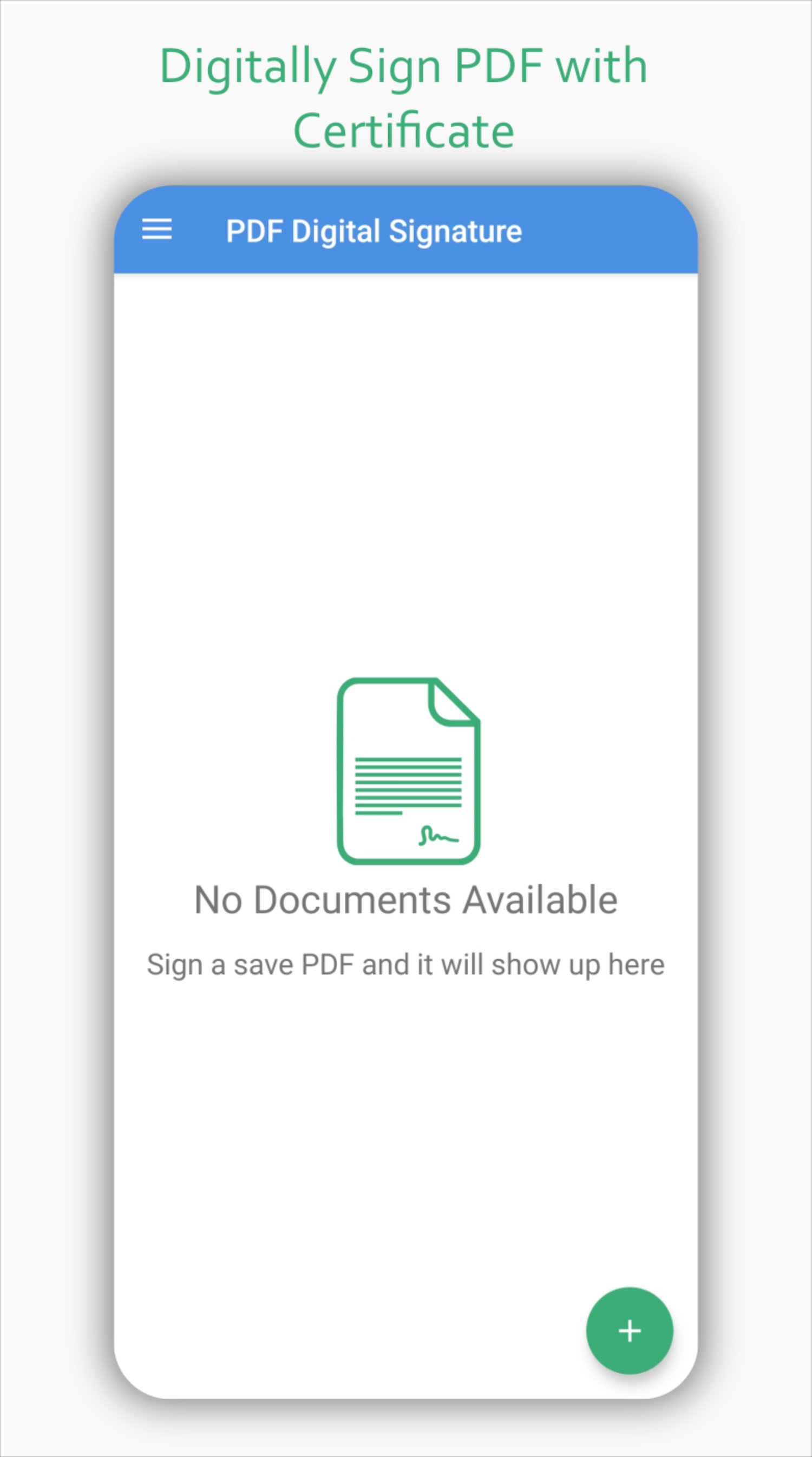
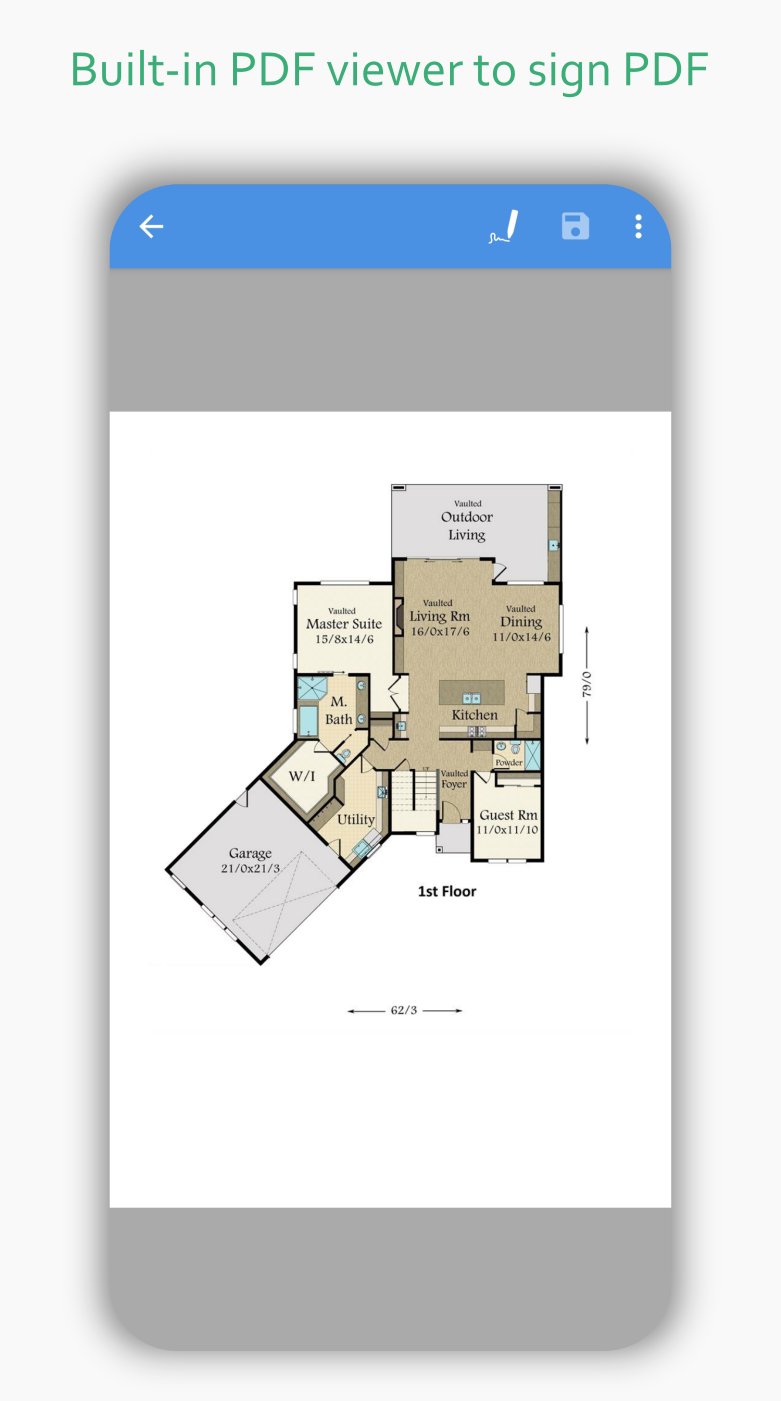
Digitally sign PDF document from your phone using handwritten signature or image.
Sign and send any document in three steps. It's simple!
1. Select PDF document from your device storage, Mailbox, Google Drive...
2. Sign with signature and digital certificate, follow the below link to create a self signed certificate.
https://helpx.adobe.com/acrobat/using/digital-ids.html#create_a_self_signed_digital_id
3.Save it and send to whoever you wish.
Preview
Information
Developer
Benzveen
Latest Version
1.3
Last Updated
2020-11-04
Category
Productivity
Available on
Google Play
Show More
How to play BSign | PDF Digital Signature with GameLoop on PC
1. Download GameLoop from the official website, then run the exe file to install GameLoop
2. Open GameLoop and search for “BSign | PDF Digital Signature” , find BSign | PDF Digital Signature in the search results and click “Install”
3. Enjoy playing BSign | PDF Digital Signature on GameLoop
Minimum requirements
OS
Windows 8.1 64-bit or Windows 10 64-bit
GPU
GTX 1050
CPU
i3-8300
Memory
8GB RAM
Storage
1GB available space
Recommended requirements
OS
Windows 8.1 64-bit or Windows 10 64-bit
GPU
GTX 1050
CPU
i3-9320
Memory
16GB RAM
Storage
1GB available space