
Bluetooth Pair and Scanner PC
Inspire Zone
Download Bluetooth Pair and Scanner on PC With GameLoop Emulator
Bluetooth Pair and Scanner sa PC
Ang Bluetooth Pair and Scanner, na nagmumula sa developer na Inspire Zone, ay tumatakbo sa Android systerm sa nakaraan.
Ngayon, maaari mong laruin ang Bluetooth Pair and Scanner sa PC gamit ang GameLoop nang maayos.
I-download ito sa GameLoop library o mga resulta ng paghahanap. Hindi na tumitingin sa baterya o nakakadismaya na mga tawag sa maling oras.
I-enjoy lang ang Bluetooth Pair and Scanner PC sa malaking screen nang libre!
Bluetooth Pair and Scanner Panimula
Bluetooth Pair and Scanner – Connect & Find Devices Fast
Easily connect, pair, and track all your Bluetooth devices in seconds!
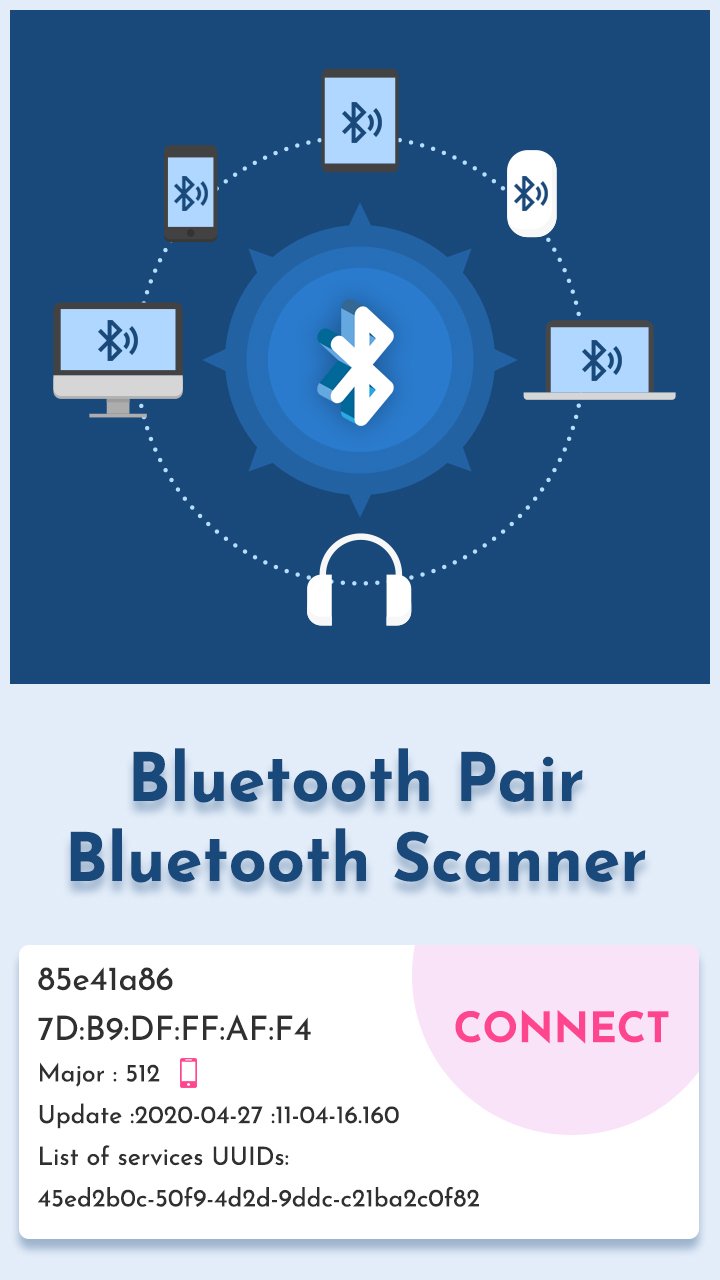
Looking for a smarter way to manage all your Bluetooth gadgets? Whether it’s wireless headphones, earbuds, smartwatches, fitness bands, speakers, or even your car’s audio system, Bluetooth Pair and Scanner makes it fast and easy to scan, connect, and track your devices.
🎧 Pair Bluetooth Headphones Instantly
🎯 Find Lost Bluetooth Devices Nearby
📱 Connect to Smartwatch, Fit Band, Car Audio & More
🔍 Key Features:
✅ Bluetooth Device Scanner
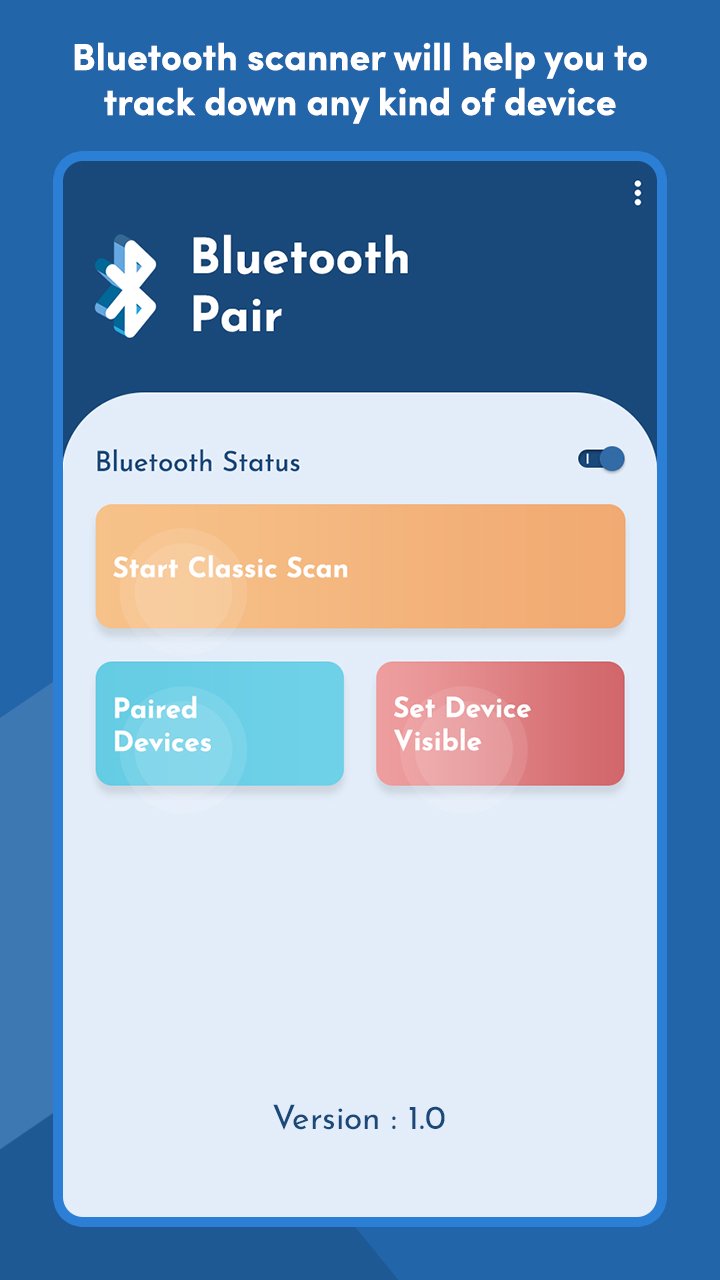
Quickly scan for nearby Bluetooth-enabled devices, including wearables, speakers, and fitness trackers.
✅ Fast Pairing & Auto Connect
Easily pair with new or previously connected devices — no more digging through settings.
✅ Find Lost Bluetooth Devices
Use signal strength and proximity detection to locate misplaced Bluetooth earbuds, smartwatches, or trackers.
✅ View Paired Devices List
See all your connected and remembered devices in one place — manage and connect with a single tap.
✅ Discover Services & Characteristics
Explore detailed technical data of connected Bluetooth devices, useful for developers and advanced users.
✅ Smart UI & Battery Friendly
Modern interface with background-optimized scanning and low battery usage.
🌐 Compatible With:
Wireless earbuds & Bluetooth headphones (JBL, Bose, Sony, etc.)
Smartwatches & Fitness Bands (Fitbit, Galaxy Watch, Amazfit, etc.)
Bluetooth speakers & home audio systems
Bluetooth-enabled smart devices and cars
BLE (Bluetooth Low Energy) devices
📲 Why Choose Bluetooth Pair and Scanner?
Find lost Bluetooth device easily in your home, car, or office
Optimize connection speed for your wireless audio experience
Ideal for anyone using multiple Bluetooth devices daily
Works with all major Android versions (Android 7 and above)
🔐 Permissions Required:
Location Access: Required to scan nearby Bluetooth devices (as per OS policy)
Bluetooth Access: To connect, pair, and manage devices
🔗 Download Bluetooth Pair and Scanner now and take full control of your wireless world!
Preview
Tags
ProductivityInformation
Developer
Inspire Zone
Latest Version
1.10
Last Updated
2025-12-16
Category
Productivity
Available on
Google Play
Show More
How to play Bluetooth Pair and Scanner with GameLoop on PC
1. Download GameLoop from the official website, then run the exe file to install GameLoop
2. Open GameLoop and search for “Bluetooth Pair and Scanner” , find Bluetooth Pair and Scanner in the search results and click “Install”
3. Enjoy playing Bluetooth Pair and Scanner on GameLoop
Minimum requirements
OS
Windows 8.1 64-bit or Windows 10 64-bit
GPU
GTX 1050
CPU
i3-8300
Memory
8GB RAM
Storage
1GB available space
Recommended requirements
OS
Windows 8.1 64-bit or Windows 10 64-bit
GPU
GTX 1050
CPU
i3-9320
Memory
16GB RAM
Storage
1GB available space