
BigMIND - Cloud Backup PC
Genie9 LTD
Download BigMIND - Cloud Backup on PC With GameLoop Emulator
BigMIND - Cloud Backup sa PC
Ang BigMIND - Cloud Backup, na nagmumula sa developer na Genie9 LTD, ay tumatakbo sa Android systerm sa nakaraan.
Ngayon, maaari mong laruin ang BigMIND - Cloud Backup sa PC gamit ang GameLoop nang maayos.
I-download ito sa GameLoop library o mga resulta ng paghahanap. Hindi na tumitingin sa baterya o nakakadismaya na mga tawag sa maling oras.
I-enjoy lang ang BigMIND - Cloud Backup PC sa malaking screen nang libre!
BigMIND - Cloud Backup Panimula
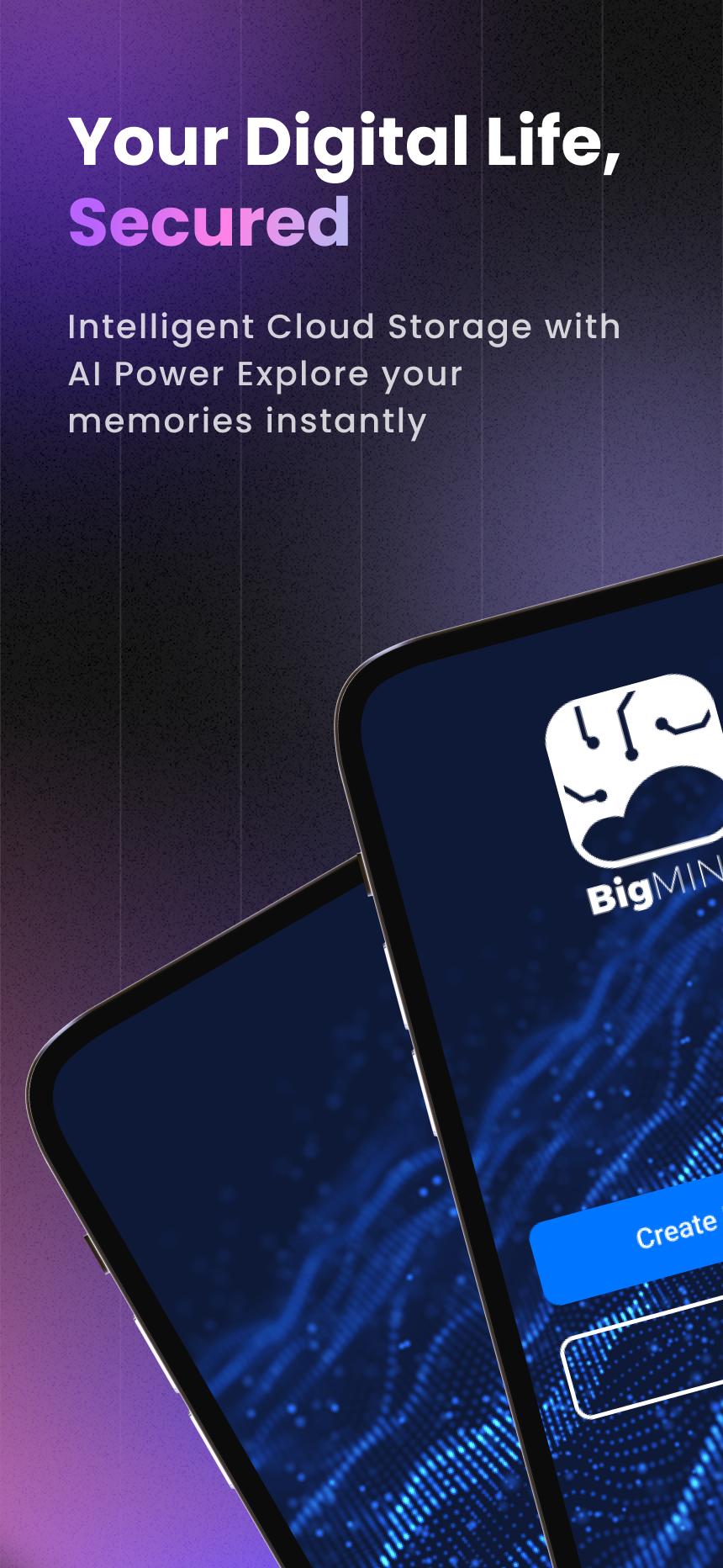
Your Smart, Secure Cloud Backup—Powered by AI
📸 Never lose a memory. 🎥 Always find what matters.
Start with 1GB FREE + earn 50MB daily bonus storage!
BigMIND goes beyond basic cloud storage—it uses AI to protect, organize, and make every file instantly searchable across your devices.
💡 Why You'll Love BigMIND
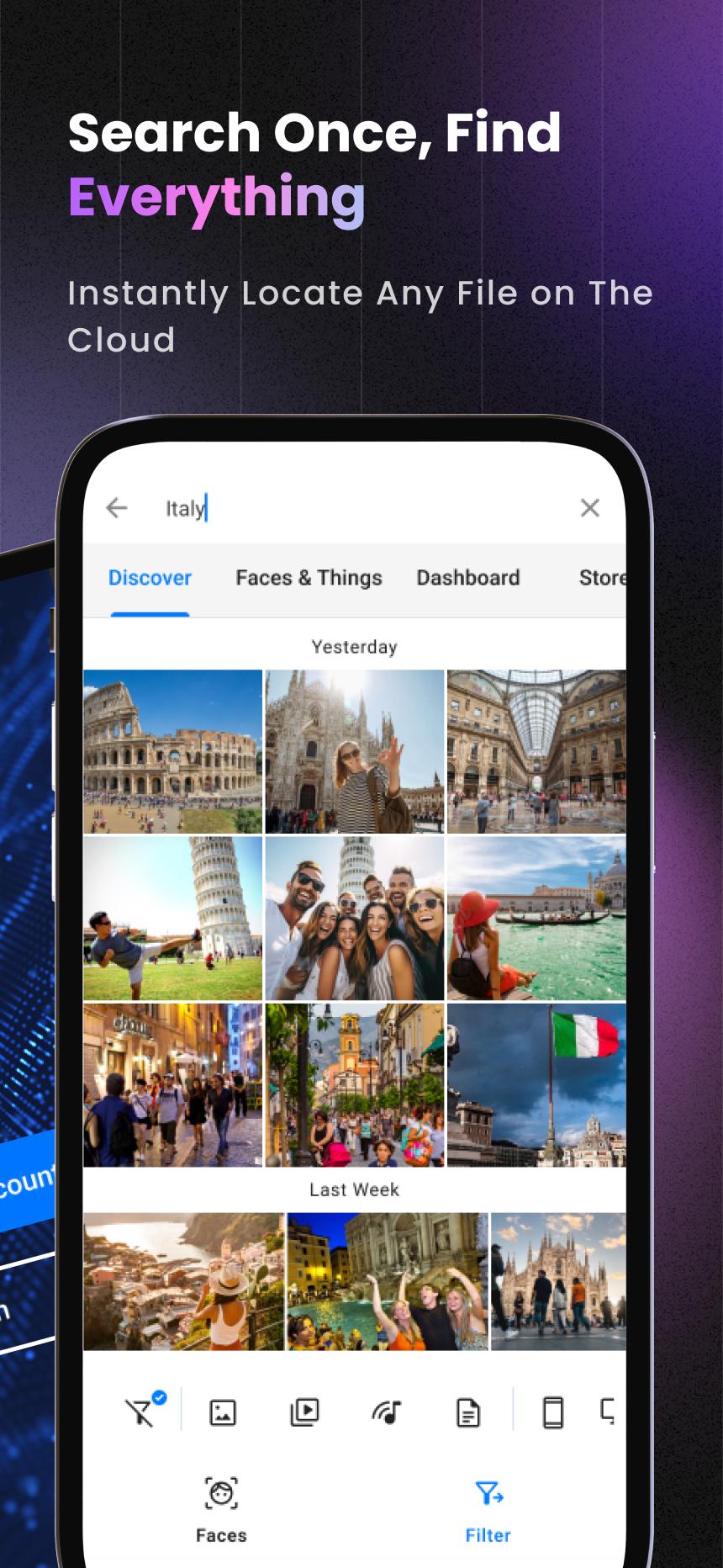
🔍Smart Search & Organization
- Find faces in seconds with advanced facial recognition
- Instantly search photos by objects (cars, pets, food & more)
- Let AI organize your files automatically—never lose track again
- Set daily, weekly, or custom backup schedules
📱 Cross-Device Protection
- Sync Android, iOS, Windows, and Mac—everything in one account
- Import from Google Drive, Dropbox, social media & more
🚀 Easy Sharing & Access
- Share with anyone in one tap—even without a BigMIND account
- Watch HD videos or view documents without downloading
- Control who sees or manages your content with advanced permissions
💰 Plans for Everyone
- 16GB – $0.99/month
- 100GB – $2.99/month
- 500GB – $6.99/month
- 1TB – $12.99/month
Join 100,000+ users who trust BigMIND to secure their digital lives. Download now and start protecting your memories—get 1GB free + daily bonuses!
Learn more about BigMIND: https://www.genie9.com/bigmind/
Terms and policies, please visit: https://www.genie9.com/bigmind/privacy-policy/
Preview
Tags
ProductivityInformation
Developer
Genie9 LTD
Latest Version
3.0.9.8.6
Last Updated
2025-10-05
Category
Productivity
Available on
Google Play
Show More
How to play BigMIND - Cloud Backup with GameLoop on PC
1. Download GameLoop from the official website, then run the exe file to install GameLoop
2. Open GameLoop and search for “BigMIND - Cloud Backup” , find BigMIND - Cloud Backup in the search results and click “Install”
3. Enjoy playing BigMIND - Cloud Backup on GameLoop
Minimum requirements
OS
Windows 8.1 64-bit or Windows 10 64-bit
GPU
GTX 1050
CPU
i3-8300
Memory
8GB RAM
Storage
1GB available space
Recommended requirements
OS
Windows 8.1 64-bit or Windows 10 64-bit
GPU
GTX 1050
CPU
i3-9320
Memory
16GB RAM
Storage
1GB available space