Battery Aid 2 - Saver/Manager PC
Battery Life Team
Download Battery Aid 2 - Saver/Manager on PC With GameLoop Emulator
Battery Aid 2 - Saver/Manager sa PC
Ang Battery Aid 2 - Saver/Manager, na nagmumula sa developer na Battery Life Team, ay tumatakbo sa Android systerm sa nakaraan.
Ngayon, maaari mong laruin ang Battery Aid 2 - Saver/Manager sa PC gamit ang GameLoop nang maayos.
I-download ito sa GameLoop library o mga resulta ng paghahanap. Hindi na tumitingin sa baterya o nakakadismaya na mga tawag sa maling oras.
I-enjoy lang ang Battery Aid 2 - Saver/Manager PC sa malaking screen nang libre!
Battery Aid 2 - Saver/Manager Panimula
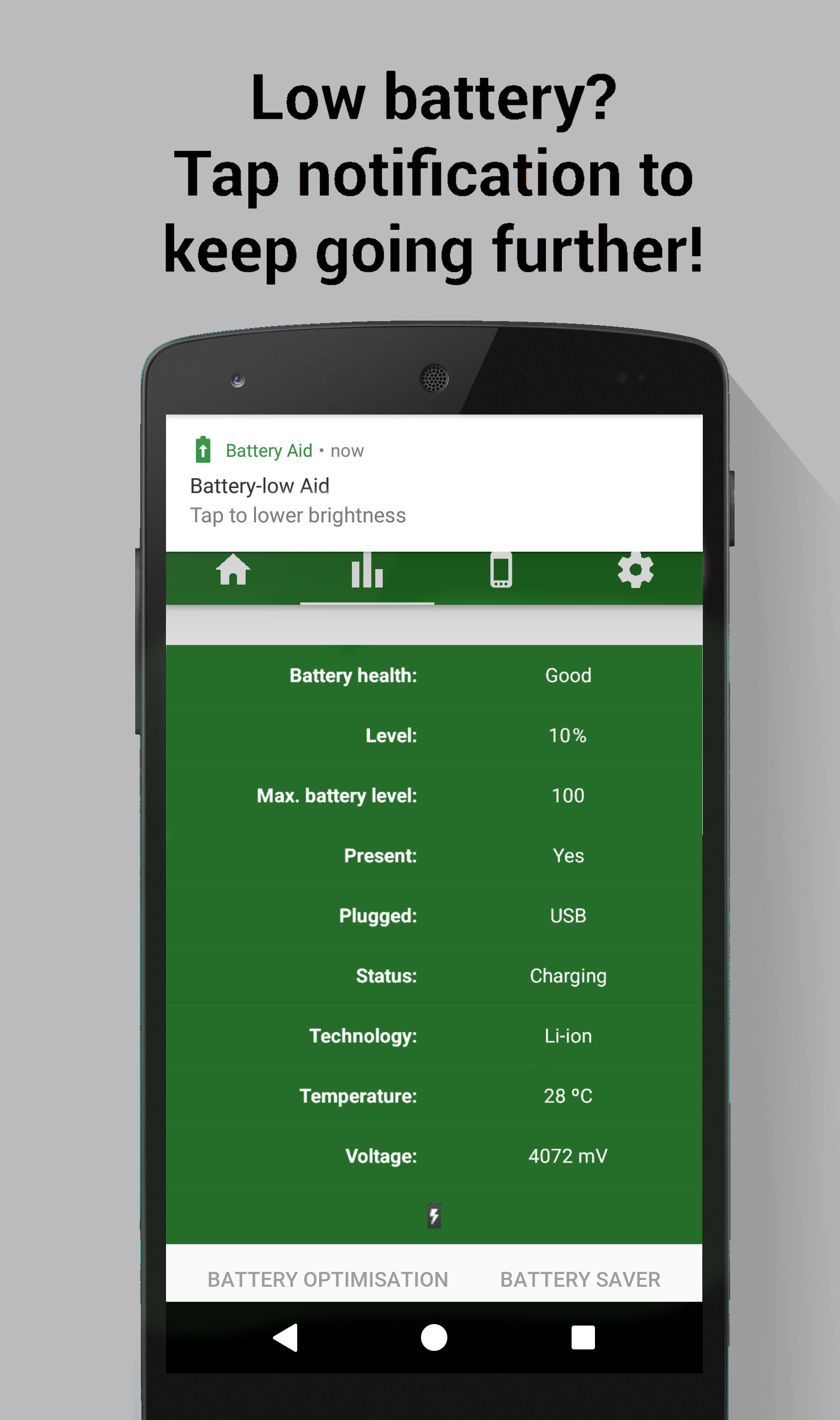
Battery Aid 2 works alongside your device & Battery Saver mode to increase battery life even further. No ads!
TAKES CARE OF EVERYTHING
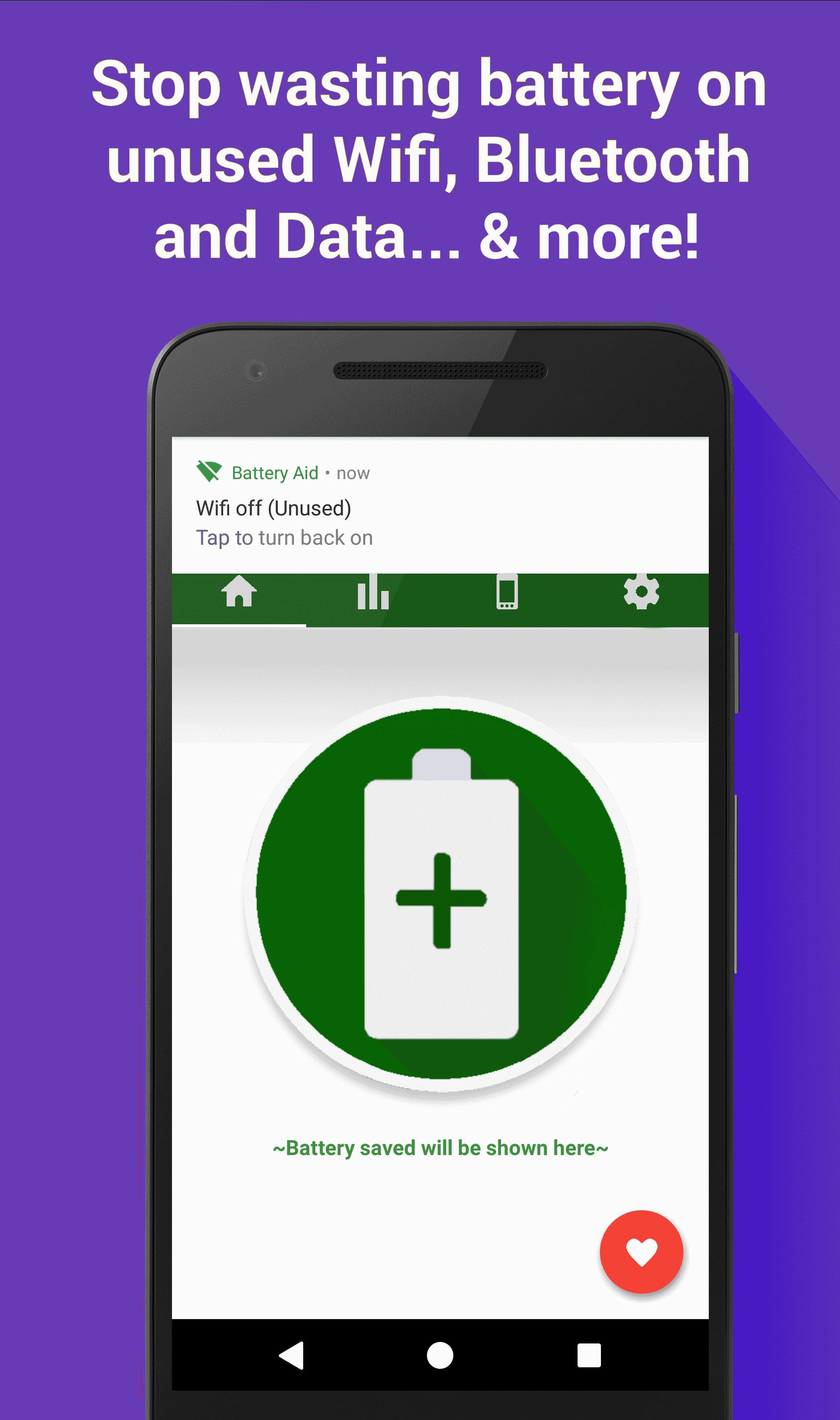
Turns off Wifi / Bluetooth / Data when not in use, i.e. if device hasn't connected to a Wifi network, or Paired with a Bluetooth device, for the chosen time (5 or 15 minutes). And so much more
WINNER
Battery Aid 2 is a current finalist in the Play Store Material Design awards, and Winner of Ackuna's App Contest!
SUPPORT
• Dedicated Email for support issues
• Support from the developer. We answer every issue
• Regular updates with bug fixes and new features
MORE
• Help crowdsource-translate here: goo.gl/MYvYr5
PERMISSIONS
Wifi, Bluetooth: Aid functionality, Device Info: Modify system settings, Media: Use some stock icons, Identity (G+ Account): +1 button in app
Your use of ‘Battery Aid 2' is free of charge in exchange for safely sharing some of your device’s idle resources, while charging, for the benefit of others. Please see our TOS for further information: http://thebatterylifeproject.weebly.com/privacy-policy.html
Preview
Information
Developer
Battery Life Team
Latest Version
1.1.1
Last Updated
2017-02-23
Category
Productivity
Available on
Google Play
Show More
How to play Battery Aid 2 - Saver/Manager with GameLoop on PC
1. Download GameLoop from the official website, then run the exe file to install GameLoop
2. Open GameLoop and search for “Battery Aid 2 - Saver/Manager” , find Battery Aid 2 - Saver/Manager in the search results and click “Install”
3. Enjoy playing Battery Aid 2 - Saver/Manager on GameLoop
Minimum requirements
OS
Windows 8.1 64-bit or Windows 10 64-bit
GPU
GTX 1050
CPU
i3-8300
Memory
8GB RAM
Storage
1GB available space
Recommended requirements
OS
Windows 8.1 64-bit or Windows 10 64-bit
GPU
GTX 1050
CPU
i3-9320
Memory
16GB RAM
Storage
1GB available space