Bangla Keyboard PC
Abbott Cullen
Download Bangla Keyboard on PC With GameLoop Emulator
Bangla Keyboard sa PC
Ang Bangla Keyboard, na nagmumula sa developer na Abbott Cullen, ay tumatakbo sa Android systerm sa nakaraan.
Ngayon, maaari mong laruin ang Bangla Keyboard sa PC gamit ang GameLoop nang maayos.
I-download ito sa GameLoop library o mga resulta ng paghahanap. Hindi na tumitingin sa baterya o nakakadismaya na mga tawag sa maling oras.
I-enjoy lang ang Bangla Keyboard PC sa malaking screen nang libre!
Bangla Keyboard Panimula
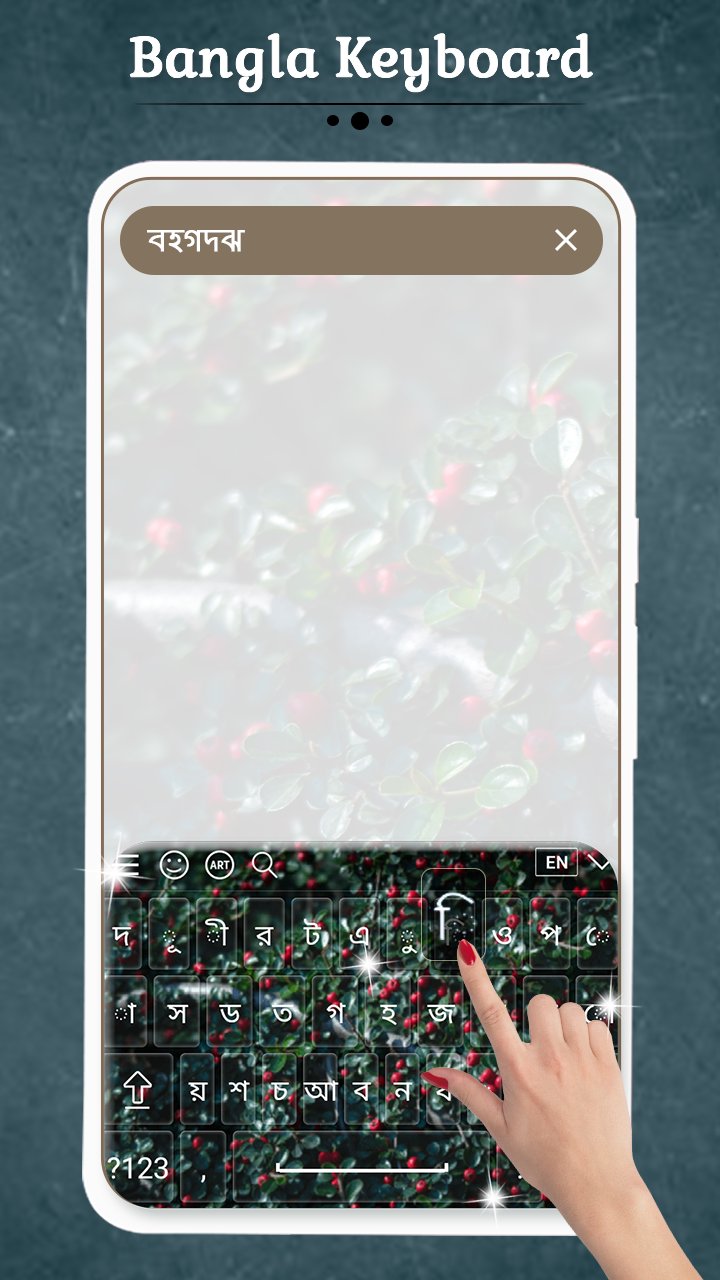
Bangla Keyboard allows you to type in Bangla language. You can compose emails, post on social network and write some one messages through Bangla Keypad.
With Bangla Keyboard you can write all Bangla Alphabets, letters and words. Bangla keyboard is the easiest keyboard to write in Bangla language. Bangla keyboard for all of us who love Bangla language.
You can use this keyboard to write in Bangla text. No need to copy and paste Bangla text. This app is useful for Nepal people and Bangla speaking people across the world.
Bangla Keyboard is a great tool and must to use app for your day with different types of features. Download Bangla Keyboard and type in Bangla language. Share with others.
Themes Customization:
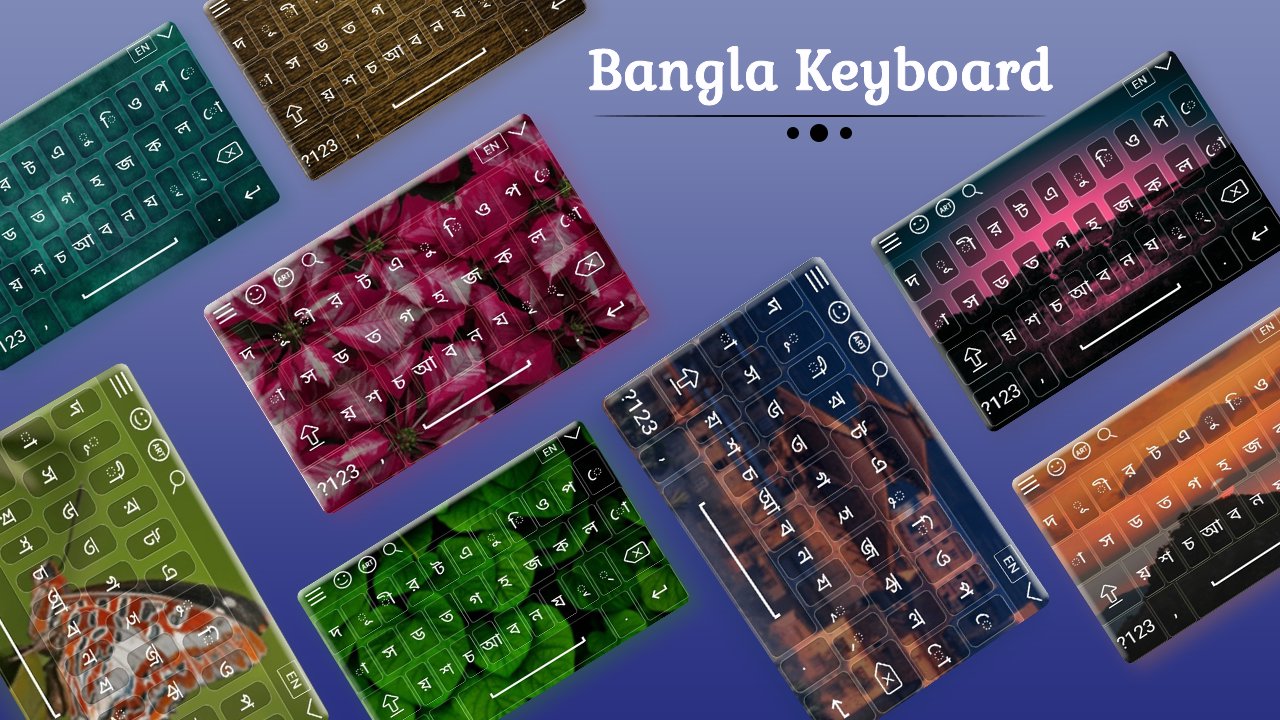
+ Stunning Themes is there to decorate your keyboard.
+ You can set your photo as background in keyboard.
+ See preview of keyboard inside app.
+ Different themes settings available.
Keyboard Background:
+ Pick from Gallery or Capture from camera
+ Font Styles, Size and color
+ Both Landscape and Portrait Keyboard Layouts
+ Key Transparency settings
Typing:
+ Easy typing Method
+ Bangla Symbols added
+ 1000+ designed Emoji, emotion, smiles.
+ Language and Dictionary
+ Font Color
Install and Use:
+ Simple Installation
+ Set Keyboard directly from app
+ Just start using from any text editor
Amazing Settings:
+ Control Vibrations, sounds
+ Spell Checking, word prediction
+ Auto text suggestion
+ Toggle Bangla or English
+ Text color, popup color or size,
+ Keyboard Height, Auto Correction
Preview
Tags
ProductivityInformation
Developer
Abbott Cullen
Latest Version
7.0
Last Updated
2021-09-22
Category
Productivity
Available on
Google Play
Show More
How to play Bangla Keyboard with GameLoop on PC
1. Download GameLoop from the official website, then run the exe file to install GameLoop
2. Open GameLoop and search for “Bangla Keyboard” , find Bangla Keyboard in the search results and click “Install”
3. Enjoy playing Bangla Keyboard on GameLoop
Minimum requirements
OS
Windows 8.1 64-bit or Windows 10 64-bit
GPU
GTX 1050
CPU
i3-8300
Memory
8GB RAM
Storage
1GB available space
Recommended requirements
OS
Windows 8.1 64-bit or Windows 10 64-bit
GPU
GTX 1050
CPU
i3-9320
Memory
16GB RAM
Storage
1GB available space