
Awesome Timesheet by Odoo PC
Odoo S.A.
Download Awesome Timesheet by Odoo on PC With GameLoop Emulator
Awesome Timesheet by Odoo sa PC
Ang Awesome Timesheet by Odoo, na nagmumula sa developer na Odoo S.A., ay tumatakbo sa Android systerm sa nakaraan.
Ngayon, maaari mong laruin ang Awesome Timesheet by Odoo sa PC gamit ang GameLoop nang maayos.
I-download ito sa GameLoop library o mga resulta ng paghahanap. Hindi na tumitingin sa baterya o nakakadismaya na mga tawag sa maling oras.
I-enjoy lang ang Awesome Timesheet by Odoo PC sa malaking screen nang libre!
Awesome Timesheet by Odoo Panimula
- Odoo Enterprise only -
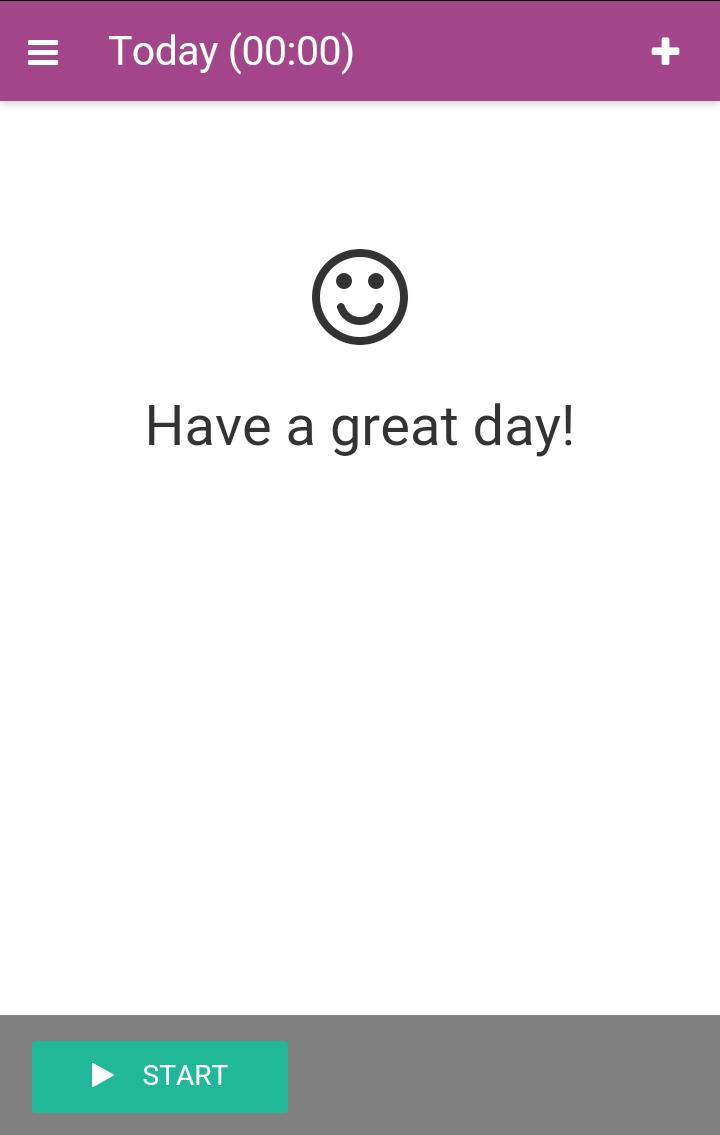
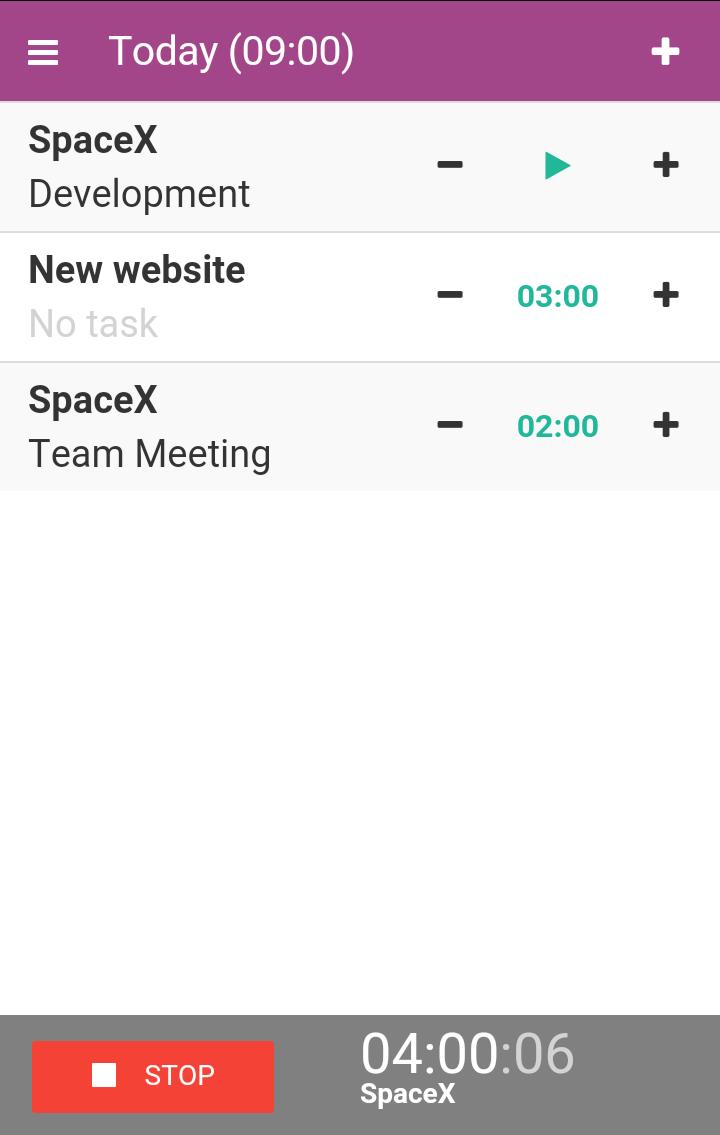
Awesome Timesheet is built for speed and ease of use. It is so simple that you’ll actually use it. Launch the timer in a single click, get statistics on the work done, synchronize across devices and invoice time spent on projects.
• The ultimate timer can be launched in just a click.
• Get Things Done by planning your activities in the morning.
• Track your time with clean statistics.
• Synchronize across all your devices: desktop, mobile app, chrome app, etc.
• Bill Time, track tasks and schedule projects with the Odoo integration.
Odoo integration
Odoo timesheet is fully integrated with other Odoo apps. All data can be sync with your Odoo account where you can create and manage projects, assign tasks to employees, set access and project rights, record and validate timesheets and attendances, etc.
Compatible with Odoo 9 and newer (Enterprise version only). It is not compatible with the community versions.
Features
• Fast and easy input : Choose to log your activities at the beginning of the day, on the fly or after your work is done.
• 1-click Time Tracking : Just click on “Start” to launch your tasks
• Easily manage your activities of the day: Select your recurring tasks in one click to prepare your day ahead.
• Work faster : set up a default project and minimal duration to get started instantly
Get great reporting
• Useful statistics : Quickly overview your time spent on tasks per day or per week
Work offline
• Offline tracking mode : Your tasks will keep running no matter where you are, even if internet connectivity is not available
• Synchronization : Hours tracked offline are synced to your Odoo account once you’re back online
Fully integrated with Odoo Enterprise
• Accounting
Connect timesheets with payroll for accurate and on time payments.
• Sales
Automate invoicing and billing based on timesheet inputs. Send recurring and professional-looking invoices to your customers.
• Human resources
Check and manage employees attendance and worked hours.
• Project
Keep track of the time spent by project, client or tasks.
Preview
Tags
ProductivityInformation
Developer
Odoo S.A.
Latest Version
0.0.20
Last Updated
2018-03-06
Category
Productivity
Available on
Google Play
Show More
How to play Awesome Timesheet by Odoo with GameLoop on PC
1. Download GameLoop from the official website, then run the exe file to install GameLoop
2. Open GameLoop and search for “Awesome Timesheet by Odoo” , find Awesome Timesheet by Odoo in the search results and click “Install”
3. Enjoy playing Awesome Timesheet by Odoo on GameLoop
Minimum requirements
OS
Windows 8.1 64-bit or Windows 10 64-bit
GPU
GTX 1050
CPU
i3-8300
Memory
8GB RAM
Storage
1GB available space
Recommended requirements
OS
Windows 8.1 64-bit or Windows 10 64-bit
GPU
GTX 1050
CPU
i3-9320
Memory
16GB RAM
Storage
1GB available space