
A-Trust Signatur PC
A-Trust GmbH
Download A-Trust Signatur on PC With GameLoop Emulator
A-Trust Signatur sa PC
Ang A-Trust Signatur, na nagmumula sa developer na A-Trust GmbH, ay tumatakbo sa Android systerm sa nakaraan.
Ngayon, maaari mong laruin ang A-Trust Signatur sa PC gamit ang GameLoop nang maayos.
I-download ito sa GameLoop library o mga resulta ng paghahanap. Hindi na tumitingin sa baterya o nakakadismaya na mga tawag sa maling oras.
I-enjoy lang ang A-Trust Signatur PC sa malaking screen nang libre!
A-Trust Signatur Panimula
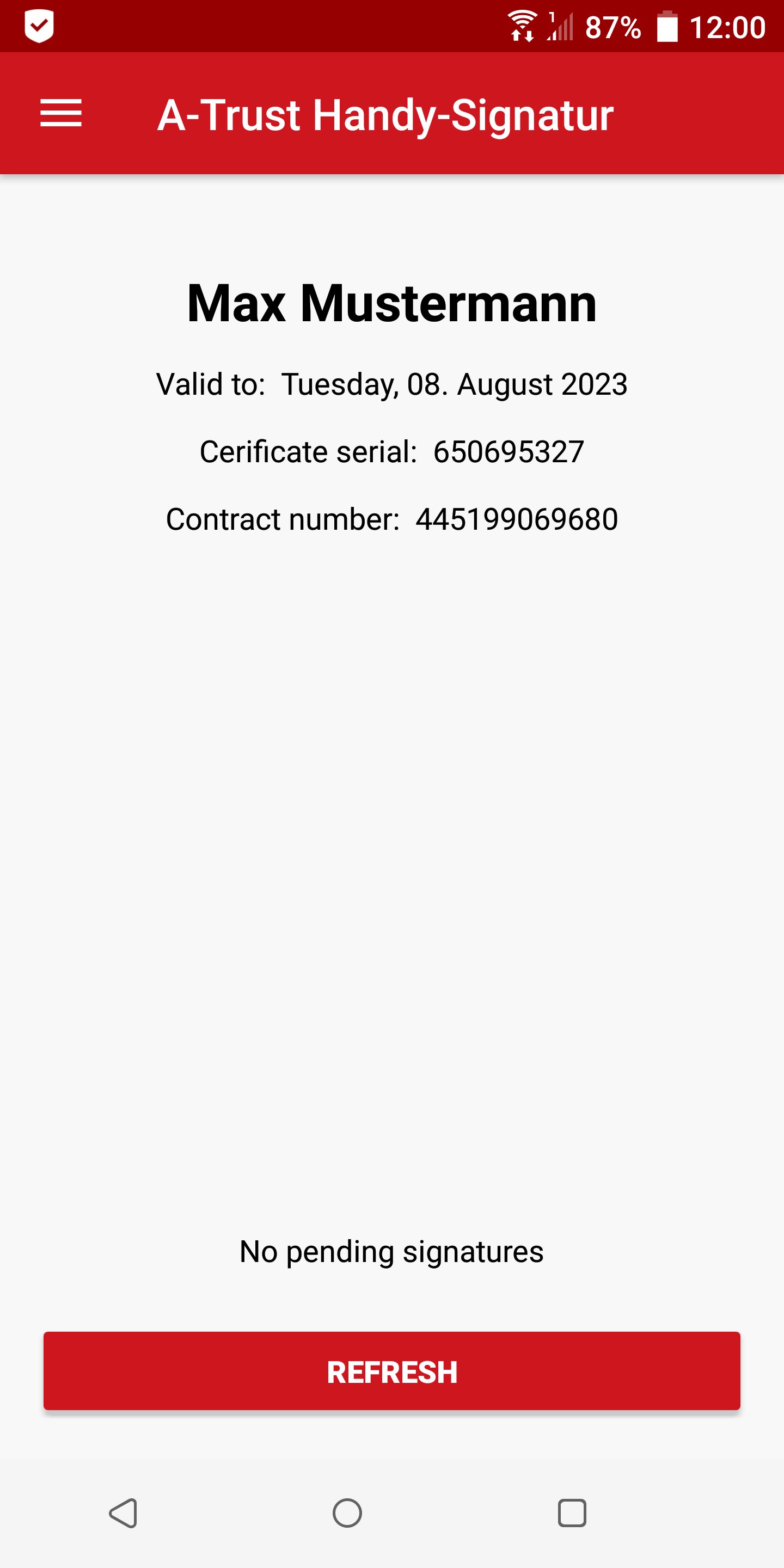
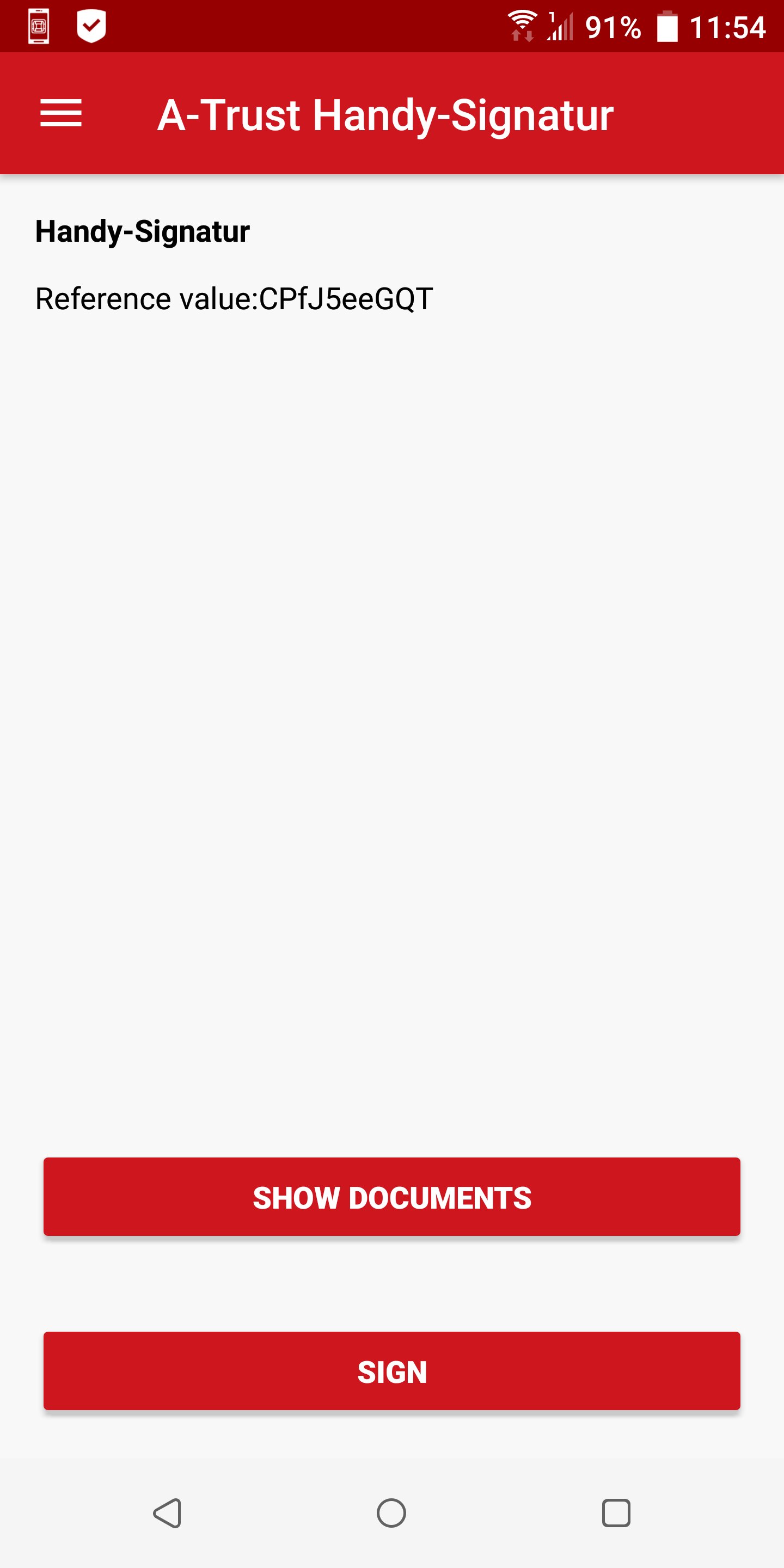
With the A-Trust signature app from the leading Austrian trust service provider, you can digitally sign even more easily and, thanks to eIDAS conformity, legally secure throughout Europe.
The app enables fast two-factor authentication using device PIN, fingerprint scan or biometric face recognition. It can be used in connection with an active Handy-Signatur, ID Austria or xIDENTITY (EU-Identity Mobile), which you can apply for at a registration office.
The use of certificate-based authentication processes in A-Trust's high-security data center ensures maximum security in the digital world.
Further information can be found on the A-Trust website at www.a-trust.at.
Preview
Tags
ProductivityInformation
Developer
A-Trust GmbH
Latest Version
5.1.7.0
Last Updated
2026-03-23
Category
Productivity
Available on
Google Play
Show More
How to play A-Trust Signatur with GameLoop on PC
1. Download GameLoop from the official website, then run the exe file to install GameLoop
2. Open GameLoop and search for “A-Trust Signatur” , find A-Trust Signatur in the search results and click “Install”
3. Enjoy playing A-Trust Signatur on GameLoop
Minimum requirements
OS
Windows 8.1 64-bit or Windows 10 64-bit
GPU
GTX 1050
CPU
i3-8300
Memory
8GB RAM
Storage
1GB available space
Recommended requirements
OS
Windows 8.1 64-bit or Windows 10 64-bit
GPU
GTX 1050
CPU
i3-9320
Memory
16GB RAM
Storage
1GB available space