Amharic Keyboard Speak to Text PC
Innovative World
Download Amharic Keyboard Speak to Text on PC With GameLoop Emulator
Amharic Keyboard Speak to Text sa PC
Ang Amharic Keyboard Speak to Text, na nagmumula sa developer na Innovative World, ay tumatakbo sa Android systerm sa nakaraan.
Ngayon, maaari mong laruin ang Amharic Keyboard Speak to Text sa PC gamit ang GameLoop nang maayos.
I-download ito sa GameLoop library o mga resulta ng paghahanap. Hindi na tumitingin sa baterya o nakakadismaya na mga tawag sa maling oras.
I-enjoy lang ang Amharic Keyboard Speak to Text PC sa malaking screen nang libre!
Amharic Keyboard Speak to Text Panimula
Amharic Keyboard Speak To Text - Type Amharic With Voice And Themes!
Amharic Keyboard Speak To Text helps Amharic and English speakers type, speak, translate, and communicate more easily from their phone. Hahy Amharic Keyboard Ehtiopia is useful for users who want Amharic typing, English support, colorful themes, voice input, and faster messaging without copy-paste.Voice To Text Keyboard Amharic lets you speak and convert words into typed Amharic text for chats, notes, and daily messages.
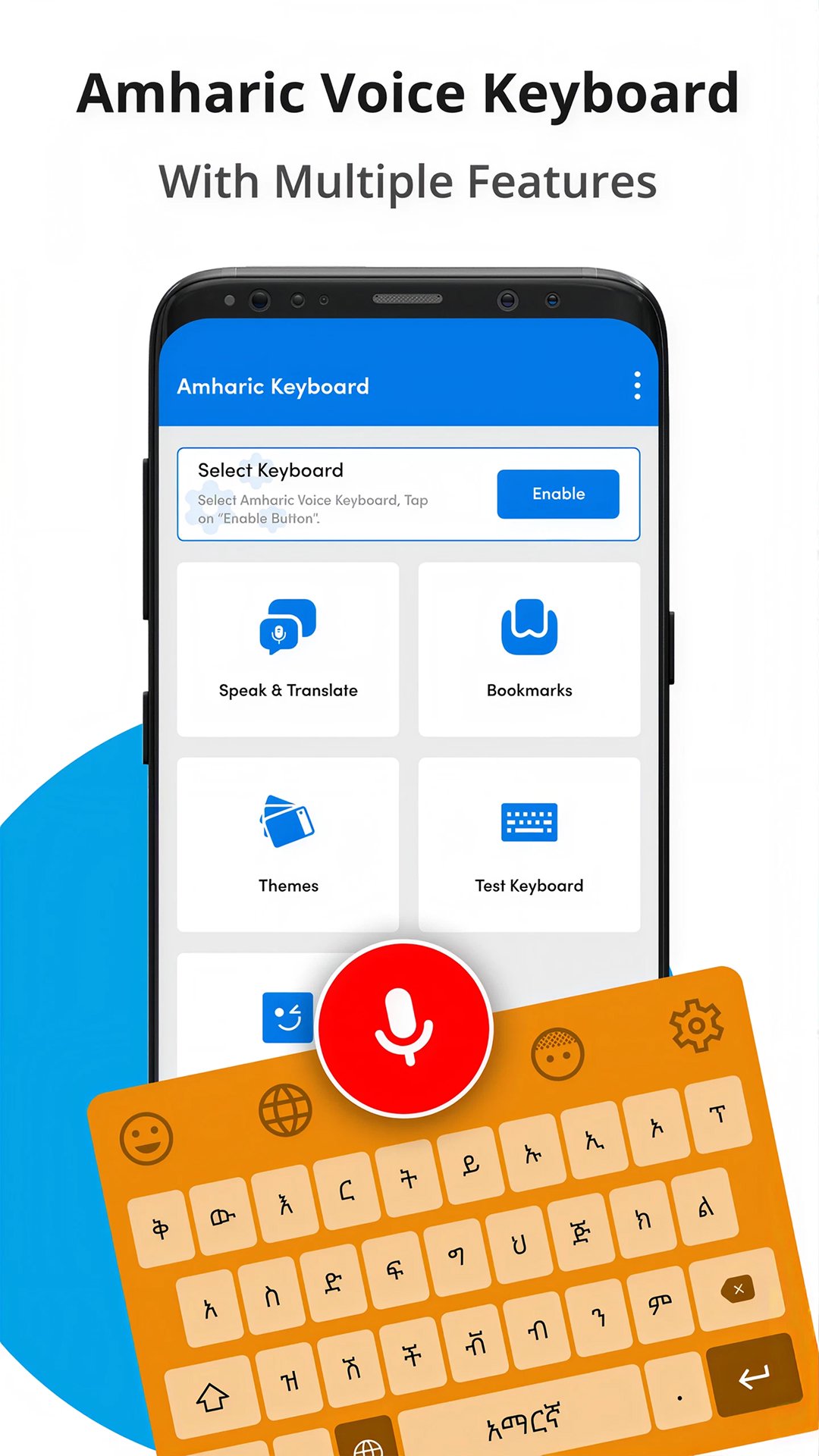
Main Keyboard Features:
🎙️Speech To Text Amrik Keyboard - Speak words and turn them into typed text;
⌨️Amharic Voice Keyboard - Type Amharic with voice and manual input;
🌍Amaharickeybord App - Use Amharic to English and English to Amharic support;
🇪🇹Amarigna Keyboard App - Write in Amharic with Ethiopia-style keyboard tools;
🎨Amharic Keyboard Speak To Text - Choose from 21+ colorful keyboard themes;
😊Hahy Amharic Keyboard Ehtiopia - Add emojis, funny stickers, and memes;
🔤Voice To Text Keyboard Amharic - Use Latin and Geez script support;
🔖Language Bookmark - Save a language option and return to it later;
Speak, type, translate, decorate, and message in Amharic!
Speech To Text Amrik Keyboard is helpful when typing long Amharic text feels slow. You can speak into your phone and let the keyboard create text from your voice input.Amharic Voice Keyboard works inside supported apps on your smartphone, so you can type messages without switching between separate input tools. This makes writing smoother for chats, notes, and social messaging.
Simple Setup Flow:
📲Open Amaharickeybord App after installation;
⚙️Enable Amarigna Keyboard App from keyboard settings;
✅Set Amharic Keyboard Speak To Text as your default keyboard;
🎙️Use Voice To Text Keyboard Amharic when you want to dictate;
⌨️Try Hahy Amharic Keyboard Ehtiopia for Amharic and English typing;
🎨Choose themes, emojis, stickers, or memes;
🔖Bookmark your language and use it again quickly;
🎙️Voice Typing And Text To Speech:
Speech To Text Amrik Keyboard includes speech recognition and voice input for users who want to speak in Amharic and get typed text automatically. The app also includes text to speech support, giving users more ways to interact with Amharic language content.
⌨️Amharic, English, Latin, And Geez Support:
Amharic Voice Keyboard is built for people who type in Amharic and English. It supports Amharic language writing, English learning use, Latin input, and Geez script typing. Users can communicate in Amharic across supported phone apps without needing a separate copy-paste tool.
🎨Themes, Emojis, Stickers, And Easy Settings:
Amaharickeybord App includes colorful keyboard themes that help personalize the typing experience. You can use more than 21 themes, funny stickers, memes, and emojis to make messages more expressive.
🌍Translate And Communicate More Easily:
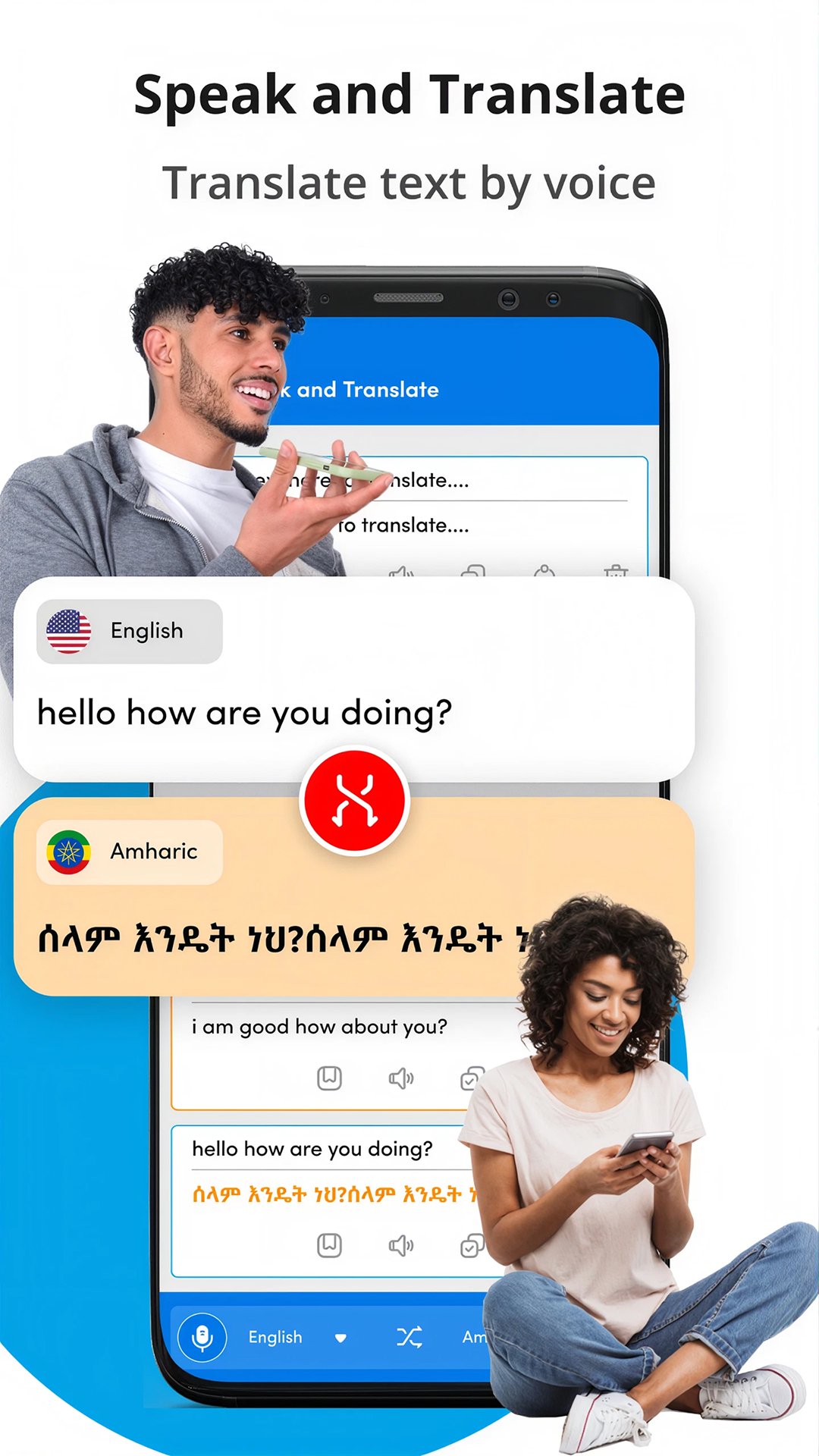
Amarigna Keyboard App can support Amharic to English and English to Amharic typing needs. It is useful for messages, language practice, and communication with friends or family. Speak and translate tools help users write faster when manual typing takes too much time.
Make Amharic Typing Faster And More Comfortable!
This keyboard gives you a practical way to speak, type, decorate, translate, and send Amharic text from your phone. With themes, speech recognition, text to speech, stickers, emojis, language bookmarking, and Geez support, everyday Amharic communication feels simple.Preview
Tags
ProductivityInformation
Developer
Innovative World
Latest Version
4.1.0
Last Updated
2026-08-03
Category
Productivity
Available on
Google Play
Show More
How to play Amharic Keyboard Speak to Text with GameLoop on PC
1. Download GameLoop from the official website, then run the exe file to install GameLoop
2. Open GameLoop and search for “Amharic Keyboard Speak to Text” , find Amharic Keyboard Speak to Text in the search results and click “Install”
3. Enjoy playing Amharic Keyboard Speak to Text on GameLoop
Minimum requirements
OS
Windows 8.1 64-bit or Windows 10 64-bit
GPU
GTX 1050
CPU
i3-8300
Memory
8GB RAM
Storage
1GB available space
Recommended requirements
OS
Windows 8.1 64-bit or Windows 10 64-bit
GPU
GTX 1050
CPU
i3-9320
Memory
16GB RAM
Storage
1GB available space