
AI Assistant Chatbot : AiChat PC
Pixster Studio
Download AI Assistant Chatbot : AiChat on PC With GameLoop Emulator
AI Assistant Chatbot : AiChat sa PC
Ang AI Assistant Chatbot : AiChat, na nagmumula sa developer na Pixster Studio, ay tumatakbo sa Android systerm sa nakaraan.
Ngayon, maaari mong laruin ang AI Assistant Chatbot : AiChat sa PC gamit ang GameLoop nang maayos.
I-download ito sa GameLoop library o mga resulta ng paghahanap. Hindi na tumitingin sa baterya o nakakadismaya na mga tawag sa maling oras.
I-enjoy lang ang AI Assistant Chatbot : AiChat PC sa malaking screen nang libre!
AI Assistant Chatbot : AiChat Panimula
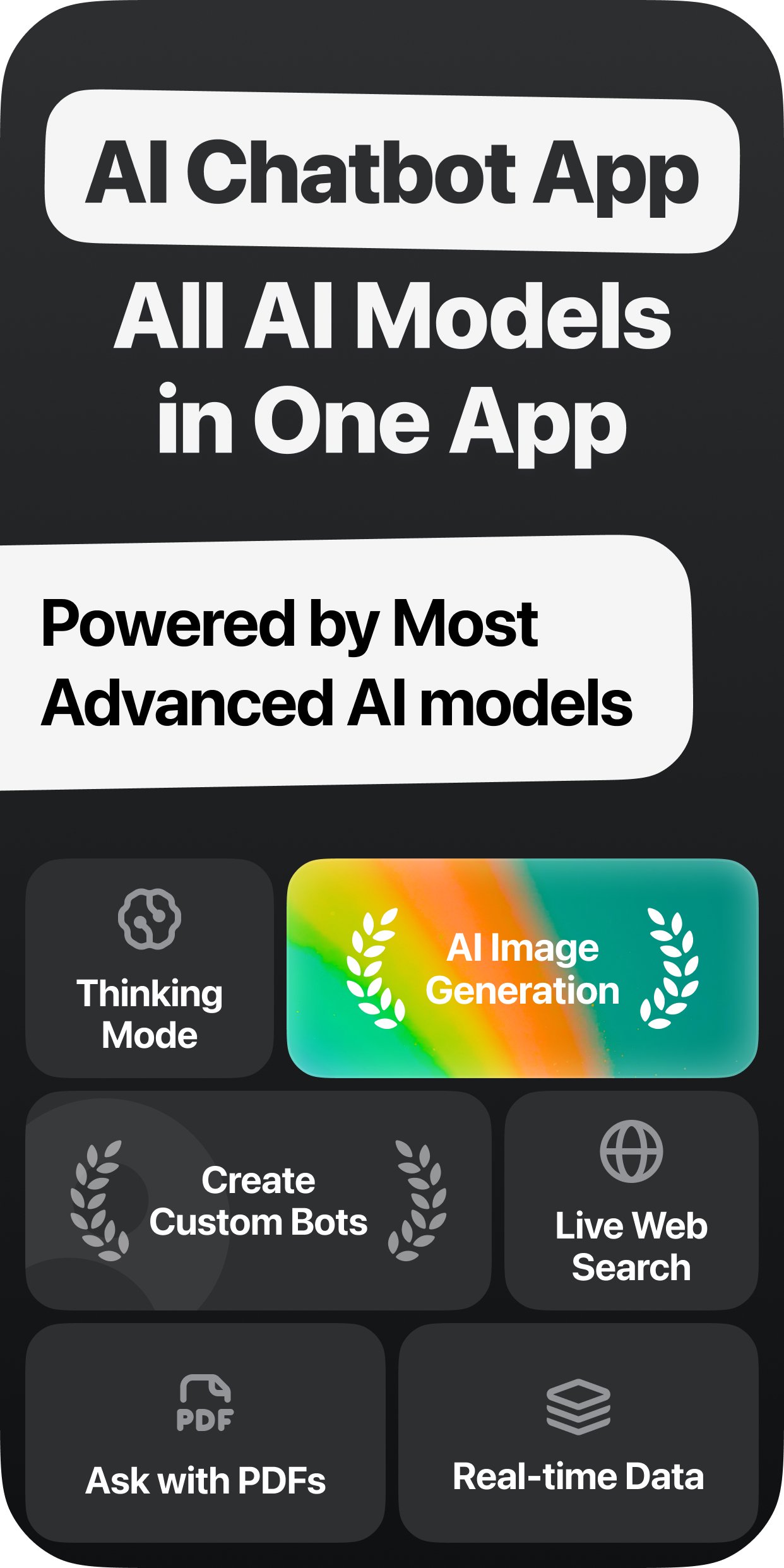
Experience a smarter way to interact with artificial intelligence through an advanced AI chatbot built for interactive conversations and everyday use.
Designed to deliver fast, accurate, and context-aware responses, this AI-powered chatbot helps you ask questions, explore ideas, and communicate more efficiently. With a clean chat interface and intelligent AI technology, every interaction feels natural and responsive.
AI Chat for Everyday Interaction
Engage in real-time conversations with an intelligent chatbot that understands your intent and adapts to your questions. The AI chat experience is designed to provide clear, relevant responses across a wide range of topics, making it suitable for daily interactions and general assistance.
The chatbot continuously improves through advanced machine learning and natural language processing, ensuring smoother conversations and more meaningful responses over time.
Smart AI Assistant for Productivity
Use the AI assistant to support writing, content refinement, and idea exploration. Whether you need help drafting text, improving clarity, or generating structured responses, the AI adapts to your input and delivers helpful output quickly.
The app functions as a versatile AI tool that supports daily productivity without complexity.
New AI Bots & Customization
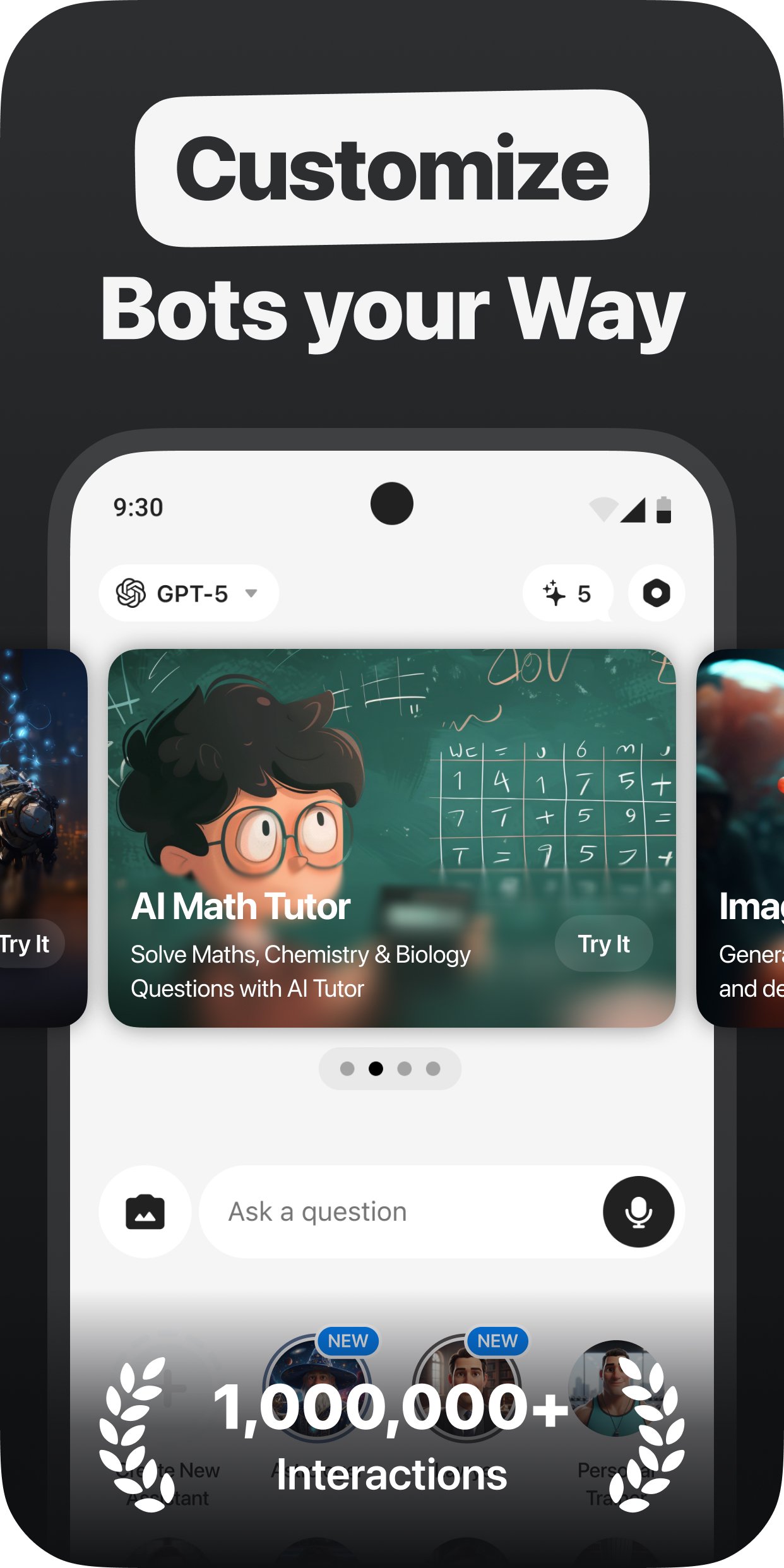
New AI bots have been introduced to support different user needs and use cases within the app. These bots are designed to provide focused, purpose-driven interactions while maintaining a simple and intuitive experience.
Users can also create customized AI bots, allowing greater control over how the AI responds and interacts. This customization enables a more personalized and flexible AI chat experience.
New AI Models Introduced
The app now includes new AI models that enhance response accuracy, understanding, and performance. These upgrades improve conversation flow and ensure smarter, more reliable interactions across all features.
AI Image Generation
Transform ideas into visuals using AI-powered image generation. Simply enter a text prompt and generate images that help visualize concepts, creative ideas, or inspiration directly within the app.
Built for Daily Use
This AI chatbot combines interactive AI chat, customizable bots, image generation, and evolving AI models into a single, easy-to-use experience. Whether you’re exploring ideas, refining text, or chatting with AI, the app is designed to fit seamlessly into everyday use.
Download now and explore the power of AI chat through a smarter, more interactive assistant.
Privacy Policy: https://pixsterstudio.com/privacy-policy.html
Terms of Use : https://pixsterstudio.com/terms-of-use.html
Preview
Tags
ProductivityInformation
Developer
Pixster Studio
Latest Version
4.0
Last Updated
2026-02-10
Category
Productivity
Available on
Google Play
Show More
How to play AI Assistant Chatbot : AiChat with GameLoop on PC
1. Download GameLoop from the official website, then run the exe file to install GameLoop
2. Open GameLoop and search for “AI Assistant Chatbot : AiChat” , find AI Assistant Chatbot : AiChat in the search results and click “Install”
3. Enjoy playing AI Assistant Chatbot : AiChat on GameLoop
Minimum requirements
OS
Windows 8.1 64-bit or Windows 10 64-bit
GPU
GTX 1050
CPU
i3-8300
Memory
8GB RAM
Storage
1GB available space
Recommended requirements
OS
Windows 8.1 64-bit or Windows 10 64-bit
GPU
GTX 1050
CPU
i3-9320
Memory
16GB RAM
Storage
1GB available space