
Write Name on Photo PC
iDroid Solution
Download Write Name on Photo on PC With GameLoop Emulator
Write Name on Photo sa PC
Ang Write Name on Photo, na nagmumula sa developer na iDroid Solution, ay tumatakbo sa Android systerm sa nakaraan.
Ngayon, maaari mong laruin ang Write Name on Photo sa PC gamit ang GameLoop nang maayos.
I-download ito sa GameLoop library o mga resulta ng paghahanap. Hindi na tumitingin sa baterya o nakakadismaya na mga tawag sa maling oras.
I-enjoy lang ang Write Name on Photo PC sa malaking screen nang libre!
Write Name on Photo Panimula
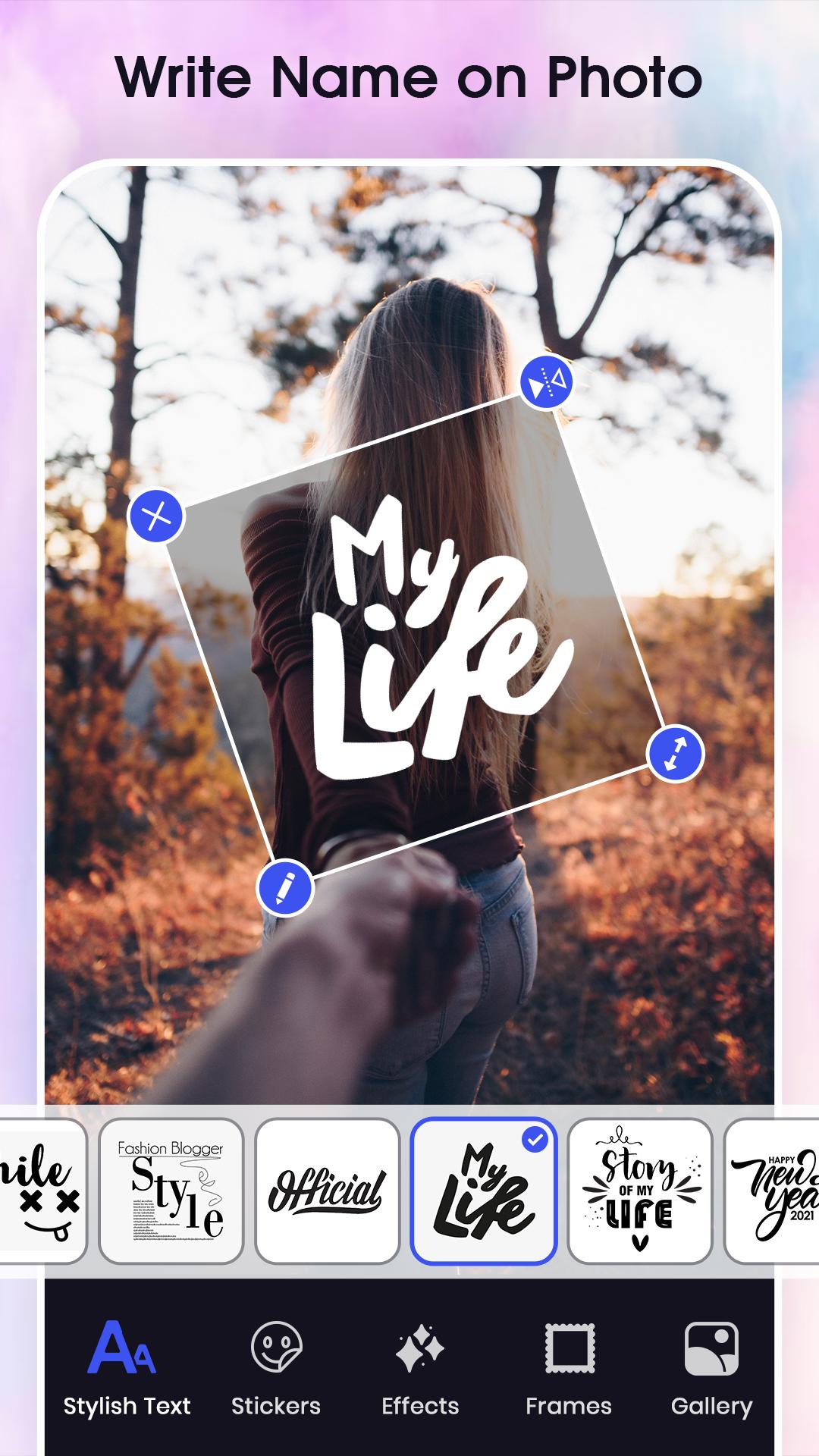
Who would not want their photo to be reflected along with their respective names? What if you get to write your names in the most stylish way? Write Name on Photo app enables you to write your names on your picture. Name Art accompanied with Stylish name maker offers 100+ popular distinctive font styles to write your name on pic.
Name Editor in style also offers a wide range of emojis collection which can be used for pasting on our picture. Not only this, but the name style maker serves you with the feature of writing name on birthday cake in the most stylish ways. Name art on photo also can give a blur image effect to your photo making it look more attractive.
Name art app is also helpful in designing the greeting and invitation cards. With name editor in style love, you can write romantic messages and can express your feeling to someone special in the most unique way.
The enthralling features of this app are as follows:
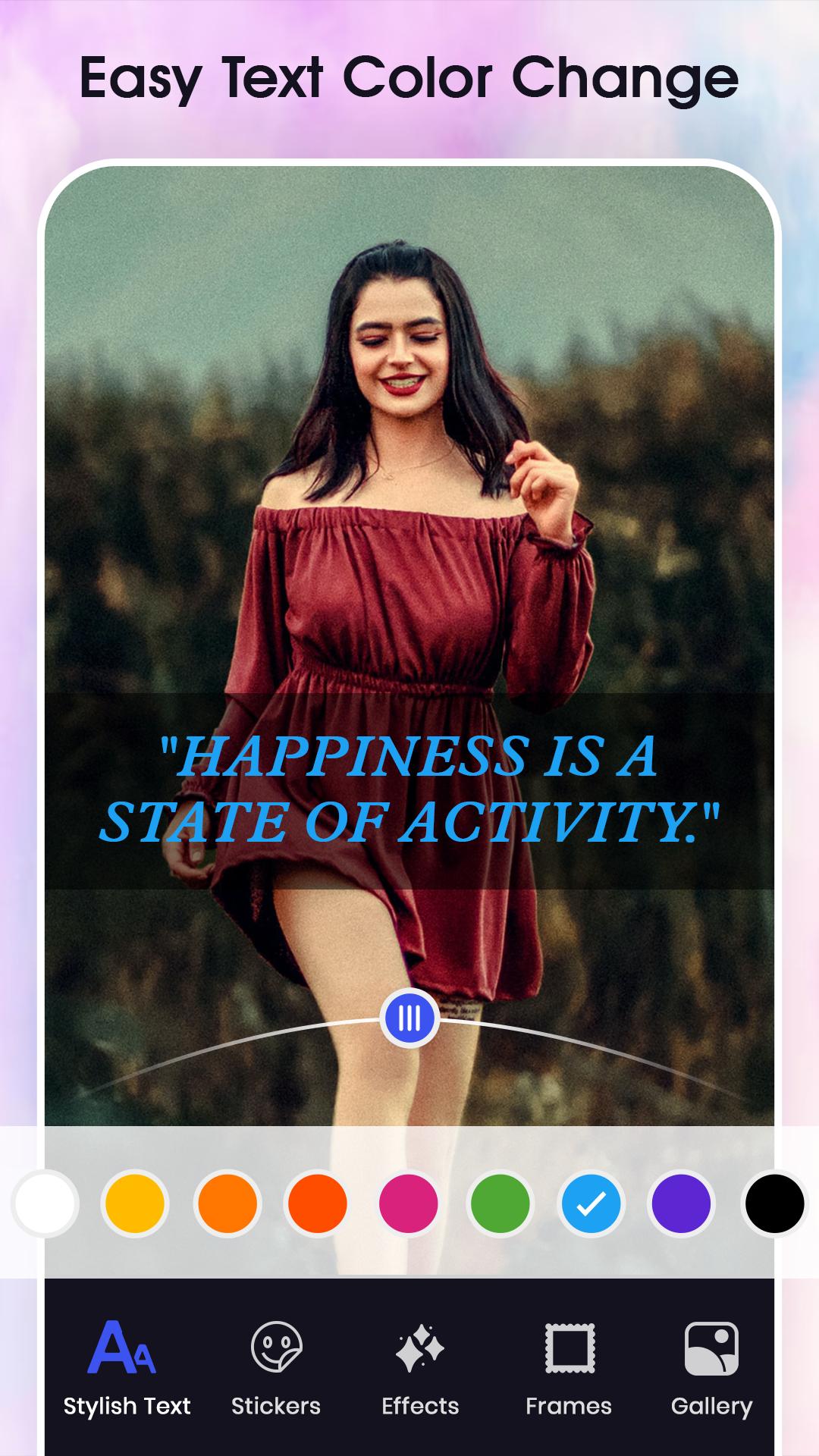
Name style text art feature of this app can be easily use to modify your photo with adding text to it in different languages and fonts
Name editor in style with background feature of this app enables you to not only edit your photo but it also edits the background to suit your photo in the best possible way.
With name sticker maker you can add eye catchy 100+ stickers and emojis to your photo giving it altogether a different look.
With the in-built features like crop the unwanted portion of name art pics can be removed.
Magic brush helps in adding special effect like bubble, star, butterfly or a heart to the photo
Add paint features give you a chance to become a name artist by adding creativity paint art to your picture.
After editing your photo, this app enables easy sharing of your picture on social media sites with your friends and family.
Preview
Tags
PhotographyInformation
Developer
iDroid Solution
Latest Version
3.0
Last Updated
2025-08-07
Category
Photography
Available on
Google Play
Show More
How to play Write Name on Photo with GameLoop on PC
1. Download GameLoop from the official website, then run the exe file to install GameLoop
2. Open GameLoop and search for “Write Name on Photo” , find Write Name on Photo in the search results and click “Install”
3. Enjoy playing Write Name on Photo on GameLoop
Minimum requirements
OS
Windows 8.1 64-bit or Windows 10 64-bit
GPU
GTX 1050
CPU
i3-8300
Memory
8GB RAM
Storage
1GB available space
Recommended requirements
OS
Windows 8.1 64-bit or Windows 10 64-bit
GPU
GTX 1050
CPU
i3-9320
Memory
16GB RAM
Storage
1GB available space