Spanish Image Editor - Text On PC
Spanish Image Editor Team
Download Spanish Image Editor - Text On on PC With GameLoop Emulator
Spanish Image Editor - Text On sa PC
Ang Spanish Image Editor - Text On, na nagmumula sa developer na Spanish Image Editor Team, ay tumatakbo sa Android systerm sa nakaraan.
Ngayon, maaari mong laruin ang Spanish Image Editor - Text On sa PC gamit ang GameLoop nang maayos.
I-download ito sa GameLoop library o mga resulta ng paghahanap. Hindi na tumitingin sa baterya o nakakadismaya na mga tawag sa maling oras.
I-enjoy lang ang Spanish Image Editor - Text On PC sa malaking screen nang libre!
Spanish Image Editor - Text On Panimula
Using this app which you can easily create :
☆ Greeting Cards
☆ Posters
☆ Notices
☆ WhatsApp Status
☆ Logos(PNG)
☆ GIF Animation Images
► Highlights ◄
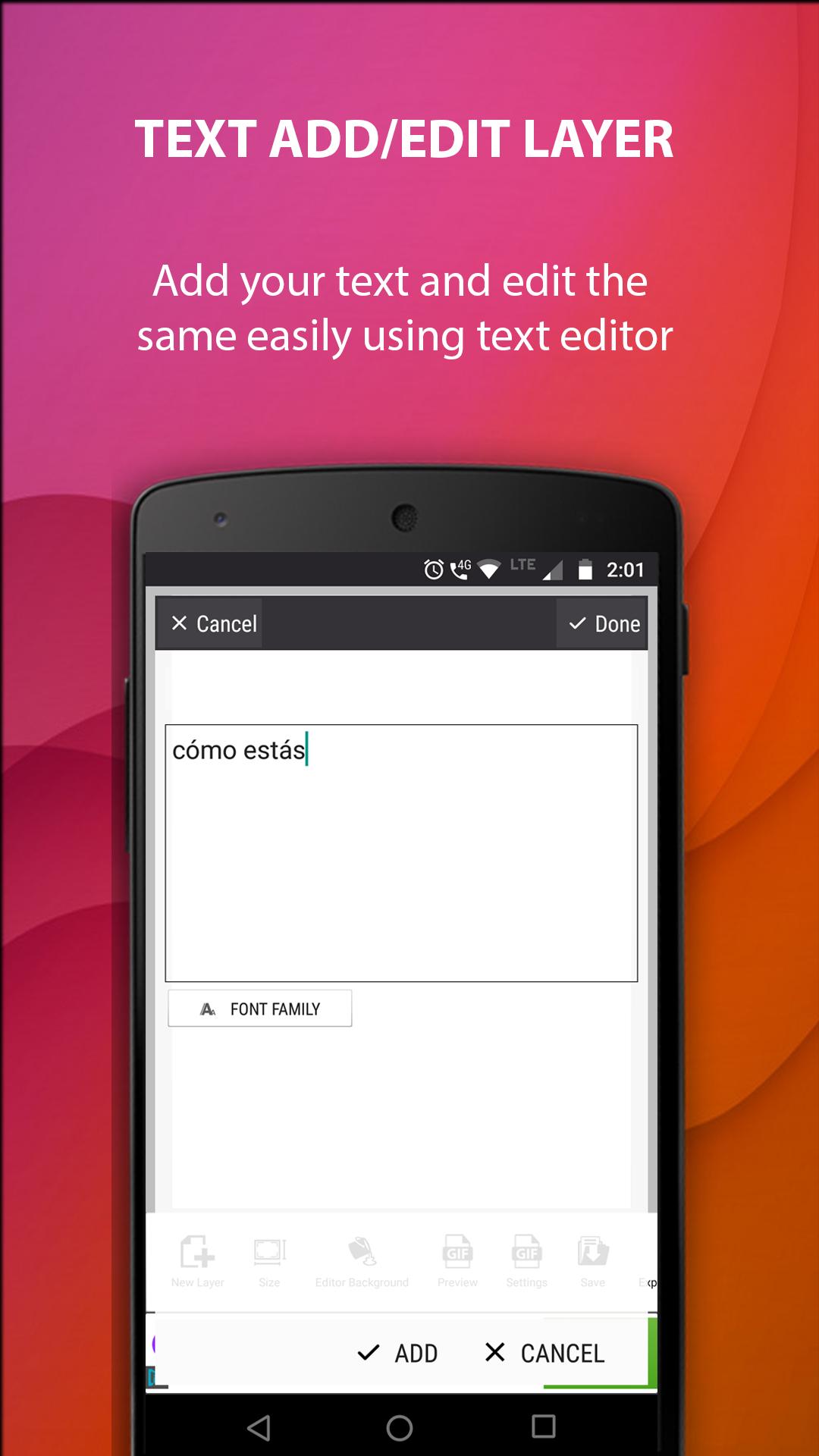
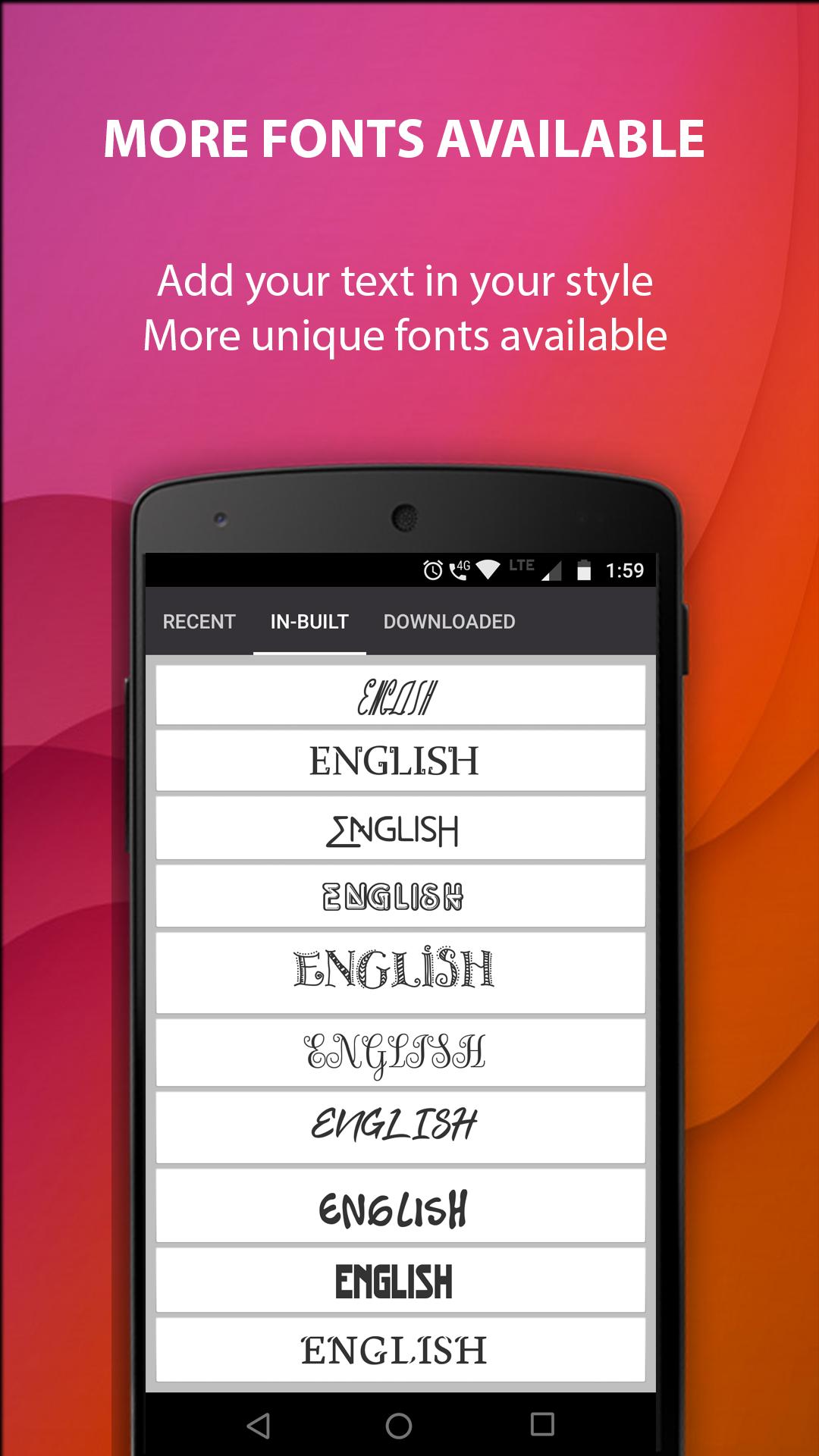
- Add Texts with SPANISH & ENGLISH Fonts.
- A huge selection of Stickers, Clip arts, Frames.
- Draw layer by layer. Give effects to each layer.
- Can draw your own pencil sketch.
- Adjust text color, size, stroke, shadow and curving.
- Use patterns for text background.
- Remove background of images and make it transparent.
- Image cropping/blurring support.
- Duplicate/Copy Layer option available.
- Text/Pictures can be animated to create cool GIF Images.
- Save as Template option to reuse your layout.
- Your own logo can be added to any of the images that you create.
- Easy share in WhatsApp, Facebook, email, and other installed apps.
Please text us at +91-7736232006 via WhatsApp if you need any support.
Preview
Tags
PhotographyInformation
Developer
Spanish Image Editor Team
Latest Version
4.918
Last Updated
2019-03-28
Category
Photography
Available on
Google Play
Show More
How to play Spanish Image Editor - Text On with GameLoop on PC
1. Download GameLoop from the official website, then run the exe file to install GameLoop
2. Open GameLoop and search for “Spanish Image Editor - Text On” , find Spanish Image Editor - Text On in the search results and click “Install”
3. Enjoy playing Spanish Image Editor - Text On on GameLoop
Minimum requirements
OS
Windows 8.1 64-bit or Windows 10 64-bit
GPU
GTX 1050
CPU
i3-8300
Memory
8GB RAM
Storage
1GB available space
Recommended requirements
OS
Windows 8.1 64-bit or Windows 10 64-bit
GPU
GTX 1050
CPU
i3-9320
Memory
16GB RAM
Storage
1GB available space