PhotoPassport Foto Generator PC
HTplus
Download PhotoPassport Foto Generator on PC With GameLoop Emulator
PhotoPassport Foto Generator sa PC
Ang PhotoPassport Foto Generator, na nagmumula sa developer na HTplus, ay tumatakbo sa Android systerm sa nakaraan.
Ngayon, maaari mong laruin ang PhotoPassport Foto Generator sa PC gamit ang GameLoop nang maayos.
I-download ito sa GameLoop library o mga resulta ng paghahanap. Hindi na tumitingin sa baterya o nakakadismaya na mga tawag sa maling oras.
I-enjoy lang ang PhotoPassport Foto Generator PC sa malaking screen nang libre!
PhotoPassport Foto Generator Panimula
Why do you need PhotoPassport.app?
- Save Money: Create your own printable passport photo with multiple passport photos and print it for around $0.20 a 10x15cm (4x6") photo print instead of $7.00 or often more.
- Save Time: It takes less than 5 minutes to generate a passport photo. All the process is automatic. You don't need to waste time commuting to the photo studio.
- Biometric Passport Photo: Our passport photo generator meets the official passport photo requirements.
- Passport & Visa Photo Size for 130+ Countries: We have included photo sizes and requirements for most of the countries.
- Suitable for Baby Passport Photo: You can take baby passport photo at home with much less stress for the baby.
- Looking Awesome: Never pay again for passport photo you don't like. Just take as many photos as your want and choose the best one.
****************************************
Steps to Create Your Own Passport / Visa Photos
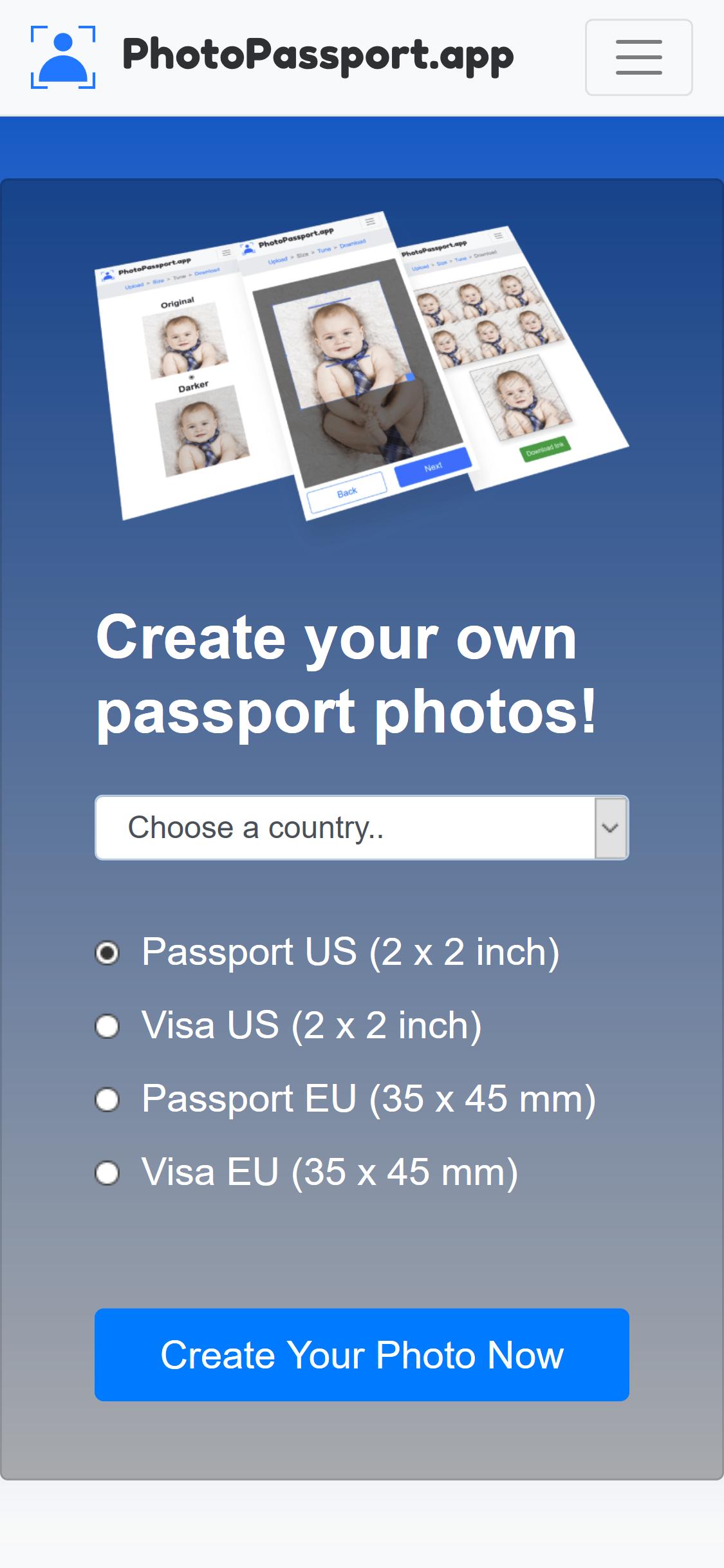
- Select the country and the photo type.
- Upload a photo. Once the photo is uploaded,
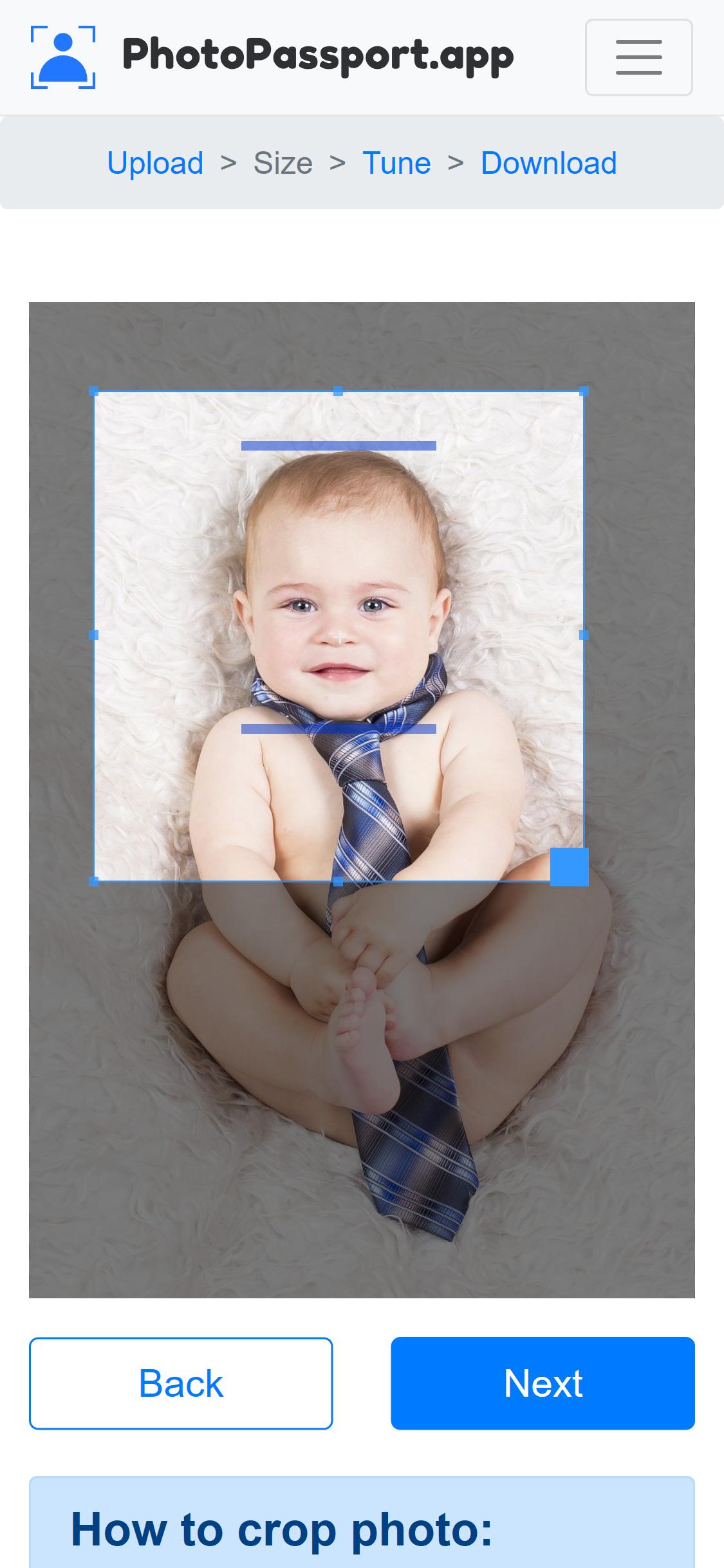
- Crop the picture to the required dimension with our helper.
- Select the best photo with bright background and not overexposed nor underexposed.
- Voila! Download your printable & digital images from the Download page.
****************************************
How to take a picture for passport photo at home
- Equipment: Use a digital camera or the camera of your smartphone to take high quality photos.
- Background: Take the photo in front of a plain background such as white/cream/grey wall or screen.
- Lighting: Make sure there are no shadows on your face or on the background. Adjust the distance to the wall to remove shadows on the background. Face the light like natural sunlight trough a window.
- Facial expression: Have a neutral facial expression. Look straight to the camera. Eyebrows should not be covered by hair. Eyes open. Mouth closed. Slight smile is acceptable.
- Position the camera at the same height level as your head.
- Shoulders should be visible, and there should be enough space around the head for cropping the photo.
****************************************
How to print your passport photos
There are three ways you can print your passport photos:
- You can print your passport photo at home using a color printer.
- Save the photo to a thumb drive or on your mobile and print it at any photo printing shops like Costco, CVS, Walgreens, Walmart, Carrefour, Migros.
- Use online photo printing services
****************************************
Are you looking for an embassy or consulate? We provide a comprehensive list of contact resources for all of the world's diplomatic offices.
Whether your intent is to travel, renew a passport, seek consulate assistance, or relocate to another nation, we aspire to provide the information you are seeking
Preview
Tags
PhotographyInformation
Developer
HTplus
Latest Version
1.0.0.5
Last Updated
2024-09-08
Category
Photography
Available on
Google Play
Show More
How to play PhotoPassport Foto Generator with GameLoop on PC
1. Download GameLoop from the official website, then run the exe file to install GameLoop
2. Open GameLoop and search for “PhotoPassport Foto Generator” , find PhotoPassport Foto Generator in the search results and click “Install”
3. Enjoy playing PhotoPassport Foto Generator on GameLoop
Minimum requirements
OS
Windows 8.1 64-bit or Windows 10 64-bit
GPU
GTX 1050
CPU
i3-8300
Memory
8GB RAM
Storage
1GB available space
Recommended requirements
OS
Windows 8.1 64-bit or Windows 10 64-bit
GPU
GTX 1050
CPU
i3-9320
Memory
16GB RAM
Storage
1GB available space