
Photo Motion Animation PC
Galaxy Launcher
Download Photo Motion Animation on PC With GameLoop Emulator
Photo Motion Animation sa PC
Ang Photo Motion Animation, na nagmumula sa developer na Galaxy Launcher, ay tumatakbo sa Android systerm sa nakaraan.
Ngayon, maaari mong laruin ang Photo Motion Animation sa PC gamit ang GameLoop nang maayos.
I-download ito sa GameLoop library o mga resulta ng paghahanap. Hindi na tumitingin sa baterya o nakakadismaya na mga tawag sa maling oras.
I-enjoy lang ang Photo Motion Animation PC sa malaking screen nang libre!
Photo Motion Animation Panimula
Photo Motion Animation – Bring Your Photos to Life! 🎞️✨
Turn your static photos into stunning live motion pictures with just a few taps!
Photo Motion Animation is a powerful motion editor that adds life to your images. Create live photos, cinemagraph effects, animated backgrounds, and eye-catching visual stories in seconds.
🎯 Key Features:
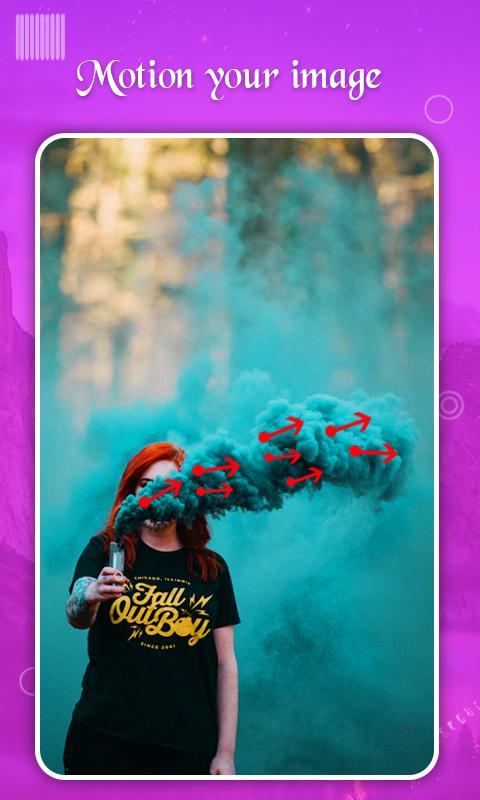
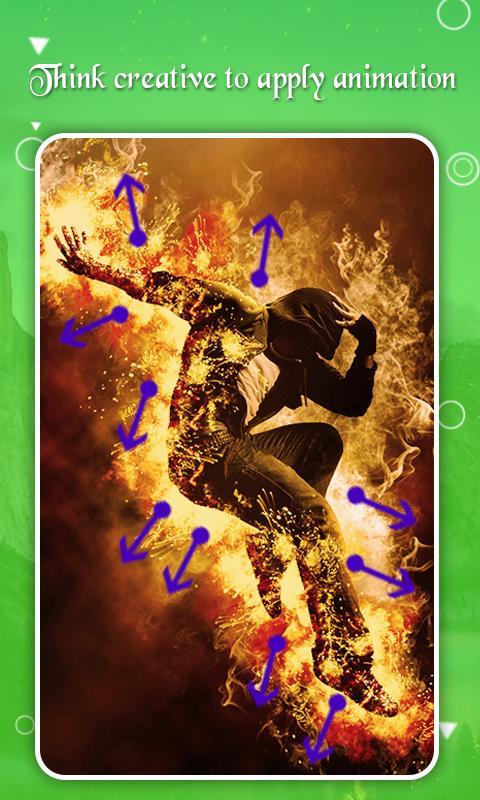
🎬 Motion Effects – Draw motion paths to animate your photos naturally.
🎯 Stabilize Areas – Freeze parts of your photo to create smooth, controlled animations.
🎨 Mask Tool – Easily protect areas you don't want to animate.
🌊 Create Dynamic Scenes – Make rivers flow, clouds move, hair float, and fire dance.
📸 Live Photo Maker – Turn ordinary images into beautiful living photos.
🖼️ Cinemagraph Effects – Blend motion and still elements for cinematic results.
🌟 Easy Steps to Animate:
1️⃣ Select photo from gallery
2️⃣ Draw motion directions
3️⃣ Stabilize & mask desired areas
4️⃣ Preview & export your animated masterpiece
🔄 Save & Share – Export your creation and share instantly on social media platforms.
With Photo Motion Animation, unleash your creativity and make mesmerizing animations, live wallpapers, and dynamic themes with ease. Whether it's flowing water, drifting clouds, or dramatic hair movement, bring magic to your memories today!
✨ Make stunning motion photos and share your creativity with the world!
Preview
Tags
PhotographyInformation
Developer
Galaxy Launcher
Latest Version
1.7
Last Updated
2025-06-16
Category
Photography
Available on
Google Play
Show More
How to play Photo Motion Animation with GameLoop on PC
1. Download GameLoop from the official website, then run the exe file to install GameLoop
2. Open GameLoop and search for “Photo Motion Animation” , find Photo Motion Animation in the search results and click “Install”
3. Enjoy playing Photo Motion Animation on GameLoop
Minimum requirements
OS
Windows 8.1 64-bit or Windows 10 64-bit
GPU
GTX 1050
CPU
i3-8300
Memory
8GB RAM
Storage
1GB available space
Recommended requirements
OS
Windows 8.1 64-bit or Windows 10 64-bit
GPU
GTX 1050
CPU
i3-9320
Memory
16GB RAM
Storage
1GB available space