
Photo Grid - Editor & Collage PC
MerinGo
Download Photo Grid - Editor & Collage on PC With GameLoop Emulator
Photo Grid - Editor & Collage sa PC
Ang Photo Grid - Editor & Collage, na nagmumula sa developer na MerinGo, ay tumatakbo sa Android systerm sa nakaraan.
Ngayon, maaari mong laruin ang Photo Grid - Editor & Collage sa PC gamit ang GameLoop nang maayos.
I-download ito sa GameLoop library o mga resulta ng paghahanap. Hindi na tumitingin sa baterya o nakakadismaya na mga tawag sa maling oras.
I-enjoy lang ang Photo Grid - Editor & Collage PC sa malaking screen nang libre!
Photo Grid - Editor & Collage Panimula
🥇Highlights
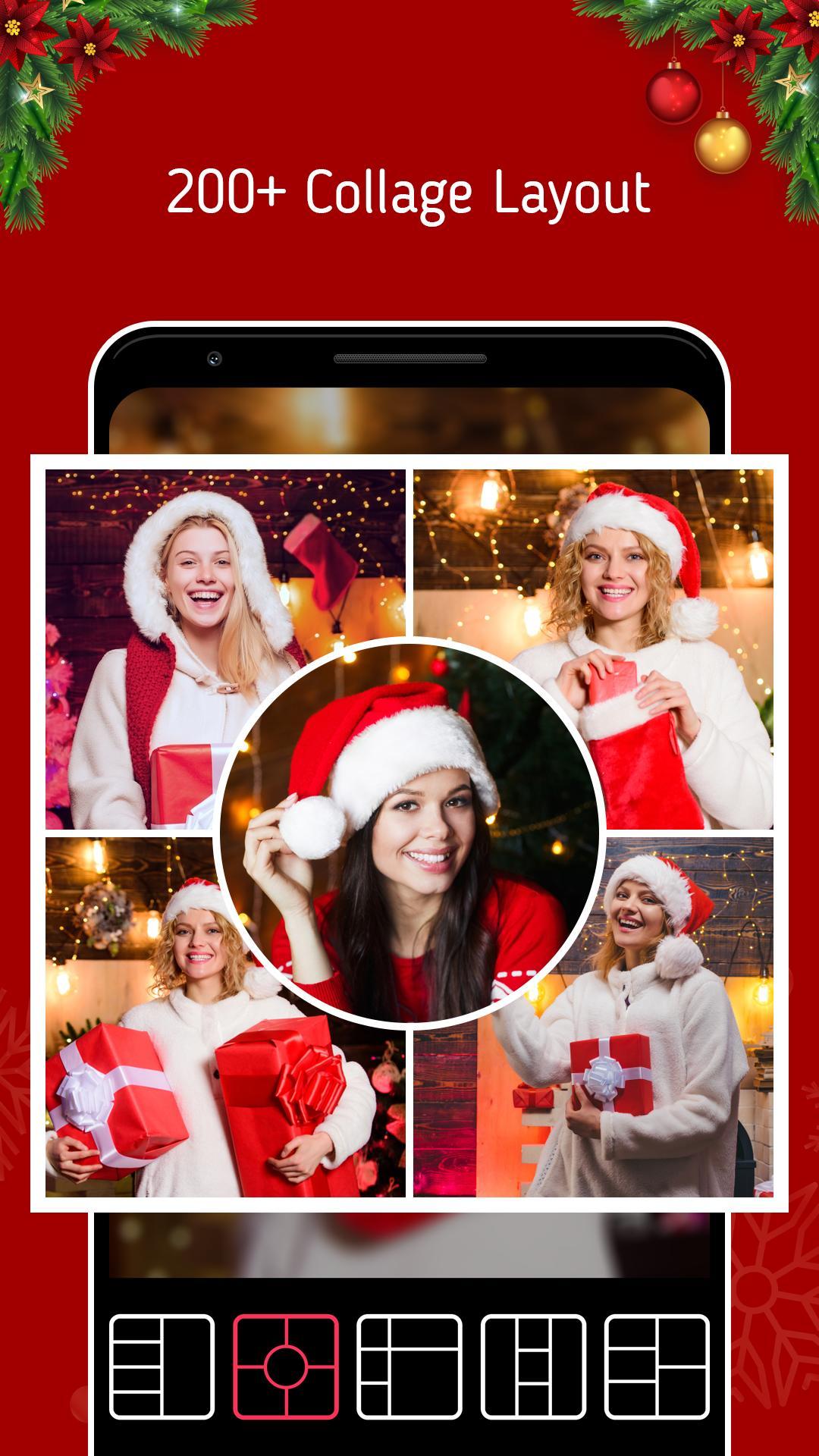
● 20,000+ Collage Template
● 1,000+ Text Style and Fonts
● 100+ Free Color
💖 Why you need PhotoGrid?
● Create memory collages with ease?It's packed with features like Grid, Scrapbook, Template and more!
● Create amazing social media content?We have the photo & video editor all in one.
● Grow a new business?This is the best tool to create stunning images for social media, like Instagram posts and stories, Facebook posts, banners and covers, YouTube thumbnails, and Pinterest collections.Feature Highlights
✨The most complete collage app
● 20,000+ different collage templates. Re-mix up to 16 of your photos at a time to create fun, personalized layouts and collages.
● Design your own photo creations! Make beautiful filmstrip and cool photo stitches!
● You can also personalize your own scrapbook with freestyle pic stitches! Happy scrapbooking!
🌟 Powerful photo editor
● Crop, rotate, resize, blur and beautify your photos easily, you can even frame your images in Instagram's 1:1 aspect ratio!
● Add stickers, text, backgrounds, graffiti, boarders, and mosaic, or adjust the brightness, contrast, saturation, and layout of your photos!
● Convert a raw photo into a powerful image all in one app. You can also customize templates to suit your needs!
🎬 Video Editor & Video Grid Maker
● Combine photos and videos to make video grids.
● Best Instagram video and photo editor, add blurred backgrounds without cropping them or adding unexpected watermarks!
● Add music and other effects to videos to post on Instagram. Merge, trim videos and apply video effects. A professional photo editor with the collage maker.
🏆 Other popular editing tools
● Edit: Crop, ratio, text fonts, blur, frame, mosaic, and the list goes on.
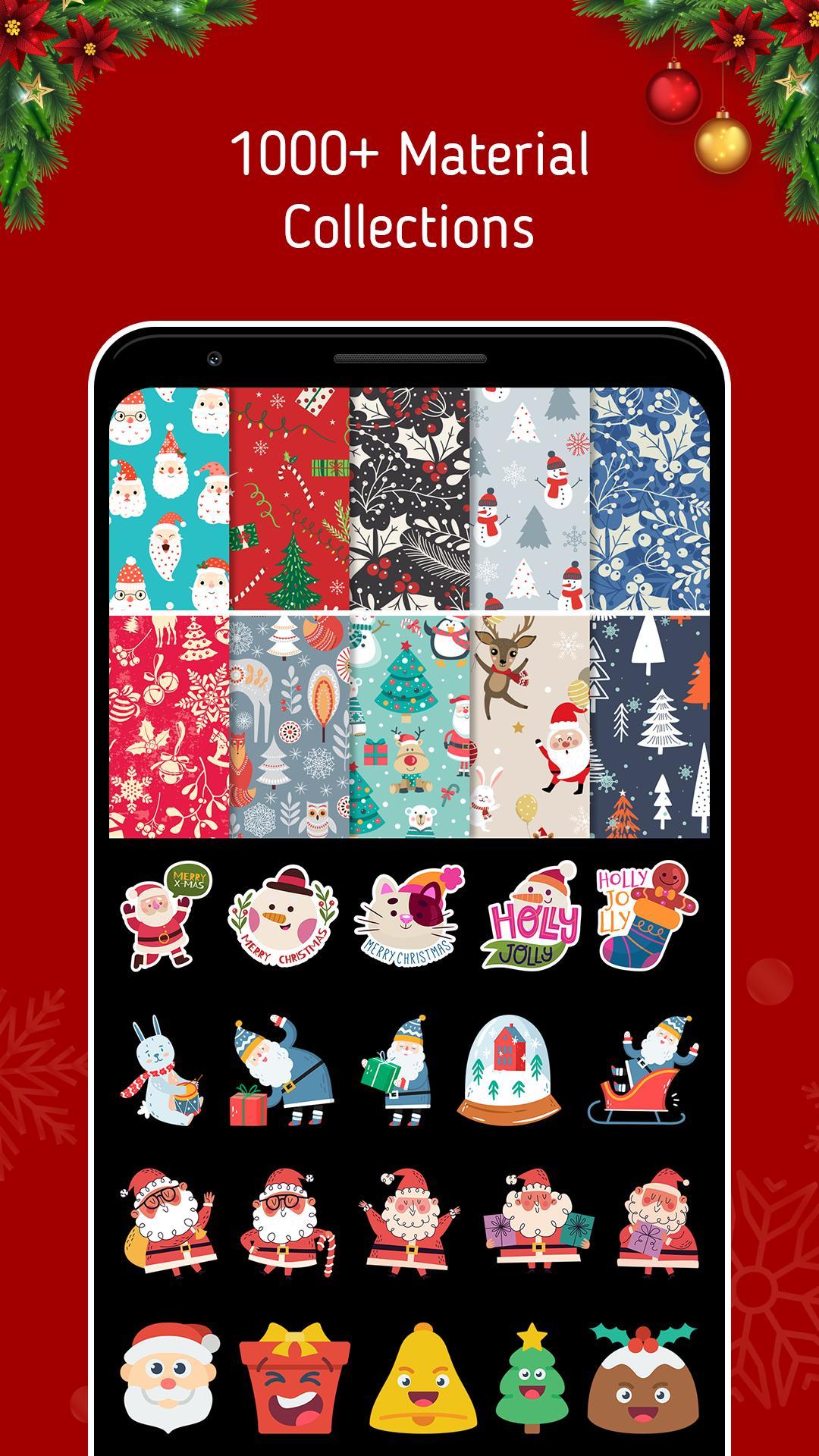
● Stickers: Personalize your photo collage with 500+ stickers and cute emojis.
● Backgrounds: 90+ varieties of backgrounds
Preview
Tags
PhotographyInformation
Developer
MerinGo
Latest Version
1.0
Last Updated
2022-12-24
Category
Photography
Available on
Google Play
Show More
How to play Photo Grid - Editor & Collage with GameLoop on PC
1. Download GameLoop from the official website, then run the exe file to install GameLoop
2. Open GameLoop and search for “Photo Grid - Editor & Collage” , find Photo Grid - Editor & Collage in the search results and click “Install”
3. Enjoy playing Photo Grid - Editor & Collage on GameLoop
Minimum requirements
OS
Windows 8.1 64-bit or Windows 10 64-bit
GPU
GTX 1050
CPU
i3-8300
Memory
8GB RAM
Storage
1GB available space
Recommended requirements
OS
Windows 8.1 64-bit or Windows 10 64-bit
GPU
GTX 1050
CPU
i3-9320
Memory
16GB RAM
Storage
1GB available space