
Photo Frame Editor - Framify PC
Anita Chauhan
Download Photo Frame Editor - Framify on PC With GameLoop Emulator
Photo Frame Editor - Framify sa PC
Ang Photo Frame Editor - Framify, na nagmumula sa developer na Anita Chauhan, ay tumatakbo sa Android systerm sa nakaraan.
Ngayon, maaari mong laruin ang Photo Frame Editor - Framify sa PC gamit ang GameLoop nang maayos.
I-download ito sa GameLoop library o mga resulta ng paghahanap. Hindi na tumitingin sa baterya o nakakadismaya na mga tawag sa maling oras.
I-enjoy lang ang Photo Frame Editor - Framify PC sa malaking screen nang libre!
Photo Frame Editor - Framify Panimula
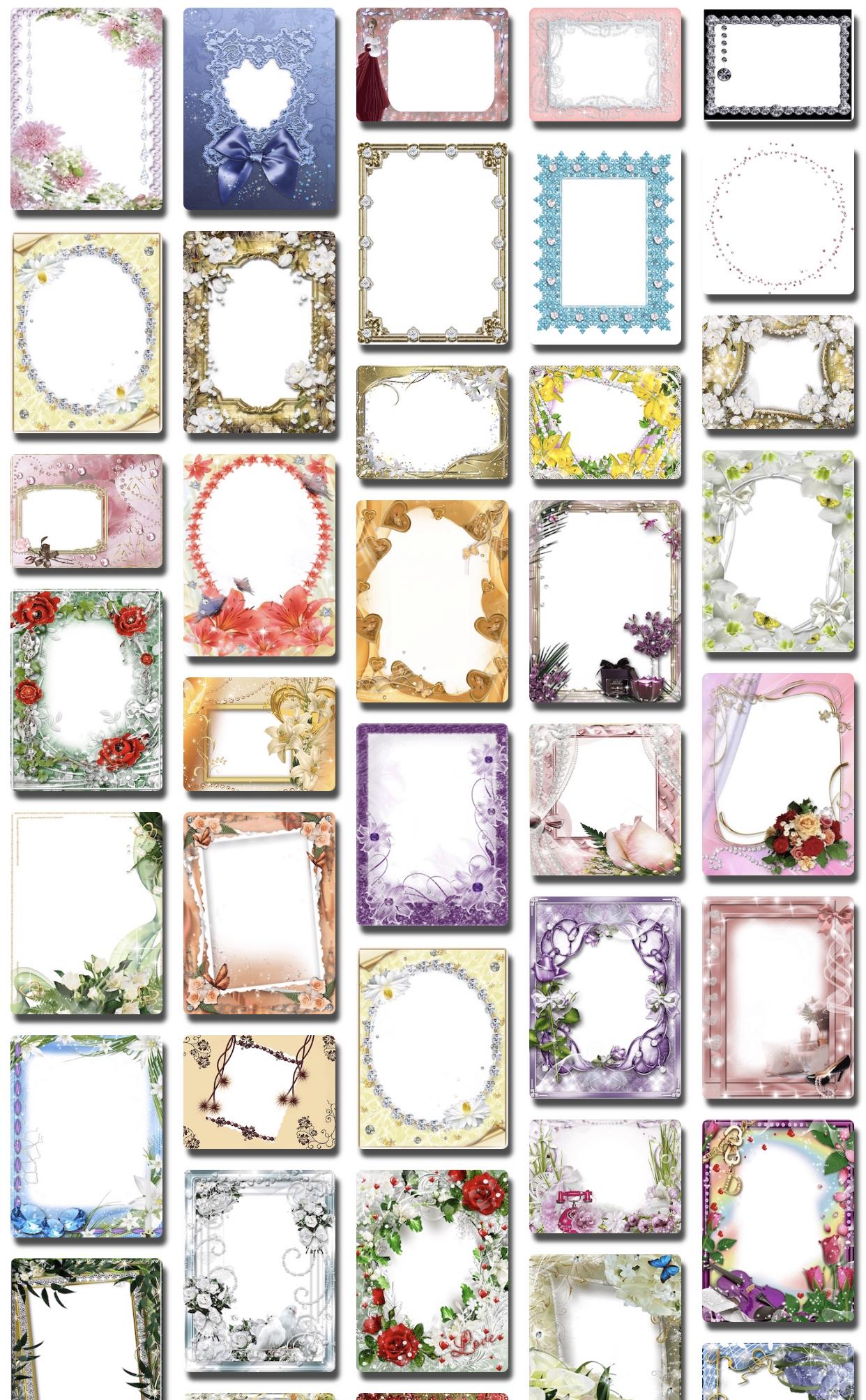
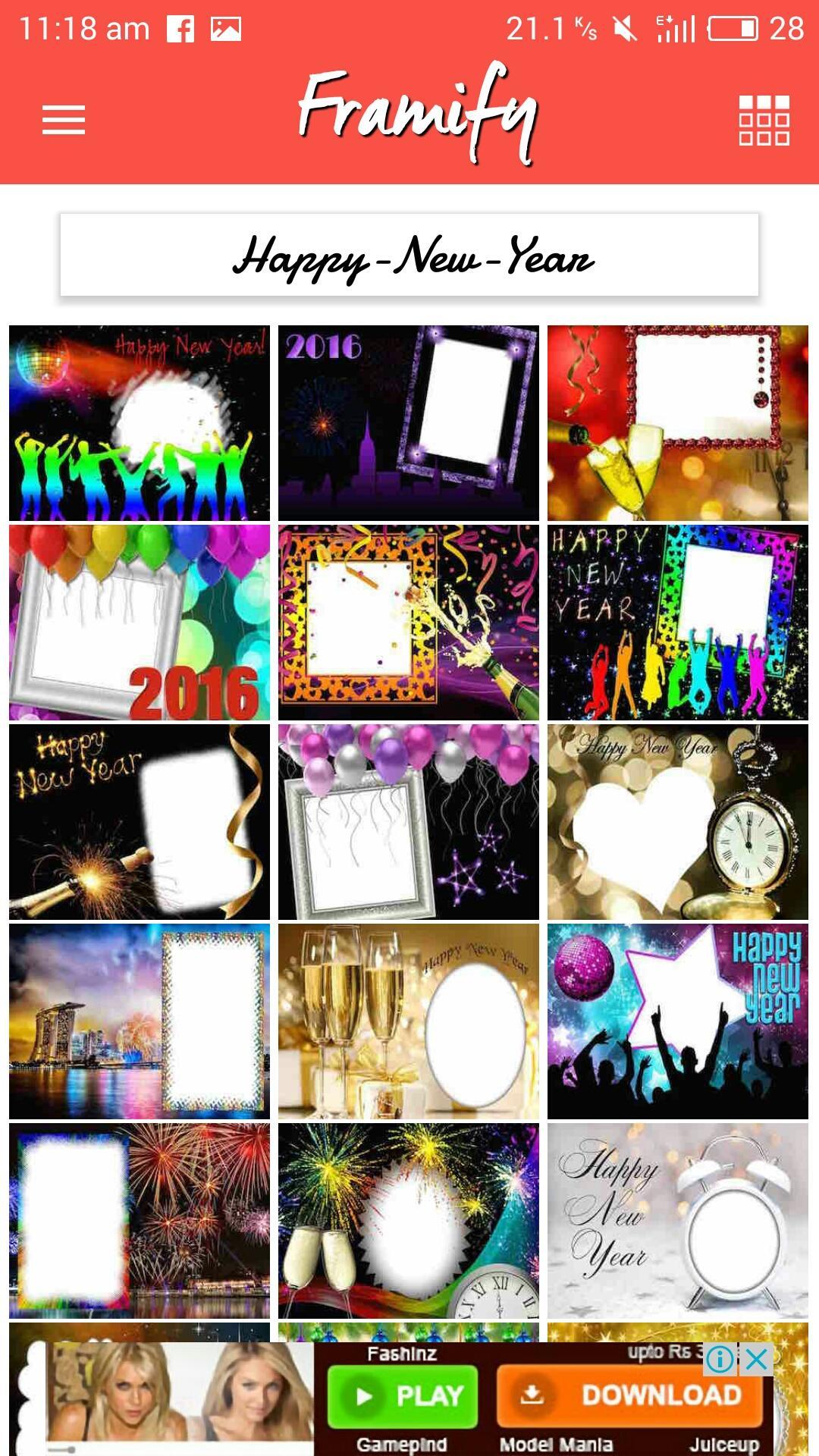
Framify is a photo editing application that customize the looks of your photos with frames and filters. Photo frame editor that has feature to add texts on photo. App is easy to use for any age user. Simply download the selected frame and add your photo to it.
Instructions to use:
1. Choose photo from gallery and select frame from wide variety of photo frames.
2. Tap on download icon to save a picture. Picture will be saved in to 'Framify' folder on your photo gallery.
3. Share with built in system on one tap to Facebook, Instagram, Whatsapp, Mail and many other installed applications.
Framify Features:
• Over 2800+ picture frames available
• Over 30+ frames categories
• Photo effects
• Fast Photo Frame Editor
• Add text on picture or picture frames
Photo Frame Categories:-
Christmas
New Year
Winters
Halloween
Autumn
Holiday
Baby
Diamond
Silver
Golden
Metal
Wooden
Book & Cards Picture Effect
Hoardings & Billboards Effect
Funny Pic Frames
Fathers Day
Mothers Day
Women's Day
Chocolate Day
Celebration
Crafted
Dreamy
Flowers
Friendship
Glitters
Gold Diamonds
Romantic
Naturals
Pet
Realistic
Royal Wood Vintage
Weddings
Birthday
Magazine
Grunge
Valentine Day
Rose Day
Teddy Day
Hearts
Propose Day
Chocolate
Country
St. Patrick Day
Good Friday
Easter
Summer Beach
Preview
Tags
PhotographyInformation
Developer
Anita Chauhan
Latest Version
5.4
Last Updated
2021-12-20
Category
Photography
Available on
Google Play
Show More
How to play Photo Frame Editor - Framify with GameLoop on PC
1. Download GameLoop from the official website, then run the exe file to install GameLoop
2. Open GameLoop and search for “Photo Frame Editor - Framify” , find Photo Frame Editor - Framify in the search results and click “Install”
3. Enjoy playing Photo Frame Editor - Framify on GameLoop
Minimum requirements
OS
Windows 8.1 64-bit or Windows 10 64-bit
GPU
GTX 1050
CPU
i3-8300
Memory
8GB RAM
Storage
1GB available space
Recommended requirements
OS
Windows 8.1 64-bit or Windows 10 64-bit
GPU
GTX 1050
CPU
i3-9320
Memory
16GB RAM
Storage
1GB available space